

HeadGym
HeadGym · Other
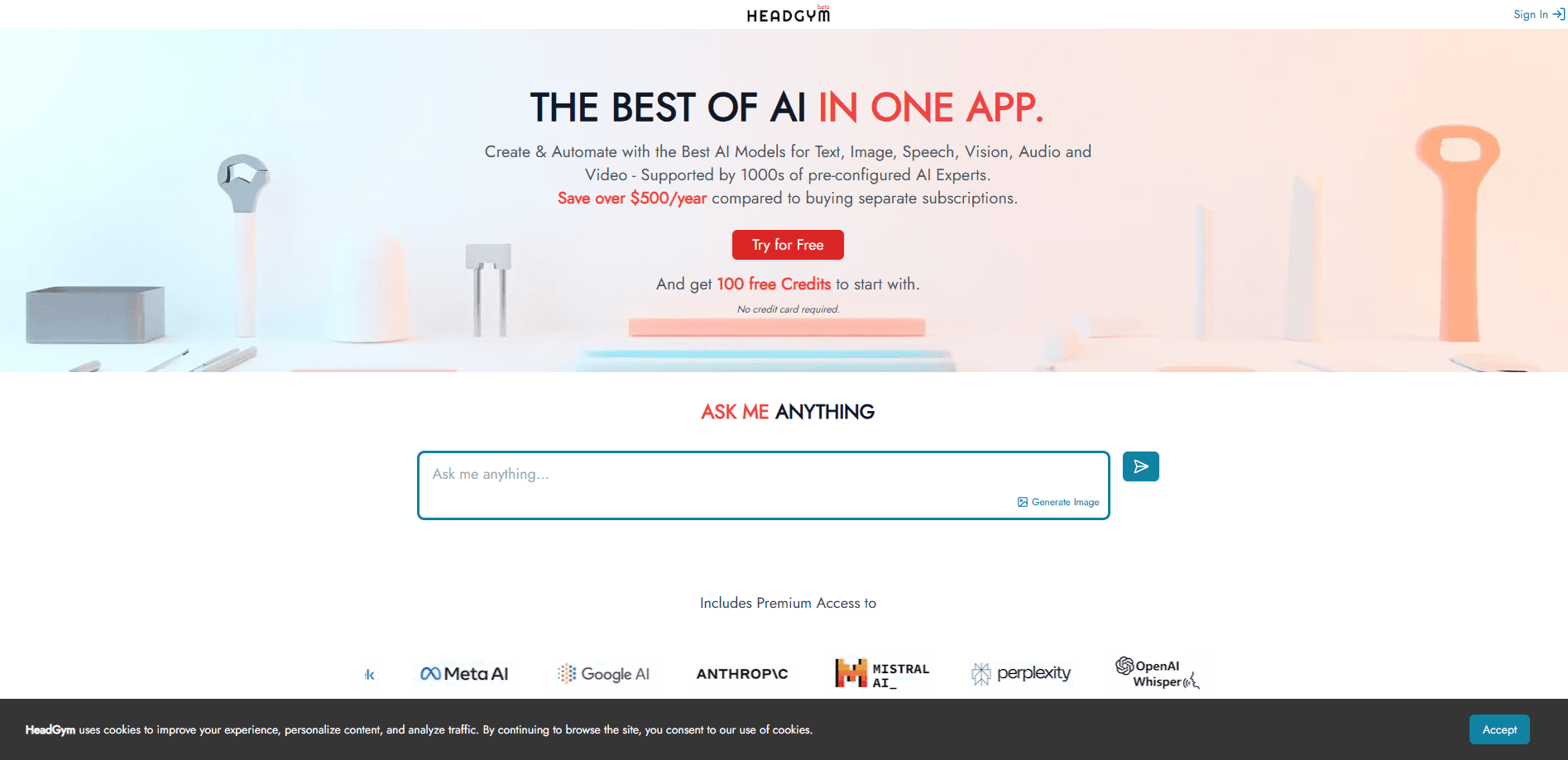
HeadGym is the company behind Pablo, a desktop AI workspace for macOS and Windows. It puts notes, a research browser, and editors in one place, then routes each task to the best AI model.
About HeadGym
What Is HeadGym
HeadGym makes Pablo, an AI workspace built for people who spend their day thinking and writing. Instead of running notes in one app, research in a browser, and drafting in another editor, you keep all of it open in a single window. The point is context: Pablo reads the files, pages, and notes you're already working with, so its answers relate to your actual project rather than a blank chat box.
The product targets writers, marketers, founders, researchers, and students. It runs on macOS and Windows as a desktop download, not as a browser tab. The company also bundles an inference gateway that pulls in models from providers like OpenAI and Anthropic, so you don't have to sign up for each one separately.
The main limitation is scope. Pablo is a desktop app for individual knowledge work, not a team platform with shared permissions or real-time collaboration. If your team needs multiplayer editing, you'll still reach for something else.
Getting Started
- Download the Pablo desktop app for macOS or Windows from the HeadGym site.
- Sign in and connect the AI models you want to use through HeadGym's model gateway.
- Open a folder as a workspace so Pablo can read the files inside it.
- Research in the built-in browser and chat with Pablo about what you find.
- Draft, revise, and export your document without leaving the workspace.
Product Information
A quick look at HeadGym's pricing, supported platforms, and performance.
Best for
The users, tasks, and scenarios where this tool fits best.
Users
- Writers and content creators
- Marketers and strategists
- Founders and operators
- Researchers and students
Tasks
- Long-form writing
- Web research
- Note capture
- Coding and scripting
Scenarios
- Turning a messy pile of notes and open tabs into a structured first draft.
- Writing a proposal on a deadline while pulling quotes from pages you researched earlier.
- Reviewing a stack of papers for a class and needing summaries you can cite.
- Jumping between a spec, a chat, and a browser mid-task without losing your place.
Key features
Unified AI Workspace
Pablo folds notes, browsing, and editing into one window. You move from an idea to research to a finished document without switching apps. The shared context is the point: everything you have open informs what the AI can do next.
Context-Aware Editors
You can open an entire folder as a living workspace. Pablo reads every file inside it, including drafts, specs, and references, and uses that context to generate or update documents. When your folder changes, its suggestions follow.
Notes Workspace
Notes here work as long-term memory rather than a junk drawer. You capture text, files, audio, and video in one spot, and Pablo turns that raw input into usable context for writing and decisions. Lecture transcripts and half-finished fragments both feed back into your work.
AI-Powered Browser
The built-in browser indexes the content of pages you visit, not just the URLs. You can summarize a source, compare two tabs, or translate a site and drop the result straight into your draft. Research stops being a separate step you do before writing.
Site-Specific AI Agents
You attach custom agents and rules to particular sites, from LinkedIn and Confluence to creative tools. Pablo then adapts how it behaves depending on where you're working, which cuts down on repeated setup for tasks you do often.
Multi-Model Intelligence and MCP Plugins
HeadGym's inference gateway routes each task to a model that fits it, drawing from OpenAI, Anthropic, open-source options, and private enterprise models. You can extend Pablo with MCP plugins to connect tools like Slack or a CRM, all without leaving the workspace.
Pros and cons
Pros
- One workspace for notes, research, and drafting removes the constant app switching that breaks focus.
- The AI reads your files and pages, so answers stay tied to your real project instead of generic output.
- Multi-model routing means you don't manage separate accounts for OpenAI, Anthropic, and others, which keeps the multi-model setup in one place.
- Available on both macOS and Windows as a desktop app.
- MCP plugins let you wire Pablo into tools you already use.
Cons
- There's no public pricing page, so you have to request a demo or contact the company to learn costs.
- It's built for individual knowledge work, so teams needing shared editing or permissions will be stuck.
- As a desktop-only app, it won't run on phones, tablets, or in a browser.
Frequently asked questions
HeadGym is the company behind Pablo, a desktop AI workspace for macOS and Windows. Pablo combines notes, a research browser, and editors in one app and connects to multiple AI models through HeadGym's own gateway.
Related content
Explore related tools, skills, and articles for HeadGym.
HeadGym Alternatives

Odyssey 3
Odyssey · OtherOdyssey-3 is Odyssey's foundation world model. It simulates physics in real time, turns a prompt into an interactive environment, and adapts to robots, cars and games.

JarvisCore
Prescott Data · Coding · Productivity · OtherJarvisCore is an open source Python runtime where AI agents work as equal peers on an agent mesh, claim tasks from a shared ledger, and reach external services through a zero-trust broker.
Clef
Cloudflare · Business · OtherClef is Cloudflare's open-source decision model for Workers AI. It returns calibrated probabilities for typed questions, not generated text, so agents can classify, route, and act fast.