

Hermit
Tirith · Other · Chatbot
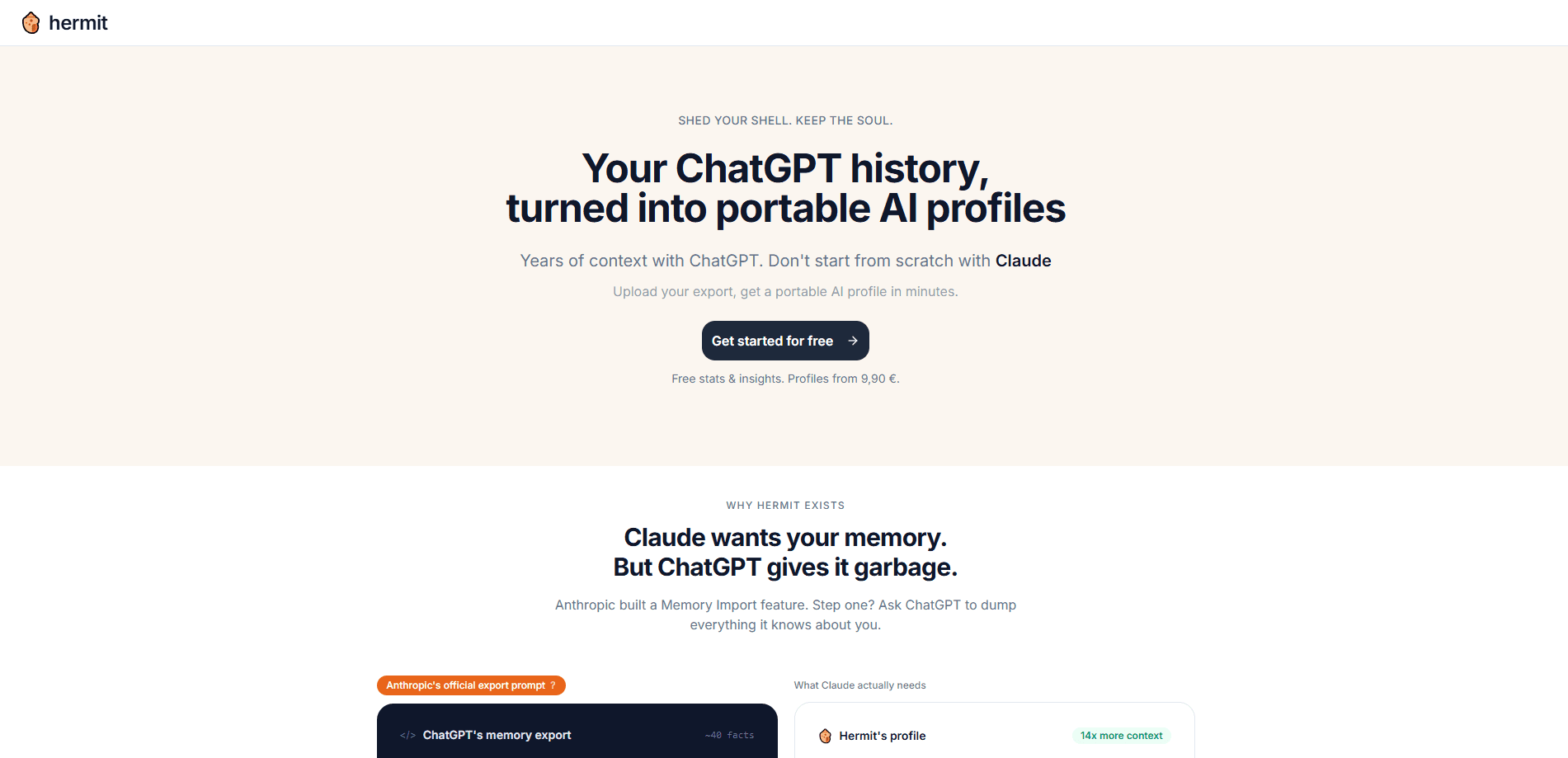
Hermit is a web tool from Tirith that reads your exported ChatGPT conversations and turns them into structured, portable AI profiles. Instead of the roughly 40 loose facts ChatGPT keeps in its own memory, you get a written portrait of how you think and work, plus a memory file you can paste into Claude, Gemini, or another assistant. Files are encrypted during processing, deleted within about 10 minutes, and every result is wiped within 24 hours.
About Hermit
What Is Hermit
Hermit sits between your ChatGPT account and whatever assistant you want to use next. You upload the ZIP file that ChatGPT gives you when you request an export, and Hermit reads the conversations inside it. What comes back isn't a dump of old chats. It's a set of profiles: a portrait of your working style, recurring themes in your projects, and a "Claude Memory Import" block you can paste straight into Claude's memory settings.
The problem it solves is continuity. ChatGPT's built-in memory holds a short list of facts, and those facts don't travel anywhere else. If you move to Claude or Gemini, you're back to zero and re-explaining your whole identity from scratch. Hermit mines the pattern layer that lives in your conversation history, so a new assistant has something to work with from the very first message you send it on a Monday morning. Think of it as AI memory migration in a single pass.
The biggest limit is scope. Hermit works from a ChatGPT export, so you need a ChatGPT account with conversation history to export in the first place. There's no live connection to your account, no ongoing sync, and no support for pulling history from other assistants. It's a one-time pass over a file, not a background service. I couldn't find public pricing on the site when I checked, so treat cost as something to confirm at signup. So what does the output look like?
Getting Started
- Go to hermit.tirith.life and sign in with your email through a magic link.
- In ChatGPT, open Settings, then Data Controls, and request an export of your data.
- Download the ZIP file ChatGPT emails you once it's ready.
- Upload that ZIP to Hermit and let the automated processing run.
- Download your results, paste the Claude Memory Import block into Claude, and keep the portrait for reference.
Product Information
A quick look at Hermit's pricing, supported platforms, and performance.
Best for
The users, tasks, and scenarios where this tool fits best.
Users
- People switching from ChatGPT to Claude
- Solo founders and freelancers
- Privacy-conscious users
Tasks
- Migrating personal context between assistants
- Writing a self-portrait from your own data
- Auditing what ChatGPT actually knows about you
Scenarios
- Starting fresh with a new assistant after years on ChatGPT
- Preparing for a project where you want an assistant to match your tone and style from the first reply.
- Reviewing your own working habits at the end of a quarter
Key features
ChatGPT Export Analysis
Hermit's core job is reading the ZIP file ChatGPT produces when you request your data. It works through the conversation history inside and pulls out the patterns that a memory list flattens into single lines. The full file is the input, so the more conversations you have, the more material there is to work from. Simple input, rich output.
Claude Memory Import
The recommended first output is a block you paste into Claude's memory settings. It's built to be read by the assistant itself, so it loads instructions about how to work with you, not just facts about you. In the example Hermit shows on its site, that includes guidance like leading with visual references when explaining abstract ideas to someone who thinks in pictures before words. One paste, and Claude knows the shape of how you think.
AI Portrait
Alongside the import block, Hermit writes a portrait of you as a person and a worker. It covers your career arc, how you make decisions, and the themes that keep showing up across projects. This is the part that reads like something a colleague wrote, not a database printout. It's also the part most likely to surprise you.
Privacy by Design
Uploaded files are encrypted during processing and deleted after roughly 10 minutes. Jobs and results are automatically wiped within 24 hours, and rate-limiting entries are purged on the same clock. Only excerpts go to the Anthropic API, which runs a zero-retention policy. No human reads the conversations. That matters when the file holds years of your life.
Packaged ZIP Output
Everything arrives in a single ZIP you download and keep. The files are yours under Hermit's terms, and you're free to edit or share them. There's no lock-in to a dashboard or a subscription that stops working if you walk away. Download it once, own it forever.
Magic Link Access
There's no password to manage. You sign in with a magic link sent to your email address, which also doubles as the channel for optional result notifications. One account per person is the rule. Sign-in takes seconds.
Pros and cons
Pros
- Turns a bulky ChatGPT export into something a different assistant can actually use.
- The memory import block is aimed at Claude's own settings, so it fits the workflow without editing.
- Short data retention and Anthropic zero-retention processing make it easier to trust with a personal history.
- Output files are yours, with no lock-in to a dashboard.
- Portrait and recurring-theme sections add value beyond a straight migration.
Cons
- You need a ChatGPT export to start, so it's useless if your history lives somewhere else.
- No official public pricing on the site, which makes budgeting awkward before you commit.
- It's a one-shot conversion, not an ongoing sync, so new conversations won't update your profile automatically after the first run.
- AI-written profiles can contain inaccuracies, and the terms say so plainly, meaning you should read before you paste.
Frequently asked questions
It takes the ZIP file from a ChatGPT data export and converts the conversations inside into portable AI profiles. You get a memory block for Claude, a written portrait of your working style, and a few other notes, all in one download.
Related content
Explore related tools, skills, and articles for Hermit.
Hermit Alternatives
BinkBink
BinkBink · OtherBinkBink is a free online game platform and AI game maker that lets anyone turn a short text description into a playable browser game. You can jump into hundreds of community-made games. Or describe your own idea and play it in seconds, then share it with friends. Want to create your own game? You don't need to code. No engine setup, no download, no hassle.

Audiogen
Audiogen Inc. · OtherAudiogen is an AI music generator built by Audiogen Inc., a small research team that spent about 2.5 years training its own generative music model and designing a web interface around it. Instead of a plain text box, this AI music tool turns the timeline into a beginner-friendly Generative Audio Workstation, or GAW, where inpainting, extending, remixing and stem editing work more like painting on a canvas. The product is still in beta, so access runs through a waitlist or an invite. Paid plans aren't published yet.

Aiml API
AIMLAPI OÜ · OtherAiml API is a unified AI model API that puts more than 1000 models from OpenAI, Google, Anthropic, and others behind one endpoint and one bill. You write code against a single OpenAI-compatible schema, then switch between chat, image, video, and audio models by changing a model string. It suits developers and small teams who want multi-model access without juggling a dozen separate provider accounts, and it removes the usual billing headache that comes with testing several vendors. One key covers it all.