

HeroUI Chat
HeroUI (formerly NextUI) · Coding
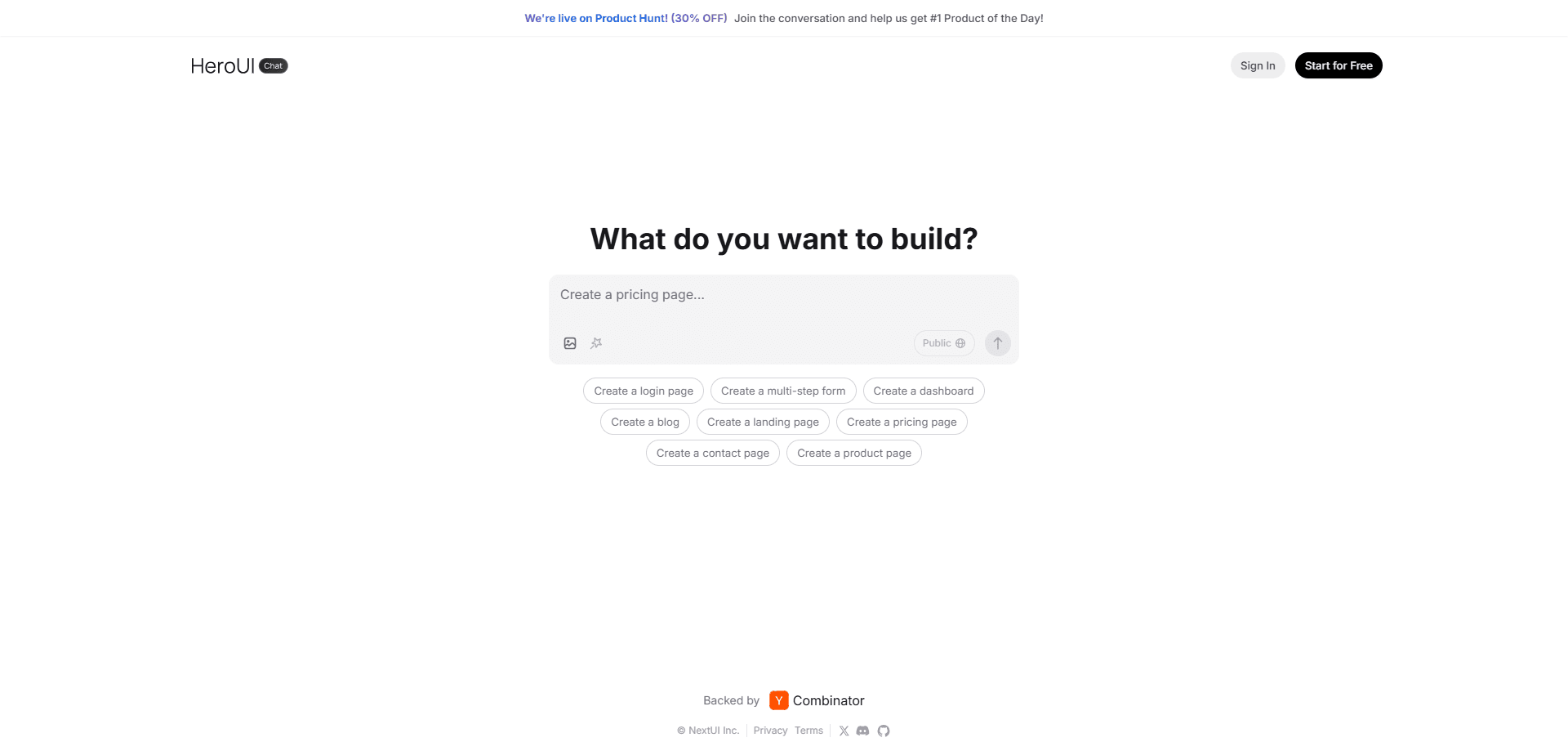
HeroUI Chat was an AI React UI generator that turned prompts or screenshots into code built on the open-source HeroUI component library. It's discontinued and now runs read-only.
About HeroUI Chat
What Is HeroUI Chat
HeroUI Chat was an AI frontend builder and a React code generator at heart, a web tool for building user interfaces from plain descriptions or uploaded screenshots. You typed what you wanted, or dropped in a picture of a screen you liked, and it returned working React code styled with Tailwind CSS and the HeroUI component library. The pitch was simple: skip the blank file and start from code you can actually run.
The people who built it weren't newcomers. HeroUI is the open-source library formerly known as NextUI, and it had grown past 23,000 GitHub stars by the time the chat product launched. That existing library mattered, because generated output used real, documented components instead of one-off markup you'd have to clean up later.
The catch is the part most directories still miss. HeroUI Chat is discontinued and the site now runs read-only. You can look at it, but you can't start new projects inside it. Anyone searching for it today wants to know what it did and where that work went.
Getting Started
- Create an account on heroui.chat with an email or a Google or Apple sign-in.
- Describe the interface you want, or upload a screenshot to recreate.
- Review the generated React and Tailwind CSS, then refine it with follow-up messages.
- Switch on Dev Mode to edit the code by hand without spending AI credits.
- Export the components into your own React project.
Product Information
A quick look at HeroUI Chat's pricing, supported platforms, and performance.
Best for
The users, tasks, and scenarios where this tool fits best.
Users
- React developers
- Designers who code a little
- Solo founders and indie hackers
Tasks
- Prompt-to-UI prototyping
- Screenshot-to-code recreation
- Component customization
Scenarios
- Early product mockups
- Modernizing a legacy flow
- Learning HeroUI components
Key features
Prompt-to-code generation
You describe an interface in plain language and the tool returns React components styled with Tailwind CSS. It built on HeroUI, so the output leaned on the library's accessible, themeable pieces rather than random divs. That meant less cleanup before the code fit a real project.
Screenshot-to-code recreation
Uploading a screenshot produced an editable code baseline that matched the layout closely enough to start from. This helped when cloning a flow or moving a rough design into code. The result was a starting point, not a pixel-perfect port, so expect to adjust details.
Built on the HeroUI component library
HeroUI Chat inherited the whole open-source HeroUI component set, the one with more than 23,000 GitHub stars at launch. Every generated piece followed the library's design tokens and accessibility defaults. For teams already on HeroUI, that meant new screens looked like the rest of the app.
Dev Mode with manual editing
Dev Mode let you change the generated code by hand without burning AI credits. You could fine-tune a layout or a prop and only spend credits when you wanted fresh generation. It kept small tweaks from costing you messages.
One-click deploy and export
The tool offered an export path so generated UIs could move into your own React codebase. Combined with the Tailwind styling, that made the jump from prototype to project shorter. You weren't locked into a hosted builder to keep the result.
Open in Chat for components
A click on any component opened it directly in chat for instant customization. Instead of regenerating a whole page to change one button, you edited just that piece. It kept iteration cheap on both time and credits.
Pros and cons
Pros
- Generated code used real HeroUI components, so output fit existing React and Tailwind projects with less rework.
- Screenshot-to-code gave a solid baseline for cloning or modernizing a screen.
- Dev Mode covered manual edits without spending AI credits, which stretched the free tier.
- The library foundation is open source with strong documentation and accessibility built in.
- Exported components were portable, so you kept the work outside a locked hosting platform.
Cons
- The product is discontinued and read-only, so you can't start new projects in it anymore.
- Free use was capped at a small number of daily AI generations, which ran out fast on real work.
- Generated code still needed a developer's review, since it was a starting point rather than a finished app.
- No public API meant you couldn't wire the generator into your own build pipeline.
Frequently asked questions
It generated React and Tailwind CSS interfaces from a text prompt or an uploaded screenshot. Developers used it to scaffold prototypes, clone existing designs, and build out screens faster than starting from scratch.
Related content
Explore related tools, skills, and articles for HeroUI Chat.
HeroUI Chat Alternatives

Base Code
Base44 (Wix) · Coding · ProductivityBase Code is a shared cloud development environment from Base44. Teammates describe changes to an existing GitHub codebase in chat, preview them live and send them back as pull requests.

Google EmbeddingGemma 2
Google DeepMind · Writing · Image · CodingGoogle EmbeddingGemma 2 is a 740M-parameter open model that turns text, code, images, audio, and video frames into vectors in one 768-dimension space, running on phones and laptops.

GitGlow
GitGlow · Coding · ProductivityGitGlow is a local-first desktop Git client that lets independent developers review their own code and their AI agents' changes in one place before shipping.