
Cami
Superdrop Labs Inc. · Other · Chatbot
Cami was an AI assistant by Superdrop Labs that lived inside WhatsApp, LINE, and its own apps. It replied by text or voice, generated images, and role played any persona. It closed in July 2024.
About Cami
What Is Cami
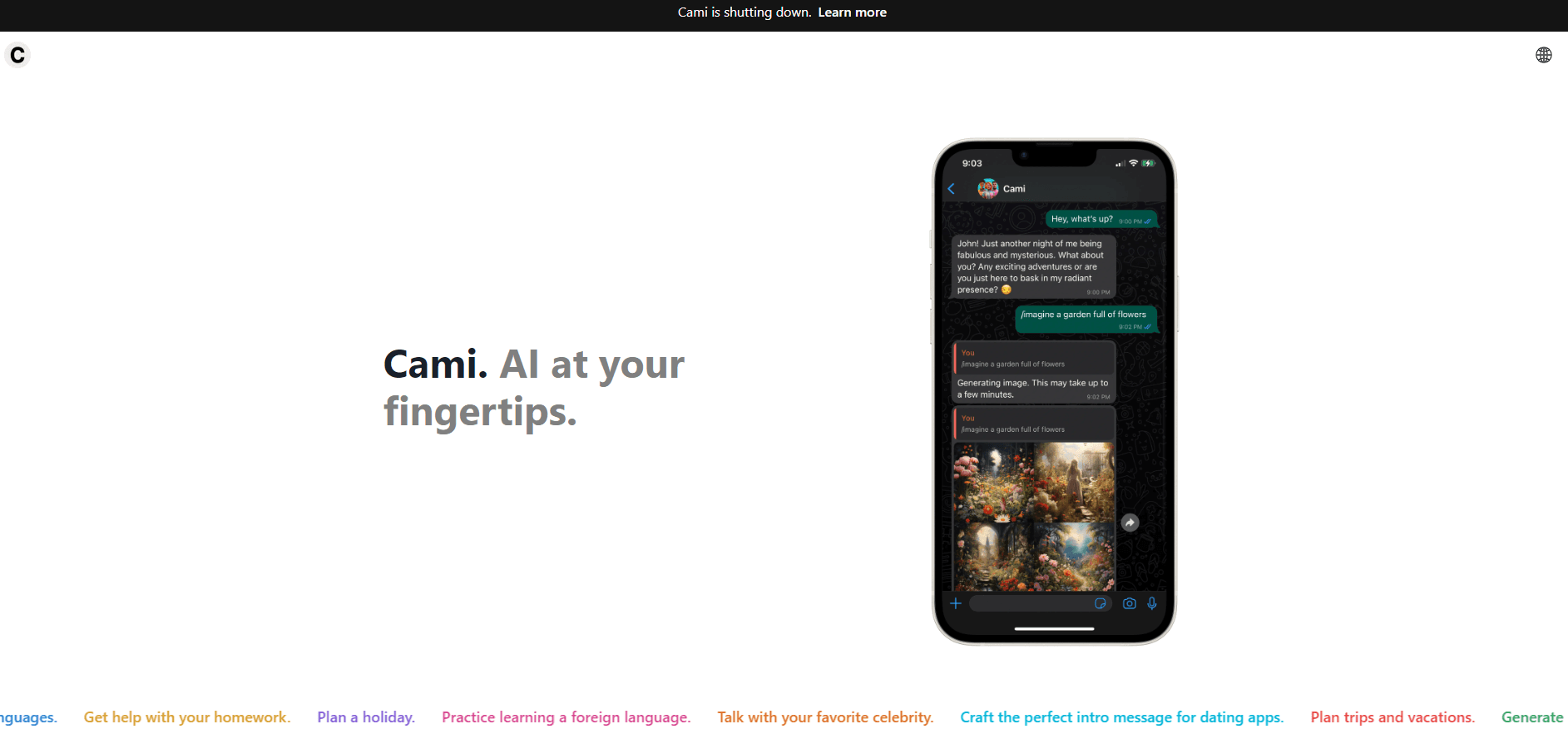
Cami put the assistant where people already type. As an AI assistant for WhatsApp and LINE, it skipped the usual download and account dance: Superdrop Labs wired the bot into both chat apps, then shipped Android and iOS builds for people who wanted a standalone client. Signing up took a link and a chat thread, nothing more.
The pitch was simple enough to explain in one sentence: send a message the way you would to a friend, and get an answer in the same thread. Cami AI handled voice notes by transcribing spoken audio first, then replying in text. The LINE AI chatbot behaved the same way, with the same commands and the same limits. Image requests ran through Stable Diffusion. A Perplexity hook pulled current web results into answers, which mattered for anything time sensitive.
That combination made Cami an early AI persona chatbot, the kind of product people now take for granted. It also meant the bot inherited every weakness of the models behind it.
Getting Started
- You opened heycami.ai and picked WhatsApp or LINE as the channel.
- A link carried you into the messaging app, where you confirmed the chat with Cami.
- One test message, or a voice note, showed whether the assistant responded.
- The /personality command let you swap tone, from a coach to a TV character.
- Image prompts, fact checks, and writing requests all happened in that same thread.
The whole flow assumed you already had WhatsApp or LINE installed. Anyone without either app had to use the mobile client instead.
Product Information
A quick look at Cami's pricing, supported platforms, and performance.
Best for
The users, tasks, and scenarios where this tool fits best.
Users
- People who live in WhatsApp
- Language learners
- Role play and character chat fans
Tasks
- Quick writing help
- Image prompts inside a chat
- Voice note transcription
- Current info lookups
Scenarios
- Answering questions between errands
- Practicing a new language in short bursts
- Getting a first draft while commuting
Key features
Persona Switching With Slash Commands
The /personality command reassigned how Cami spoke. You could ask for a patient tutor, a blunt editor, or a character from a show, and the reply style changed within the same conversation. Switching back was one more command, which made it easy to compare tones. Longer threads tended to slide back toward the default voice.
Voice Notes That Get Transcribed
Sending a voice message instead of typing produced a written answer, because Cami transcribed the audio first. That suited walking, driving, and any moment when thumb typing feels like work. Background noise cut accuracy, so a quiet room gave noticeably better results than a street corner. Language detection followed the spoken words rather than a manual setting.
Image Generation Inside the Chat
Picture requests went to Stable Diffusion and came back as attachments in the same thread, so the tool doubled as an AI image generator in chat. Prompts worked best with a subject, a style, and a mood spelled out, which is the usual learning curve for diffusion models. Text inside generated images came out garbled, as it did across most tools of that generation. Anyone who wanted a polished graphic still needed a design app.
Web Search Through Perplexity
An integration with Perplexity gave Cami access to fresh pages, so questions about scores, prices, or recent releases could land on current information instead of older training data. The bot summarized what it found rather than dumping links. Summaries occasionally missed the point of a page, and nothing was cited in a way you could check quickly.
Multilingual Replies
Cami answered in the language you wrote in, with no menu to set first. That made it a multilingual AI assistant for mixed households and travel, where people switch languages mid conversation. Quality varied by language, and less common ones produced stiffer phrasing. The marketing claim that it could read and write almost any language held up better for reading than for writing.
Apps Plus Messaging Channels
Beyond the chat integrations, Cami shipped on Android and iOS, with an APK available for sideloading. The apps kept conversation history in one place and worked without WhatsApp or LINE installed. Feature parity lagged behind the messaging version, so early updates usually arrived in chat first.
Pros and cons
Pros
- Setup cost nothing but a link, which kept the barrier to a first message very low.
- Voice, images, and text shared one thread, so a single chat covered several kinds of request.
- Personas made repeat use less dull for casual conversation and role play.
- Multilingual replies needed no configuration, which helped travelers and bilingual families.
- The free tier covered everyday questions, so paying was optional for light use.
Cons
- The service shut down in July 2024, and the app was pulled from Google Play, so none of this is usable now.
- Reliance on third party models meant upstream outages broke the chat with no warning and no workaround.
- Personas drifted in longer conversations, which forced users to repeat instructions.
- There was no public API, so developers could not build on the assistant or automate anything.
Frequently asked questions
Cami answered questions, transcribed voice notes, generated images, and wrote short text inside WhatsApp or LINE. People also used it for language practice and character role play.
Related content
Explore related tools, skills, and articles for Cami.
Cami Alternatives

Odyssey 3
Odyssey · OtherOdyssey-3 is Odyssey's foundation world model. It simulates physics in real time, turns a prompt into an interactive environment, and adapts to robots, cars and games.

JarvisCore
Prescott Data · Coding · Productivity · OtherJarvisCore is an open source Python runtime where AI agents work as equal peers on an agent mesh, claim tasks from a shared ledger, and reach external services through a zero-trust broker.
Clef
Cloudflare · Business · OtherClef is Cloudflare's open-source decision model for Workers AI. It returns calibrated probabilities for typed questions, not generated text, so agents can classify, route, and act fast.