

hika
Hika AI · Coding · Leaning
Hika is a free AI search engine and knowledge engine that searches the web in real time, then answers with text, tables and mind maps. It runs in the browser and needs no account to start.
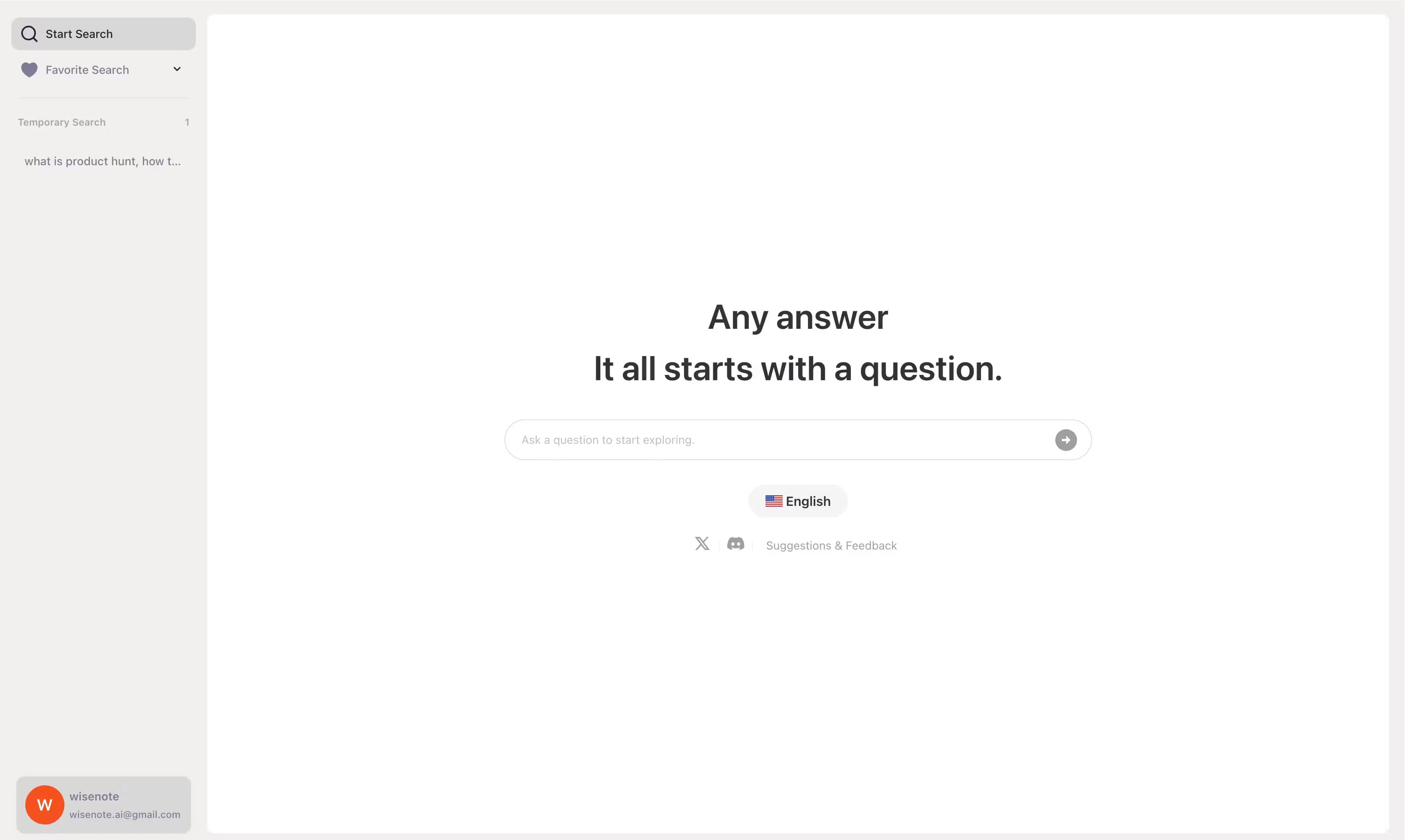
About hika
What Is Hika
Hika is a free AI search engine built by a small startup team and launched in late 2024. Instead of handing you ten blue links, it reads the live web, thinks through your question, and answers with a mix of prose, comparison tables, and graph-style visuals that map how key ideas connect.
The product set out to fix three complaints about early AI search tools: answers that drift off topic, weak image and chart handling, and no easy way to dig deeper once you find something interesting. Hika addresses those by pairing live search with its own knowledge base, then letting you pull a thread whenever an answer sparks a new question.
The main limits are practical. Hika is web-first, so there's no native desktop or mobile app, and there's no public API for developers. It's also a smaller operation, so polish and uptime can lag behind the bigger players.
Getting Started
- Open hika.fyi in any modern browser on a computer or phone.
- Type a question in plain language, the way you'd ask a person.
- Read the answer, then check the source links it lists at the end.
- Hover over any part of the answer to expand it or get follow-up question ideas.
- Switch the interface language if you want answers in another tongue.
Product Information
A quick look at hika's pricing, supported platforms, and performance.
Best for
The users, tasks, and scenarios where this tool fits best.
Users
- Students
- Researchers doing early scoping
- Casual knowledge seekers
Tasks
- Comparing two options
- Understanding a timeline
- Exploring a new field
- Getting a second angle
Scenarios
- A late-night research spiral
- Quick fact-checking during a conversation
- Language learning or cross-language reading
Key features
Real-Time Search With a Built-In Knowledge Base
Hika searches the live web every time you ask something, so answers reflect what's actually online right now rather than a snapshot from training data. It layers its own curated knowledge base on top, which helps steady the output when fresh pages are thin or contradictory. Every answer ends with a list of the sources it drew from, so you can trace where a claim came from.
Charts, Tables and Mind Maps
This is where Hika separates itself from a plain chatbot. Ask about a comparison and you get a clean table. Ask how concepts relate and you get a graph-style view that shows the links between them. For visual thinkers, it turns an abstract question into something you can actually look at, which is far easier to absorb than a dense paragraph.
Multi-Perspective Q&A
Through its companion Q&A mode, Hika answers a single question from several different viewpoints, then lets the answers argue with each other in a threaded debate. It suits questions where reasonable people disagree, since you see the reasoning behind each stance instead of a single flattened verdict. The curated library covers history, tech, economics and everyday life topics.
Expand and Explore Prompts
When an answer raises a new question, Hika surfaces two options: ask it to go deeper, or get suggestions for related questions worth exploring. It's a small touch, but it keeps you in the flow of research instead of bouncing back to a blank search box. The result is a browsing session that builds on itself.
A Growing Suite of Free Tools
Hika is more than one search box. The same domain hosts DeepRead for time-boxed reading picks, Hika Publish for turning an HTML file or ZIP into a shareable page with view stats, and TopicNav for matching a goal to the right AI tool. Everything runs free, and the browser extension turns chat answers into explorable mind maps.
Multi-Language Support
The interface works in several languages, including English, Chinese, Japanese, German and Spanish. You can ask in one language and still get a structured, source-backed answer you can read comfortably. For people who work across languages, that flexibility is a real time-saver.
Pros and cons
Pros
- Completely free, with no account needed to start searching.
- Answers arrive as tables and mind maps, not just paragraphs, which suits visual learners.
- Source links at the end of each answer make it easier to verify claims.
- The expand and follow-up prompts keep a research thread going without friction.
- Multi-language support lets you ask and read in different tongues.
Cons
- It's web-only, so there's no native desktop or mobile app for offline or app-store access.
- No public API, which rules it out for developers who want to build on top of it.
- As a small-team product, answer quality and uptime can be less consistent than from larger competitors.
- Some questions still return generic answers, so it's not a replacement for specialist sources.
Frequently asked questions
Hika is used for answering questions with live web search plus charts, tables and mind maps. It's built for research, comparison, and exploring a topic from multiple angles rather than for simple link lookups.
Related content
Explore related tools, skills, and articles for hika.
hika Alternatives

Base Code
Base44 (Wix) · Coding · ProductivityBase Code is a shared cloud development environment from Base44. Teammates describe changes to an existing GitHub codebase in chat, preview them live and send them back as pull requests.

Google EmbeddingGemma 2
Google DeepMind · Writing · Image · CodingGoogle EmbeddingGemma 2 is a 740M-parameter open model that turns text, code, images, audio, and video frames into vectors in one 768-dimension space, running on phones and laptops.

GitGlow
GitGlow · Coding · ProductivityGitGlow is a local-first desktop Git client that lets independent developers review their own code and their AI agents' changes in one place before shipping.