

Home Assistant
Home Assistant (Open Home Foundation) · Other
Home Assistant is a free, open-source smart home platform that runs on your own hardware and gives privacy-minded users full local control over thousands of devices.
About Home Assistant
What Is Home Assistant
Home Assistant is a home automation platform you run yourself. Instead of handing control of your lights, locks, and sensors to a vendor cloud, you install it on a small computer or server in your home and connect devices to it directly. Everything stays on your network by default, and nobody else decides when your smart home stops working.
The project started in 2013 and now supports more than 1,500 integrations, so you can pull in brands that normally never talk to each other and make them cooperate on rules you actually want. That's the draw. A Zigbee bulb from one company, a Wi-Fi plug from another, and a weather feed can all live in the same dashboard and respond to the same rules.
It isn't plug-and-play. Not even close. You need somewhere to run the software, and you'll spend a weekend learning the setup before things feel smooth. That tradeoff is the point: in exchange for some effort, you get a system no company can shut down, sell, or lock behind a subscription.
Getting Started
- Pick your hardware. A Raspberry Pi, an old mini PC, or a home server all work, and the official site walks you through which fits your budget.
- Install the Home Assistant Operating System, or run it in Docker if you already manage containers.
- Connect your first devices through Settings, then add integrations for each brand you own.
- Build a dashboard and set your first automation, like turning on porch lights at sunset.
Product Information
A quick look at Home Assistant's pricing, supported platforms, and performance.
Best for
The users, tasks, and scenarios where this tool fits best.
Users
- Privacy-focused homeowners
- DIY tinkerers
- Renters with mixed device brands
Tasks
- Automating lights, climate, and locks
- Monitoring energy use
- Building a private voice assistant
Scenarios
- A weekend home-lab project
- Running a smart home without internet
- Managing a house full of mismatched gadgets
Key features
Local-first control
Your automations and device states live on your own hardware, not a remote server, so nothing about your home depends on a company keeping the lights on for you. If your internet drops, the lights still turn on. That's a real difference from cloud hubs. Those stop responding the moment the connection fails.
1,500+ device integrations
Home Assistant supports thousands of brands across categories like lights, locks, cameras, and climate. You add each brand through an integration, and they all show up in one dashboard. It's the main reason people switch from single-brand apps, and it's why this local home automation approach keeps everything on one box instead of five separate vendor clouds.
Automation engine
You build rules with a visual editor or by writing YAML for finer control. A rule can combine a motion sensor, a time window, and your phone's location to decide what happens. Triggers, conditions, and actions cover most smart home logic without any coding. No coding required for the basics.
Dashboards you design
The default overview works out of the box, and you can build custom dashboards with cards for any device. You choose what shows up and where, so the interface fits your home instead of a template.
Assist voice control
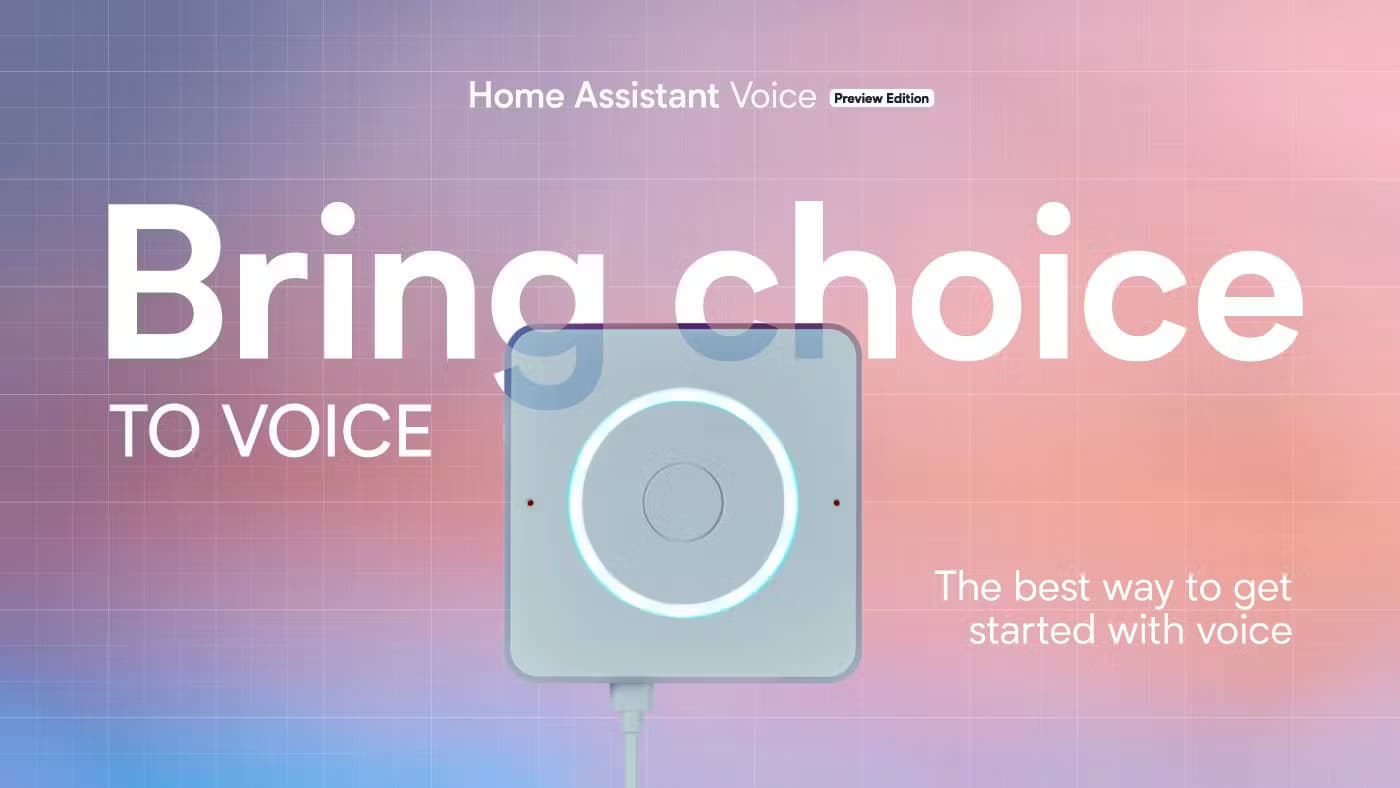
Assist is the built-in voice assistant. You can run speech-to-text and text-to-speech locally, and connect it to voice hardware for hands-free commands. Want the same convenience big assistants offer, without the data grab? That's what Assist is for.
Home Assistant Cloud (optional)
Nabu Casa sells an optional subscription that adds secure remote access, Google and Alexa voice integrations, and offsite backups. The core platform works fine without it. The monthly plan runs $6.50, or $65 a year, which works out to ten months. Skip it and everything still runs.
Companion mobile apps
Free Android and iOS apps put your dashboard, notifications, and location tracking in your pocket, so the same automations that run at home follow you out the door. You can trigger automations when you arrive home and get alerts when a sensor fires. The apps connect to your instance directly. No middleman server sits in between.
Pros and cons
Pros
- Free and open source, with no feature paywall on the core platform.
- Runs locally, so automations keep working without an internet connection.
- Over 1,500 smart home integrations unify devices from competing brands in one app.
- An active community shares dashboards, blueprints, and troubleshooting help.
- No vendor can shut the project down or sell it off, since a non-profit foundation owns it.
Cons
- Setup takes real effort. It isn't a plug-in-and-forget device.
- You supply and maintain your own hardware, which adds upfront cost and upkeep. This self-hosted smart home hub needs a machine to run on.
- Some advanced automations need YAML, which can intimidate non-coders.
- Remote access and big-assistant voice control require the paid Cloud plan.
Frequently asked questions
Yes. The core platform is open source and free, and you can run every automation feature without paying. The optional Cloud subscription from Nabu Casa adds remote access and voice integrations if you want them. As home automation software, the free tier is the full product.
Related content
Explore related tools, skills, and articles for Home Assistant.
Home Assistant Alternatives

Odyssey 3
Odyssey · OtherOdyssey-3 is Odyssey's foundation world model. It simulates physics in real time, turns a prompt into an interactive environment, and adapts to robots, cars and games.

JarvisCore
Prescott Data · Coding · Productivity · OtherJarvisCore is an open source Python runtime where AI agents work as equal peers on an agent mesh, claim tasks from a shared ledger, and reach external services through a zero-trust broker.
Clef
Cloudflare · Business · OtherClef is Cloudflare's open-source decision model for Workers AI. It returns calibrated probabilities for typed questions, not generated text, so agents can classify, route, and act fast.