
HoopsAI
DealSize (formerly HoopsAI) · Business · Other
HoopsAI, now branded DealSize.ai, is an AI trading platform that pairs live market data with a chat analyst, a multi asset screener, news reviews, and email signals.
About HoopsAI
What Is HoopsAI
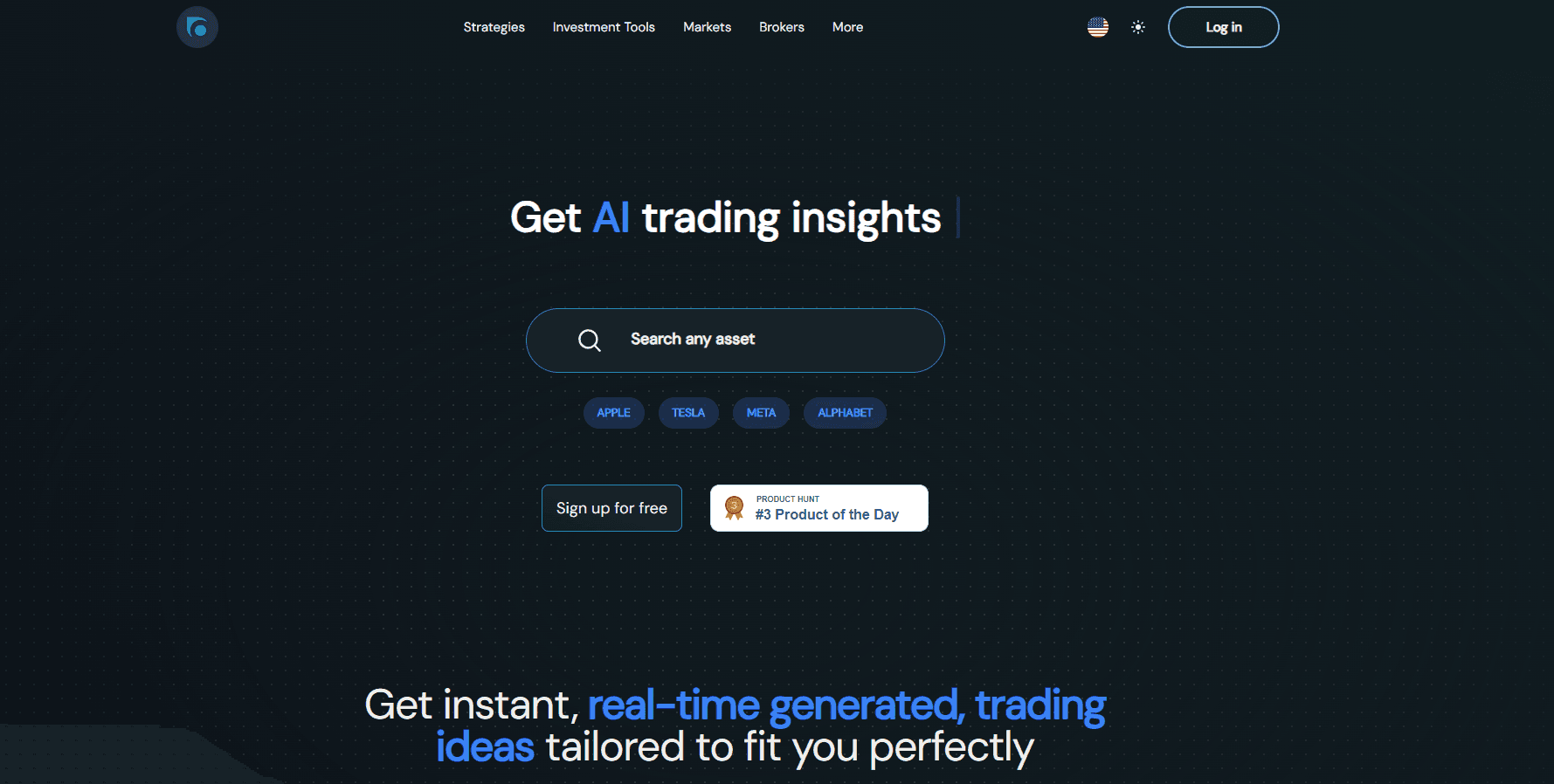
HoopsAI is an AI research workspace for retail traders. Type www.hoopsai.com today and you land on dealsize.ai, so the product is now sold under the DealSize name while the underlying idea stays the same: instead of scrolling ten tabs, you ask questions about a ticker and get an answer built from price data, fundamentals, and headlines.
The platform gathers the pieces a self directed trader normally stitches together by hand. There's a screener that filters hundreds of instruments across forex, stocks, indices, commodities, cryptocurrencies, and ETFs. There's a chart workspace called Chart DS, an economic calendar, and a news feed where the AI reads each article and tells you which instruments it touches. Everything sits behind one login, which turns scattered AI investing research into a single screen.
The limits matter as much as the features. Answers come from a language model reading market data, so a confident sentence can still be wrong, and every screen carries a no investment advice notice. The search runs in a browser only, with no phone app in the stores. Chat allowances are capped by plan, so long research sessions can hit a ceiling.
Getting Started
- Open dealsize.ai and start a free trial. The trial unlocks the AI chat without a card for the first look.
- Add a few tickers to your watchlist, then open the AI-Nalysis panel and ask for a read on one of them.
- Filter the screener by sector, valuation, or technicals, then hand the selection to the assistant and ask it to rank ideas.
- Save your findings, connect a broker if you want one click execution, and subscribe to the email digest for signals before the market open.
Product Information
A quick look at HoopsAI's pricing, supported platforms, and performance.
Best for
The users, tasks, and scenarios where this tool fits best.
Users
- Self directed retail traders
- Part time swing traders
- People learning technical analysis
Tasks
- Screening hundreds of stocks and ETFs by financials or technicals
- Reading a news article and mapping it to tickers
- Checking a trade idea before entry
- Keeping a watchlist current across asset classes
Scenarios
- The thirty minutes before the open
- Earnings season
- Crypto and forex swings outside stock market hours
Key features
AI-Nalysis Chat Analyst
You ask a question in plain language and the assistant answers with a mix of price context, fundamentals, and news. Prompts can be aimed at a single asset, at your current watchlist, or at whatever you have filtered in the screener. It also takes follow up questions, so you can push from "what happened" to "what usually follows", which is the step most AI stock analysis tools skip. The catch is that answers read like a confident analyst even when the data is thin.
Multi Asset Screener
The screener filters across forex, stocks, indices, commodities, cryptocurrencies, and ETFs using four column groups: descriptive, essential, financials, and technicals. You can sort on dividend yield, EBITDA, EPS, or a technical signal, then export the shortlist into the chat for a strategy proposal. It replaces the spreadsheet most traders keep for idea tracking.
News With Instrument Mapping
Each story in the feed gets an AI pass that names the tickers involved and explains the likely direction. A prompt sits behind the button to analyze any article against your open positions. This is where market news analysis saves the most time on busy news days, and it runs on summaries rather than full transcripts.
Chart DS Workspace
Chart DS is the charting layer: candlesticks, overlays, and a long list of indicators such as the Awesome Oscillator and the Commodity Channel Index. You can jump from a chart straight into an AI read of the same symbol, which keeps context in one place. Traders coming from a dedicated charting platform will find fewer drawing tools here.
Watchlists And Broker Links
Watchlists hold stocks, ETFs, crypto, and any other instrument the platform covers, and the dashboard shows gainers, losers, and most active names by market. A broker page lets you connect an account for execution, and the panel shows how many assets each broker exposes. Execution happens at the broker, not inside the AI.
Email Signals Before The Open
Subscribers get AI trading signals by email ahead of the next market open, with the option to unsubscribe at any time. It's the lowest effort way to use the platform, since you don't need to log in to see the day's ideas. Signals are suggestions, and the disclaimer is repeated in every message.
Pros and cons
Pros
- One login covers screener, charts, news, calendar, and watchlists, which cuts the number of tabs a retail trader juggles.
- The AI chat works from your own filtered selection, so answers stay tied to the stocks you actually watch.
- News summaries name the affected instruments instead of leaving you to infer them.
- Email signals reach you before the market open without opening the app.
- The interface ships in ten languages, including Spanish, German, Japanese, Korean, and both Chinese variants.
Cons
- No native mobile app, so everything runs in a browser and the dense tables are cramped on a phone screen.
- Pricing isn't published on the site. You see the PRO number at checkout, which makes comparing plans harder than it should be.
- Chat runs on a monthly allowance, and hitting the cap mid research means waiting for the reset or upgrading.
- AI output can be wrong in ways that sound plausible, so every trade still needs your own verification.
Frequently asked questions
HoopsAI is an AI trading analysis platform. It screens markets, reads news against your positions, charts assets, and answers questions about a ticker in plain language.
Related content
Explore related tools, skills, and articles for HoopsAI.
HoopsAI Alternatives

Knocket
Knocket (Tencent RTC team) · Productivity · Business · ChatbotKnocket is a free live chat and contact page tool that lets visitors message you from your website, app, or a shareable link, with every reply handled from Telegram or one inbox.

shippedit.me
Krawlup · Marketing · Businessshippedit.me now redirects to Krawlup, a web platform that audits SEO, AEO and page speed every week, then hands the fixes to AI coding agents over MCP.

Ayven
Alknoma · Productivity · BusinessAyven is an AI control centre by Alknoma that turns a plain-language goal into a dated plan, hands the work to your people and AI agents, and asks for your approval only when the call is yours.