

Hostinger
Hostinger · Coding
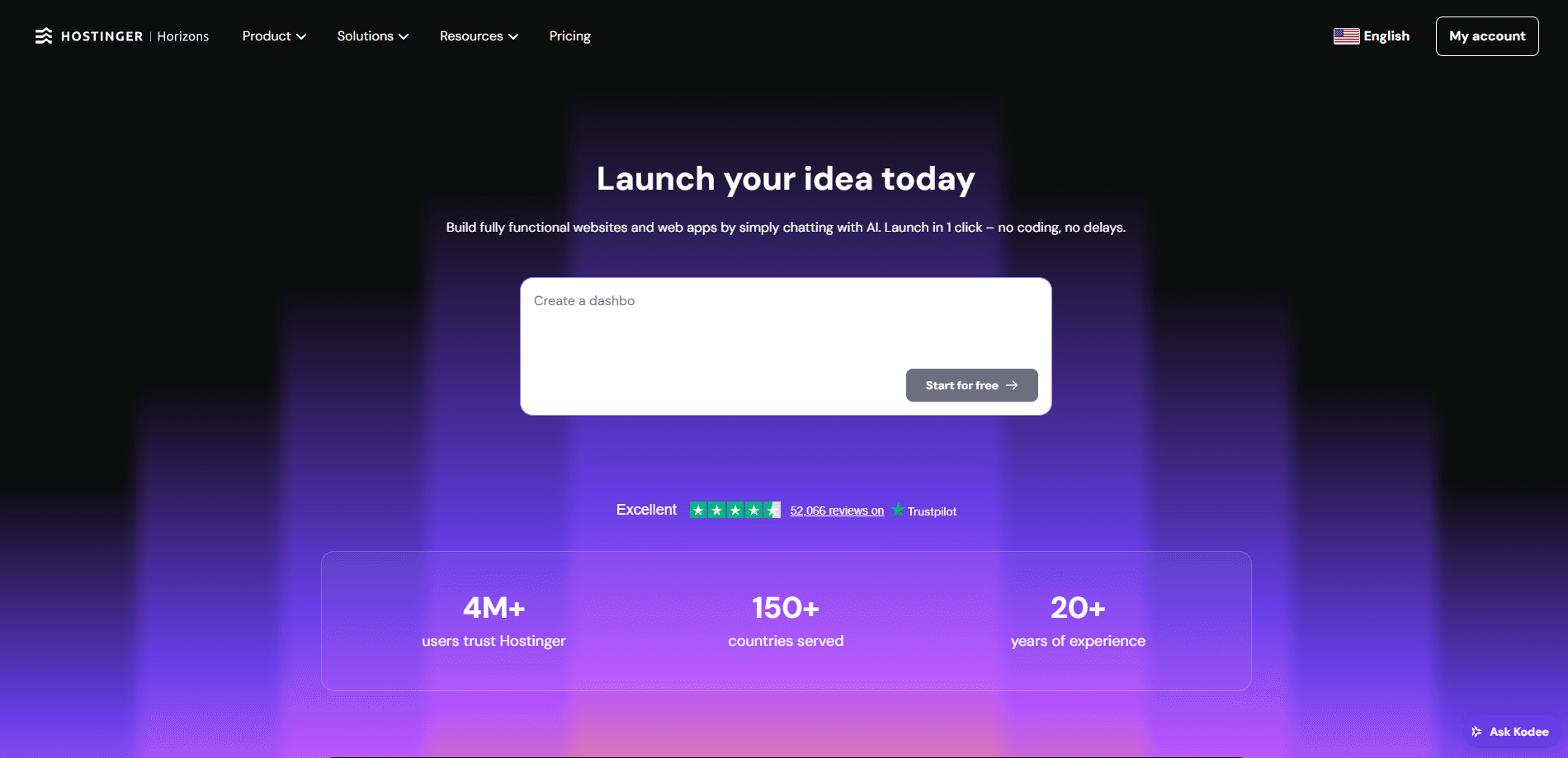
Hostinger Horizons is a chat-driven AI app and website builder from Hostinger that doubles as a no-code app builder. You type what you want, the AI drafts it, and you keep prompting to adjust text, design, and functionality until it's ready to publish under your own domain. This is how you build web apps with AI without touching a line of code. It sits somewhere between a traditional website builder and a custom development tool, which makes it useful for solo founders, small teams, and anyone who has an idea but not a developer.
About Hostinger
What Is Hostinger Horizons
Hostinger Horizons is an AI app builder that lives inside the broader Hostinger AI Builder product. Some people know it as an AI website generator. Instead of dragging blocks around a design canvas, you describe the thing you want in a chat, and the tool generates a live website or web app you can edit by talking to it. Hostinger pitches it at entrepreneurs and creators who want to ship something real, not a mockup.
The appeal is speed and lower cost. A booking portal, a portfolio, or a small internal tool that used to mean hiring a developer can start as a few sentences of instruction. The trade-off is control. AI-generated code and layouts still need human review. Complex logic, custom integrations, or heavy traffic will outgrow what a chat window can handle. Hostinger bundles hosting, a domain, and mailboxes into the same plans, so publishing is a click rather than a deployment project.
According to Hostinger, Horizons and the older Website Builder have been folded into a single AI Builder, so the brand names you see across tutorials may point to the same underlying product. Confusing? A little. Just treat them as one tool.
Getting Started
- Create a Hostinger account and open AI Builder from the dashboard. You can start on a free trial without entering a credit card.
- Describe your idea in the chat, or pick a starting template if you'd rather not write a prompt from scratch. The AI generates an initial site or app you can preview immediately.
- Keep prompting to change wording, colors, layout, and features. You can fine-tune individual details by hand when the AI overshoots.
- Connect a custom domain, then publish with one click. Hosting and mailboxes are already part of the plan.
- Return to the chat later to add pages, edit copy, or build out a store as your project grows.
Product Information
A quick look at Hostinger's pricing, supported platforms, and performance.
Best for
The users, tasks, and scenarios where this tool fits best.
Users
- Solo founders and side-project builders
- Small business owners
- Designers and marketers
Tasks
- Building a first website or landing page
- Creating small web apps
- Launching an online store
- Setting up email and a domain
Scenarios
- Validating an idea before investing
- Replacing a stalled freelance project
- Keeping a personal portfolio current
Key features
Chat-Based App and Website Creation
You describe what you want in plain language and the AI builds a live result. It handles structure, layout, and basic functionality at once. That kills the blank-page problem. Follow-up prompts refine specific parts without starting over. Simple as that.
No-Code Editing With Manual Override
Every AI decision can be changed. Ask the chat to rewrite copy or restyle a section. You can also edit details by hand when the generated version isn't quite right. That mix suits people who want AI speed but still care about the final look.
Built-In Hosting, Domain, and Email
Hostinger bundles fast hosting, a custom domain for the first year, and mailboxes into the same plan. Publishing is one click. You don't stitch together a separate host, registrar, and email provider. For a small project, this saves the most setup time.
Templates and Ecommerce Support
Plans include hundreds of designer-made templates, so you can start from something proven instead of a raw prompt. The higher tiers add ecommerce tools and email marketing with Reach. A storefront and its follow-up campaigns then live in one dashboard.
Hostinger Agent for Ongoing Management
A built-in AI assistant handles routine site tasks through chat, from fixing common issues to managing the store. Hostinger claims it resolves most support questions without a human. That matters if you're running the site alone.
Pros and cons
Pros
- Turns a plain-language idea into a working site or app fast, with no coding required.
- Hosting, a first-year domain, and mailboxes come in the same plan, so there's less to assemble.
- Chat editing plus manual control suits both beginners and people who want precise tweaks.
- Free trial needs no credit card, so you can test the output before paying.
- 24/7 support and a 30-day money-back guarantee lower the risk of committing.
Cons
- AI-generated code and layouts need review; complex logic or heavy integrations will outgrow the chat interface.
- Promotional prices jump at renewal, so the long-term cost is higher than the headline rate suggests.
- No public API, which means teams wanting programmatic control have to look elsewhere.
- Serious ecommerce or custom backend work still points toward dedicated platforms.
Frequently asked questions
Yes. You can start building on a free trial without entering a credit card. Upgrade to a paid plan when you're ready to publish under your own domain.
Related content
Explore related tools, skills, and articles for Hostinger.
Hostinger Alternatives
Forefront
Forefront · CodingForefront is a web platform for building with open-source AI. It lets you fine-tune leading open-source language models on your own data, evaluate how they perform, and run them through an API or export them to host yourself. Developers who want the convenience of a closed-source platform but insist on owning their models and data are the target audience here.

Startkit
StartKit.AI · CodingStartkit is a boilerplate for building AI SaaS and AI wrapper products. Think of it as an AI startup boilerplate with the boring parts already wired up: authentication, Stripe and Lemon Squeezy payments, usage limits, transactional email, and an AI API starter that talks to OpenAI, Anthropic, Groq, or Llama. You clone the repo, set your price, and start on the part of your product that people actually pay for. It's Next.js under React and Tailwind, so most of the boilerplate code already feels familiar.
Testim
Tricentis · CodingTestim is an AI-powered test automation platform for building and running end-to-end tests across web, mobile, and Salesforce applications. It leans on machine learning to keep tests stable when an interface changes, so teams spend less time fixing broken selectors. Not bad for an automated testing tool you can start using today. You create tests by recording actions in a browser, then optionally add JavaScript when you need more control. It's a solid pick for busy QA teams.