

Hunter
Hunter (hunter.io) · Marketing
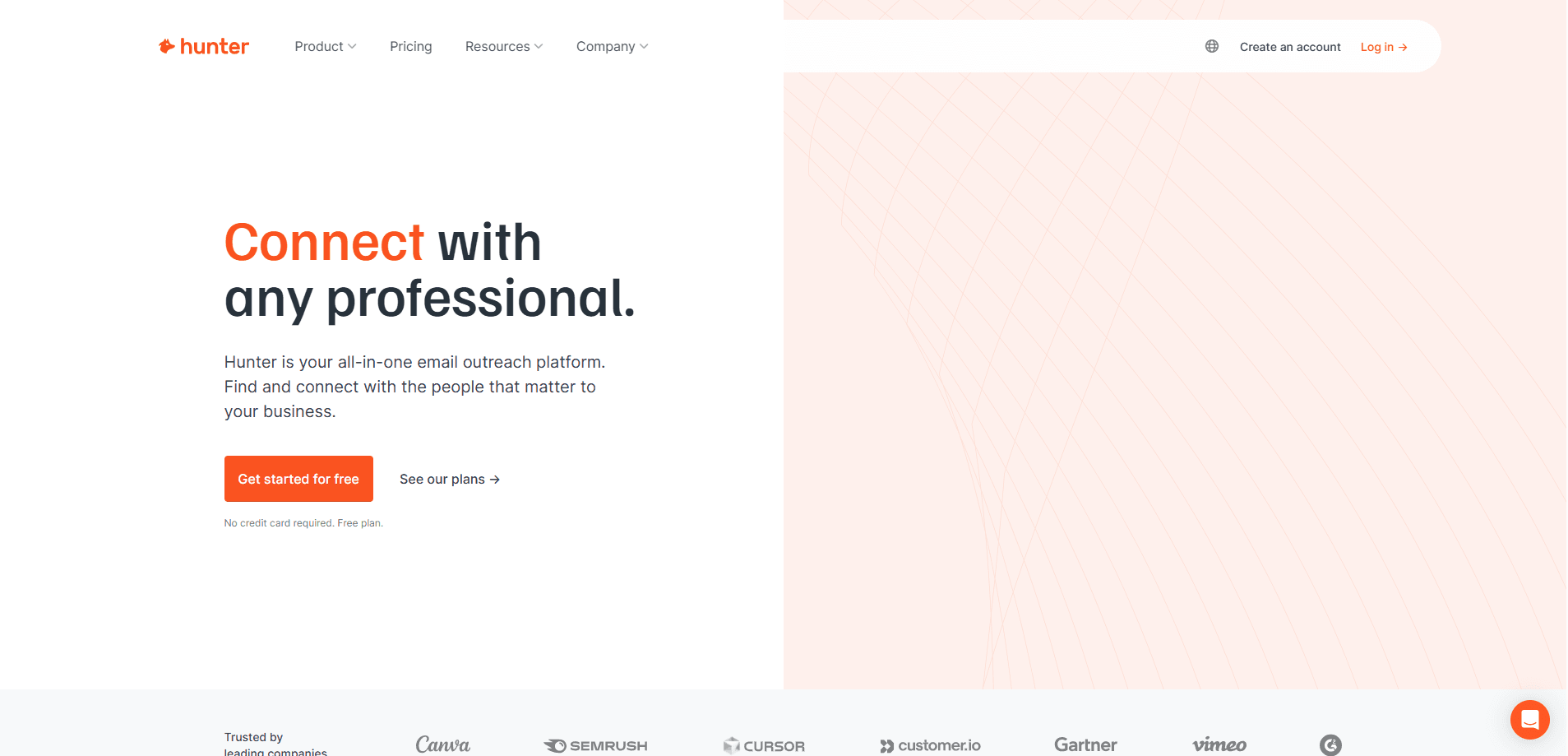
Hunter is an email outreach platform that finds verified business email addresses, enriches leads, and sends cold email campaigns from one dashboard built for sales and marketing teams.
About Hunter
What Is Hunter
Hunter started in 2015 as a simple way to find someone's work email from a company domain. It has since grown into a full outreach platform that covers the whole path from prospecting to sending.
The core promise is trust. Instead of guessing an address, Hunter pulls emails that appear on the public web, attaches the sources behind each result, and scores how confident it is that the email works. That record of origins is what separates it from tools that just guess patterns.
The main limit is scale. Credits drive every lookup and verification, so free and entry plans run out fast if you prospect in volume. Cold email also lives under strict rules in many regions, so the tool helps with accuracy, not with legal compliance.
Getting Started
- Sign up for a free account at hunter.io. The free plan gives you 50 credits a month and works without a card.
- Connect an email account if you plan to send. You can also stay data-only and use Hunter just to find and verify addresses.
- Run a Domain Search on a company website, or use the Email Finder with a name and domain to get one specific address.
- Save the contacts you want to keep as leads, then verify the list with the Email Verifier before you send.
- Build a Sequence to schedule the cold email campaign, or pull the same data into your own app through the API.
Product Information
A quick look at Hunter's pricing, supported platforms, and performance.
Best for
The users, tasks, and scenarios where this tool fits best.
Users
- Sales teams
- Recruiters
- Marketers and founders
Tasks
- Finding a work email from a domain
- Verifying a lead list
- Running a cold email campaign
- Enriching CRM records
Scenarios
- Building a prospect list for a new territory
- Cleaning a list before a product launch
- Adding email finding to an internal tool
Key features
Email Finder and Verifier
The Email Finder takes a name and a domain and returns the most likely work address, with a confidence score and a note on where the data came from. The Email Verifier checks whether an address can actually receive mail, so you can drop dead contacts before they cost you a hard bounce. Both run on the same credit pool, which is worth watching if you treat Hunter as cold email software for daily prospecting.
Domain Search and B2B Database
Type a company website and Domain Search lists the emails Hunter found for that domain, grouped by person and role. The wider Discover database lets you search millions of companies using filters like industry, company size, and location. It suits list builders who care about fit, not just volume.
Cold Email Sequences
Sequences schedule multi-step campaigns, add follow-ups, and track opens and replies in one place. You can connect several sending accounts and rotate between them, which helps spread volume and protect any single inbox. A/B testing and evergreen sequences are included on paid plans.
Lead Enrichment and CRM Sync
Enrichment adds job title, company details, and social profiles to contacts you already have. Hunter syncs with HubSpot, Zoho, Salesforce, and Pipedrive, and pushes activity to thousands of Zapier endpoints. That keeps your CRM current without manual copy and paste.
API and MCP Access
The REST API exposes Domain Search, Email Finder, Email Verifier, Leads, and Sequences as endpoints, so you can automate lookups inside your own workflow. A hosted MCP server connects Hunter to AI apps and lets an agent query verified data in plain language. Both are aimed at teams that want to build rather than click.
Chrome Extension and Sheets Add-on
The Chrome extension shows the emails behind any site as you browse, and the Google Sheets add-on brings the same lookups into a spreadsheet. They're the fastest route for people who live in the browser or already run their outreach on a sheet.
Pros and cons
Pros
- Verified data with sources, so you can check why an address was returned rather than trusting a guess.
- One platform for finding, verifying, and sending, which removes the need to stitch together several subscriptions.
- Genuine free tier with 50 monthly credits, useful for testing before you commit to a paid plan.
- Broad integrations across CRMs, Google Sheets, and a documented API for automated workflows.
- MCP support lets AI assistants pull verified contact data instead of inventing addresses.
Cons
- Credits run down quickly on free and entry plans, so heavier prospecting pushes you toward the higher tiers fast.
- The entry Starter plan caps you at 3 connected email accounts, which limits rotation for solo senders running volume.
- Deep filtering and larger sequences sit behind the more expensive plans, so small budgets feel the ceiling early.
Frequently asked questions
Hunter is used to find and verify business email addresses, then send cold email campaigns from the same platform. Sales, marketing, and recruiting teams rely on it to build contact lists and reach prospects without guessing addresses.
Related content
Explore related tools, skills, and articles for Hunter.
Hunter Alternatives

ngram 2.0
ngram · Video · Marketingngram 2.0 is an AI video generator for teams. It turns a prompt, a screen recording, or a product URL into a narrated explainer, product demo, or AI avatar video, and every scene stays editable.

shippedit.me
Krawlup · Marketing · Businessshippedit.me now redirects to Krawlup, a web platform that audits SEO, AEO and page speed every week, then hands the fixes to AI coding agents over MCP.

MePersona
MePersona, Inc. · Writing · Productivity · MarketingMePersona is an AI unified inbox for creators. It learns your voice, drafts replies to fan messages from 12 platforms, and sends only what you approve.