

Hush
Weya AI · Voice & Language
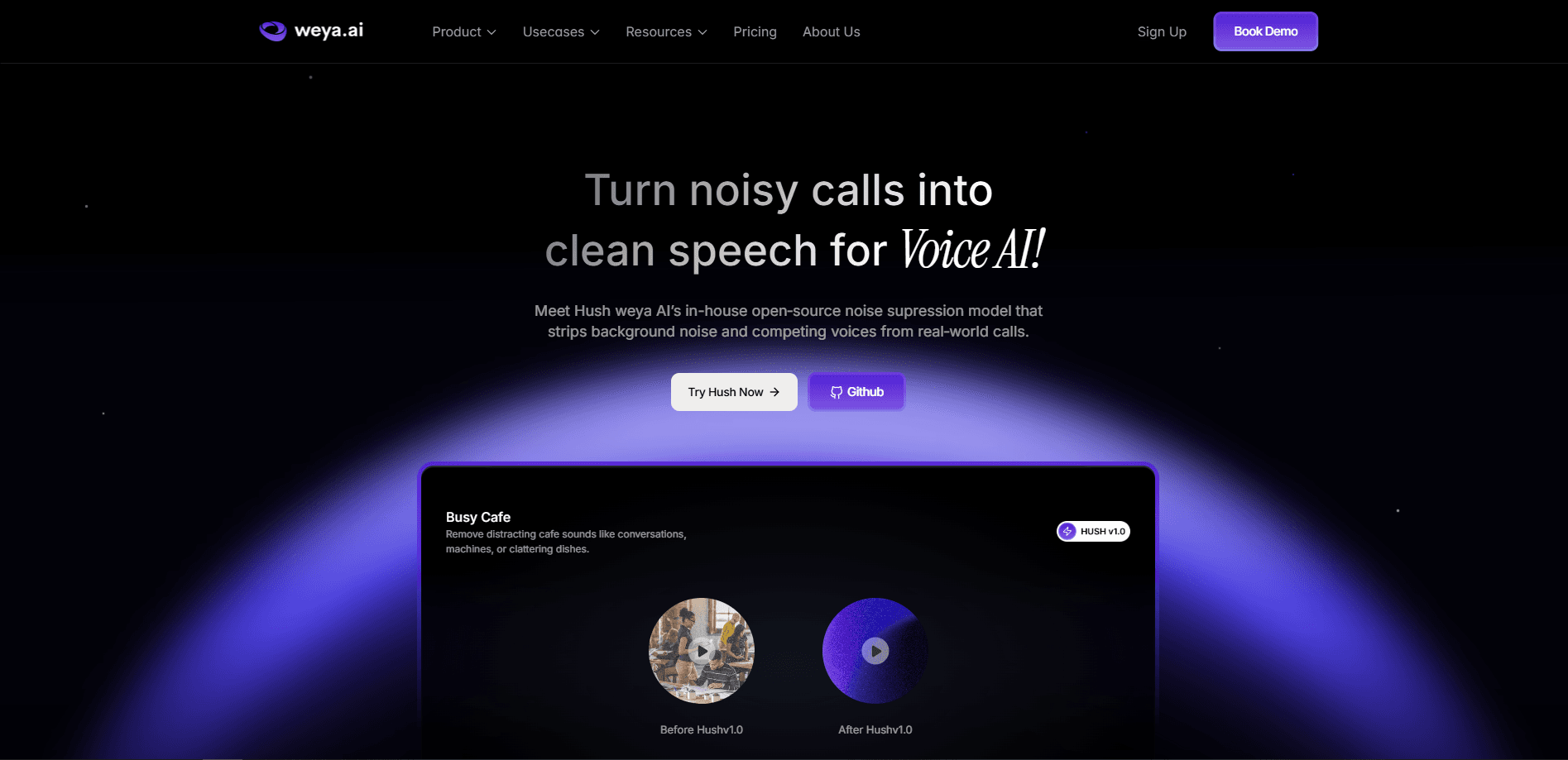
Hush is an open-source speech enhancement model from Weya AI built for Voice AI systems. It cleans up noisy call audio in real time, suppressing background noise and competing speakers so phone agents, transcription tools, and voice bots hear one clear voice. At about 8 MB, it runs on a standard CPU. Each 10 ms audio frame takes under 1 ms to process.
About Hush
What Is Hush
Hush is a speech enhancement model, not a full app. Weya AI designed it for one job: rescuing bad call audio before it reaches a Voice AI pipeline. Most voice agents fail because of poor sound quality rather than weak language models, and Hush attacks that problem at the source.
The interesting part is what it targets. Older noise suppression tools handle steady sounds like fans, traffic, and keyboard clicks. Hush also goes after competing human voices, which is the harder case for open-source models. It isolates the main caller. Other talkers fade into the background.
The catch is that it isn't a consumer tool. There's no desktop app or phone app. No Google Play listing either. You use it through code, a Hugging Face model card, or the Weya AI platform, so it suits developers and teams rather than casual users.
Getting Started
- Head to the Hugging Face model page or the GitHub repo to review the model card, license, and sample audio.
- Install the dependencies, which for most setups means Python and PyTorch.
- Load the model into your pipeline and feed it 16 kHz mono audio, matching the telephony-native sample rate it expects.
- Process the stream frame by frame on CPU, then pass the cleaned output to your ASR or voice agent.
- Teams that want a managed setup can start a two-week pilot with Weya AI instead of wiring it up themselves.
Product Information
A quick look at Hush's pricing, supported platforms, and performance.
Best for
The users, tasks, and scenarios where this tool fits best.
Users
- Voice AI developers
- Call center engineers
- Data teams handling recordings
Tasks
- Cleaning live call audio before transcription
- Improving voice bot comprehension
- Preprocessing audio datasets
Scenarios
- Debt collection and BFSI call flows
- Real-time phone agents
- Field and mobile support lines
Key features
Real-time processing on CPU
Hush handles each 10 ms audio frame in under 1 millisecond on a standard CPU core. No GPU is needed, which keeps deployment cheap and leaves headroom for the rest of your pipeline. For teams weighing the cost of running voice agents at scale, that single design choice removes the biggest infrastructure expense in the stack. On a live call, that means no perceptible delay.
Background speaker suppression
This is Hush's headline feature. Instead of only cutting steady noise, it separates the primary caller from other people talking nearby. That's a hard problem. Older open-source models either leak the competing voice into the transcript or crush both speakers. Hush was trained to avoid both failures.
Tiny 8 MB footprint
The model weighs in at roughly 8 MB, so you can ship it inside your own cloud or data center without worrying about storage or memory. Small models also start faster. That matters when you're scaling to many concurrent calls.
Telephony-native 16 kHz audio
Hush works at 16 kHz, the sample rate used by G.711, WebRTC, and SIP. That match means you don't resample phone audio before feeding it in, and you avoid the quality loss that resampling usually introduces.
Fully causal design
With around 20 ms of algorithmic latency and zero lookahead, Hush only uses audio that has already arrived. That's what makes it safe for live conversations, not just offline cleanup.
Trained on 10,000+ hours of real call audio
The training set mixes speech, noise, and overlapping speakers drawn from real-world conditions. That breadth is why it holds up in crowded restaurants and traffic rather than only in a quiet test lab.
Pros and cons
Pros
- Free and open source, so there's no licensing cost to test it in your own stack.
- Runs on CPU in real time, which removes the biggest cost of speech models: GPU hardware.
- Explicitly handles competing speakers, a gap most open-source noise suppression tools leave open.
- Small enough at 8 MB to deploy almost anywhere.
Cons
- No consumer app or Google Play download, so non-developers can't just install it and go.
- Weya AI is still fine-tuning a version for louder background speech, which means the toughest noisy environments may not be fully covered yet.
- Pricing beyond the free model and pay-as-you-go rate depends on the managed platform, so you need to contact Weya AI for enterprise numbers.
Frequently asked questions
Hush cleans noisy audio for Voice AI systems. It removes background noise and competing voices from live calls so speech recognition and voice agents work with clearer input. That's the whole point.
Related content
Explore related tools, skills, and articles for Hush.
Hush Alternatives

Foley
Hanamori Labs, LLC · Voice & Language · Productivity · AI AssistantFoley is a voice to-do list that turns a spoken sentence into a filed task, complete with project, date and time, then helps you plan the day around what is already there.

HireKey
HireKey · Voice & Language · Productivity · LeaningHireKey is an AI job search copilot built by a former tech recruiter. It checks role fit, tailors resumes, runs interview practice and tracks every application.

Fluence
Yay Software (Yannick Huchard) · Writing · Voice & Language · ProductivityFluence is an Android app that reads PDFs, EPUBs, Word files and web articles aloud, follows each sentence as it speaks, and answers questions about the text on the phone itself.