

Image Translator
IMGTrans · Writing · Image
Image Translator is a free web tool from IMGTrans that reads the text inside your images and rewrites it in another language without wrecking the original design. Upload a photo, a manga page, a screenshot, or a product listing, and it handles the rest with AI-powered OCR. Online image translation is aimed at people who hit a language wall in a picture, not at developers wiring up an API.
About Image Translator
What Is Image Translator
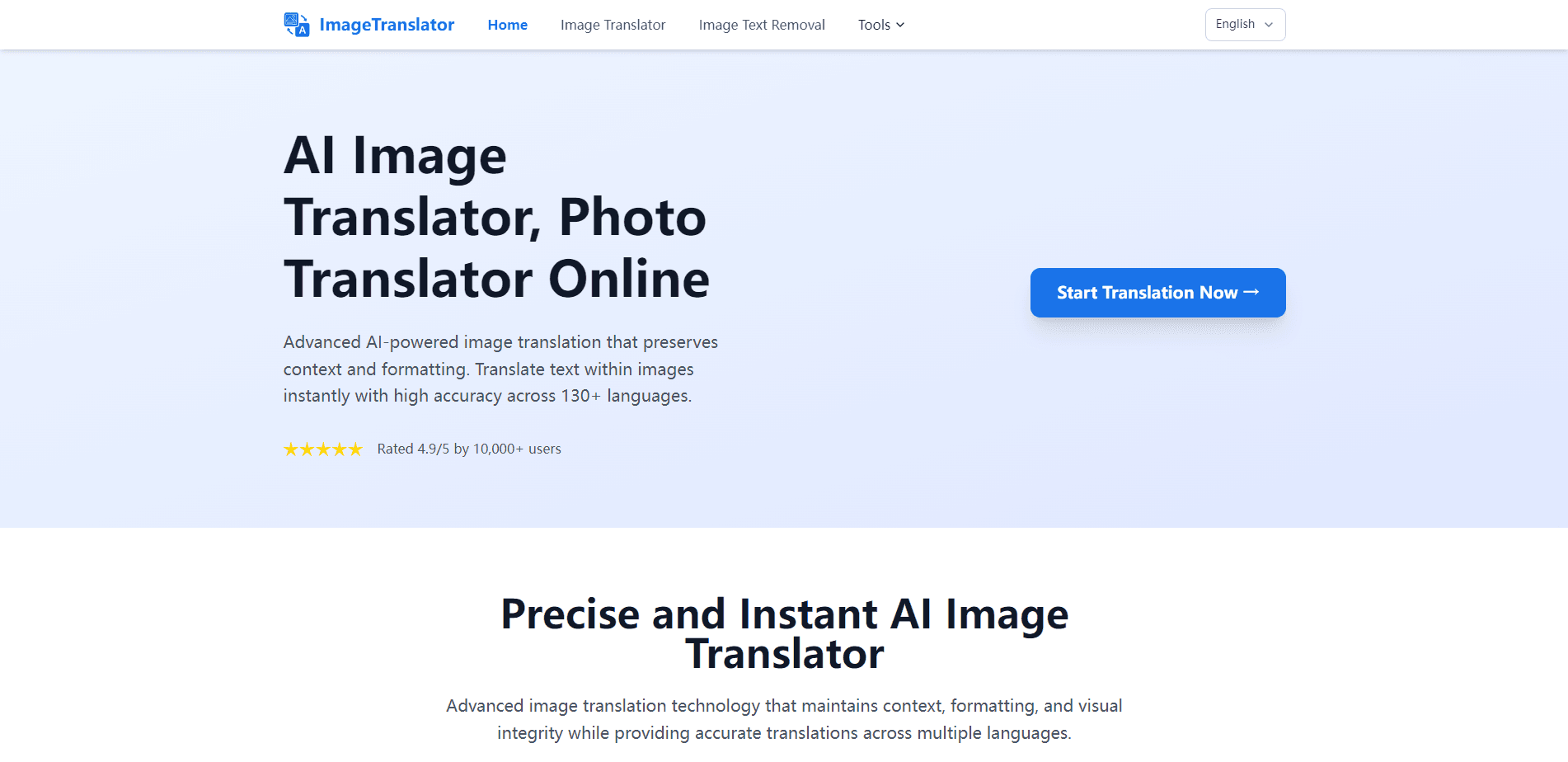
Image Translator is an online AI image translator that runs entirely in your browser. You drop in a JPG, JPEG, PNG, or WEBP file up to 10 MB, pick a source and target language, and the tool detects the text, translates it, and paints a clean result back over the picture. The point is layout preservation: the translated words land where the originals were, so menus, comics, and product shots still look like themselves.
The tool splits its pitch by use case. A manga translator mode auto-detects speech bubbles and uses text in-painting to swap the words inside them, which matters if you read raw manga or doujinshi and don't want to wait for a scanlation group. Not a small thing. A photo translator and product image mode goes the other way and protects brand names and key original text, so you can localize Amazon listings, size charts, and banners without scrubbing out the labels that need to stay.
The biggest limitation is scope. Image Translator works on images only, and the free tier lives in this browser tab. There's no installable app, and the site doesn't publish a public API, so anything you want translated has to go through the upload box. Recent work is kept in the browser for 24 hours and then disappears.
Getting Started
- Open imagetranslator.com in any modern browser. No account or install is required.
- Set your Source Language and Target Language from the dropdowns.
- Drop your image onto the upload area, or click to pick a file. JPG, JPEG, PNG, and WEBP up to 10 MB all work, and you can paste with Ctrl/⌘ + V.
- Turn on Product Text Protection if you're localizing product photos and need brand names left intact.
- Wait a few seconds, preview the result, and download the translated image.
Product Information
A quick look at Image Translator's pricing, supported platforms, and performance.
Best for
The users, tasks, and scenarios where this tool fits best.
Users
- Manga and manhwa readers
- Online sellers expanding into new markets
- Travelers and students
Tasks
- Translating a full manga page
- Localizing Amazon or marketplace listing images
- Reading handwritten notes, receipts, or instruction manuals
Scenarios
- A product team preparing EU or LATAM listings who needs visual assets translated before a launch.
- A reader who finds a raw comic online and wants to understand the plot right away.
- Someone standing in front of a foreign-language sign or menu with only a phone camera.
Key features
Layout Preservation
Translation keeps the original composition intact. Why does that matter? Because a translated image you can't read is almost worse than no translation at all. Text is placed back into the same spot it came from, so a translated menu still looks like a menu and a diagram doesn't fall apart. This is the feature that separates a real image translator from a tool that just spits out a block of text.
Manga and Comics Translation
The tool auto-detects speech bubbles and uses text in-painting to clear the original words before writing the translation in. It's built for Japanese Comic Translator workflows and handles manhwa pages too, so you can read raw manga or doujinshi without hunting for a translated release.
Product Image Protection
When you localize product photos, an optional Product Protection mode keeps brand names and key original text exactly in place. The rest of a photo translator task, like descriptions or size labels, gets translated. That balance matters for marketplace sellers who can't afford a mangled logo on a listing.
Online OCR for Photos and Screenshots
Under the hood, deep-learning OCR pulls text out of JPG, PNG, and WEBP files. A good screenshot translator earns its keep here. It handles the usual daily-life sources: menus, road signs, billboards, receipts, instruction manuals, and screenshots. Handwriting support is limited, but the tool does claim to read it.
Free, No-Install Web Access
Everything runs in the browser with no download and no signup. Paste it in. You can paste an image straight in with Ctrl/⌘ + V or drag and drop a file, which keeps the click count low when you're translating one picture after another.
Batch and Bulk Processing
The site supports batch image translator handling for bulk work. If you're localizing a whole folder of product shots or comic pages, you can push them through instead of doing one at a time.
130+ Language Support
Image Translator covers more than 130 languages on both the source and target side. You switch the pair from two dropdowns, so a single image can be turned into Spanish, Japanese, Arabic, Portuguese, or whatever your audience reads.
Pros and cons
Pros
- Layout preservation keeps translated images usable instead of turning them into walls of text.
- Manga mode with speech-bubble detection is a genuine niche win for comic readers.
- Free web tool. No install, no account, and almost no barrier to trying it.
- 130+ languages and 10 MB file support cover most everyday image translation needs.
- Batch processing saves time when you're working through a set of images.
Cons
- No public API, so you can't wire the translation into your own app or pipeline.
- Free-tier work is kept only in the browser for 24 hours, which means no lasting project history if you clear your data.
- Handwriting and low-resolution images can trip up the OCR, and you'll have to re-upload when a result comes out garbled.
Frequently asked questions
It translates the text inside an image while keeping the original layout. Common uses are manga pages, product listing images, screenshots, menus, and signs. The main job is to translate text in images. You upload a file, choose a language pair, and download a translated version.
Related content
Explore related tools, skills, and articles for Image Translator.
Image Translator Alternatives

Google EmbeddingGemma 2
Google DeepMind · Writing · Image · CodingGoogle EmbeddingGemma 2 is a 740M-parameter open model that turns text, code, images, audio, and video frames into vectors in one 768-dimension space, running on phones and laptops.

MePersona
MePersona, Inc. · Writing · Productivity · MarketingMePersona is an AI unified inbox for creators. It learns your voice, drafts replies to fan messages from 12 platforms, and sends only what you approve.

Fluence
Yay Software (Yannick Huchard) · Writing · Voice & Language · ProductivityFluence is an Android app that reads PDFs, EPUBs, Word files and web articles aloud, follows each sentence as it speaks, and answers questions about the text on the phone itself.