

Inboundr
Inboundr (based in Ottawa, Canada) · Other
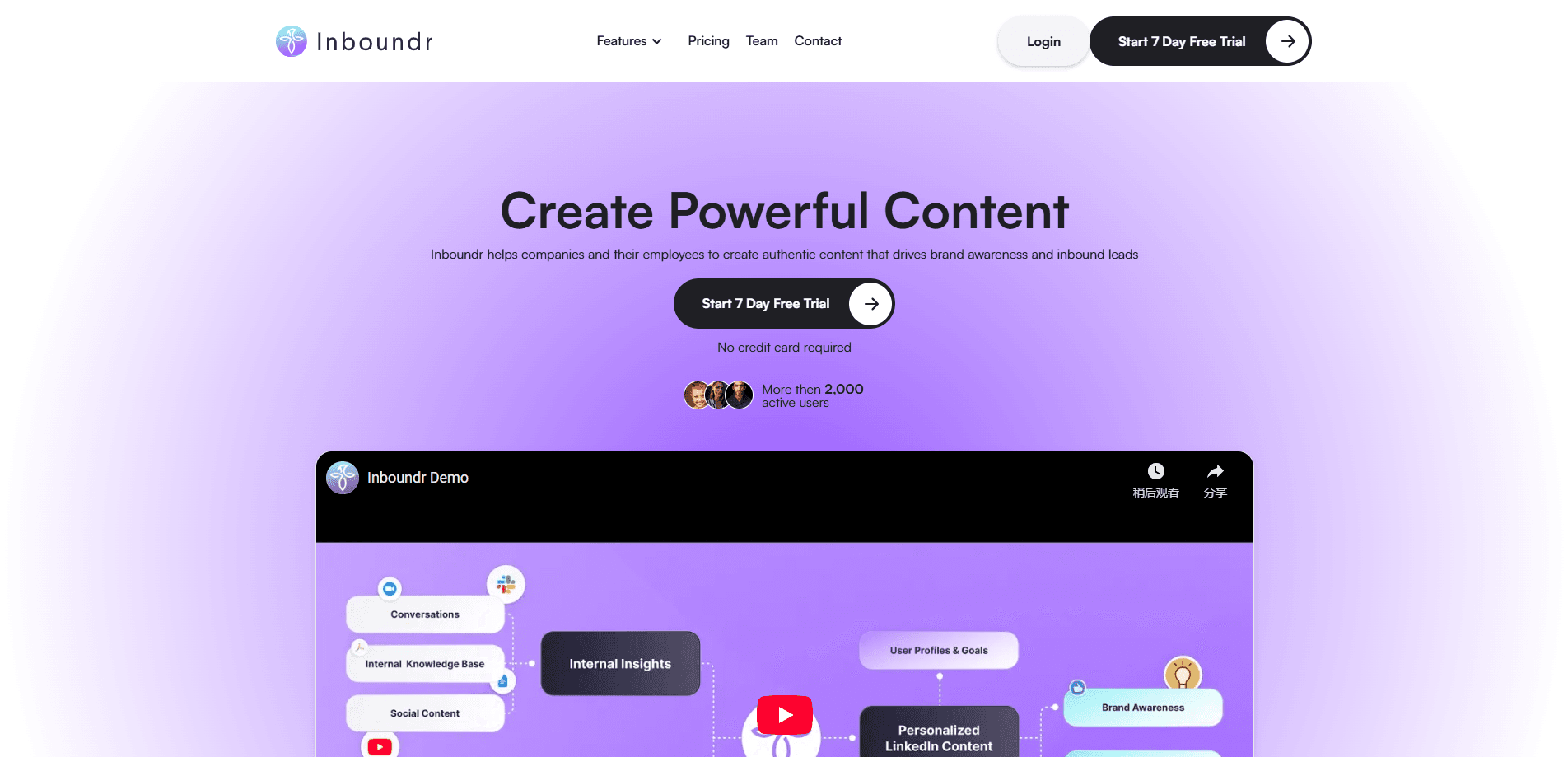
Inboundr is an AI LinkedIn content generator that drafts posts in your voice every morning, generates images, and tracks keyword mentions so teams publish faster.
About Inboundr
What Is Inboundr
Inboundr is an AI ghostwriter built for people who post on LinkedIn and struggle to keep it up. Every morning it reads what's happening in your niche, drafts a few posts written in your voice, and drops them in your inbox before you've had coffee. You pick one, edit it, and publish.
The product started as a LinkedIn post generator for solo founders and consultants who want a steady presence without hiring a ghostwriter. It has grown into a shared workspace where one person can manage content for a whole team of profiles. Its biggest strength is the built-in monitoring: it watches LinkedIn for the keywords you care about and pings you when a relevant post appears, so you can jump into the conversation while it's still live.
The main limitation is scope. Inboundr only covers LinkedIn. If you publish across X, a blog, and a newsletter, you'll still need other tools for those. Quality is also uneven by default, so most users treat the drafts as a starting point rather than something to post untouched.
Getting Started
- Sign up with your email and start the 7-day free trial. No credit card is required.
- Connect your LinkedIn profile and set the business keywords and topics you want the tool to watch.
- Wait for the first morning briefing, then open the suggested posts and pick the angle that fits you.
- Edit the draft in the built-in editor, generate a matching image, and preview the result before you publish.
- Publish to LinkedIn directly, or copy the text out if you'd rather post it yourself.
Product Information
A quick look at Inboundr's pricing, supported platforms, and performance.
Best for
The users, tasks, and scenarios where this tool fits best.
Users
- Founders and solo consultants
- Sales and marketing teams
- Busy professionals who want to post more
Tasks
- Drafting daily LinkedIn posts
- Generating post images
- Monitoring LinkedIn for keywords
Scenarios
- Keeping a consistent posting schedule when you have no time to brainstorm
- Running social content for a small team
- Catching conversations as they happen
Key features
Morning Briefings
Inboundr reads what's trending in your niche overnight and delivers a set of LinkedIn content ideas each morning. Each idea comes with a drafted post written in your voice, so you start the day with something to publish instead of a blank page. You still decide what goes out.
Content Repurposing
You can feed Inboundr existing material, like a blog post, a podcast note, or an old update, and it reshapes it into LinkedIn-ready drafts. That turns content you already made into a steady source of posts without writing from scratch every time.
Image Generation
The tool creates an image to go with each post, sized for the LinkedIn feed. You get a matching visual without opening a separate design app, and you can regenerate it if the first result doesn't fit.
Editing and Preview
Drafts open in a built-in editor where you can tighten the wording and check how the post will look in the feed before it goes out. The preview step matters, because what reads well in a document often looks different once LinkedIn's formatting is applied.
Team Content Management
One editor can manage content for multiple profiles from a single workspace. That's the feature that makes Inboundr useful for small teams, since you don't need a separate account and login for every person.
Real-Time LinkedIn Watch
Inboundr monitors LinkedIn for the business keywords you set and alerts you when a matching post appears. On the entry plan you get 5 watches per day, and the higher plan removes that cap. It's built for people who want to join conversations early rather than discovering them days later.
Slack App and Chrome Extension
The Slack app pushes briefings and alerts into the place where many teams already work. The Chrome extension lets you use Inboundr while you're browsing LinkedIn, so you can pull ideas or drafts in without leaving the tab.
Pros and cons
Pros
- Morning briefings remove the blank-page problem by delivering ready-to-edit post drafts every day.
- Drafts are written in your voice, which cuts the editing time compared with generic AI text.
- Real-time keyword monitoring helps you join relevant conversations while they're still active.
- One workspace manages content for several profiles, which suits small teams.
- Images are generated inside the same workflow, so you don't need another design tool.
Cons
- Inboundr only covers LinkedIn, so publishing to X, blogs, or newsletters needs separate tools.
- There's no free plan. You get a 7-day trial, then you have to pay to keep going.
- The entry plan caps you at 16 posts and 16 images per month and 5 watches per day, which may not fit heavy posters.
- There's no public API, so you can't build custom integrations or pull Inboundr's output into other systems.
Frequently asked questions
Plans run from $19 per user per month for the Growth tier to $49 per user per month for Scale. Growth includes 16 posts and 16 image generations a month with unlimited revisions, and Scale makes posts and images unlimited. Both are billed per user.
Related content
Explore related tools, skills, and articles for Inboundr.
Inboundr Alternatives

Odyssey 3
Odyssey · OtherOdyssey-3 is Odyssey's foundation world model. It simulates physics in real time, turns a prompt into an interactive environment, and adapts to robots, cars and games.

JarvisCore
Prescott Data · Coding · Productivity · OtherJarvisCore is an open source Python runtime where AI agents work as equal peers on an agent mesh, claim tasks from a shared ledger, and reach external services through a zero-trust broker.
Clef
Cloudflare · Business · OtherClef is Cloudflare's open-source decision model for Workers AI. It returns calibrated probabilities for typed questions, not generated text, so agents can classify, route, and act fast.