

Inferless
Inferless · Coding
Inferless is a serverless GPU platform for deploying custom machine learning models as API endpoints, with sub-second cold starts and pay-per-second billing.
About Inferless
What Is Inferless
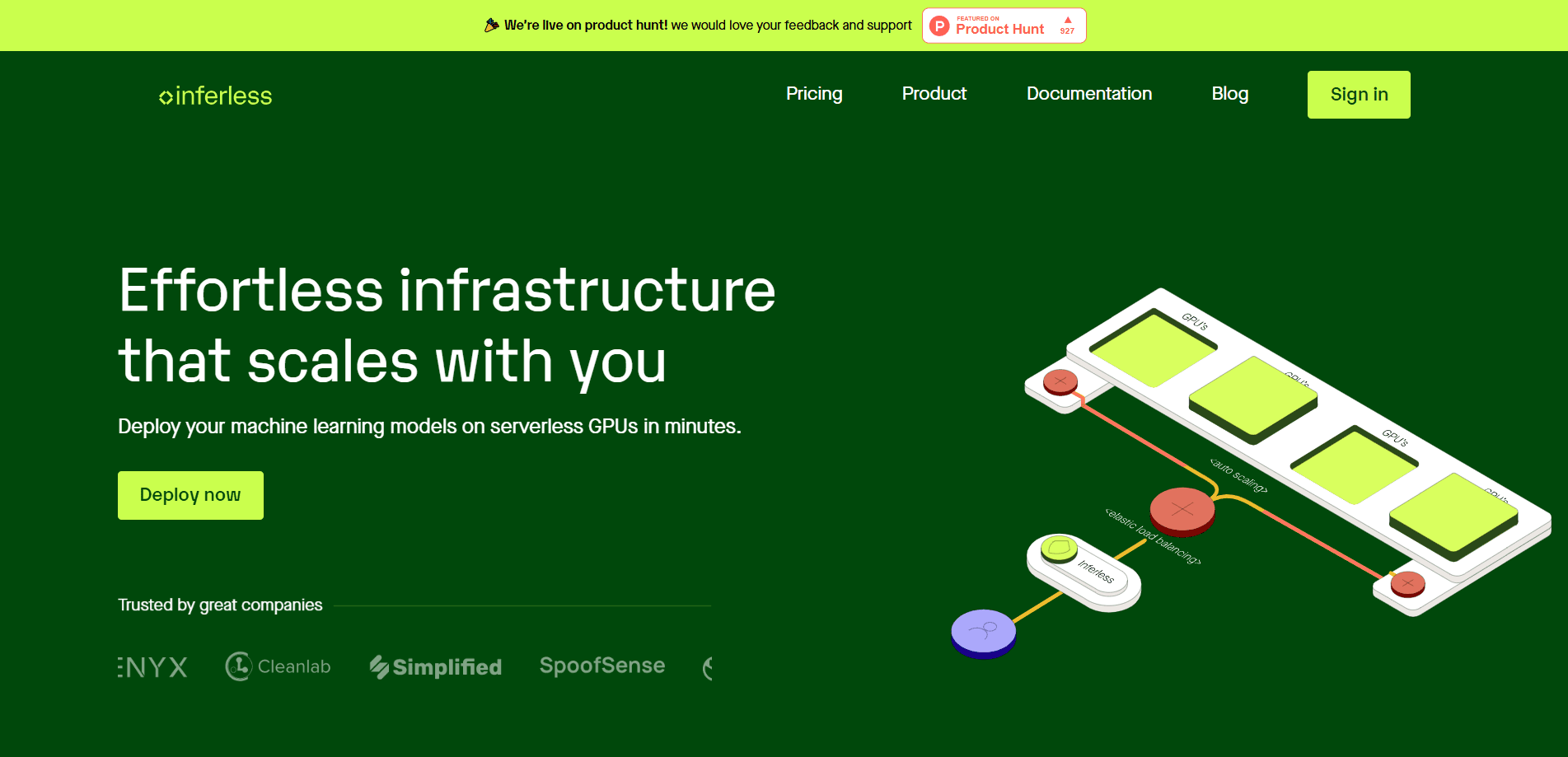
Inferless is a serverless platform that turns a trained machine learning model into a live API endpoint without you managing any GPU hardware. It's built for ML inference first, not training. You bring the model, and the platform takes care of the infrastructure underneath. Autoscaling and cold start tuning come with it. The pitch is simple: skip the cluster setup and get an endpoint you can call from your own app.
The problem it targets is cost and effort. Running a model usually means renting a GPU around the clock, even when nobody is sending requests. Inferless bills by the second and scales down to zero when traffic stops, so you pay for the compute you actually use. It leans on a custom orchestration engine and storage layer to keep cold starts low, which matters when a model has to wake up before answering.
The main limits are practical. This is a developer tool, not a no-code app, so you still need to package your model and dependencies correctly. Pricing is usage-based, which is cheap at low volume but harder to predict than a flat fee. And some workflows, like long training runs, are better served by a dedicated GPU box than a serverless endpoint built for inference.
Getting Started
- Create an Inferless account and connect a model source such as Hugging Face, GitHub or a Docker image
- Configure the runtime, packages and GPU type through a simple YAML file instead of writing server code
- Deploy the model and let Inferless build the environment and spin up the endpoint
- Call the generated API endpoint from your app, and let autoscaling handle the traffic spikes
Product Information
A quick look at Inferless's pricing, supported platforms, and performance.
Best for
The users, tasks, and scenarios where this tool fits best.
Users
- Machine learning engineers
- Startups
- Data scientists
- Application developers
- Enterprise teams
Tasks
- Deploy a custom model
- Serve large language models
- Batch inference jobs
- Prototype a model idea
- Add inference to an app
- Share data across models
Scenarios
- A startup launching an AI feature
- A data scientist validating a model
- A team with spiky traffic
- A developer wiring a demo
- An enterprise running custom models
Key features
Sub-Second Cold Starts
The hardest part of serverless inference is the wait when a sleeping model wakes up to answer. Inferless attacks that with a custom orchestration engine, an advanced router and its own storage layer working together. The company says the result is sub-second responses even for large models, which keeps the scale-to-zero model practical for user-facing apps. If a chat or search feature has to wait ten seconds for a model to load, serverless stops being worth it.
Automatic Scaling From Zero
Inferless scales your endpoint up and down with traffic, from no running GPUs to hundreds at once. The in-house load balancer spreads requests and spins capacity up or down with little overhead, which suits workloads that spike unpredictably. You don't plan for peak capacity ahead of time, and you don't pay for it when traffic is quiet.
Multi-Source Model Import
You can pull models from Hugging Face, GitHub, AWS S3, Google Cloud Storage, Docker or the Inferless CLI, and the platform handles the rest. One-click import from the repositories most ML teams already use cuts down the setup work, so moving a model into production doesn't start with a file-transfer chore. Azure support is listed as coming.
Model and Framework Agnostic
The platform runs models from PyTorch, TensorFlow and ONNX, and it also accepts custom Python functions. That flexibility means you aren't locked to one framework or one model format. You configure custom runtimes and packages through YAML, so installing extra libraries doesn't require writing an app server from scratch.
Fractional GPU Support
Instead of renting a whole GPU for a small model, Inferless lets several models and workloads share the same GPU, with automatic rebalancing and node draining. You can also run on fractional GPUs, so a model that needs a slice of an A100 doesn't force you to pay for the full card. For teams running many small models, that sharing is often the difference between viable and too expensive.
Monitoring and CI/CD
Inferless ships with built-in Prometheus metrics and Grafana dashboards for tracking GPU usage and other system health signals. New model versions deploy through CI/CD pipelines, so you push an update without rebuilding or redeploying the infrastructure by hand. Ready-to-use API endpoints come out of the same flow, which you can drop into a backend or front end.
Pros and cons
Pros
- Pay-per-second billing means no idle GPU costs when traffic drops to zero
- Sub-second cold starts keep scale-to-zero practical for live, user-facing apps
- One-click model import from Hugging Face, GitHub, S3 and Google Cloud Storage cuts setup time
- Framework agnostic, so PyTorch, TensorFlow, ONNX and custom Python all work
- Fractional GPU sharing lowers the cost of running many small models
Cons
- It's a developer tool, so you still need to package the model and dependencies correctly yourself
- Usage-based pricing is cheap at low volume but harder to forecast than a flat monthly fee
- Long training jobs aren't the target use case, since the platform is built for inference
- There's no native mobile app, so everything runs through the web console and the CLI
Frequently asked questions
Hugging Face deployment is one common route to a custom model, and Inferless turns that repo into a running endpoint. You import a model, configure the runtime, and Inferless takes care of hardware plus autoscaling and cold start tuning.
Related content
Explore related tools, skills, and articles for Inferless.
Inferless Alternatives

Base Code
Base44 (Wix) · Coding · ProductivityBase Code is a shared cloud development environment from Base44. Teammates describe changes to an existing GitHub codebase in chat, preview them live and send them back as pull requests.

Google EmbeddingGemma 2
Google DeepMind · Writing · Image · CodingGoogle EmbeddingGemma 2 is a 740M-parameter open model that turns text, code, images, audio, and video frames into vectors in one 768-dimension space, running on phones and laptops.

GitGlow
GitGlow · Coding · ProductivityGitGlow is a local-first desktop Git client that lets independent developers review their own code and their AI agents' changes in one place before shipping.