

Inquir
Inquir · Coding · Business
Inquir is a serverless compute platform for AI agents and LLM apps, bundling functions, an API gateway, pipelines and managed databases behind one deployment flow.
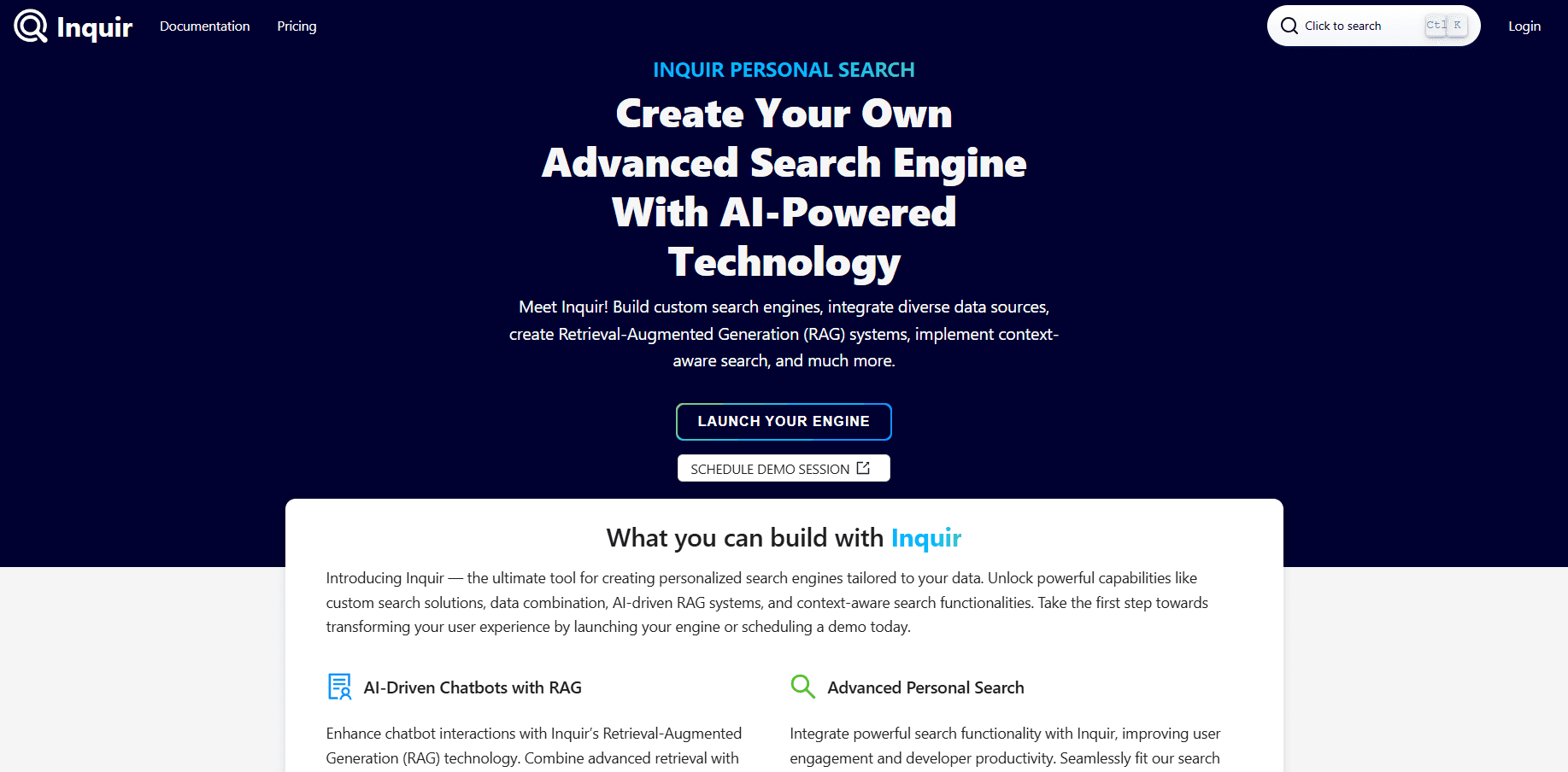
About Inquir
What Is Inquir
Inquir runs a cloud platform that turns containers, functions and pipelines into services without a platform team. You bring a Dockerfile or a piece of code, and Inquir handles the build, the release and the routing. The same account also runs serverless functions for webhooks and scheduled jobs, so a long-lived agent service and the small triggers around it live in one workspace.
For a team that builds AI apps, the draw is the surrounding infrastructure. A long-running agent needs WebSockets, streaming, and a place to keep state. Inquir pairs a container app with managed Postgres and Redis, then exposes the connection URL inside the service variables over a private network. The functions and pipelines that call the agent sit next to it, which cuts the glue work that usually eats the first week of a project.
The limits are practical. The free plan pauses sign-ups when demand runs high, so access depends on capacity. Paid tiers meter resources per account rather than per feature, and the platform aims at small products and growing teams rather than a large enterprise estate. There is no bundled model of its own, so you supply the AI keys.
Getting Started
- Create an account at inquir.org and open the console.
- Write a Dockerfile or pick the default handler for a serverless function.
- Deploy with the CLI, promote the release once your health check passes, and connect a database.
- Add functions or pipelines for the webhooks and schedules that feed the main service.
Product Information
A quick look at Inquir's pricing, supported platforms, and performance.
Best for
The users, tasks, and scenarios where this tool fits best.
Users
- Developers who ship AI agents
- Small product teams without a platform engineer
- Backend engineers who want functions and containers in one place
Tasks
- Deploying a container app
- Running background jobs on a schedule
- Connecting a database over a private network
Scenarios
- Standing up an AI agent backend
- Replacing a self-managed cluster for a side project
- Wiring webhooks to a durable service
Key features
Container applications with health-gated releases
You deploy an API, a website or a worker from a Dockerfile or an image. Each release is an immutable image digest started next to the running one, and it serves only after your health check passes on a preview URL. Promote it when ready, or let it promote itself once healthy. Going back is a pointer flip, not a rebuild.
Serverless functions for triggers and webhooks
Functions run Node.js, Python or Go code on an HTTP request, a webhook or a pipeline step. They suit API handlers, integrations and background tasks that should not keep a dedicated service running. Warm containers reuse a running instance to skip cold starts, and they stop after ten minutes idle to free resources.
Pipelines and scheduled jobs
Pipelines run function calls on a schedule or chain them into multi-step work. You add branches and retries, and follow each step from its input to its result. Alerts and a human-in-the-loop step cover the runs that need a person to check the output before the workflow moves on.
Private networking and managed databases
Every application gets a permanent internal address that only its workspace can reach, and public domains are opt-in. Postgres and Redis come from a template with a persistent volume, a private TCP endpoint and a connection URL. Connect a database to a service and the URL lands in its variables. Volumes are snapshotted every six hours and restorable on demand.
Custom domains with automatic TLS
You bind your own hostname, prove it with a TXT record, and the platform routes it with an automatic certificate. WebSockets and server-sent events pass straight through the proxy, which is what streaming agents need.
CLI, console and runtimes
Build and release with the CLI, stream logs, and open a shell into a running release from the dashboard. Health check, replicas, memory and CPU are release settings rather than YAML. The platform ships Node.js, Python and Go runtimes and can run ML models exported to ONNX.
Pros and cons
Pros
- Handles build, release, routing and rollback, so a small team ships a service without running a cluster.
- Puts functions, containers and pipelines in one workspace, which keeps the glue between an agent and its triggers in one place.
- Managed Postgres and Redis arrive with a private endpoint and a connection URL wired into the service.
- Rollback is a pointer flip, and a failed release reports the reason instead of spinning.
Cons
- The free plan pauses sign-ups when demand is high, so new access is not guaranteed.
- Paid plan prices and resource limits sit behind the account catalog rather than a public page.
- It targets small products and growing teams, so very large enterprises need the custom Enterprise terms.
- There is no built-in model or search engine of its own, so you bring your own AI keys and data stack.
Frequently asked questions
Inquir is used to run applications and AI agent backends in the cloud. You deploy a container or a serverless function, connect a managed database, and add pipelines for scheduled or multi-step jobs, all from one workspace and one CLI.
Related content
Explore related tools, skills, and articles for Inquir.
Inquir Alternatives

Base Code
Base44 (Wix) · Coding · ProductivityBase Code is a shared cloud development environment from Base44. Teammates describe changes to an existing GitHub codebase in chat, preview them live and send them back as pull requests.

Google EmbeddingGemma 2
Google DeepMind · Writing · Image · CodingGoogle EmbeddingGemma 2 is a 740M-parameter open model that turns text, code, images, audio, and video frames into vectors in one 768-dimension space, running on phones and laptops.

GitGlow
GitGlow · Coding · ProductivityGitGlow is a local-first desktop Git client that lets independent developers review their own code and their AI agents' changes in one place before shipping.