

InsForge
InsForge · Coding
InsForge is an AI-native backend platform that lets coding agents run a full application backend through one command-line tool. Instead of clicking through a cloud dashboard, an agent provisions the Postgres database, writes authentication and storage policies, deploys edge functions, and ships the frontend on your behalf. The core platform is open source under Apache-2.0, and pricing runs from a free tier to a $25 per month Pro plan and custom enterprise terms.
About InsForge
What Is InsForge
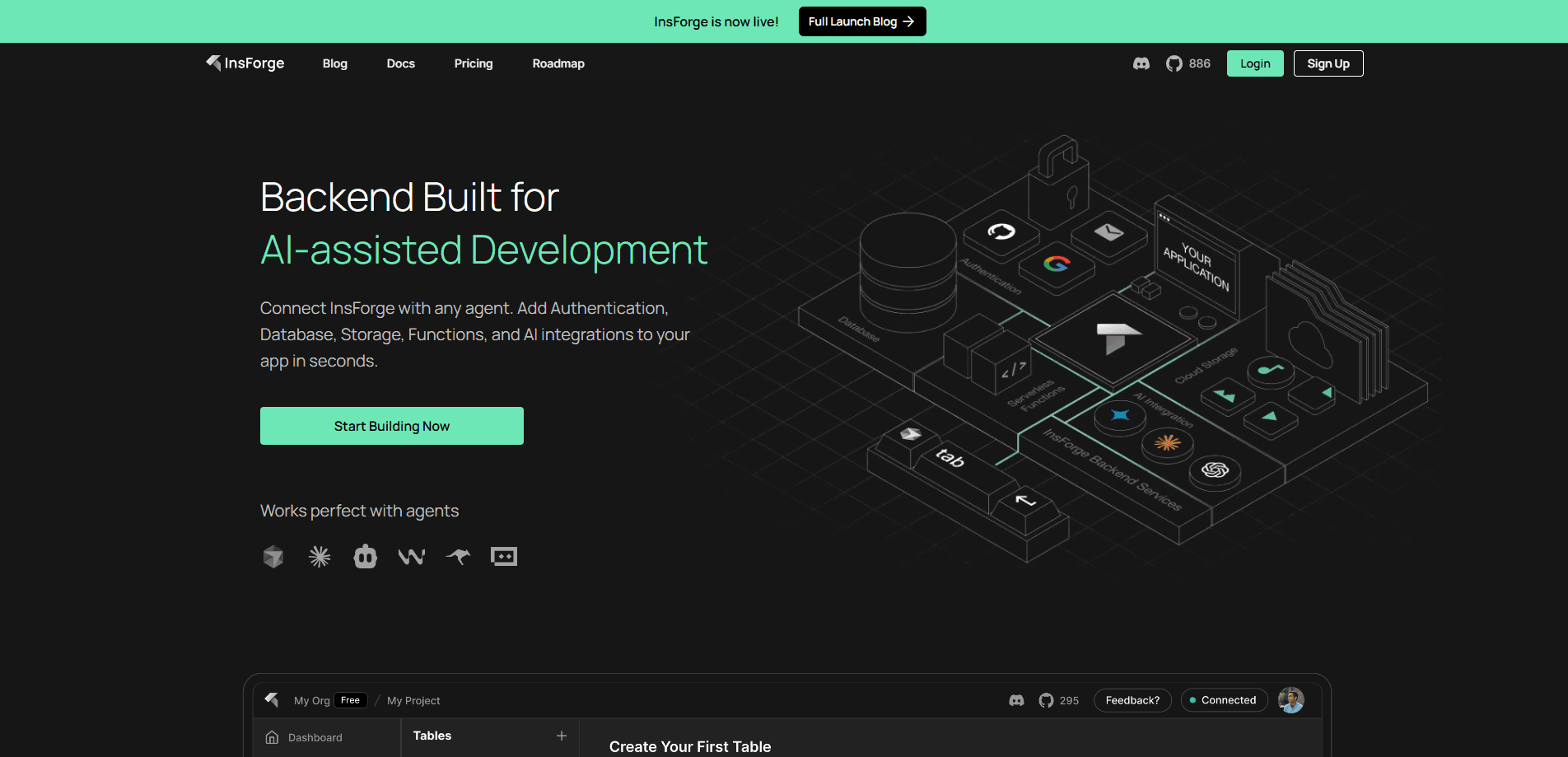
InsForge is an agent-native backend platform built for AI coding agents. Where a traditional cloud service expects a human to click through a dashboard, InsForge expects an agent to drive everything through its CLI and a set of agent skills. The database, authentication, storage, edge functions, realtime subscriptions, compute, site hosting, and an AI model gateway all sit behind one interface. You describe what you want, and the agent builds the backend around it. That's the shift. You stop wiring services together by hand.
The main problem it solves is setup friction. Standing up a real backend usually means stitching together a database provider, an auth service, file storage, and a hosting platform, then wiring them together by hand. InsForge folds those pieces into a single project so an agent can move from an empty repo to a working app without switching between five consoles. It shares a lot of ground with Supabase, and it uses Postgres underneath, so standard PostgreSQL tools and migration paths still apply. That's the trade. Less setup, more agent.
There are real limits worth knowing up front. Free projects pause after one week of inactivity. Anything you want to stay live needs a paid plan. Commercial features like SOC 2 compliance, SSO, and HIPAA are gated behind the Enterprise tier. That's a hard line for regulated teams. And because agents drive the work, an agent that misreads your intent can make changes fast. That's why the platform leans on branching and review to keep production safe.
Getting Started
- Create an account at insforge.dev and start a new project, then copy your API key and project URL.
- Install the CLI with
npx @insforge/cliand connect it to your project using that API key. - Add the InsForge MCP server to your coding agent so it can call InsForge tools directly during a session.
- Ask the agent to provision the pieces you need, such as a table with per-user access rules or a login flow.
- Deploy the frontend from the same project once the backend is in place.
Product Information
A quick look at InsForge's pricing, supported platforms, and performance.
Best for
The users, tasks, and scenarios where this tool fits best.
Users
- Solo developers building full-stack apps with a coding agent
- Small teams that want Postgres plus auth and storage without extra vendors
- Developers moving off Supabase
Tasks
- Standing up a working backend in an afternoon
- Adding authentication to an existing app
- Experimenting with backend changes safely
Scenarios
- Prototyping an MVP over a weekend
- Evaluating a backend platform before committing
- Running an app that calls multiple LLMs
Key features
Agent-driven provisioning
InsForge is built around the idea that an agent, not a human, does the setup. Through the InsForge CLI and its agent skills, a coding agent creates the database, writes auth and storage policies, deploys functions, and ships the app. The agent gets full context on your schema, tables, policies, and logs, so it acts on real state instead of guessing at endpoints. That's the part that separates InsForge from a dashboard-first platform.
Managed Postgres database
Every project gets its own Postgres instance, with built-in pgvector for vector search. Agents can read the schema, run migrations, and write row-level security policies directly. Because it's standard Postgres, the usual import and export tools work, which is what makes moving data in and out realistic. Your data stays portable.
Authentication and access control
InsForge handles user sign-up, login, sessions, and OAuth providers like Google and GitHub. What matters for multi-user apps is JWT-based row-level security: you define who can read or write each row, and the database enforces it. Auth and data rules live in the same place, so there's less chance of a gap between them. No separate policy layer to keep in sync.
Edge functions and custom compute
Serverless functions run on Deno with TypeScript, and they can run on a schedule for cron-style jobs. For heavier or longer-running work, custom compute spins up containers next to your project. The split means quick request handlers stay lightweight while background tasks get their own space.
Realtime and a model gateway
Realtime covers database-change subscriptions, broadcasts, presence, and webhook fan-out, so live updates don't need a separate service. Need a chat feature or a live dashboard? The plumbing is already there. The model gateway gives you one InsForge-managed key to call any LLM, with per-project quotas. It's a small thing that removes a recurring headache if your app talks to more than one model.
Pros and cons
Pros
- One project replaces a stack of separate backend services. Fewer accounts. Fewer dashboards.
- Agents get full context on schema, policies, and logs, so they make targeted changes instead of blind API calls.
- Being open source under Apache-2.0 means you can self-host the core platform, and Postgres support keeps your data portable.
- Backend branching gives you an isolated copy of the whole backend, so risky changes land away from production.
Cons
- Free projects pause after one week of inactivity, so a live demo or side project needs a paid plan to stay up.
- Compliance features such as SOC 2, SSO, and HIPAA sit on the Enterprise tier, which rules out the cheaper plans for regulated teams.
- The agent-first model means an agent that misreads your request can change a lot quickly, so branching and review aren't optional.
- Beyond the $25 Pro plan, pricing gets layered, with separate compute instances, usage overages, and a separately billed model gateway and custom compute.
Frequently asked questions
It's an open-source backend for apps built with AI coding agents. You get a Postgres database, authentication, storage, edge functions, realtime, compute, and hosting in one project, all driven through a CLI and agent skills rather than a dashboard.
Related content
Explore related tools, skills, and articles for InsForge.
InsForge Alternatives
Forefront
Forefront · CodingForefront is a web platform for building with open-source AI. It lets you fine-tune leading open-source language models on your own data, evaluate how they perform, and run them through an API or export them to host yourself. Developers who want the convenience of a closed-source platform but insist on owning their models and data are the target audience here.

Startkit
StartKit.AI · CodingStartkit is a boilerplate for building AI SaaS and AI wrapper products. Think of it as an AI startup boilerplate with the boring parts already wired up: authentication, Stripe and Lemon Squeezy payments, usage limits, transactional email, and an AI API starter that talks to OpenAI, Anthropic, Groq, or Llama. You clone the repo, set your price, and start on the part of your product that people actually pay for. It's Next.js under React and Tailwind, so most of the boilerplate code already feels familiar.
Testim
Tricentis · CodingTestim is an AI-powered test automation platform for building and running end-to-end tests across web, mobile, and Salesforce applications. It leans on machine learning to keep tests stable when an interface changes, so teams spend less time fixing broken selectors. Not bad for an automated testing tool you can start using today. You create tests by recording actions in a browser, then optionally add JavaScript when you need more control. It's a solid pick for busy QA teams.