

Biometric Passport Reader
PassportReader · Other
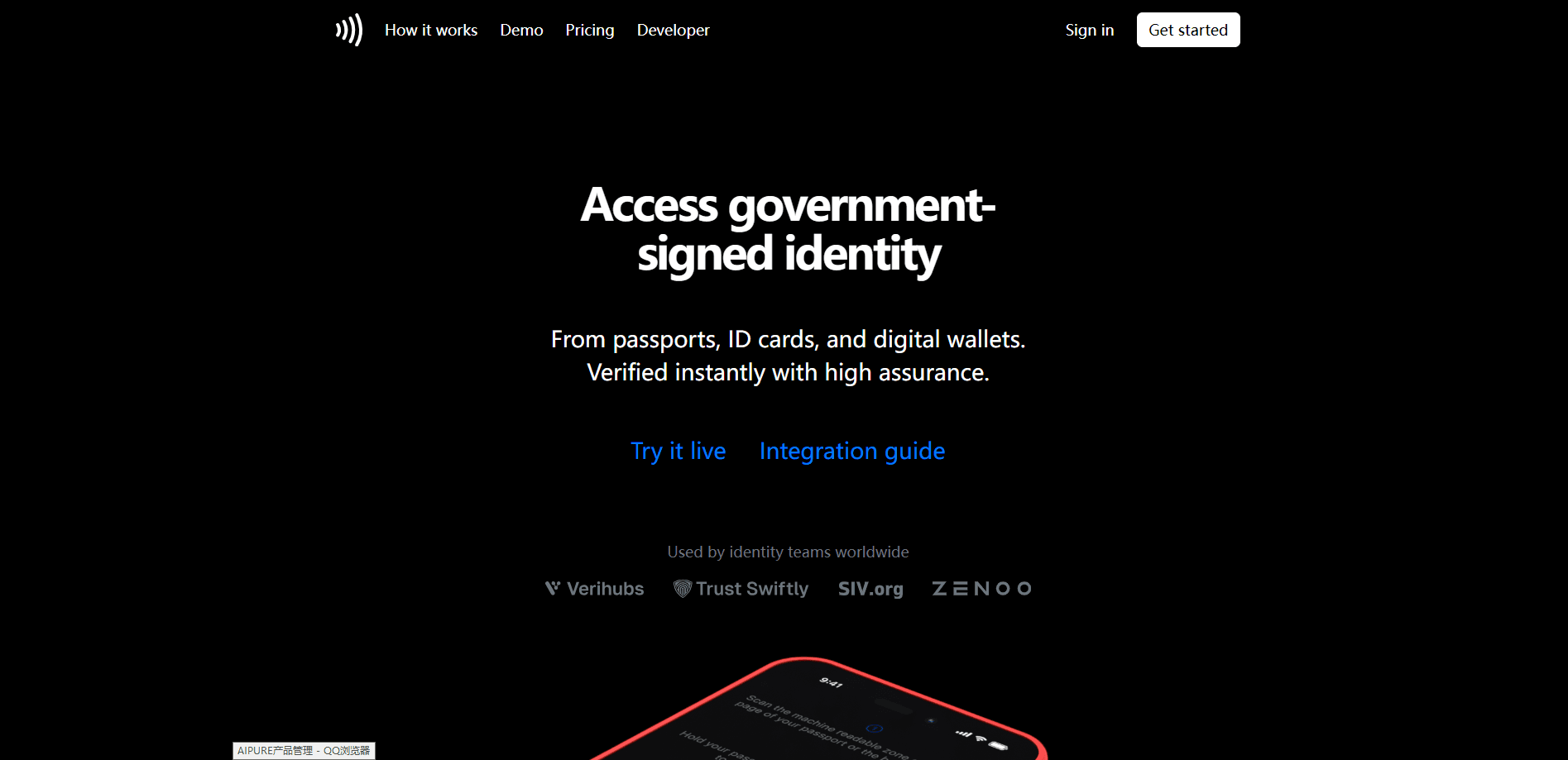
Biometric Passport Reader is an identity verification platform from PassportReader that reads and verifies the cryptographically-signed chips inside passports, national ID cards, and digital wallets. It checks each chip's digital signature against the issuing government's certificate chain, so businesses can confirm someone is who they claim to be without handling paper documents. Teams in fintech, travel, workforce, and marketplaces use it to cut onboarding fraud while keeping conversion high. Pricing starts at $0.10 per verification, and you can build and test for free on the Developer plan. It reads the chip. That's it.
About Biometric Passport Reader
What Is Biometric Passport Reader
Why does the signature matter so much? Because the issuing government signs the chip data itself, so there's nothing for a forger to fake at the point of capture. PassportReader reads the biometric chip embedded in a passport or ID card, pulls the data the government signed, and confirms that signature against the issuer's certificate chain. Because the chip data is signed at the source, tampering, cloning, and replay attacks fail the check. Simple as that.
The platform goes past a single scan when you need it. You can stack face matching and liveness detection on top of the cryptographic proof. That gives you two independent signals in one session. Everything runs through a hosted flow the user opens in a browser or native app, then your backend retrieves the verified data.
The clearest limit is scope. This is a developer-facing API and hosted flow. Not a consumer app you install and tap through. Integration happens in production too. There's no sandbox, so you test with the free Developer plan against live sessions. If you want a no-code product, this isn't it.
Getting Started
- Sign up for a free account and open the settings tab to generate a public key and secret. The secret is shown once, so save it somewhere safe.
- From your backend, call the Session API to create a session, passing the public key and secret with HTTP Basic Auth. Set optional flags like face_verification or passport_only if you need them.
- Open the hosted verification flow using the returned token plus your redirect URL, so the user lands back on your frontend once the flow completes.
- Handle that redirect on your frontend, then have your backend call the Session API again to pull the identity data tied to your stored session id.
Product Information
A quick look at Biometric Passport Reader's pricing, supported platforms, and performance.
Best for
The users, tasks, and scenarios where this tool fits best.
Users
- Fintech and banking teams
- Identity providers
- Travel and hospitality operators
- Marketplace and age-gated commerce teams
Tasks
- Verifying a passport or ID card chip
- Adding a second identity factor
- Digital wallet verification
- Retrieving structured identity data
Scenarios
- Opening a bank account in minutes
- Remote hotel or airline check-in
- Verifying marketplace sellers before they list
- Age checks on restricted goods
Key features
Cryptographic Chip Verification
PassportReader reads the biometric chip in a passport or ID card and verifies its digital signature against the issuing government's certificate chain. That means the data is confirmed genuine at the source, not just OCR'd off a page. Tampering, cloning, and replay attempts all fail the check. It earns the "high-assurance" label for exactly that reason.
Unified Document and Wallet Support
Passports, national ID cards, and digital wallet credentials all run through one flow. Your users pick whatever they carry. Your integration handles it the same way either time. One API. One hosted screen. Instead of shoestringing separate vendors for each document type, you get that unified setup for all of them, which shortens the integration work your team has to plan for and maintain over time.
Optional Face Matching and Liveness Detection
When a chip alone isn't enough, you can turn on face verification and liveness detection in the same session. The user's face is matched against the document photo, and liveness blocks photo or video spoofing. That's a real second factor. It sits on top of the cryptographic proof.
Hosted Verification Flow with Redirect
The platform hosts the whole flow. You don't build a camera UI from scratch. You pass a token and your redirect URL, and the flow opens in the most appropriate way for the device, adapting to whatever the user is on. Then it sends the user back to your frontend. That redirect doubles as your completion signal. No polling required.
Session API with Structured Results
A session is created for one user and stays short-lived, which keeps each verification isolated. After the redirect, your backend calls the API to pull identity fields. Given names, surname, nationality, sex, and date of birth all come back as typed JSON. Real-world details like ISO country and currency codes are handled for you.
Developer Plan for Production Testing
Signing up gets you a free Developer plan, and you can build and test at no cost. There's no separate sandbox, so integration and testing happen in production against live sessions. For teams used to staging environments, that's a planning detail worth knowing up front. Adjust your process.
Pros and cons
Pros
- Verifies government-signed chip data rather than trusting a photo or a form. That closes obvious onboarding fraud gaps.
- One API and one hosted flow cover passports, ID cards, and digital wallets, so you avoid juggling multiple vendors.
- Face matching and liveness detection are optional add-ons in the same session, so you can dial assurance up or down by risk.
- Returns clean, typed JSON fields that drop straight into existing signup or KYC systems.
- A free Developer plan lets teams evaluate the real flow before committing to per-verification costs.
Cons
- There's no sandbox, so every test session runs in production. Teams with strict staging rules need to adjust their process.
- It's aimed at developers with a backend, so a non-technical team can't adopt it without engineering help.
- Per-verification pricing means high-volume flows scale costs with usage, which you should model before launch.
Frequently asked questions
It reads biometric chips in passports and national ID cards, plus credentials stored in digital wallets. Each one carries a government signature that the platform checks against the issuer's certificate chain, so verification rests on the chip data itself.
Related content
Explore related tools, skills, and articles for Biometric Passport Reader.
Biometric Passport Reader Alternatives
BinkBink
BinkBink · OtherBinkBink is a free online game platform and AI game maker that lets anyone turn a short text description into a playable browser game. You can jump into hundreds of community-made games. Or describe your own idea and play it in seconds, then share it with friends. Want to create your own game? You don't need to code. No engine setup, no download, no hassle.

Audiogen
Audiogen Inc. · OtherAudiogen is an AI music generator built by Audiogen Inc., a small research team that spent about 2.5 years training its own generative music model and designing a web interface around it. Instead of a plain text box, this AI music tool turns the timeline into a beginner-friendly Generative Audio Workstation, or GAW, where inpainting, extending, remixing and stem editing work more like painting on a canvas. The product is still in beta, so access runs through a waitlist or an invite. Paid plans aren't published yet.

Aiml API
AIMLAPI OÜ · OtherAiml API is a unified AI model API that puts more than 1000 models from OpenAI, Google, Anthropic, and others behind one endpoint and one bill. You write code against a single OpenAI-compatible schema, then switch between chat, image, video, and audio models by changing a model string. It suits developers and small teams who want multi-model access without juggling a dozen separate provider accounts, and it removes the usual billing headache that comes with testing several vendors. One key covers it all.