

IronClaw
Near Foundation · Voice & Language
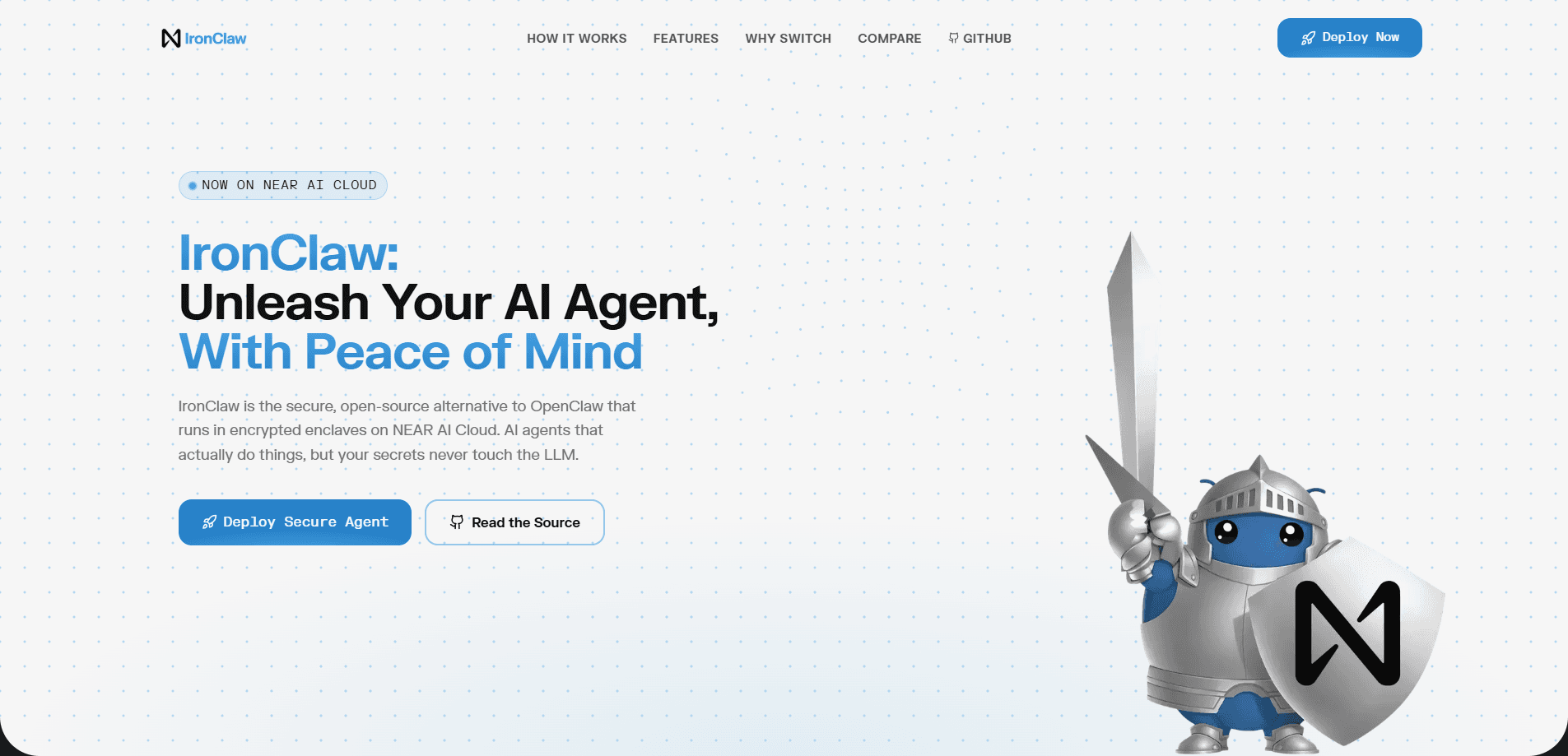
IronClaw is a secure, open-source AI agent platform built in Rust by the Near Foundation. It runs personal assistants that handle inbox triage, meeting prep, release tracking, and KPI reporting while keeping your credentials in an encrypted vault that the language model never sees. Each tool runs in its own WebAssembly sandbox. Network calls go only to approved hosts. You can self-host it, or spin one up in a managed enclave for free to start.
About IronClaw
What Is IronClaw
IronClaw is an Agent OS, which means it's the layer your AI assistant runs on rather than a single chat app. The pitch is simple. Your assistant should act on your behalf without handing your secrets to anyone else. It stores everything locally and encrypted, ships as auditable open source, and builds new connectors on the fly when you ask for one. The project comes from Near Foundation and works with the tools people already use, including Gmail, Slack, Telegram, GitHub, Linear, and Google Sheets.
The core security story is what separates it from a general chatbot. Secrets sit in an encrypted vault and get injected at the host boundary. The model never reads your API keys or passwords. Tools run in isolated WebAssembly containers with capability-based permissions, HTTP requests are limited to an allowlist, and prompt injection is handled at the architecture level instead of with a polite instruction. Ever worried about handing an agent your login? That's the gap IronClaw tries to close.
Setup isn't plug-and-play. It assumes some comfort with a terminal, and the managed cloud option is newer than the self-hosted path. Free-tier limits on agent count and tokens mean heavy users will eventually need to pay. Treat it as a platform for people who want control over their automation, not a polished turnkey assistant.
Getting Started
- Install the binary on macOS, Linux, or Windows/WSL using the one-line installer from the releases page, then set your release tag.
- Run
ironclaw onboardto pick an LLM provider, paste your API key into the hidden prompt, and choose a model. - Let the guided setup provision your local config, encrypted credential store, and WebUI login token.
- Open the WebUI link it prints and start chatting with your agent to create your first routine or connector.
- Check status anytime with
ironclaw status, which also reprints the login link.
Product Information
A quick look at IronClaw's pricing, supported platforms, and performance.
Best for
The users, tasks, and scenarios where this tool fits best.
Users
- Developers and power users who want a self-hosted AI assistant they can audit, with the tradeoff of a terminal-based setup.
- Privacy-conscious professionals who handle sensitive email or client data and don't want secrets passed to a model.
- Small teams that want shared automation like KPI reporting or release tracking without paying per-seat SaaS prices.
Tasks
- Inbox triage
- Meeting prep
- Release and deployment monitoring
- Task capture
Scenarios
- Running daily automations like a morning briefing across calendar, email, and tasks without babysitting them.
- Keeping credentials safe while an agent touches Slack, Gmail, and internal APIs on your behalf.
- Building a custom connector for a tool that has an API but no existing integration, since IronClaw writes new tools on request.
Key features
Encrypted Credential Vault
Secrets never reach the model. IronClaw stores credentials in an encrypted vault and injects them at the host boundary with leak detection, so an agent can act on your account without ever exposing your keys. That matters. It's the difference between trusting an agent with your login and not having to.
WebAssembly Tool Sandbox
Every tool runs in its own isolated WebAssembly container with capability-based permissions. A misbehaving or untrusted integration can't reach outside what it's been granted. That limits the damage a bad connector or a compromised dependency can do.
Prompt Injection Defense
Instead of a polite instruction telling the model not to leak data, IronClaw enforces pattern detection, content sanitization, and policy checks at the architecture level. Network access is restricted to an allowlist of approved hosts and paths, so a hijacked prompt has nowhere to send your data.
Self-Expanding Connectors
Ask for an integration that doesn't exist yet and IronClaw builds and sandboxes a new tool on the fly. It works with Gmail, Slack, Telegram, GitHub, Linear, and Google Sheets out of the box. Anything else with an API is fair game.
Routines and Background Automation
Cron schedules, event triggers, and webhook handlers let agents run without you watching. A heartbeat system handles proactive monitoring, and background subagents can spawn children that deliver results on their own.
Managed Trusted Execution Environment
For people who don't want to run their own hardware, the hosted option spins up to five agents inside a Trusted Execution Environment with up to 130 million tokens per month. The Starter tier is free to try. You still get the same security model.
Pros and cons
Pros
- Secrets stay out of the model's reach, which removes the biggest objection to handing an agent your accounts.
- Written in Rust with compile-time memory safety, a real step up from runtime-garbage-collected agent frameworks.
- Open source and auditable, with no hidden telemetry or data harvesting baked in.
- Builds new connectors on demand, so missing integrations don't block you.
- Free managed tier makes the security features testable before you commit to self-hosting.
Cons
- Setup leans on the terminal, so non-technical users will find the onboarding steeper than a consumer app.
- The free managed tier caps you at limited agents and monthly tokens, which heavy automation will outgrow.
- The hosted cloud option is newer than the self-hosted path, so expect fewer rough edges there over time.
- Documentation still favors developers, and a newcomer may need to piece together guides across the repo and site.
Frequently asked questions
It's an open-source AI assistant for automating busywork like inbox triage, meeting prep, release tracking, and KPI reporting. Think of it as an AI automation agent you can audit. You hand off recurring tasks and it runs them in the background, with your credentials kept out of the model's hands.
Related content
Explore related tools, skills, and articles for IronClaw.
IronClaw Alternatives

Foley
Hanamori Labs, LLC · Voice & Language · Productivity · AI AssistantFoley is a voice to-do list that turns a spoken sentence into a filed task, complete with project, date and time, then helps you plan the day around what is already there.

HireKey
HireKey · Voice & Language · Productivity · LeaningHireKey is an AI job search copilot built by a former tech recruiter. It checks role fit, tailors resumes, runs interview practice and tracks every application.

Fluence
Yay Software (Yannick Huchard) · Writing · Voice & Language · ProductivityFluence is an Android app that reads PDFs, EPUBs, Word files and web articles aloud, follows each sentence as it speaks, and answers questions about the text on the phone itself.