
Jan AI
Menlo Research · Other
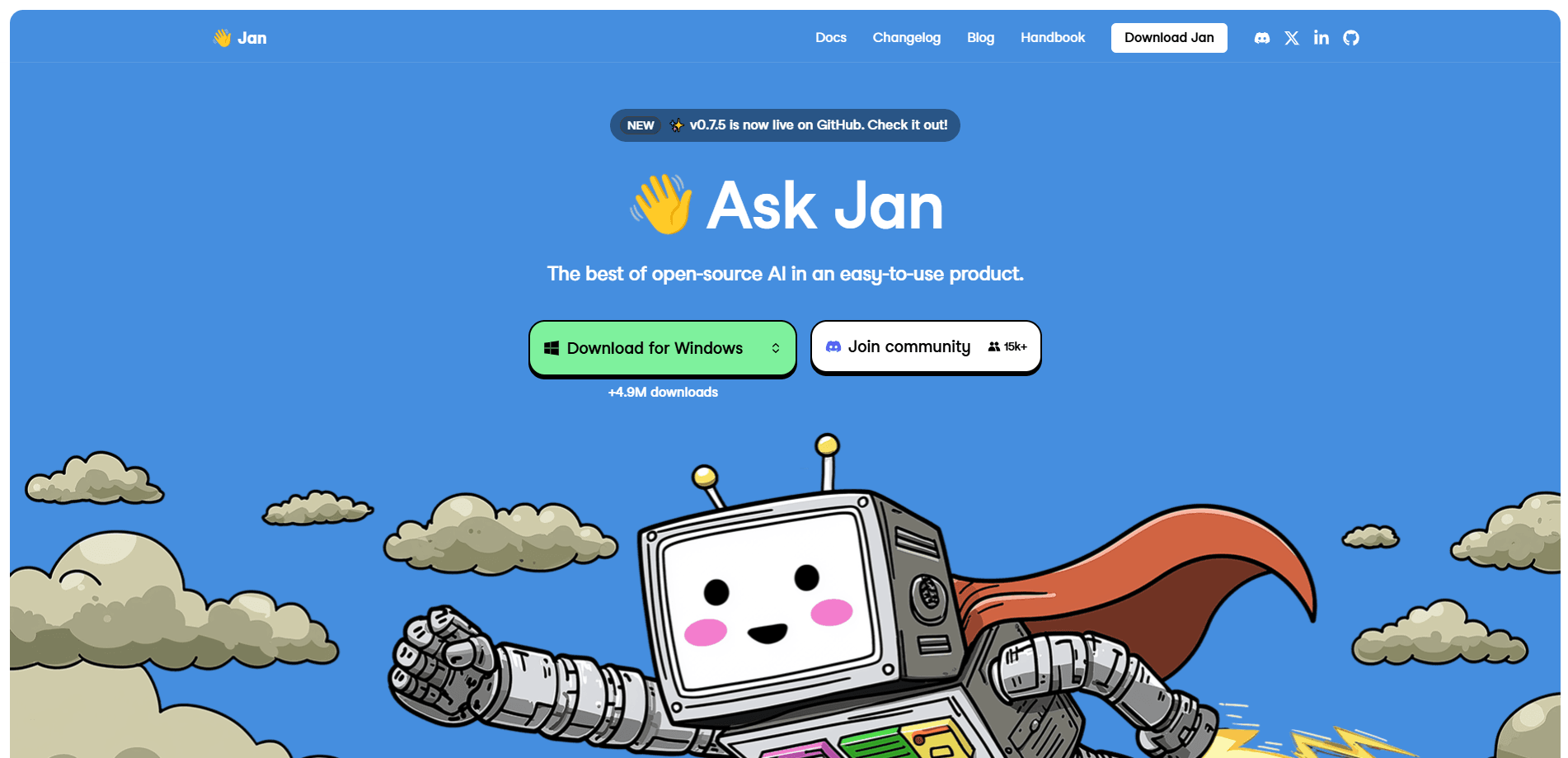
Jan AI is a free, open-source desktop application that runs large language models directly on your own computer. It's a local LLM app you download once and then use without a server. You pick a model, click Use, and start chatting. Nothing leaves the machine. It suits privacy-minded users, developers who want a local API, and anyone tired of paying per-token for basic AI help. Because it runs offline, Jan AI doubles as a private AI chat tool for sensitive work. No account needed. No bill at the end of the month.
About Jan AI
What Is Jan AI
Jan AI is an open source ChatGPT alternative that runs 100% offline on your machine. The company behind it, Menlo Research, ships it as a desktop app for Windows, macOS, and Linux, and you can also deploy it through Docker. Instead of routing your prompts to a cloud service, Jan AI loads a model onto your hardware and answers from there. Your conversations never leave your computer unless you connect an external API on purpose.
The biggest thing it solves is the trade-off between convenience and privacy. With most chatbots you get a clean interface but hand over your data. With raw tools like llama.cpp you keep control but fight with the command line every time you want to swap a model or change a setting. Jan AI sits in the middle, giving you a familiar chat window, a model hub for downloads, and a local API server, so non-technical users can start in minutes while developers still get something real to build on. That balance is rare.
The main limit is your hardware. Small models run fine on a modern laptop. Anything large needs serious RAM or a dedicated GPU, and even then the quality won't always match a top cloud model, because the open weights you can fit on a home machine are usually a step or two behind the biggest hosted systems. You also need to download models before your first chat, which can mean several gigabytes over your connection. Jan AI has no paid tier, so there's no support contract or managed hosting behind it.
Getting Started
- Go to jan.ai and download the installer for your system (Windows, macOS, or Linux), then run it.
- Open the app and head to the model hub, then pick a model like Llama, Mistral, or Gemma and click download.
- Once the download finishes, hit Use to set that model as your active assistant.
- Type your first prompt in the chat window and send it. Everything runs locally from here.
- Optional: open Settings, start the local API server, and point any OpenAI-compatible app at
http://127.0.0.1:1337.
Product Information
A quick look at Jan AI's pricing, supported platforms, and performance.
Best for
The users, tasks, and scenarios where this tool fits best.
Users
- Privacy-focused users
- Developers
- Students and hobbyists
Tasks
- Sensitive drafting
- Offline brainstorming
- Local prototyping
Scenarios
- Long-haul travel where Wi-Fi is unreliable
- Small teams handling confidential material
- Learning how local models behave
Key features
Fully Offline Chat
Jan AI runs the whole conversation on your hardware, so the app works with no internet connection at all. Your messages and the model's replies go straight to local storage instead of a server. Nothing leaves the machine. That's the core reason people pick it over a hosted chatbot. If you connect a remote API later, that's a choice you make, not a default. Simple as that.
Local OpenAI-Compatible API Server
The app ships with a local API server that speaks the same format as OpenAI's endpoints, so it returns responses your existing code already knows how to read. Start it from Settings and it listens on http://127.0.0.1:1337. Any tool or script that already talks to OpenAI can point at that address with a one-line change. For developers, this turns a free download into a drop-in backend for testing and small deployments. Handy.
Model Hub and Custom Models
A built-in hub lets you browse and download popular open models, and you can paste a Hugging Face link to pull something specific if the one you want isn't listed in the default catalog. Jan AI supports the GGUF format and runs on engines including llama.cpp, with TensorRT-LLM as another option for people who want faster inference on supported hardware. Switching models mid-conversation is quick, so you can compare a small fast model against a bigger one for the same task. Want a quick answer? Grab a tiny model. Need depth? Load a larger one.
Cross-Platform Desktop App
One app covers Windows, macOS, and Linux, and there's a Docker path for server setups. The Jan.ai desktop interface is the same across systems, so what you learn on a laptop carries over to a desktop without relearning anything. For teams running mixed hardware, that consistency saves the kind of setup fiddling that usually eats an entire afternoon and leaves everyone annoyed.
Extensions and Assistants
Jan AI is built as an extensible framework, and its own features sit on top of that layer. Developers can add plugins and build custom assistants with their own instructions. You can also attach files like PDFs or text documents and let the model read them, which is useful when you're summarizing a long report or pulling answers out of a manual instead of pasting text by hand. It's the part that keeps the app from being just a chat box.
Data You Can Move
Conversations are stored as local files, which means you can delete, export, or migrate them whenever you like. You aren't locked into a vendor whose export button mysteriously doesn't exist, and you don't have to file a support ticket just to get your own chat history back. If you decide to leave, your history travels with you. No export wizard. No waiting.
Pros and cons
Pros
- Completely free and open source, with no subscription and no per-token billing.
- Works offline, so it keeps running when your connection doesn't.
- Local API server is OpenAI-compatible, which makes it easy to slot into existing projects.
- Runs on Windows, macOS, and Linux from a single download.
Cons
- Model quality depends on your hardware. Big models need lots of RAM or a strong GPU.
- You have to download models before chatting, and large ones take time and disk space.
- No official managed support tier, so troubleshooting leans on the community and docs.
Frequently asked questions
Yes. Jan AI is free and open source, with no paid plans and no token charges. You only spend money on your own hardware and electricity. If you choose to connect to a paid API like OpenAI or Anthropic, that cost is separate and optional.
Related content
Explore related tools, skills, and articles for Jan AI.
Jan AI Alternatives
BinkBink
BinkBink · OtherBinkBink is a free online game platform and AI game maker that lets anyone turn a short text description into a playable browser game. You can jump into hundreds of community-made games. Or describe your own idea and play it in seconds, then share it with friends. Want to create your own game? You don't need to code. No engine setup, no download, no hassle.

Audiogen
Audiogen Inc. · OtherAudiogen is an AI music generator built by Audiogen Inc., a small research team that spent about 2.5 years training its own generative music model and designing a web interface around it. Instead of a plain text box, this AI music tool turns the timeline into a beginner-friendly Generative Audio Workstation, or GAW, where inpainting, extending, remixing and stem editing work more like painting on a canvas. The product is still in beta, so access runs through a waitlist or an invite. Paid plans aren't published yet.

Aiml API
AIMLAPI OÜ · OtherAiml API is a unified AI model API that puts more than 1000 models from OpenAI, Google, Anthropic, and others behind one endpoint and one bill. You write code against a single OpenAI-compatible schema, then switch between chat, image, video, and audio models by changing a model string. It suits developers and small teams who want multi-model access without juggling a dozen separate provider accounts, and it removes the usual billing headache that comes with testing several vendors. One key covers it all.