

Jarq
Jarq (Birzhan Abishev) · Writing · Voice & Language · Productivity
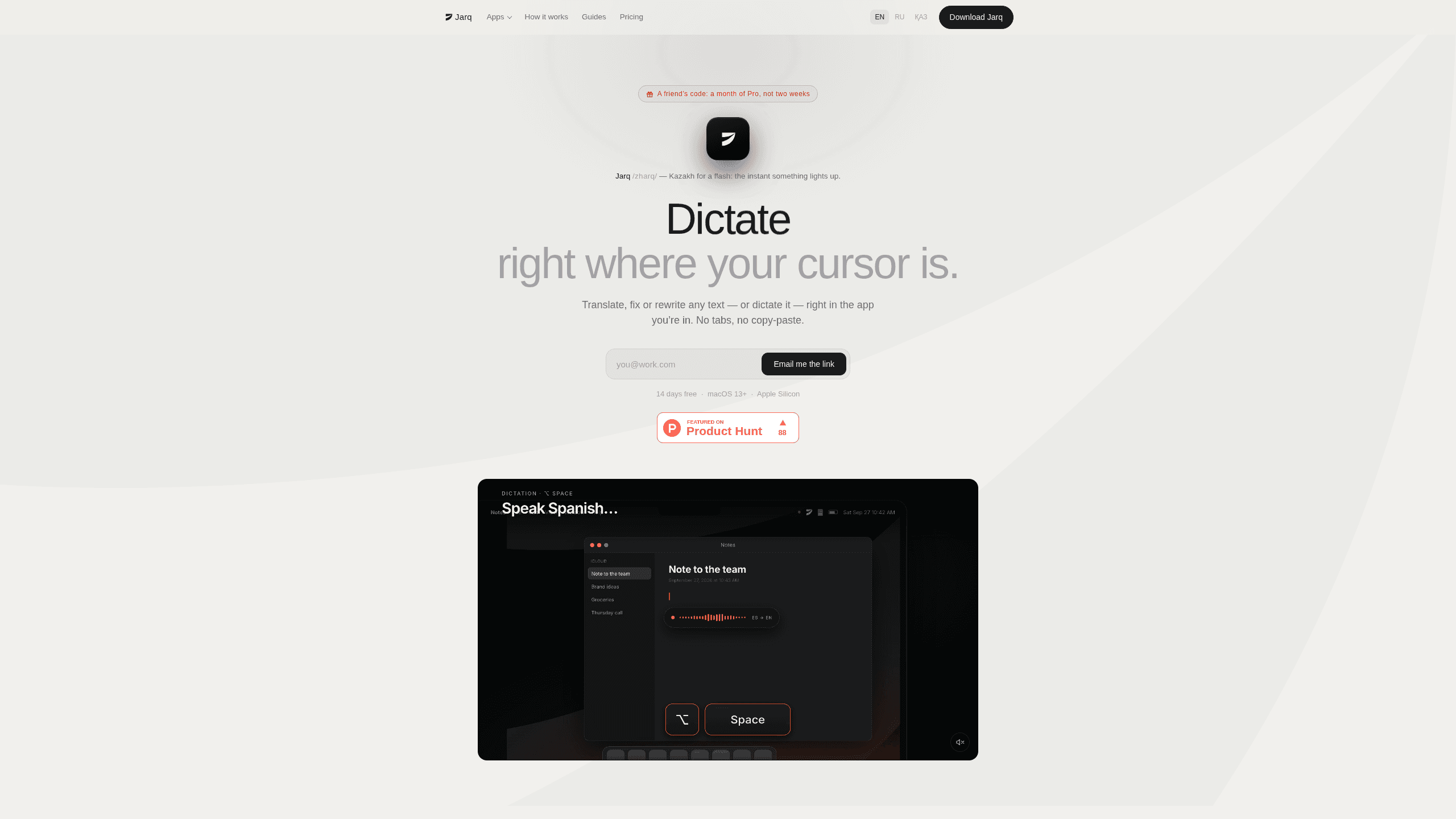
Jarq is a Mac app that translates, shortens, fixes, or rewrites the text you select without leaving the app you're in, and types dictated speech at your cursor.
About Jarq
What Is Jarq
Jarq is an AI writing assistant for Mac users who write across several apps and languages in the same afternoon. Highlight a sentence anywhere and a small row of buttons appears next to it. Translate it, tighten it, fix the grammar, or run an instruction you wrote yourself. The result replaces the selection, so you rewrite text in place and the window you're working in stays where it was.
Calling it a macOS text translator undersells the rest of the app, which covers two jobs that usually sit in separate tools. Text actions handle whatever you highlight: a draft email, a paragraph in a PDF, a component label in Figma, a commit message in your editor. Dictation handles the other direction. Press the shortcut, speak, then press it again, and cleaned text with punctuation and capitals lands in the field you're already typing in.
Two limits matter before you install anything. Jarq runs only on Apple Silicon Macs with macOS 13 Ventura or newer, so Intel machines and Windows are out. Translation and the text actions also need a connection, because that work happens on Jarq's servers. Dictation in the language you speak can run offline once you install the optional speech model.
Getting Started
- Download the app from jarq.app and drag it into Applications. The first 14 days of Pro are free, with no card and no account.
- Grant the permissions macOS asks for. Accessibility is the important one, since Jarq reads your selection and types the replacement back into the same field.
- Select text in any app. If the buttons appear, click the one you want. If the app blocks the selection, press the grab shortcut and the row opens anyway.
- For speech, press the dictation hotkey, talk, then press it again. The finished sentence appears at the cursor.
- Open settings to remap hotkeys and save your own instructions as buttons.
Product Information
A quick look at Jarq's pricing, supported platforms, and performance.
Best for
The users, tasks, and scenarios where this tool fits best.
Users
- Multilingual writers
- Designers and product managers
- Developers working in a second language
- Students and researchers
Tasks
- Translating a paragraph or a single label
- Tightening a draft email
- Fixing grammar before sending
- Dictating a reply
- Building custom text shortcuts
Scenarios
- Reading a PDF in a language you don't speak well
- Writing English at work when it isn't your first language
- Working in a terminal or a canvas app
- Moving between a laptop and a desk Mac
Key features
Text actions that stay in place
The core of the Jarq app is a floating action row tied to your selection. Translate, shorten, fix, or rewrite, and the new text takes the place of the old one. Nothing is copied out and pasted back, which is the part that usually breaks concentration.
Dictation that returns finished sentences
Press the dictation hotkey, speak, then press it again. Jarq adds punctuation and capitals, drops filler words, and types the result into whatever field has focus. Unlike the built-in macOS dictation, it can also translate as you speak.
Speak one language, type another
Say a sentence in Russian and English appears in the input. The app supports 13 languages, including English, Spanish, Portuguese, French, German, and Russian. Speaking one language while typing in another is the feature that saves the most time for bilingual teams.
Custom instruction buttons
You can write your own instruction, such as "shorten this" or "make it formal", and save it as a button next to the language choices. Selected text is treated as material, never as a command, so a sentence that happens to read like an order won't be executed.
Works where selection normally fails
Some apps, terminals and canvas tools among them, don't expose a text selection to system utilities. The grab shortcut pulls the text out anyway. That turns a Mac dictation app and a rewriting tool into something usable inside a code editor or a Figma canvas.
On device dictation, free on every plan
Install the optional speech model and dictation runs entirely on your Mac. It works without a connection, is unlimited on the free plan, and isn't counted against the daily limit. Translation and text actions still go to Jarq's servers, so those are the parts that count.
Local history and remappable hotkeys
Every hotkey can be reassigned, and the history of past actions stays on your Mac rather than in an account. There's no sign-up to use the app, which also means there's no profile to manage or delete later.
Pros and cons
Pros
- No copy and paste loop. The rewritten text lands in the same field you started from.
- The free plan never expires. It allows 5 dictations or translations a day, and on-device dictation is unlimited.
- A lifetime licence at $179 removes the subscription for people who plan to keep using it.
- Custom buttons cover repeat edits that a plain translator can't handle.
- Text and voice are not stored on Jarq's servers, and history stays local.
Cons
- Apple Silicon and macOS 13 or newer are required, so older Macs and every Windows PC are excluded.
- Translation and the text actions need an internet connection, which makes the app useless on a plane unless you only dictate.
- The free tier's 5 actions a day is enough for occasional messages, not for a full working day.
- There's no iPhone, iPad, or Windows version, and no public API to build on.
Frequently asked questions
Yes, with a daily cap. Every install starts with 14 days of Pro, and after that the free plan allows 5 dictations or translations a day with no expiry. Dictation through the on-device model is unlimited on every plan because it never reaches Jarq's servers.
Related content
Explore related tools, skills, and articles for Jarq.
Jarq Alternatives

Google EmbeddingGemma 2
Google DeepMind · Writing · Image · CodingGoogle EmbeddingGemma 2 is a 740M-parameter open model that turns text, code, images, audio, and video frames into vectors in one 768-dimension space, running on phones and laptops.

MePersona
MePersona, Inc. · Writing · Productivity · MarketingMePersona is an AI unified inbox for creators. It learns your voice, drafts replies to fan messages from 12 platforms, and sends only what you approve.

Fluence
Yay Software (Yannick Huchard) · Writing · Voice & Language · ProductivityFluence is an Android app that reads PDFs, EPUBs, Word files and web articles aloud, follows each sentence as it speaks, and answers questions about the text on the phone itself.