

Jarvis: AI Copilot Chat
Jarvis CX (JARVIS AI COMPANY LIMITED) · Marketing · Chatbot
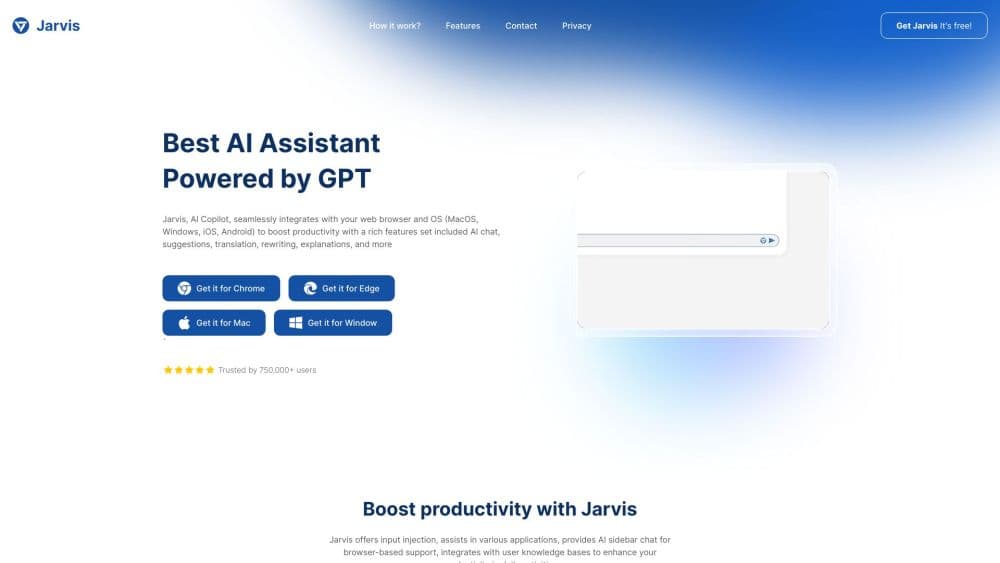
Jarvis AI Assistant is an AI copilot built as a browser extension, with a chat sidebar and 30+ AI models on any page, so you can write, translate, summarize, and check grammar without switching tabs.
About Jarvis: AI Copilot Chat
What Is Jarvis
Jarvis AI Assistant is a Chrome extension built by Jarvis CX, a Ho Chi Minh City studio. Once installed, a panel sits on the side of whatever page you have open. You type a prompt, pick a model, and get an answer without leaving the tab or copying text back and forth. The same panel works as an AI writing assistant, an AI translation extension, and a grammar checker, all in one place.
The problem it targets is tab juggling. Many people keep a ChatGPT extension tab open, a translator in another, and a grammar tool in a third. Jarvis folds those into one sidebar and adds templates for recurring jobs such as email replies and summaries. It also offers a chat view on the vendor's site and a mobile app, but the extension is the main product.
Two limits decide whether it is worth installing. The models are not yours; the vendor routes requests to third-party providers, so quality and availability move with whatever is behind the panel. And the extension reads the page you run it on, which is how it summarizes and rewrites content. Jarvis says it doesn't sell that data, yet anyone working with confidential pages should weigh that access before turning it on everywhere. Its business has also shifted toward a helpdesk platform, so the extension reads more like a long-running product than the company's main bet.
Getting Started
- Open the Chrome Web Store listing and add the extension, then pin it to the toolbar so the panel is one click away.
- Sign in with an email account. Jarvis sets up a free profile, and a paid plan unlocks more models and a higher usage limit.
- Pick a model from the switcher and type a prompt, or select text on the page and use the action menu to rewrite, translate, or explain it.
- Save the prompts you reuse as templates, so the email reply or summary workflow is two clicks next time.
Product Information
A quick look at Jarvis: AI Copilot Chat's pricing, supported platforms, and performance.
Best for
The users, tasks, and scenarios where this tool fits best.
Users
- Students and researchers
- Office workers who write all day
- Multilingual writers
Tasks
- Summarizing a long article or document
- Replying to email
- Checking grammar and tightening wording
- Translating page content
Scenarios
- Working through a stack of research tabs
- Writing in a language you are still learning
- Handling a shared work laptop
Key features
Multi Model Sidebar
The panel lists more than thirty models from OpenAI, Anthropic, Google, Meta, DeepSeek, and others, and you switch between them for a single prompt. That is useful when one model handles code well and another writes better prose. The tradeoff is that a single subscription spans providers with different rules on data and output.
Writing and Rewriting on the Page
Select text on any site and the action menu offers rewrite, shorten, expand, and fix grammar. It works in Gmail, Google Docs, LinkedIn, and ordinary web forms, which covers most of the places people actually type. The output lands in place, so the flow stays inside the page you were already using.
Translation
Translation runs through the same models and keeps the page context, so a paragraph about a technical topic keeps its terms instead of drifting into literal wording. You choose the source and target language, and long passages can be split into sections. It helps with reading foreign sites. A native check still matters for anything published.
Prompt Templates
The extension ships with a library of ready made prompts for emails, summaries, social captions, and study notes. You can save your own prompts and reuse them across sites. That turns recurring tasks into a two click action rather than retyping a long instruction each time.
Mobile and Web Access
Beyond the extension, Jarvis runs as a chat interface on jarvis.cx and as an app for iOS and Android. An account carries the same history across them, so a conversation started on a laptop can be continued on a phone. The sidebar features are browser bound, and the mobile app is closer to a standard chat client.
Privacy Controls
The listing states that personal communications, user activity, and website content are handled, and that the data isn't sold to third parties or used to set creditworthiness. You can turn the extension off for specific sites. Reading that disclosure is worth the minute it takes if you plan to use Jarvis on work pages.
Pros and cons
Pros
- One install replaces a chat tab, a translator, and a grammar checker, which cuts context switching on long research days.
- More than thirty models behind one login, so you can compare answers without separate subscriptions to each provider.
- Page level actions work inside Gmail, Docs, and ordinary forms, so the tool follows you rather than waiting in its own window.
- The free plan is enough to judge output quality before paying, and mobile apps carry the same account.
Cons
- The extension reads the pages it runs on, so confidential or regulated content deserves a policy check before wide use.
- Model quality depends on the vendor's routing and changes without notice, which makes results hard to reproduce weeks later.
- The vendor's public pricing page now centers on its helpdesk product, so plan details for the extension are thin outside the in-app screens.
- Site specific features break when a website redesigns its editor, and fixes depend on extension updates.
Frequently asked questions
It adds a sidebar to your browser where you chat with AI models, rewrite or translate selected text, and run saved prompt templates. It is a productivity layer on top of models from OpenAI, Anthropic, Google, and others, not a model of its own.
Related content
Explore related tools, skills, and articles for Jarvis: AI Copilot Chat.
Jarvis: AI Copilot Chat Alternatives

ngram 2.0
ngram · Video · Marketingngram 2.0 is an AI video generator for teams. It turns a prompt, a screen recording, or a product URL into a narrated explainer, product demo, or AI avatar video, and every scene stays editable.

shippedit.me
Krawlup · Marketing · Businessshippedit.me now redirects to Krawlup, a web platform that audits SEO, AEO and page speed every week, then hands the fixes to AI coding agents over MCP.

MePersona
MePersona, Inc. · Writing · Productivity · MarketingMePersona is an AI unified inbox for creators. It learns your voice, drafts replies to fan messages from 12 platforms, and sends only what you approve.