

Jenni
Jenni AI · Writing
Jenni AI is an academic writing assistant that drafts text from your own PDFs, cites sources in 10,000+ styles, and checks every claim before you submit.
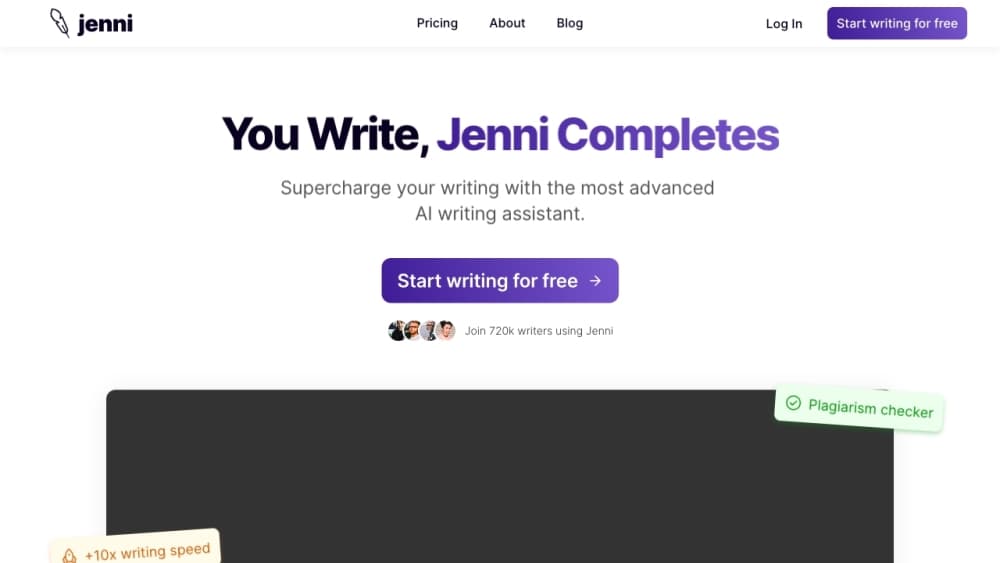
About Jenni
What Is Jenni AI
Jenni AI is a research and academic writing workspace for students, researchers, and academics. It combines an editor, a source library, and an AI chat into one place, so you can import papers, draft your manuscript, and cite sources without switching between apps. It doubles as an AI research assistant, since the same window searches papers and answers questions across your library. The selling point is traceability: every AI suggestion is tied to a specific sentence in a specific PDF you uploaded.
The tool isn't a general chatbot with citations bolted on. Its autocomplete writes from your curated library, not the open web, and it tells you which paper backs each sentence. That matters when a supervisor or reviewer asks where a claim came from. Jenni also leans into the boring parts of research writing, like formatting references in APA, Chicago, or Harvard, and it reads across a whole library to answer questions.
The main catch is scope. Jenni is built for cited academic work, so it's overkill for casual blog posts and doesn't try to be a coding or image tool. Free accounts run on tight daily limits, and non-academic writers may find the citation-first design beside the point.
Getting Started
- Sign up at jenni.ai, then start a new document in the editor.
- Import sources by uploading PDFs or connecting a Zotero or Mendeley library.
- Draft with AI autocomplete, or ask AI Chat questions across your whole library.
- Insert inline citations as you write, choosing from 10,000+ styles.
- Run a review, then export the final manuscript to .docx, LaTeX, or HTML.
Product Information
A quick look at Jenni's pricing, supported platforms, and performance.
Best for
The users, tasks, and scenarios where this tool fits best.
Users
- University students
- Researchers and postdocs
- Multilingual academics
Tasks
- AI literature review
- Referencing and formatting
- Drafting from evidence
- Pre-submission checks
Scenarios
- Finishing a thesis chapter late at night
- Revising after supervisor feedback
- Preparing a journal submission
Key features
Source-Grounded AI Autocomplete
As you write, Jenni suggests sentences drawn from the PDFs in your library rather than the open web. Each suggestion carries a citation, so a draft built this way already points back to real papers. You decide which sources inform each section, which keeps your argument yours.
Traceable Citations in 10,000+ Styles
Every AI-suggested sentence links to the exact page and paragraph in the source PDF, so you can verify a claim in one click. Citations come in more than 10,000 styles, including APA 7th, Chicago, Harvard, IEEE, and Vancouver. Reference lists that would take an hour to format come together in seconds.
Ask Your Library With AI Chat
AI Chat reads across your full library and answers with citations, so you always know which paper said what. You can ask it to explain a methods section, compare findings between two studies, or find which source discusses a concept. Citation filters narrow answers by year, impact factor, or preprint status.
Research Discovery Across 200M+ Papers
Jenni searches a large academic index without leaving the editor, and semantic search surfaces relevant papers even when you don't know the exact keywords. Between the editor and the AI paper writer behavior of its autocomplete, you rarely need a second tool. You can add sources, cite them, and read full-text open access papers in the same window. That removes the hop between a browser tab and your draft.
Pre-Submission Reviews
Reviews analyzes claims in your draft and sorts them into verdicts like supported, unsupported, or contradicted. It also runs academic proofreading and flags grammar and word choice issues. The point is catching the weak spots reviewers tend to reject papers over.
Collaboration and Exports
Multiple authors can work on a document in real time, leaving inline comments and suggested edits. You can invite a supervisor as a viewer or commenter so they give feedback without editing your text. Documents export to .docx, LaTeX, or HTML when the draft is ready.
Pros and cons
Pros
- Every AI suggestion links back to a specific sentence in a source PDF, so claims stay auditable.
- Autocomplete writes from your own library instead of the open web, which keeps drafts grounded in the papers you chose.
- Citation formatting covers 10,000+ styles, which saves real time on reference lists.
- AI Chat reads across an entire library, so you can pull cited answers without re-reading each paper.
Cons
- Free accounts cap autocompletes, AI edits, and chat messages per day, so daily use pushes you toward a paid plan.
- The citation-first design is built for academic work, so it has little to offer people writing casual or marketing content.
- Free exports include body content only, which means full document export sits behind the Plus and Pro plans.
- It's a browser-based editor with a web extension, so there's no dedicated mobile or desktop app for writing on the go.
Frequently asked questions
Jenni AI is an academic writing assistant for drafting papers, essays, and literature reviews while citing sources. It searches papers, writes suggestions grounded in your own PDFs, and formats references, all inside one editor.
Related content
Explore related tools, skills, and articles for Jenni.
Jenni Alternatives

Google EmbeddingGemma 2
Google DeepMind · Writing · Image · CodingGoogle EmbeddingGemma 2 is a 740M-parameter open model that turns text, code, images, audio, and video frames into vectors in one 768-dimension space, running on phones and laptops.

MePersona
MePersona, Inc. · Writing · Productivity · MarketingMePersona is an AI unified inbox for creators. It learns your voice, drafts replies to fan messages from 12 platforms, and sends only what you approve.

Fluence
Yay Software (Yannick Huchard) · Writing · Voice & Language · ProductivityFluence is an Android app that reads PDFs, EPUBs, Word files and web articles aloud, follows each sentence as it speaks, and answers questions about the text on the phone itself.