

Jinee AI
Jinee AI · Voice & Language · Productivity
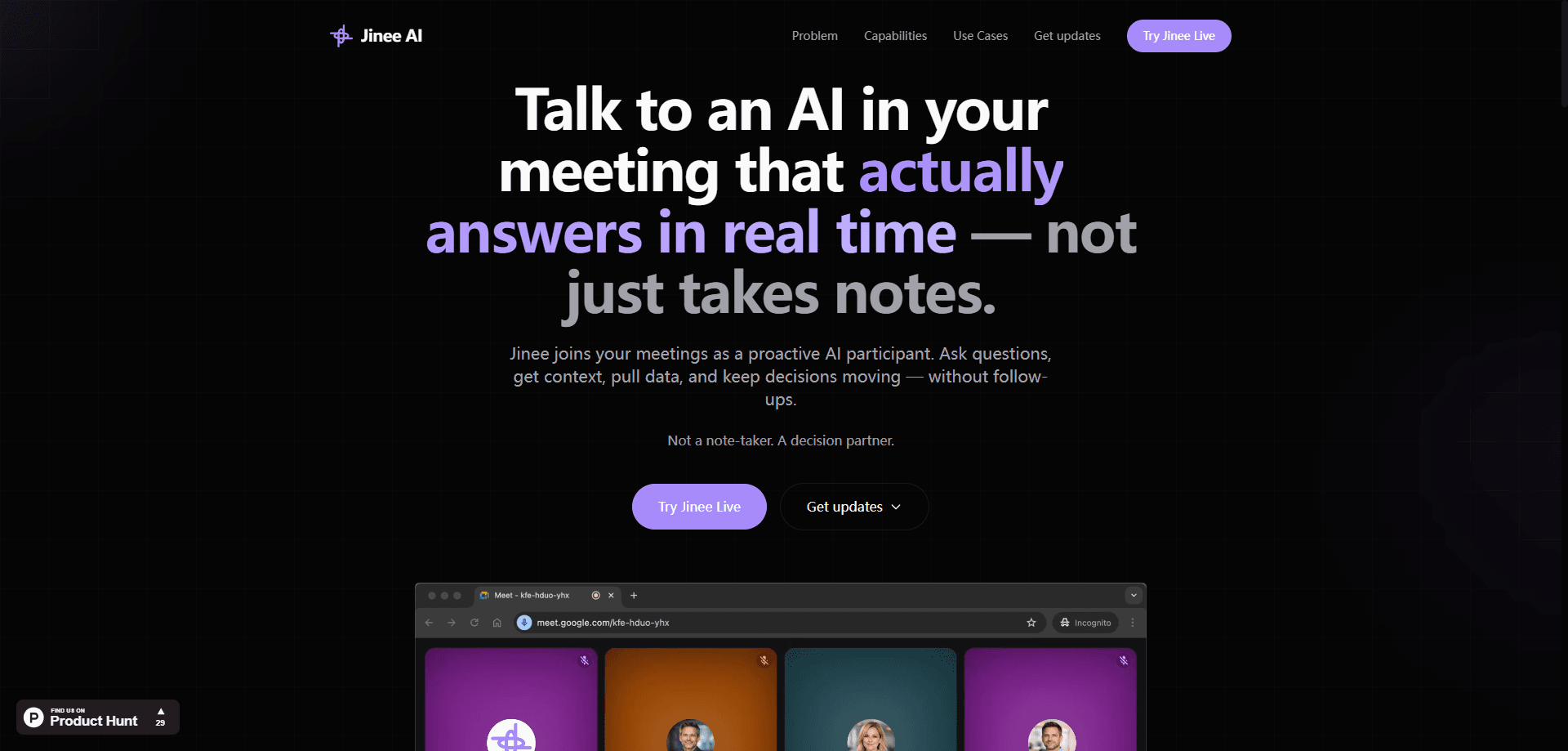
Jinee AI is an AI meeting assistant that joins your call as an active participant instead of a silent transcriber. Say its name out loud and it answers questions, pulls figures from tools like Snowflake or Jira, and supplies missing context while the conversation is still running. The pitch is simple, and it boils down to live meeting decision support rather than another passive recorder. Think of it as a real-time meeting AI that happens to sit in your call.
About Jinee AI
What Is Jinee AI
Jinee AI is an AI meeting participant built for teams that lose momentum to context-switching. Most meeting tools record the call and hand you notes afterward. Jinee sits in the room and responds during it. You ask a question out loud, and it answers from your connected data sources, explains background, or shares a dashboard on screen.
The product is in public beta and targets knowledge workers who live in recurring meetings: engineering standups, leadership reviews, sales calls, and product planning sessions. It works across Google Meet, Zoom, and Microsoft Teams. It pulls from a set of connected apps rather than one closed database.
The big limitation right now is scope. Automatic calendar sync only covers Google Meet, so Zoom and Teams users have to invite Jinee manually. It's also early software. Expect rough edges and features that shift between releases.
Getting Started
- Go to the Jinee AI site and sign in with Google if you want it to auto-join your calendar meetings.
- Connect the data tools you rely on, such as Slack, Notion, Jira, or Snowflake, so Jinee can pull real answers.
- Invite Jinee to a live call by adding [email protected] as a participant, or drop your meeting link into the web app.
- Wait 30 to 45 seconds for it to join, then say "Hey Jinee" and ask your first question.
- Pick up the meeting summary it sends to your inbox after the call wraps.
Product Information
A quick look at Jinee AI's pricing, supported platforms, and performance.
Best for
The users, tasks, and scenarios where this tool fits best.
Users
- Engineering teams
- Product and program managers
- Sales and strategy leads
Tasks
- Answering live data questions
- Filling in missing context
- Capturing a follow-up summary
Scenarios
- Weekly leadership reviews
- Recurring engineering syncs
- Early-stage product debates
Key features
Live Question Answering
Jinee responds to spoken questions during the call, in real time. Say "Hey Jinee" and ask about a figure, a decision, or a piece of context. It answers without anyone opening a new tab. Sound useful? It's the core difference between this and a standard AI note taker.
Data and Tool Integrations
Jinee connects to where your work already lives. Supported knowledge and data sources include Snowflake, Databricks, Jira, the Atlassian wiki tool, Slack, GitHub, and Notion. The point is to answer from your actual records, not a generic model. Ask for the latest ticket status and you get your ticket, not a guess. No tab switching. No copy-paste.
Meeting Platform Support
It joins Google Meet, Zoom, and Microsoft Teams calls. For Google Meet, signing in with Google lets Jinee join automatically from your calendar. No manual invite needed. On Zoom and Teams you add it as a participant. Same idea, one extra step.
Screen Sharing for Visual Answers
When an answer is easier to show than say, Jinee shares its screen. That covers charts, dashboards, and documents during a live discussion. Far more practical than reading a long number out loud.
Clarifying Questions
If requirements are unclear, Jinee asks for clarification instead of guessing. Small thing. It saves a lot of rework, since vague decisions in a meeting tend to resurface as bugs later.
Post-Call Summaries
After the meeting, Jinee sends a summary to your inbox. The summary is the fallback, not the headline. Teams that mainly want notes may find it lighter than a dedicated transcription tool.
Pros and cons
Pros
- Answers questions mid-meeting instead of only producing notes afterward.
- Pulls from real tools like Jira, Slack, Snowflake, and Notion, so responses reflect your data.
- Works across Google Meet, Zoom, and Microsoft Teams without a plugin install for guests.
- Free to try during public beta, and you can test it without signing up.
- Screen sharing handles visual answers when reading a number aloud won't cut it.
Cons
- Automatic calendar sync only supports Google Meet, so Zoom and Teams users invite Jinee by hand each time.
- No published pricing yet, which makes budgeting for a team rollout hard to plan.
- As early beta software, features and reliability can change between releases.
- Meeting summaries are lighter than what dedicated transcription tools offer.
Frequently asked questions
It joins your meeting as an AI participant that answers spoken questions in real time. You ask something, and Jinee responds using your connected data, explains context, or shares a visual on screen.
Related content
Explore related tools, skills, and articles for Jinee AI.
Jinee AI Alternatives

Foley
Hanamori Labs, LLC · Voice & Language · Productivity · AI AssistantFoley is a voice to-do list that turns a spoken sentence into a filed task, complete with project, date and time, then helps you plan the day around what is already there.

HireKey
HireKey · Voice & Language · Productivity · LeaningHireKey is an AI job search copilot built by a former tech recruiter. It checks role fit, tailors resumes, runs interview practice and tracks every application.

Fluence
Yay Software (Yannick Huchard) · Writing · Voice & Language · ProductivityFluence is an Android app that reads PDFs, EPUBs, Word files and web articles aloud, follows each sentence as it speaks, and answers questions about the text on the phone itself.