

Kawaak
Kawaak · Marketing
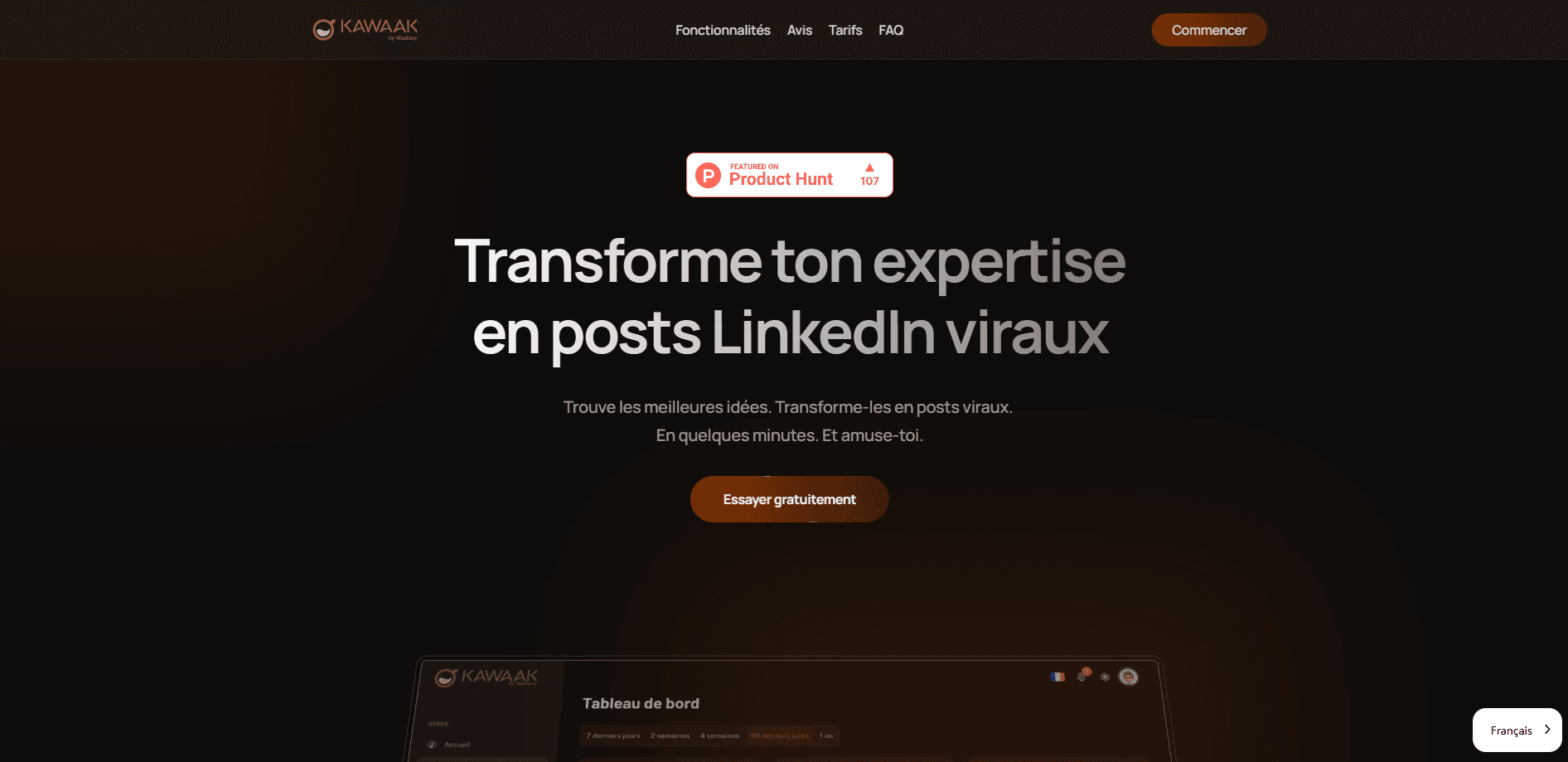
Kawaak is an AI LinkedIn content tool that turns your expertise into posts, suggests scroll-stopping hooks, schedules a month of content, and adds personalized AI images.
About Kawaak
What Is Kawaak
Kawaak is an AI content platform built only for LinkedIn. It works like an editorial coach: instead of handing you blank text, it pulls ideas out of your profile and experience, drafts posts around proven formats, and keeps your calendar full so you stop going quiet for weeks.
The product is made by a team based in France and launched publicly on Product Hunt in May 2025. It ships as a web app plus a Chrome extension, and it leans on writing frameworks such as AIDA, curiosity hooks, and storytelling arcs. You can also pick from tones like professional, fun, and opinion, or styles modeled on well-known LinkedIn creators.
The main trade-off is focus. Kawaak does LinkedIn and nothing else. There is no mobile app, no support for X or Instagram, and no lead generation layer. If you want one tool for every social platform, this is not it. If LinkedIn is your channel, the narrow scope is the point.
Getting Started
- Sign up on the Kawaak site and connect your LinkedIn account. The Free plan gives you a handful of generations to test the workflow.
- Set up your profile: add your role, topics, and audience so the AI has context for its suggestions.
- Pick a tone and, if you want branded visuals, upload 15 to 20 photos to train your personal image model.
- Generate posts, swap in different hooks, and edit the draft until it sounds like you.
- Add the finished posts to the scheduling calendar and let Kawaak publish them across the week.
Product Information
A quick look at Kawaak's pricing, supported platforms, and performance.
Best for
The users, tasks, and scenarios where this tool fits best.
Users
- Consultants and coaches
- Founders and executives
- Marketing agencies
Tasks
- Writing the opening line
- Filling a content calendar
- Creating on-brand post images
Scenarios
- Restarting a dormant profile
- Preparing a launch campaign
- Running several client accounts
Key features
AI Post Generation
As a LinkedIn post generator, Kawaak drafts posts from a short idea, a topic, or your profile details. It structures the copy around frameworks with a track record on the platform, such as AIDA and storytelling, so the output reads like a real post rather than a wall of generic text. You stay in control of the final wording.
Hook Generator
The first line decides whether people stop scrolling. Kawaak suggests several hook options for each post idea, and you can mix a hook from one version with the body of another. This is the part many users say saves the most editing time.
Personalized AI Image Generator
On the Business plan and above, this AI image generator for LinkedIn lets you upload 15 to 20 photos of yourself to train a custom model. It then generates on-brand images of you for your posts. Most LinkedIn content tools stop at text, so this is Kawaak's clearest difference from the pack.
Content Scheduling Calendar
A built-in LinkedIn scheduling calendar lets you queue posts for the week or the month and set the date, time, and format for each one. You can batch a whole month of LinkedIn content creation in a single session, which is the main reason people stay consistent.
Analytics Dashboard
Kawaak tracks impressions, engagement, and reach for your posts, with filters for period, topic, and content type. The data is enough to see which topics and formats land. It doesn't go as deep as dedicated audience-intelligence tools, but for LinkedIn content creation it covers the basics.
Team Collaboration
Business and Enterprise plans include unlimited user seats, letting a team manage several LinkedIn accounts, plan content together, and compare performance across profiles. For agencies, this keeps per-seat costs low as the team grows.
Pros and cons
Pros
- LinkedIn-only focus means the AI, frameworks, and tones are tuned for one platform instead of spread thin.
- The personalized AI image generator is rare at this price point and produces visuals that look like the user.
- Four tones and creator-inspired writing styles give real control over how a post lands.
- Unlimited team seats on the Business plan make it affordable for agencies and small teams.
- A 14-day free trial on paid plans and a Free tier let you test the workflow before paying.
Cons
- LinkedIn is the only platform, so anyone posting on X, Instagram, or a blog needs other tools.
- There is no mobile app; you need a desktop browser to use it.
- The Free tier is capped at 5 generations, which is enough to try the tool but not to run a real schedule.
- It stops at content creation and doesn't identify or capture leads from your audience.
- The carousel generator and automatic first comment are listed as upcoming, so they are not live yet.
Frequently asked questions
Kawaak generates LinkedIn posts from your ideas and profile, suggests opening hooks, schedules the posts on a calendar, and, on higher plans, creates personalized AI images of you to go with them.
Related content
Explore related tools, skills, and articles for Kawaak.
Kawaak Alternatives

ngram 2.0
ngram · Video · Marketingngram 2.0 is an AI video generator for teams. It turns a prompt, a screen recording, or a product URL into a narrated explainer, product demo, or AI avatar video, and every scene stays editable.

shippedit.me
Krawlup · Marketing · Businessshippedit.me now redirects to Krawlup, a web platform that audits SEO, AEO and page speed every week, then hands the fixes to AI coding agents over MCP.

MePersona
MePersona, Inc. · Writing · Productivity · MarketingMePersona is an AI unified inbox for creators. It learns your voice, drafts replies to fan messages from 12 platforms, and sends only what you approve.