

Keboola MCP Server
Keboola · Coding
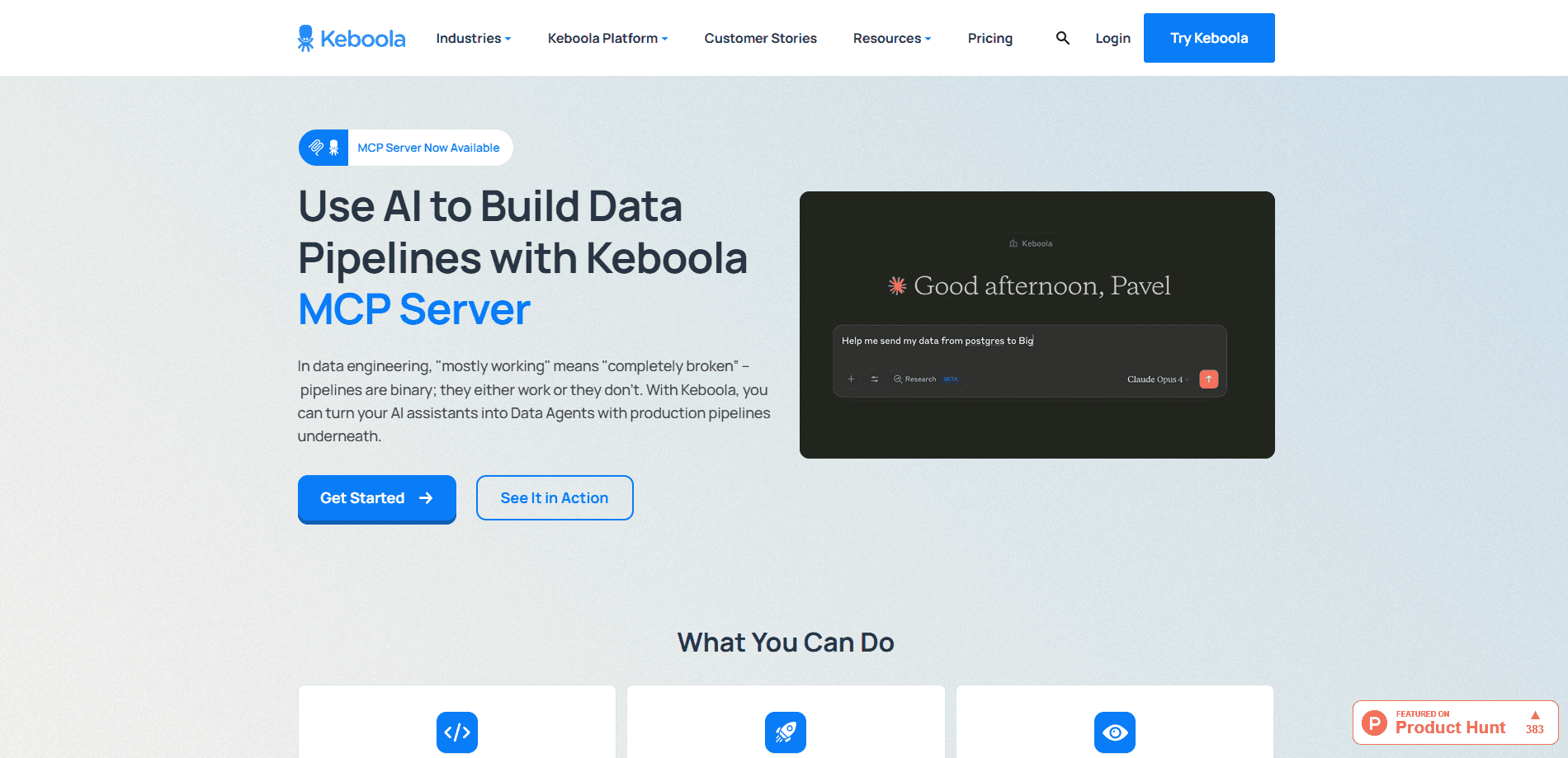
Keboola MCP Server is an open-source bridge from your Keboola project to AI assistants like Claude and Cursor. It lets them query tables, run SQL transformations, and trigger jobs in plain language.
About Keboola MCP Server
What Is Keboola MCP Server
Keboola MCP Server is an open-source connector between your Keboola project and modern AI tools. It ships as a Python package and turns Keboola capabilities, such as storage access, SQL transformations, and job triggers, into callable tools for Claude, Cursor, Windsurf, VS Code, CrewAI, LangChain, and Amazon Q. It speaks the Model Context Protocol, the open standard AI clients use to call external tools.
The problem it solves is friction. Instead of clicking through a data platform to build a pipeline or check a table, you describe the AI data workflow you want and the assistant runs it against your real project. Data teams that already live in Keboola can pull that work into the same window where they write code or run an analysis.
The main limits are scope and setup. This connects to an existing Keboola project, so you need a Keboola account before it does anything useful. It also gives an AI assistant real access to your data, so read-only headers, allowed-tool lists, and development branches exist to keep that access in check.
Getting Started
- Get your remote server URL from your Keboola project settings under the MCP Server tab. It looks like https://mcp.YOUR_REGION.keboola.com/mcp.
- Paste the URL into your AI assistant's MCP settings, or install the local server with a one-time browser login if you prefer full control.
- Authenticate with your Keboola account when prompted, then tell the assistant which project to work in.
- Ask for what you need, such as a table list or a new SQL transformation, and the assistant calls the right tools.
Product Information
A quick look at Keboola MCP Server's pricing, supported platforms, and performance.
Best for
The users, tasks, and scenarios where this tool fits best.
Users
- Data engineers
- Analysts
- Analytics and ops teams
Tasks
- Querying data in plain language
- Building SQL transformations
- Running and monitoring jobs
- Documenting project objects
Scenarios
- Prepping a report right before a meeting
- Onboarding onto an unfamiliar project
- Testing changes safely
Key features
Remote MCP Server with OAuth
The easiest way to connect is the hosted remote server, which runs on every multi-tenant Keboola stack and supports OAuth login. You paste one URL into your AI assistant and authenticate with your Keboola account, with no local install or token to copy. Streamable HTTP keeps the connection bidirectional for steadier performance.
Storage and data access
The server lets an assistant query tables directly and manage descriptions on tables and buckets. You get to the data inside your project without exporting it somewhere else first, and the assistant works against the live tables rather than a stale copy.
SQL transformations from natural language
You can describe a transformation and have the server create it. A plain-language request becomes a working SQL config, which shortens the first draft of a join or an aggregation. You review the logic before it runs.
Job and pipeline control
The server runs components and transformations and returns execution details, so you can start a job and watch it finish from the same conversation. Flows go further, letting you build and manage conditional and orchestrator pipelines that chain steps together.
Keboola Streamlit data apps
You can create, deploy, and manage Streamlit data apps that display queries over your storage data. That gives a result a shareable front end without a separate build and hosting setup.
Development branches and access controls
Operations run inside development branches outside production when you set a branch ID, so experiments stay contained. For HTTP transports, headers let you allow or block specific tools and switch to read-only mode, which keeps an AI agent inside the limits you set.
Pros and cons
Pros
- Connects mainstream AI assistants to a real Keboola project, so data work happens in the tool you already use.
- Open source and free to run, and it's included in Keboola's free plan, so there's no separate license to buy.
- Access controls like read-only mode, allowed-tool headers, and development branches give you a way to bound what an agent can do.
- Covers storage, SQL, jobs, flows, and data apps in one connector, so your AI data workflows stay in one place instead of several integrations.
Cons
- It's useless without an existing Keboola account and project, so it isn't a standalone data tool.
- Giving an AI assistant write access to production data needs care, and the safety features only help if you actually configure them.
- The local setup wants Python and a one-time browser login, which is more work than the hosted remote server.
- Documentation and tooling move fast, so a specific tool name or flag may differ from what you read in an older guide.
Frequently asked questions
It lets AI assistants like Claude and Cursor work inside your Keboola project. You can query tables, build SQL transformations, run jobs and flows, and manage documentation by describing what you want instead of clicking through the interface.
Related content
Explore related tools, skills, and articles for Keboola MCP Server.
Keboola MCP Server Alternatives

Base Code
Base44 (Wix) · Coding · ProductivityBase Code is a shared cloud development environment from Base44. Teammates describe changes to an existing GitHub codebase in chat, preview them live and send them back as pull requests.

Google EmbeddingGemma 2
Google DeepMind · Writing · Image · CodingGoogle EmbeddingGemma 2 is a 740M-parameter open model that turns text, code, images, audio, and video frames into vectors in one 768-dimension space, running on phones and laptops.

GitGlow
GitGlow · Coding · ProductivityGitGlow is a local-first desktop Git client that lets independent developers review their own code and their AI agents' changes in one place before shipping.