

Keen Code
mochow13 · Coding
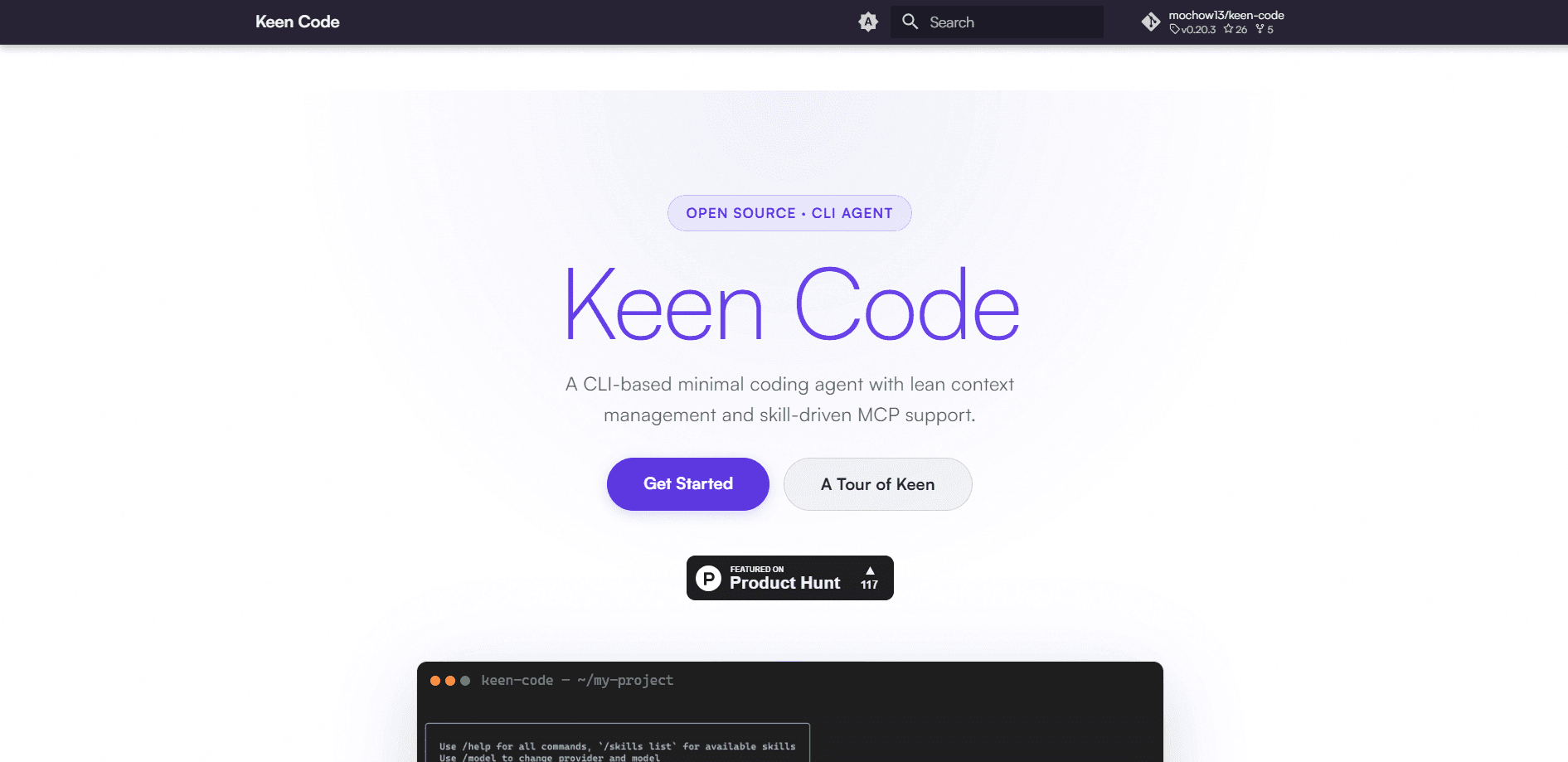
Keen Code is an open-source CLI coding agent that runs in your terminal and edits code, runs shell commands, and searches a project on your behalf. It's a terminal coding assistant built around lean context management and a multi-provider setup, so you can swap between Gemini, OpenAI, Anthropic, DeepSeek, and others without rewriting your workflow. Think of it as an AI coding agent you drive by typing. If you already live in a terminal and want AI help for the repetitive parts, it's aimed squarely at you.
About Keen Code
What Is Keen Code
Keen Code is a minimal, open-source coding agent you drive from the command line. It reads files, writes and edits them, runs shell commands, and follows custom skills you define, all inside the project directory you point it at. The project lives on GitHub and is developed in the open.
The core problem it tackles is context bloat. Most agents drag every tool result from every earlier turn into the next request, which inflates cost and leaves stale observations looking fresh. That gets expensive fast. Keen Code takes a different route. Its turn memory keeps a compact record of what tools ran and where, but not the raw output, unless you explicitly opt into keeping full results.
The tradeoff is that it's a command-line tool for developers. There's no graphical interface, and you bring your own API keys or provider account. If you want a point-and-click AI coding app, this isn't it. Why go this route? Control.
Getting Started
- Clone the repository from GitHub and build the CLI, or install it following the project's setup notes.
- Add your provider API key. You can set an active provider and model in the global config at ~/.keen/configs.json.
- Open a terminal in the project you want to work on and start Keen Code.
- Describe the task in plain language, then let the agent propose file reads, edits, and commands. You approve anything that touches your system.
- Run /tool-history full if a task needs the agent to retain exact earlier tool results across turns.
Product Information
A quick look at Keen Code's pricing, supported platforms, and performance.
Best for
The users, tasks, and scenarios where this tool fits best.
Users
- Developers already comfortable in a terminal
- Backend and systems programmers
- Engineers juggling multiple AI subscriptions
Tasks
- Refactoring a module
- Debugging with shell access
- Onboarding into an unfamiliar repo
- Repeating a review or security pass
Scenarios
- Late-night cleanup work
- Constrained API budgets
- Mixed tooling setups
Key features
Multi-Provider Model Swapping
Keen Code supports a long list of providers, including Anthropic, OpenAI, Google AI, Moonshot AI, DeepSeek, MiniMax, Amazon Bedrock, and a catch-all OpenAI-compatible option. You set an active provider and model in your config, then restart. No lock-in. That means you can route a task to whichever model you trust for it, instead of being stuck with one vendor.
Lean Turn Memory
Turn memory is the feature that separates Keen Code from heavier agents. By default, it keeps a compact record of which tools ran, where they appeared in the assistant's text, and whether they worked. It drops the raw output. So what's the catch? That context is lighter, and old results stop masquerading as current context. Run /tool-history full when you actually need the agent to revisit earlier evidence.
Skill-Driven MCP Support
The agent connects to MCP servers, which are external services that expose tools and data to AI models through a shared protocol. Through MCP skills, a slash command can both run a specialized sub-agent and reach those external integrations, so a single command can combine the agent's own reasoning with live data pulled from another system you already use.
Custom Skills via Slash Commands
Skills are directories with a SKILL.md file, discovered from paths like .agents/skills and .claude/skills. Each one can define a specialized sub-agent for a job like a code review, a security pass, or a refactor. You trigger them with slash commands, and you can enable or disable any skill in a small config file.
Built-In Toolset
Out of the box, Keen Code ships with tools to read files, write them, edit them with hash-anchored changes, find files by pattern, search their contents, and run shell commands. Each line a tool reads carries a short hash anchor, so follow-up edits can target the exact line without drifting. Small detail. Big payoff when edits get picky.
Permission and Safety Layer
Tool calls run through a permission system that asks before doing anything risky, so nothing touches your files or your machine without a nod from you first. The bash tool flags dangerous commands, and file access is guarded.
Pros and cons
Pros
- Open source, so you can read the code, see how context is handled, and contribute changes.
- Genuinely provider-agnostic. Swapping between Anthropic, OpenAI, Google, and others is a config edit, not a migration.
- Lean turn memory keeps token costs and stale context in check, a real difference on long sessions.
- Ships with the tools a coder actually reaches for: read, write, edit, glob, grep, and bash.
- Skills and MCP support let you extend it without touching the core.
Cons
- No graphical interface. Everything happens in the terminal, which rules out anyone who wants a visual editor experience.
- You supply your own API keys and cover the model costs, so the "$0" is only the software itself.
- Setup means editing a JSON config file, which is a hurdle if you expect a guided installer.
- Documentation is aimed at developers, so newcomers may need to read source-level notes to understand behavior.
Frequently asked questions
Yes, the software is open source and free. You still pay your chosen AI provider for model usage, since Keen Code sends requests to whichever provider you configure.
Related content
Explore related tools, skills, and articles for Keen Code.
Keen Code Alternatives
Codeflying
Kuafu Technology (Codeflying) · Coding · Marketing · ChatbotCodeflying is an AI app builder that turns a plain-language description into a working website, mobile app, or mini app. It works as a no-code app builder, so you type what you want and a set of AI agents handle requirements, architecture, front-end screens, back-end logic, and deployment. The goal is simple: build an app from a prompt, even with zero coding background. Marketing tools and a customer-facing chat agent come bundled too, so the result is more than a prototype stuck on a hard drive.

Runware
Runware, Inc. · Image · Video · CodingRunware is a generative AI inference platform that gives developers one API for image, video, audio, 3D, and language models. Instead of signing up with a dozen providers, you call a single endpoint, switch models with a one-line string change, and pay only for the requests you send. No servers to run. It's aimed at teams that want to ship AI features fast without building or babysitting their own GPU infrastructure.

Aider
Aider AI LLC · CodingAider is an open-source AI pair programming tool that lives in your terminal. You point it at a local git repo, describe what you want in plain English, and it edits the files, writes the diffs, and commits the changes for you. It connects to Claude, GPT, DeepSeek and Gemini through your own API keys, and it also runs local models through Ollama or any OpenAI-compatible endpoint. Developers who already work at the command line tend to adopt it fast. It stays out of the way. That's the whole appeal.