

Kestra
Kestra Technologies · Coding
Kestra is an open-source workflow orchestration platform that lets teams build, schedule, and monitor data pipelines and automation from declarative YAML flows.
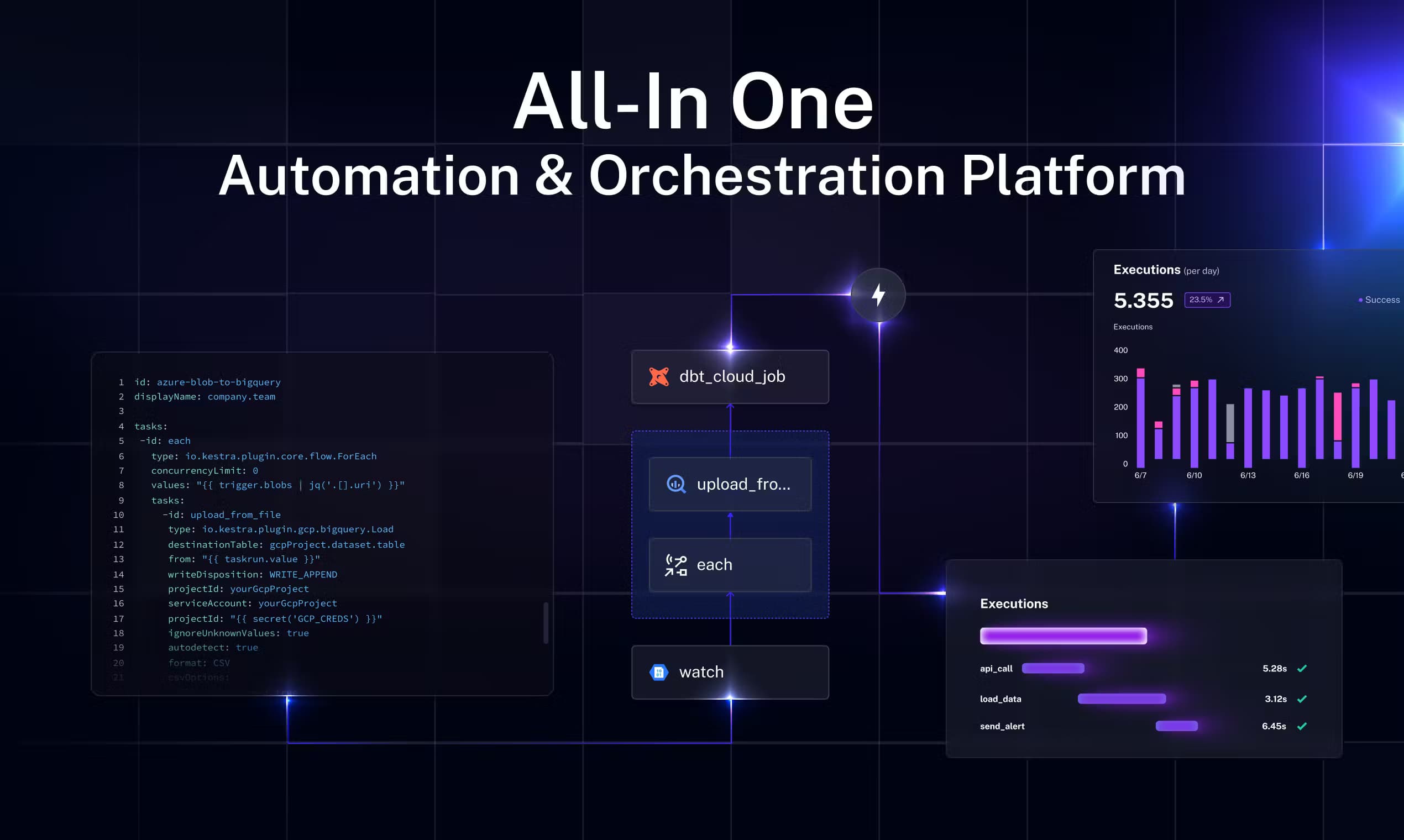
About Kestra
What Is Kestra
Kestra is a declarative orchestration and scheduling platform for running workflows across data, infrastructure, and AI. Instead of gluing together cron jobs, shell scripts, and scattered schedulers that nobody can debug, you describe each workflow in a YAML file and let Kestra handle the triggers, retries, dependencies, and logging. It runs anywhere. A laptop with Docker works. So does a Kubernetes cluster in an air-gapped data center.
The product is maintained by Kestra Technologies and ships under an open-source license for the core engine, with Enterprise and Cloud editions that add governance and managed hosting. The pitch is straightforward: one engine for every workflow, whether that's an ETL job moving files into a warehouse, an Ansible playbook configuring servers, or an AI agent triaging GitHub issues.
The biggest limitation is that Kestra expects engineers. If your team has no one comfortable reading YAML or writing scripts, the setup friction will feel real. It's built for people who already automate things and want a single place to manage them.
Getting Started
- Install Docker, then start the Kestra container with the official
docker runcommand from the quickstart guide. - Open the local UI at
http://localhost:8080and sign in with the default credentials. - Create a flow from a blueprint or blank YAML editor, then define its trigger and tasks.
- Run the flow from the editor and watch the execution graph, logs, and outputs update in real time.
- Move to a self-hosted or Cloud deployment once you're ready to run outside your laptop.
Product Information
A quick look at Kestra's pricing, supported platforms, and performance.
Best for
The users, tasks, and scenarios where this tool fits best.
Users
- Data engineers
- Platform and DevOps teams
- AI and automation builders
Tasks
- Data pipeline orchestration
- Infrastructure automation
- Event-driven jobs
- Business process automation
Scenarios
- Replacing fragile cron scripts that nobody can debug when they fail at 3 a.m.
- Running production workflows in regulated environments where data can't leave your own servers.
- Giving a small team one dashboard for every scheduled job instead of five different tools.
Key features
Declarative YAML Workflows
Every workflow is a YAML file you can version in Git, review, and reuse. You define tasks, dependencies, and triggers in plain text, which means the whole flow is portable and diffable. There's no hidden state buried in a UI.
Language-Agnostic Task Execution
Kestra doesn't force you into one language. Tasks run Python, Node.js, Shell, R, and more inside isolated containers, so you keep your existing scripts and just wrap them. If your team already writes Python, nothing gets rewritten.
2,100+ Plugins
The plugin library covers databases, cloud providers, SaaS apps, and AI services, and because most workflows need only a few lines rather than custom code, that breadth is the main reason teams pick Kestra over building their own orchestration.
Event-Driven Scheduling
Besides cron-style schedules, flows can fire from file arrivals, webhooks, message queues, or other flows finishing. This matters when work should start on demand, not at a fixed hour.
Self-Hosted and Cloud Deployment
You can run the open-source edition on your own infrastructure, including air-gapped setups where nothing touches the public internet, or hand the whole thing over to the managed Cloud edition instead. The choice means compliance-sensitive teams keep their data in-house, while smaller teams can skip the operational overhead entirely and let someone else handle hosting and upgrades.
Built-In Governance for Enterprise
The Enterprise edition layers on SSO, role-based access control, audit logs, and multi-tenant isolation, which are exactly the controls larger organizations need in place before automation is allowed to touch production systems.
MCP Server for AI Agents
Kestra ships an MCP server so AI agents can kick off and inspect workflows. It's a newer angle, and I'd treat it as promising rather than battle-tested, but it fits teams building agentic automation.
Pros and cons
Pros
- Open-source core with no vendor lock-in for the engine itself.
- Declarative YAML makes workflows reviewable and version-controlled.
- Huge plugin library cuts down on custom integration code.
- Event-driven triggers go beyond simple cron scheduling.
- Self-hosting and air-gapped deployment suit strict compliance needs.
Cons
- Steep learning curve if your team doesn't work with YAML or containers.
- Pricing for Enterprise and Cloud isn't public, so you'll need a sales conversation.
- The managed Cloud tier is still in early access, which limits hands-off adoption.
Frequently asked questions
Kestra orchestrates workflows: it schedules and runs tasks across data pipelines, infrastructure automation, and AI processes from a single declarative engine. Think of it as the control room for everything your team automates.
Related content
Explore related tools, skills, and articles for Kestra.
Kestra Alternatives

Base Code
Base44 (Wix) · Coding · ProductivityBase Code is a shared cloud development environment from Base44. Teammates describe changes to an existing GitHub codebase in chat, preview them live and send them back as pull requests.

Google EmbeddingGemma 2
Google DeepMind · Writing · Image · CodingGoogle EmbeddingGemma 2 is a 740M-parameter open model that turns text, code, images, audio, and video frames into vectors in one 768-dimension space, running on phones and laptops.

GitGlow
GitGlow · Coding · ProductivityGitGlow is a local-first desktop Git client that lets independent developers review their own code and their AI agents' changes in one place before shipping.