

Kilo Code
Kilo Org · Coding · Productivity
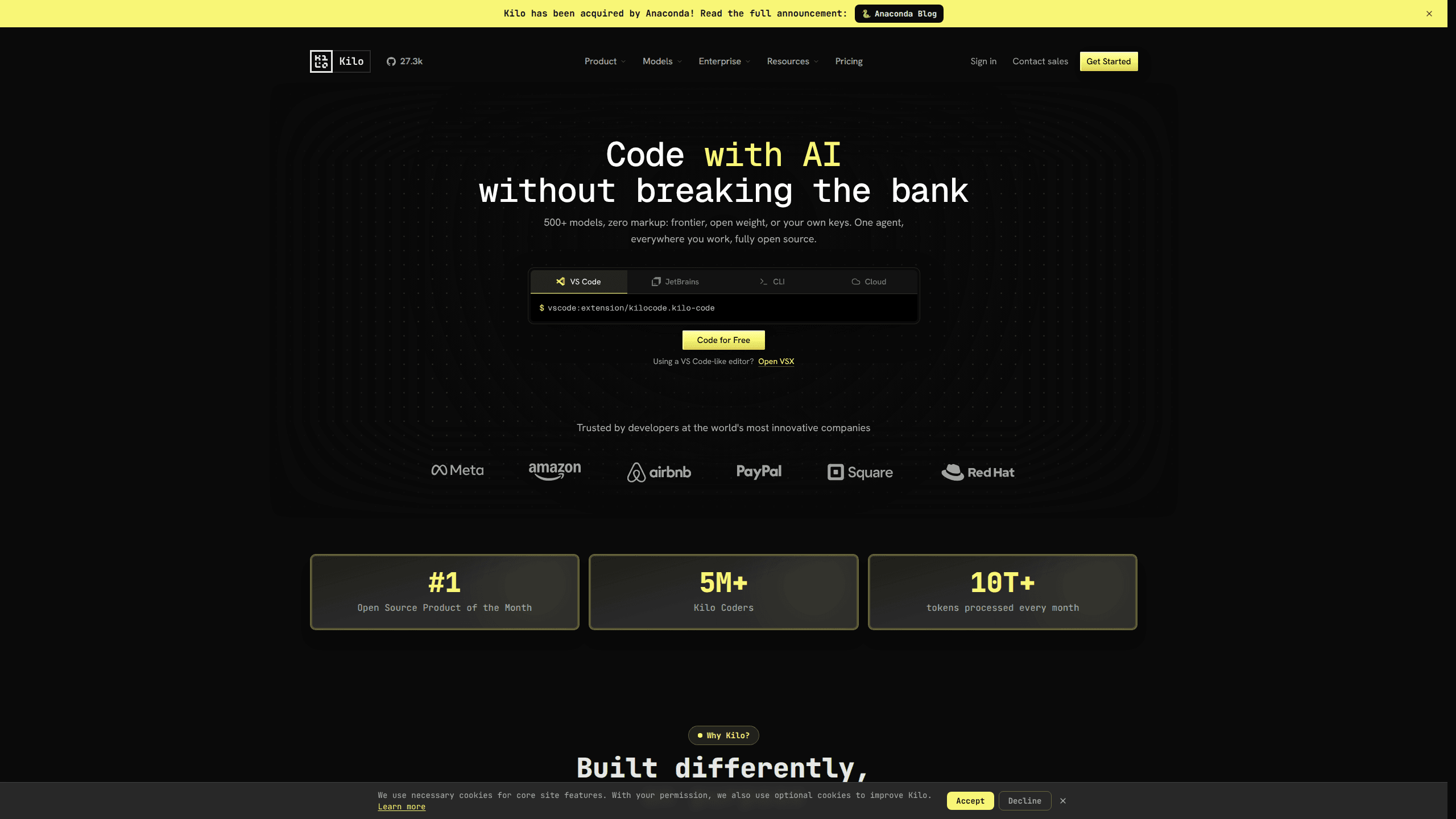
Kilo Code is an open source coding assistant that lives inside the tools you already use: VS Code, JetBrains, a terminal CLI, Slack, and cloud agents. It reads your repository, writes and refactors code, and runs AI code review on your pull requests. Sessions sync across devices, so context follows you. If you want an AI coding tool you can inspect, self-configure, or extend rather than a closed black box, this one is built for you.
About Kilo Code
What Is Kilo Code
Kilo Code is an AI coding assistant designed around specialized agent modes. Instead of one chat box that does everything mediocre, it splits work into Code, Architect, Debug, and Ask modes, so a planning question and a production refactor don't fight over the same context. The agent ships as a VS Code extension, a JetBrains AI plugin, a CLI called Kilo, and hosted cloud agents that run tasks while you're away from your desk.
The project is open source and develops in public on GitHub. That matters if your team needs to audit what an agent does with your code.
The developer is Kilo Org, acquired by Anaconda in 2025. Pricing follows the same open posture. The extension is free with your own model keys, and paid plans mostly bundle billing and team controls.
The biggest limitation isn't capability, it's setup. Kilo Code is a power tool for people comfortable configuring models and API keys. Hand it to someone who wants a polished consumer app with no decisions to make and the flexibility turns into friction. Not ideal. For developers who like that control, it's a much smaller problem.
Getting Started
- Install the extension from the VS Code marketplace with
code --install-extension kilocode.kilo-code, or runnpm install -g @kilocode/clifor the terminal version. - Connect a model provider. You can bring your own API key, point Kilo at a local Ollama endpoint, or use Kilo's built-in provider.
- Pick a mode for the task at hand: Code for writing and refactoring, Architect to plan a feature before touching code, Debug to trace a bug.
- Describe the task in plain language and let the agent read your files, propose edits, and run commands.
- Review the changes, then share the session link with a teammate or fork it if you want your own copy.
Product Information
A quick look at Kilo Code's pricing, supported platforms, and performance.
Best for
The users, tasks, and scenarios where this tool fits best.
Users
- Developers already working in VS Code or JetBrains who want an AI agent without leaving their editor
- Teams that want centralized AI billing and usage tracking
- Engineers who prefer open source tooling they can audit or fork
Tasks
- Refactoring across a large codebase
- Automated code review
- Debugging a failing build
- Planning a feature before writing code
Scenarios
- Long-running tasks that outlast your workday
- Switching between devices during the day
- Adding an MCP server to your workflow
Key features
Specialized Agent Modes
Kilo Code splits work across Code, Architect, Debug, and Ask modes rather than forcing one chat to handle everything. Code mode writes and refactors. Architect plans features before a line is written. Debug focuses on tracing failures. You can also build custom modes for workflows specific to your team.
Multi-Platform Reach
The same agent runs in VS Code and its forks (Cursor, Windsurf), JetBrains IDEs, the terminal, Slack, and mobile apps. Sessions sync across all of them, so context follows you instead of being trapped in one editor. For teams spread across different stacks, that consistency saves a lot of re-explaining.
Automated Code Review and Triage
Kilo connects to your repository and reviews pull requests, flags problems, and triages incoming issues. It can open fix PRs based on an issue without you writing the first prompt. That turns code review from a manual bottleneck into a background process.
Bring Your Own Model
You're not locked into one provider. Connect OpenAI, Anthropic, a local Ollama instance, or hundreds of models through the single-endpoint Kilo Gateway. The agent has a built-in skill for editing its own kilo.jsonc config. Tell it to add an MCP server and it handles the edit.
Team Management and Analytics
The paid Teams plan adds centralized billing, member roles, and an adoption dashboard that scores how much your organization actually uses AI. Enterprise adds SSO with OIDC and SCIM, audit logs, and model access controls so admins can limit which providers are allowed.
Open Source and Extensible
The entire agent is open source on GitHub, so you can inspect the code, contribute features, or fork it. MCP support and custom rules let you wire in your own tools and constraints. For teams with compliance requirements, that auditability is the whole point.
Cloud Agents
Cloud agents let you hand off work and walk away. They run tasks remotely, review workflows without your local machine, and report back through synced sessions. It's the difference between an assistant that needs you present and one that finishes the job on its own time.
Pros and cons
Pros
- Open source codebase you can audit and fork, which matters for teams with security reviews
- Runs across VS Code, JetBrains, CLI, Slack, and mobile with synced sessions
- Specialized modes (Code, Architect, Debug, Ask) keep context focused per task
- Bring-your-own-model support avoids vendor lock-in, with access to hundreds of models
- Teams plan at $15/user/month cuts per-seat tool sprawl and adds usage analytics
Cons
- Setup requires connecting a model provider, so it isn't plug-and-play for non-technical users
- Team plans add a 5% processing fee on credit purchases, which is easy to miss
- The breadth of platforms and modes can take time to learn if you just want a single chat assistant
Frequently asked questions
Yes. The core extension and CLI are free to use with your own model keys, and you only pay for the model usage you run or for paid team features. The Teams plan costs $15 per user per month and Enterprise pricing is quoted on request.
Related content
Explore related tools, skills, and articles for Kilo Code.
Kilo Code Alternatives
Forefront
Forefront · CodingForefront is a web platform for building with open-source AI. It lets you fine-tune leading open-source language models on your own data, evaluate how they perform, and run them through an API or export them to host yourself. Developers who want the convenience of a closed-source platform but insist on owning their models and data are the target audience here.

Startkit
StartKit.AI · CodingStartkit is a boilerplate for building AI SaaS and AI wrapper products. Think of it as an AI startup boilerplate with the boring parts already wired up: authentication, Stripe and Lemon Squeezy payments, usage limits, transactional email, and an AI API starter that talks to OpenAI, Anthropic, Groq, or Llama. You clone the repo, set your price, and start on the part of your product that people actually pay for. It's Next.js under React and Tailwind, so most of the boilerplate code already feels familiar.
Testim
Tricentis · CodingTestim is an AI-powered test automation platform for building and running end-to-end tests across web, mobile, and Salesforce applications. It leans on machine learning to keep tests stable when an interface changes, so teams spend less time fixing broken selectors. Not bad for an automated testing tool you can start using today. You create tests by recording actions in a browser, then optionally add JavaScript when you need more control. It's a solid pick for busy QA teams.