

Kimi Chat
Moonshot AI · Other · Chatbot
Kimi Chat is Moonshot AI's AI assistant built for long documents, research, and everyday chat. It handles huge inputs in one pass and runs on web, mobile, and desktop.
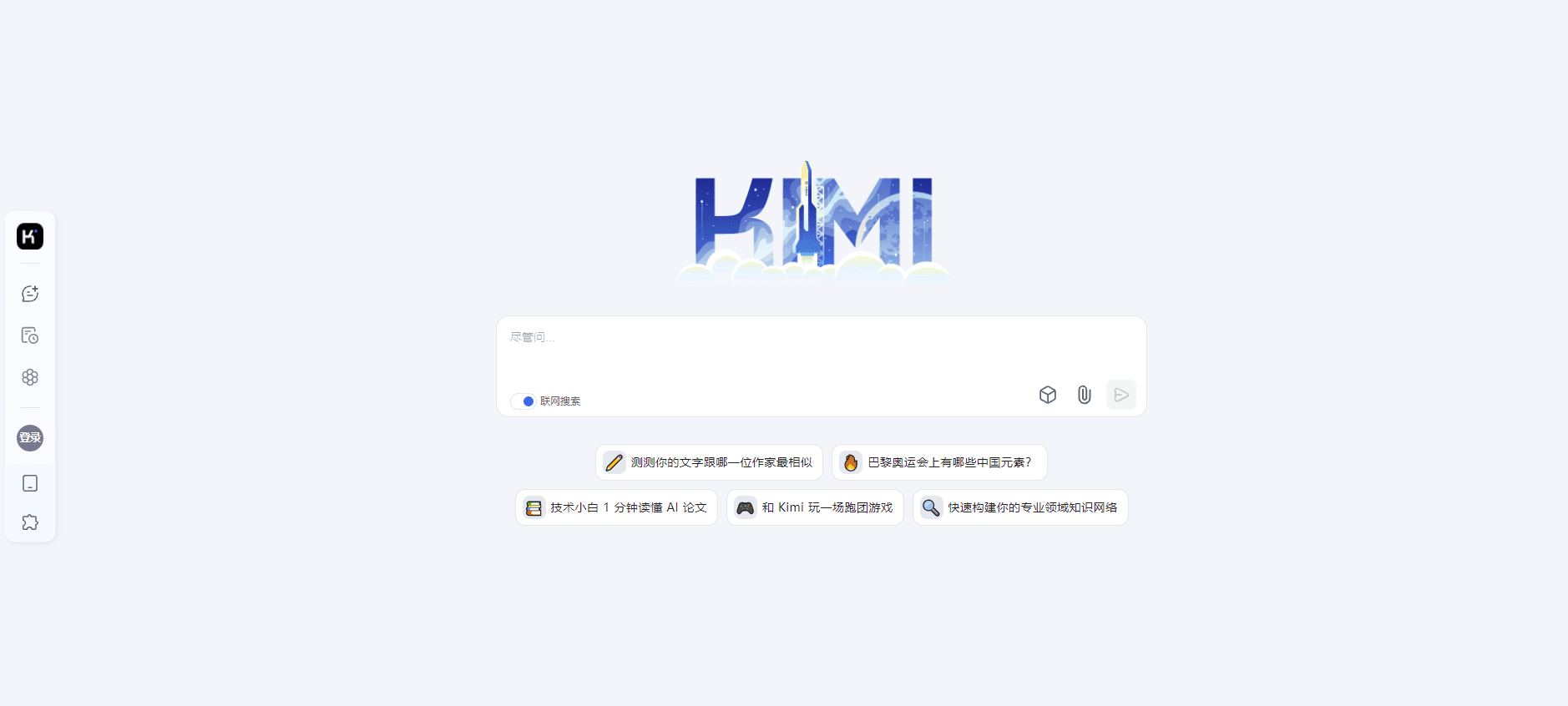
About Kimi Chat
What Is Kimi Chat
Kimi Chat is the AI assistant from Moonshot AI, a Chinese AI lab founded in 2023. It launched in October 2023 with a then-record context window and built its name on reading very long text without losing the thread. You use it to summarize reports, dig through papers and contracts, translate long files, write code, and ask questions against whole documents instead of a paragraph at a time.
The product started as a plain chat tool and grew into a wider suite. The current engine is the Kimi K-series models, and the assistant now includes web search, deep research, file and image reading, and voice input. It lives on the web, in iOS and Android apps, on the desktop, and inside a browser extension, so the same conversation follows you across devices.
What sets Kimi apart is context. Most assistants force you to trim what you paste in. Kimi takes whole books, code repositories, and stacks of PDFs in a single request, and its newer models stretch to about 1M tokens. That reach is the reason people pick it for research and document work over a general chatbot. The tradeoff is regional: it leans on Chinese-language support, some features and pricing vary by market, and heavy use costs more.
Getting Started
- Go to kimi.com or open the Kimi app, and sign up with a phone number, email, or a linked account.
- Start a chat, then upload files such as PDFs, Word documents, Excel sheets, or slides, or paste a link to pull in a page.
- Ask questions against the full document, or turn on web search for fresh results beyond your files.
- Switch to a paid plan when you need more capacity or the heavier models.
- For developers, create an API key on the Moonshot platform and call the models from your own code.
Product Information
A quick look at Kimi Chat's pricing, supported platforms, and performance.
Best for
The users, tasks, and scenarios where this tool fits best.
Users
- Researchers and analysts
- Students and writers
- Developers
Tasks
- Long-document analysis
- Translation and rewriting
- Research with sources
- Coding help
Scenarios
- Prepping for an exam or a new field
- Reviewing legal or financial paperwork
- Drafting under a deadline
Key features
Very Large Context Window
Kimi built its reputation on how much text it can hold at once. You can feed it whole books, codebases, and batches of files in a single request, and the newer models reach roughly 1M tokens. That means fewer rounds of trimming and pasting, and answers that draw on the full document rather than a fragment.
Long-Form File and Image Reading
The assistant reads PDFs, Word documents, Excel sheets, slides, and images, so scanned pages and screenshots can join a conversation. You upload files or paste a link, and Kimi pulls out the parts that answer your question. It's the feature people lean on most for research and admin work.
Web Search and Deep Research
Beyond your own files, Kimi searches the web and runs deeper research that gathers sources and sums them up. That keeps answers current when a topic moves fast, and it saves you opening a dozen tabs to stitch together a picture yourself.
Chat Across Devices
The same assistant shows up on the web, in iOS and Android apps, on the desktop, and in a browser extension. Your history moves with you, so a conversation started at a desk can continue on a phone, and the extension lets you pull in what you're reading.
OpenAI-Compatible API
The Moonshot platform exposes the Kimi models through an API that follows the OpenAI format. Developers point their existing code at the new endpoint, swap the key, and keep going, which lowers the cost of trying Kimi inside a product. Pricing is pay-as-you-go per token.
Coding and Reasoning Support
Kimi writes and debugs code, explains unfamiliar functions, and works through multi-step problems. The later K-series models push into agentic coding and tool use, which matters for engineers who want more than autocomplete.
Pros and cons
Pros
- The very large context window lets you work with whole books and code repositories in one pass, which few assistants match.
- Reading files and images directly cuts out the copy-paste step that slows down document work.
- Web search and deep research keep answers current and save you stitching sources together by hand.
- The OpenAI-compatible API means developers can try Kimi without rewriting their code.
Cons
- Heavy long-document runs and the bigger models cost more, so frequent use adds up on the paid plans.
- Some features, limits, and pricing differ by region, so what you get can depend on where you sign up.
- It leans on Chinese-language support and documentation, which is a hurdle for English-first users who want deep help and guides.
- The free tier is generous for casual use but caps how much heavy work you can push through before you pay.
Frequently asked questions
Kimi Chat is a general AI assistant for long documents, research, and chat. People use it to summarize reports, question whole files, translate long text, and get coding help, all from one chat window.
Related content
Explore related tools, skills, and articles for Kimi Chat.
Kimi Chat Alternatives

Odyssey 3
Odyssey · OtherOdyssey-3 is Odyssey's foundation world model. It simulates physics in real time, turns a prompt into an interactive environment, and adapts to robots, cars and games.

JarvisCore
Prescott Data · Coding · Productivity · OtherJarvisCore is an open source Python runtime where AI agents work as equal peers on an agent mesh, claim tasks from a shared ledger, and reach external services through a zero-trust broker.
Clef
Cloudflare · Business · OtherClef is Cloudflare's open-source decision model for Workers AI. It returns calibrated probabilities for typed questions, not generated text, so agents can classify, route, and act fast.