

Kipper
Kipper · Writing · AI Detection
Kipper is an AI essay writer and detector for students, combining undetectable essay generation, AI detection, and study tools in one dashboard.
About Kipper
What Is Kipper
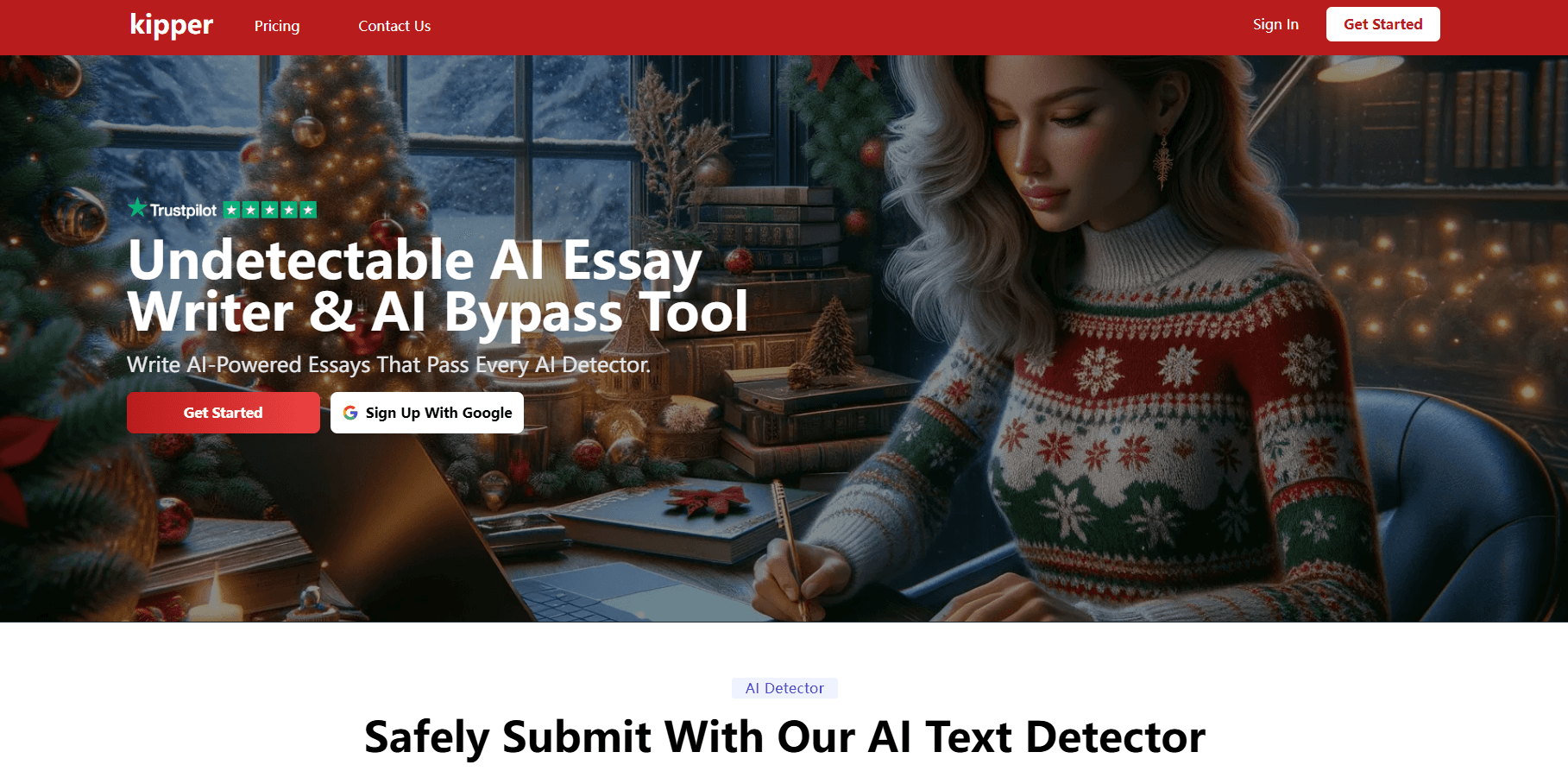
Kipper is a web app that puts an AI essay writer, an AI detector, and a set of study helpers under one login. Students type a prompt, and the tool drafts a full essay it claims will slip past detectors like Turnitin. The same subscription also checks existing text, so you can run a draft through the AI detector before you hand it in.
The pitch is simple: use AI without getting flagged. So what's actually inside? Alongside writing, Kipper bundles an essay summarizer, a citation finder, a text enhancer, a live note taker, and exam practice tools, which together pushed it toward the "AI writing tool for students" label instead of a plain essay generator.
Two limits are worth knowing up front. Every core feature needs an account, and the free tier is capped. Kipper also makes strong undetectability claims that rest on its own testing, not on independent studies. Chances are you've seen those "passes every detector" lines somewhere before. Treat them as the vendor's word until you've verified a draft yourself.
Getting Started
- Sign up at try.kipper.ai with an email address and confirm your account.
- Pick a tool from the dashboard, such as the AI Essay Writer or the AI Detector.
- Type your prompt, topic, or paste the text you want checked; set length and tone if the tool offers them.
- Run the draft through the AI detector and the text enhancer to smooth out flagged passages.
- Export or copy the final draft, then run your own plagiarism check before submitting anything.
Product Information
A quick look at Kipper's pricing, supported platforms, and performance.
Best for
The users, tasks, and scenarios where this tool fits best.
Users
- Students
- Non-native English writers
- Researchers doing early reading
Tasks
- Drafting an essay from a prompt
- Checking a submission for AI markers
- Finding citations
- Turning a lecture into notes
Scenarios
- A paper is due and you need a first draft fast
- You're worried a shared draft looks AI-generated
- You're behind on assigned reading
Key features
AI Essay Writer
The AI essay writer produces a complete essay from a short prompt, with anti-detection built into the output. Users set the topic, length, and tone, then edit the result. It's the feature most students come for. A blank page becomes a working draft in seconds. The output still needs your own research and revision to hold up.
AI Detector
The AI detector scans text and reports whether it reads as machine-written, giving you a chance to spot the passages an academic detector such as Turnitin might flag before you submit anything for a grade. The scoring comes from Kipper's own model rather than an outside benchmark, which makes it a useful self-check instead of an official verdict.
AI Humanizer
The humanizer rewrites AI-sounding sentences to read more naturally, with the goal of clearing detectors. It sits next to the detector, so the workflow is detect, then humanize, then check again. That loop is the whole point. Results vary by text, so re-run the detector after any rewrite.
Summarizer
The essay summarizer condenses long webpages, YouTube videos, and documents into a short TLDR. It cuts reading time on dense sources, and it fits the study workflow well. Use it to decide what's worth a close read. Not a substitute for the original.
Citation Finder
The citation finder finds references for a topic and formats them in standard styles. It saves the formatting step that eats into writing time. Double-check every citation is a real paper or source before you include it.
Live Note Taker
The live note taker listens to a lecture and writes up detailed notes automatically. Students can review them after class instead of scrambling to keep up. Accuracy depends on audio quality and how clearly the speaker talks.
Study tools
Kipper rounds out the platform with flashcards, practice exams, and a math solver, turning the subscription into a general study companion rather than a one-trick writing tool that only helps with essays and nothing else. They're extras. But they add value if you already pay for the plan.
Pros and cons
Pros
- Combines an AI essay writer, AI detector, and humanizer in one dashboard, so you don't pay for three separate tools.
- The summarizer and citation finder cut hours off research and formatting work.
- Works entirely in the browser with no install, no device lock-in, and no need to move your work between a laptop and a phone when you switch screens mid-task.
- Flashcard, exam, and math tools add value beyond writing.
Cons
- Undetectability claims come from Kipper's own tests, not independent studies, so treat "passes every detector" as marketing until you verify it yourself.
- The free tier is limited, and regular use means paying for a monthly plan.
- Relying on generated essays for graded work carries real academic-honesty risk, and the tool won't protect you from that.
- No public API is documented, which rules it out for anyone wanting to build on top of it.
Frequently asked questions
Kipper is an AI education platform for students. Its main jobs are writing essays, detecting AI-written text, humanizing text, and handling study tasks like summarizing, citations, and note taking.
Related content
Explore related tools, skills, and articles for Kipper.
Kipper Alternatives

Google EmbeddingGemma 2
Google DeepMind · Writing · Image · CodingGoogle EmbeddingGemma 2 is a 740M-parameter open model that turns text, code, images, audio, and video frames into vectors in one 768-dimension space, running on phones and laptops.

MePersona
MePersona, Inc. · Writing · Productivity · MarketingMePersona is an AI unified inbox for creators. It learns your voice, drafts replies to fan messages from 12 platforms, and sends only what you approve.

Fluence
Yay Software (Yannick Huchard) · Writing · Voice & Language · ProductivityFluence is an Android app that reads PDFs, EPUBs, Word files and web articles aloud, follows each sentence as it speaks, and answers questions about the text on the phone itself.