

Klangio
Klangio GmbH · Writing · Voice & Language
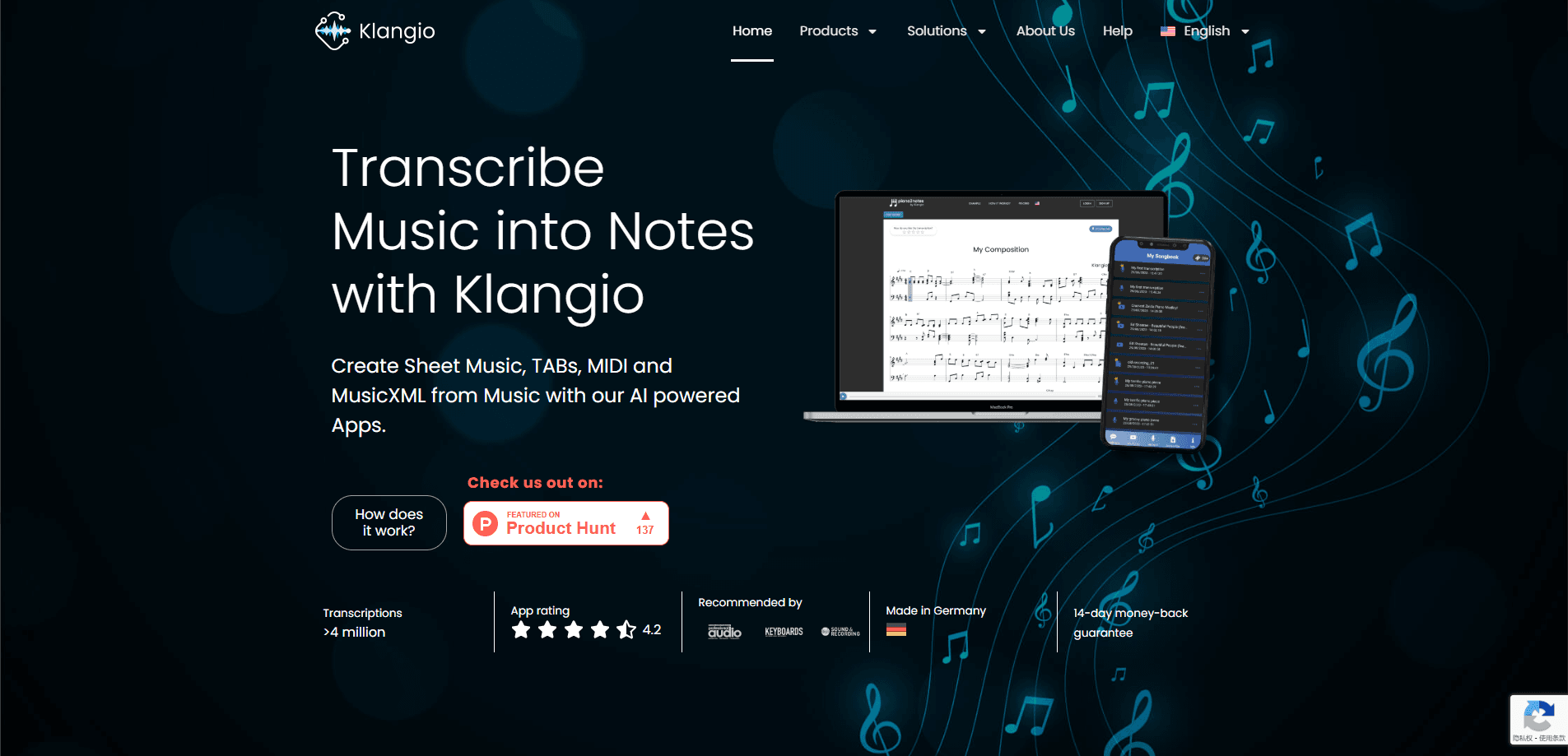
Klangio is AI music transcription software that turns recordings, audio files and YouTube links into sheet music, tabs, MIDI and MusicXML. It works from a browser, phone app or DAW plugin.
About Klangio
What Is Klangio
Klangio is a music software suite from Klangio GmbH, a company based in Karlsruhe, Germany. It builds AI tools that listen to music and write it down as notation. The engine has handled more than 10 million transcriptions since the team started work in 2018, and it now sits behind a family of products rather than a single app.
The core idea is simple. You hand the software a recording, a file or a video link, and it identifies melody, chords and rhythm, then lays them out as readable notation. From there you can edit the result and export it in whatever format your next step needs. That range is what sets it apart from tools that only handle one instrument or one output type.
The main limits are accuracy and cost. Transcription is not perfect, and messy or dense recordings need more cleanup than clean solo takes. Free use is capped at short previews, and full exports require a paid plan, so casual users may hit the paywall quickly.
Getting Started
- Create an account or start a demo transcription without one.
- Upload an audio file, paste a YouTube, Instagram or TikTok link, or record straight into the app.
- Pick a mode and the instruments you want, then let Klangio generate the notation.
- Review the result in the sheet viewer and fix notes, rhythm or key where needed.
- Export as PDF, MIDI, MusicXML or Guitar Pro and open it in your notation app or DAW.
Product Information
A quick look at Klangio's pricing, supported platforms, and performance.
Best for
The users, tasks, and scenarios where this tool fits best.
Users
- Musicians and songwriters
- Music students
- Producers and arrangers
Tasks
- YouTube to sheet music
- Converting an MP3 to MIDI
- Writing down your own playing
- Digitizing printed sheet music
Scenarios
- Learning a song by ear
- Sketching an idea before it fades
- Prepping material for a lesson or rehearsal
Key features
Multi-Instrument Transcription
Transcription Studio takes a full mix and writes out separate parts for piano, guitar, bass, drums, vocals, strings, winds and more. You don't need to split the recording into stems first, which is the step that slows most audio to sheet music work down.
Instrument-Specific Notation
The output matches the instrument, so guitar and bass come out as tabs, vocals come with lyrics, and other parts use standard notation. That means less hand-fixing once the score lands in front of you.
Transcription Modes
You pick a mode for the job: solo instrument, full song, rock, classical ensemble, arrangement or lead sheet. Each mode tunes how the AI reads the audio, so a rock track with several guitars gets handled differently than a solo piano take.
In-Browser Score Editor
Fix notes, rhythm, tempo, time signature and key inside the app before you export. Transposing and correcting single notes happen in the same place, so you don't need to bounce to separate software to clean things up.
DAW Plugin for MIDI
The Transcription Plugin pulls MIDI straight out of audio inside your DAW, and it can keep the unquantized timing of the performance. It runs as VST, AU and AAX, plus a standalone build for producers who work outside a single host.
Flexible Exports
You can export PDF sheet music, quantized or unquantized MIDI, MusicXML and Guitar Pro files. That covers MuseScore, Sibelius, Dorico, Finale, Guitar Pro and the major DAWs, so the result fits your existing workflow.
Developer API
The Klangio API exposes the same engine over REST for MusicXML, MIDI, PDF and Guitar Pro output, with per-instrument models, chord recognition and beat tracking. Apps and studios use it to add transcription without building their own model.
Pros and cons
Pros
- Handles several instruments from one recording, so you skip manual stem splitting.
- Works across browser, phone and DAW plugin, fitting how you already write and record.
- Exports land in the formats notation software and DAWs expect, including tabs and lyrics.
- A free tier with 20-second previews lets you test accuracy before paying.
Cons
- Free previews stop at 20 seconds, and full exports need a paid plan.
- Accuracy drops on dense or noisy mixes, so cleanup time varies by track.
- Full-length transcription tops out around 15 minutes, which rules out very long pieces.
Frequently asked questions
Klangio turns audio into notation. You feed it a recording, an audio file or a YouTube link, and it writes out sheet music, tabs, MIDI and MusicXML. It's built for musicians who want a fast first draft instead of transcribing by hand.
Related content
Explore related tools, skills, and articles for Klangio.
Klangio Alternatives

Google EmbeddingGemma 2
Google DeepMind · Writing · Image · CodingGoogle EmbeddingGemma 2 is a 740M-parameter open model that turns text, code, images, audio, and video frames into vectors in one 768-dimension space, running on phones and laptops.

MePersona
MePersona, Inc. · Writing · Productivity · MarketingMePersona is an AI unified inbox for creators. It learns your voice, drafts replies to fan messages from 12 platforms, and sends only what you approve.

Fluence
Yay Software (Yannick Huchard) · Writing · Voice & Language · ProductivityFluence is an Android app that reads PDFs, EPUBs, Word files and web articles aloud, follows each sentence as it speaks, and answers questions about the text on the phone itself.