

KNOA
KNOA · Coding · Marketing
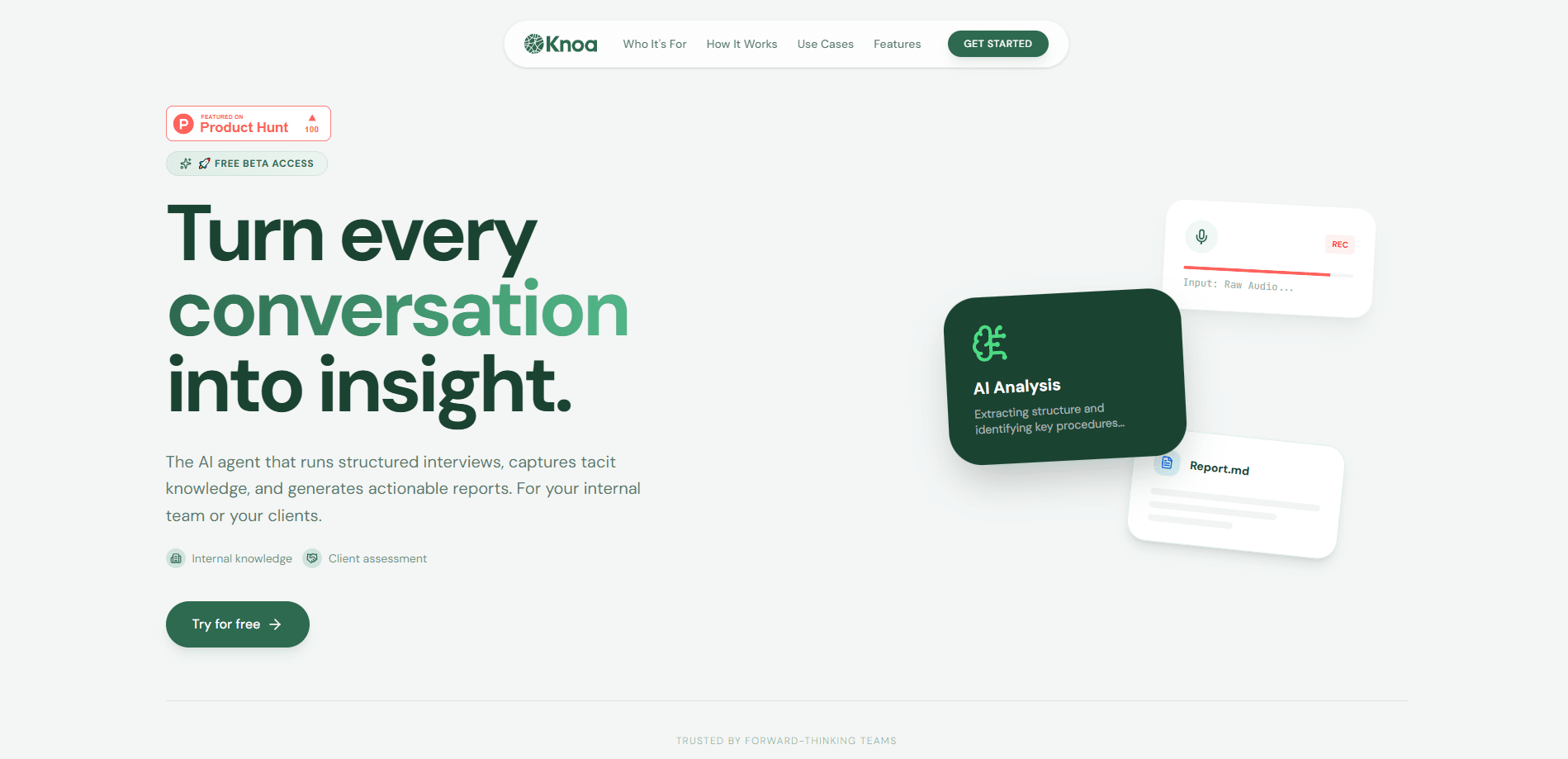
KNOA is a cloud-based knowledge capture platform that runs structured interviews with your team and clients, then turns their answers into documents you can keep updating. Instead of booking meetings and chasing blank docs, you describe a goal, send a magic link, and an AI interview tool takes over by chat or voice. There's also a task mining angle here: it watches what people actually say about their work rather than what the org chart assumes. It suits teams that need to document processes, onboard people faster, or map how work really gets done.
About KNOA
What Is KNOA
KNOA is a knowledge capture platform built for teams that lose too much time writing things down. You start by describing what you want to learn, and the system generates an interview structure on the spot. A magic link goes out to whoever has the answers. No logins. No installs.
The agent then runs the conversation itself, whether that's over chat or voice, and follows up when a reply feels thin. Every session feeds a shared document, so the output gets richer as more people are interviewed. KNOA won't just transcribe for you. It applies service design frameworks to map inputs, processes, and outputs.
The real limitation is scope. This is a tool for capturing knowledge inside an organization or client relationship, not a general note-taker. If your goal is picking apart audio files or transcribing conference talks, you're looking at the wrong category of product. So who is this for?
Getting Started
- Sign up on the KNOA site and open the admin dashboard.
- Describe your goal in plain language, such as "create an interview to assess a client's digital maturity." The AI builds the interview structure from that prompt.
- Share the generated magic link with the people you need to interview. They open it in a browser and start talking.
- Let the agent run the session and produce structured documents from the responses.
- Connect those documents to your own tools through the MCP server, or export them to PDF, Notion, or your team's wiki.
Product Information
A quick look at KNOA's pricing, supported platforms, and performance.
Best for
The users, tasks, and scenarios where this tool fits best.
Users
- Operations and HR teams
- Consultants and agencies
- Product and service designers
Tasks
- Capturing process knowledge
- Building onboarding material
- Spotting misalignment
Scenarios
- Running a discovery interview for a new client engagement without scheduling a single call.
- Documenting a workflow that only lives in three people's heads before someone leaves.
- Feeding captured knowledge into an AI assistant in Cursor or Claude through the MCP server.
Key features
AI-Led Interviews by Chat or Voice
You describe the goal, and KNOA generates the interview structure. The agent then runs the session, asks follow-ups, and keeps the conversation on topic. That matters. The quality of what you capture depends on whether the interviewer digs past the first polite answer.
Living Documents
Each interview adds to a shared output instead of starting fresh. Three sessions become one complete document that updates as new people are added, so you're not copying answers between files by hand. That saves real time.
Process Mapping
KNOA maps inputs, processes, and outputs using service design frameworks. It's the difference between a transcript and an actual picture of how work moves through a team, which is what you need when the goal is fixing a process rather than just recording what someone said about it one afternoon.
Misalignment Radar
When several people describe the same topic, the platform compares their answers and flags the spots where versions diverge. Those gaps are usually where documentation goes stale, and they're easy to miss on your own. That's the whole point.
MCP Server
Captured knowledge becomes something your AI tools can query. You connect Cursor, Claude, or Windsurf to the MCP server and pull from your own knowledge base directly rather than pasting context into a chat window. It beats copy-pasting.
Integrations and Exports
Documents come out of KNOA as PDFs, or straight into Notion and your team's wiki. If your team already lives in those tools, this saves the awkward step of moving content around after every session, and that habit of copying text between apps is exactly the kind of busywork most documentation projects quietly die from. No more shuffling files.
Enterprise-Grade Security
KNOA states that your data is never used to train public models. That matters. Worth checking directly with the vendor if you work in a regulated field, since the exact policy lives behind their login.
Pros and cons
Pros
- Interviews run without you scheduling calls or chasing replies.
- Documents improve with each new interview instead of needing a rewrite.
- Misalignment Radar surfaces contradictions between people that are easy to overlook.
- The MCP server means captured knowledge plugs into AI tools you already use.
- The vendor advertises a 97% cut in documentation time, and pair that with 3x faster onboarding and the pitch is clear. Treat those figures as vendor claims.
Cons
- Pricing isn't published. You have to contact the team before you know what it costs, which is a problem if you're comparing options on budget alone. That's a real friction point.
- Most of the site sits behind a login, so you can't inspect features or the security policy without signing up first.
- It's built for organizational knowledge capture, not general note-taking or transcription, so it won't replace a broader notes app.
Frequently asked questions
It runs AI-led interviews by chat or voice and turns the responses into structured, updatable documents. You define the goal, share a link, and the platform handles both the questioning and the write-up, which means you never have to sit in the room while someone explains a process you've already heard three times this quarter.
Related content
Explore related tools, skills, and articles for KNOA.
KNOA Alternatives
Forefront
Forefront · CodingForefront is a web platform for building with open-source AI. It lets you fine-tune leading open-source language models on your own data, evaluate how they perform, and run them through an API or export them to host yourself. Developers who want the convenience of a closed-source platform but insist on owning their models and data are the target audience here.

Startkit
StartKit.AI · CodingStartkit is a boilerplate for building AI SaaS and AI wrapper products. Think of it as an AI startup boilerplate with the boring parts already wired up: authentication, Stripe and Lemon Squeezy payments, usage limits, transactional email, and an AI API starter that talks to OpenAI, Anthropic, Groq, or Llama. You clone the repo, set your price, and start on the part of your product that people actually pay for. It's Next.js under React and Tailwind, so most of the boilerplate code already feels familiar.
Testim
Tricentis · CodingTestim is an AI-powered test automation platform for building and running end-to-end tests across web, mobile, and Salesforce applications. It leans on machine learning to keep tests stable when an interface changes, so teams spend less time fixing broken selectors. Not bad for an automated testing tool you can start using today. You create tests by recording actions in a browser, then optionally add JavaScript when you need more control. It's a solid pick for busy QA teams.