

Kodosumi
Masumi Network (NMKR) · Coding
Kodosumi is an open-source Python runtime that runs AI agent services in production. Built on Ray Serve, it handles deployment, scaling and monitoring for long-running agents.
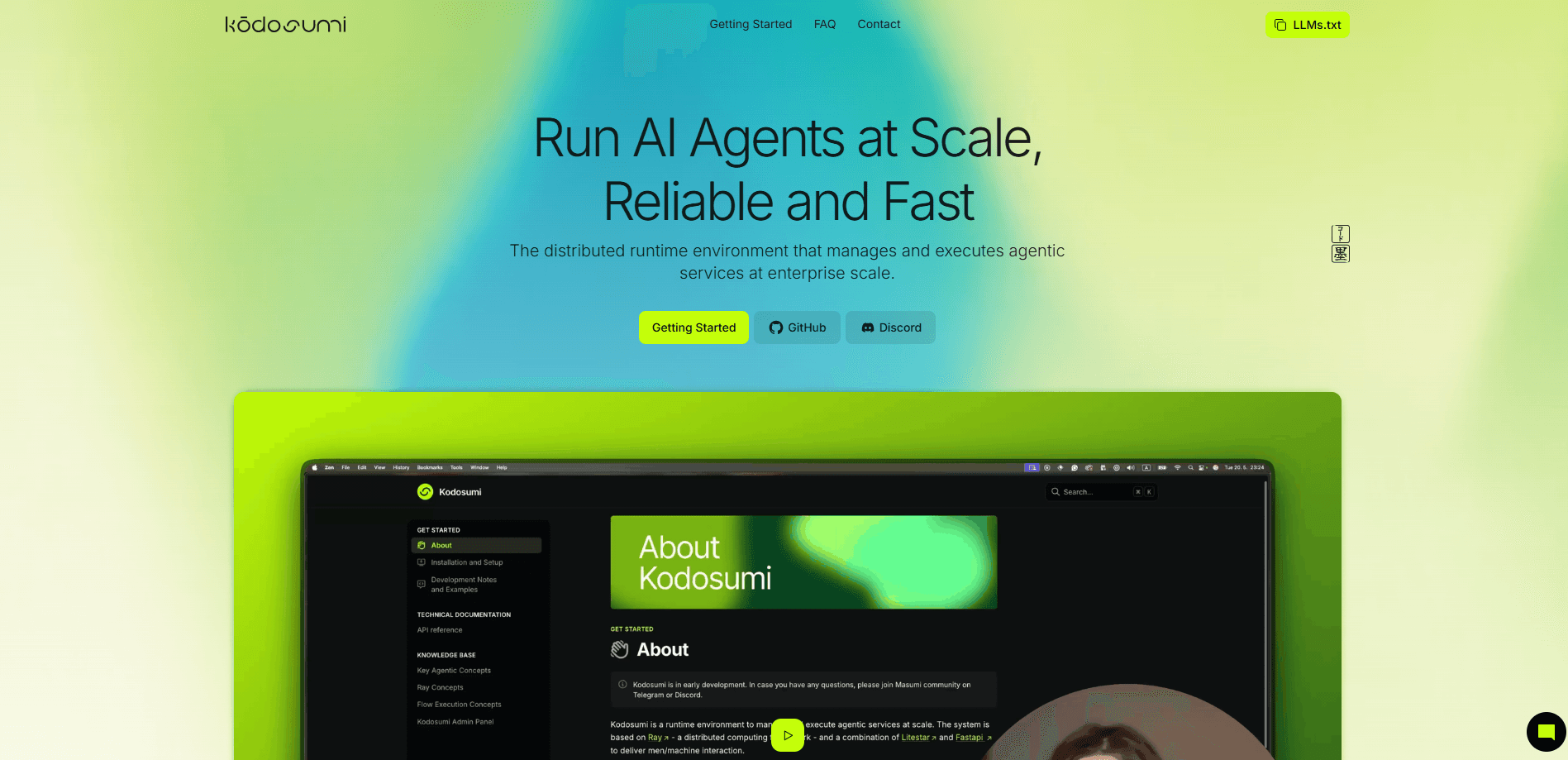
About Kodosumi
What Is Kodosumi
Kodosumi is a framework for developers who need to run AI agents as real services, not just demos on a laptop. You write an agent function in Python, describe it in a single YAML file and let the framework handle the rest: turning it into an HTTP endpoint, distributing the work across a Ray cluster and tracking every run. It ships from the Masumi Network team and stays under the Apache 2.0 license.
The problem it targets is the gap between a working prototype and an agent that survives real traffic. Agents often run for minutes or hours, and a burst of requests can pile up fast. Kodosumi leans on Ray for scheduling, so jobs scale across machines and keep running when the load spikes. A built-in admin panel adds the part most agent code leaves out: a timeline of each execution, error tracking and an analytics view.
There are real limits to weigh. It is a developer tool, so you need Python and some comfort with a cluster setup to get value from it. The paid layer is tied to the Masumi protocol on Cardano, which only matters if you plan to charge for access to your agents. And because it stays framework-agnostic, it won't hand you agent logic that you'd otherwise have to write.
Getting Started
- Install the package with
pip install kodosumiand start a Ray head node withray start --head. - Write an agent function in Python and register an entry point with the
@app.enterdecorator. - Run
koco serveto launch the admin panel, then deploy your app to Ray withserve run. - Create an Expose entry in the admin panel and click Boot to push the configured agents live.
- Watch each run in the Timeline and Analytics dashboards and adjust from there.
Product Information
A quick look at Kodosumi's pricing, supported platforms, and performance.
Best for
The users, tasks, and scenarios where this tool fits best.
Users
- AI developers
- Backend and platform teams
- Teams building paid agent services
- Open-source-minded shops
Tasks
- Deploying an agent as an endpoint
- Scaling long-running jobs
- Monitoring agent runs
- Handling human-in-the-loop steps
- Charging for agent access
Scenarios
- A demo that needs to become a service
- Bursty traffic
- Long research jobs
- Self-hosted setups
- Charging for agent output
Key features
Distributed Execution on Ray Serve
Kodosumi runs your agents on Ray Serve, the same scheduling layer behind large production workloads. A single app starts on a laptop and later spreads across a full cluster without a rewrite of the agent logic. That matters when jobs run long or arrive in bursts, because Ray places each one on an available worker instead of blocking a single process.
Admin Panel with Timeline and Analytics
The admin panel is the part most agent frameworks skip. It lists your registered services, shows a timeline of every execution and records errors as they happen. An analytics view adds throughput and failure counts, and a separate dashboard tracks Masumi revenue. You get the operational picture without building a custom logging stack first.
Framework-Agnostic Agent Integration
Kodosumi doesn't ask you to adopt its own way of building agents. It wraps whatever you already use, whether that's a plain Python function, a CrewAI crew or a call to a self-hosted model. Because it stays out of the agent logic, you keep your existing tools and can swap models or libraries later without touching the framework.
Declarative Forms and File Transfer
You describe the input an agent needs with a small set of form fields, and the framework renders the HTML and validates input on the client side. Agents can send and receive files too, using chunked transfer for uploads and downloads. That turns a bare function into a page a non-developer can actually use.
Human-in-the-Loop Workflows
Some jobs need a person in the middle. Kodosumi supports a lock and lease pattern that pauses an agent, hands control to a human for a decision or an edit, and then resumes the run. It's the missing piece for review steps, approvals and agents that act on sensitive data.
Masumi Payments and MIP-003 Protocol
For agents sold as a service, Kodosumi connects to the Masumi payment system on Cardano and speaks the MIP-003 protocol for discovery and job management. You get a payment dashboard with revenue and failure tracking, so an agent can charge per job without you building a billing layer by hand.
Pros and cons
Pros
- Free and open source under Apache 2.0, so you can read, fork and self-host it
- Built on Ray, which handles both long-running jobs and sudden traffic spikes
- Monitoring, timelines and analytics come included instead of waiting on a custom build
- Framework-agnostic, so it wraps the agent tools you already run
- Payment and discovery support built in for anyone selling agent access through Masumi
Cons
- It's a developer tool, so non-coders have no path to use it
- Getting the most from it means running and tuning a Ray cluster, which is real ops work
- The paid, revenue-tracking side is tied to the Masumi protocol and Cardano, which won't fit teams on other billing setups
- Documentation and community are young compared with established agent platforms
Frequently asked questions
Kodosumi runs AI agents as production services. You write an agent in Python, describe it in a config file and the framework turns it into a scalable endpoint with monitoring, rather than leaving it as a script that only runs once.
Related content
Explore related tools, skills, and articles for Kodosumi.
Kodosumi Alternatives

Base Code
Base44 (Wix) · Coding · ProductivityBase Code is a shared cloud development environment from Base44. Teammates describe changes to an existing GitHub codebase in chat, preview them live and send them back as pull requests.

Google EmbeddingGemma 2
Google DeepMind · Writing · Image · CodingGoogle EmbeddingGemma 2 is a 740M-parameter open model that turns text, code, images, audio, and video frames into vectors in one 768-dimension space, running on phones and laptops.

GitGlow
GitGlow · Coding · ProductivityGitGlow is a local-first desktop Git client that lets independent developers review their own code and their AI agents' changes in one place before shipping.