

Koidex
Koi Security LTD · Other
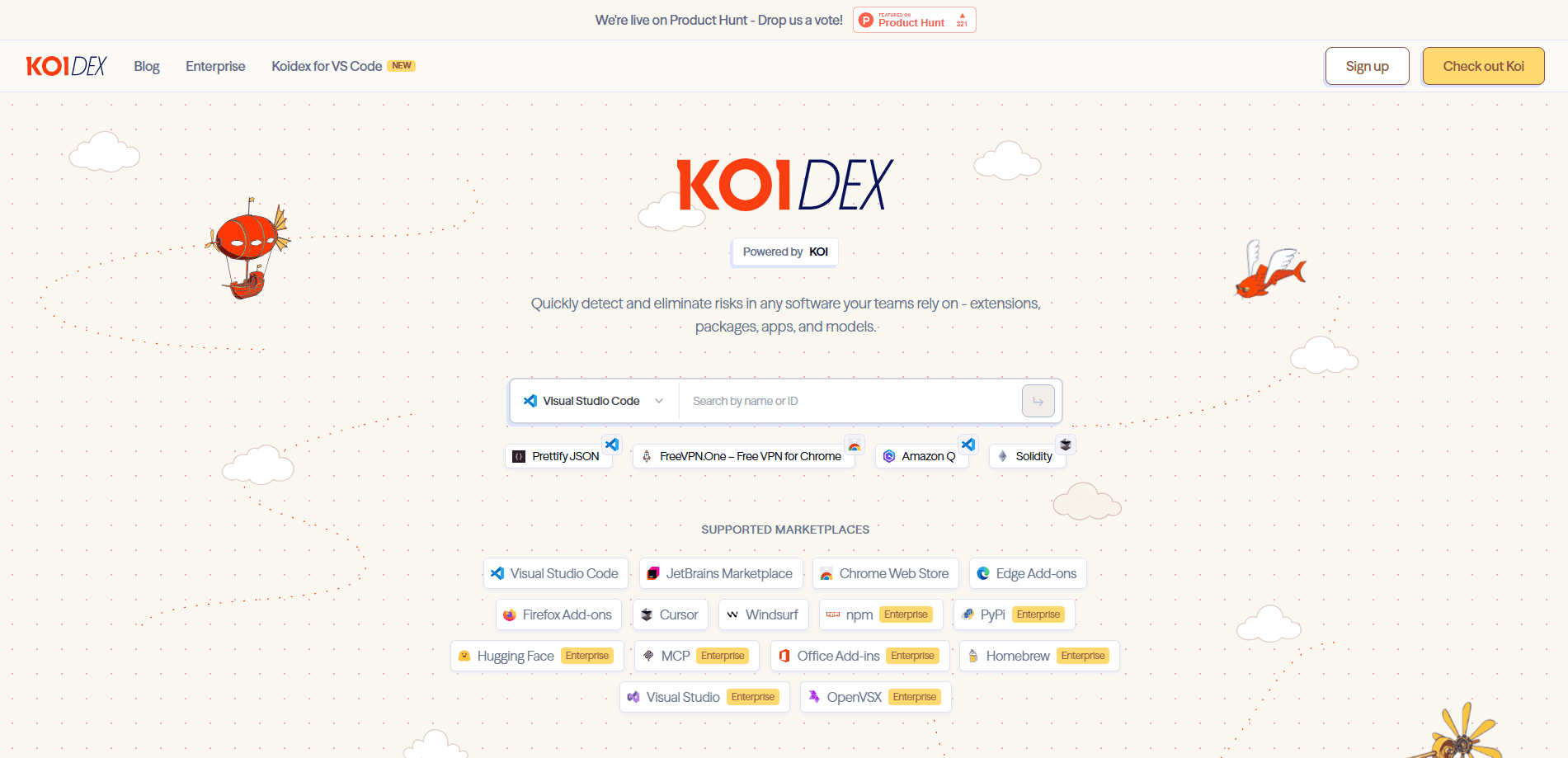
Koidex is a free software supply chain security tool from Koi Security that answers one blunt question: is this thing actually safe to install? You paste in a package name or extension ID, or you scan a marketplace directly, and Koidex breaks the item down by real composition and behavior instead of trusting its label. It covers 15 marketplaces, from the Chrome Web Store and Visual Studio Code Marketplace to npm, PyPI, Hugging Face, and MCP servers, and it keeps a live feed of malicious extensions and packages caught in the wild.
About Koidex
What Is Koidex
Koidex is a web-based extension risk scanner and package vulnerability checker built by Koi Security, an Israeli security company better known for enterprise endpoint protection. The idea behind the product is simple. Every extension, package, app, or AI model you install is code written by someone you've never met, and a description or a five-star rating tells you almost nothing about what it does once it runs.
Most people first reach for Koidex after a news headline about a malicious extension, or after a teammate drops an unfamiliar npm package into a project. Sound familiar? Koidex is built for that moment. It sits between you and the install button. The report gives you a plain read on what the software contains, whether it phones home, and whether anyone else has flagged it.
The main limit is access. The marketplaces that matter most for developers, like npm, PyPI, Hugging Face, and MCP, are marked Enterprise on the site, so the deepest coverage sits behind Koi's business plans. That's the catch. The public tool is genuinely useful on its own, but it's the front door to a paid platform rather than a full replacement for one.
Getting Started
- Open dex.koi.security in any browser. You can search right away, and a free account unlocks saved reports and alerts.
- Pick a marketplace from the dropdown, or leave the default if you're checking a browser extension or VS Code add-on.
- Paste the item's name or ID into the search box and run the scan.
- Read the report. Koidex shows the risk level, what the software is made of, and any behavior that looks like data collection or remote code.
- Optional: install the Koidex for VS Code extension, which scans dependencies in the background while you work in VS Code, Cursor, or Windsurf.
Product Information
A quick look at Koidex's pricing, supported platforms, and performance.
Best for
The users, tasks, and scenarios where this tool fits best.
Users
- Developers vetting a new dependency
- IT and security teams at small companies
- Privacy-minded individuals
Tasks
- Checking an extension before install
- Auditing AI models and packages
- Incident triage
Scenarios
- Reviewing your browser before a demo
- Onboarding a new repo
- Spotting malicious VS Code add-ons
Key features
Multi-marketplace scanning
Koidex searches across 15 sources in one place: the Chrome Web Store, Edge Add-ons, Firefox Add-ons, the Visual Studio Code Marketplace, OpenVSX, JetBrains Marketplace, Cursor, Windsurf, npm, PyPI, Hugging Face, MCP, Homebrew, Visual Studio, and Office Add-ins. You don't need a separate tool for each store. That's the appeal. The tradeoff is that the developer-focused marketplaces like npm and PyPI are gated behind the Enterprise plan.
Agentic risk engine
Rather than matching signatures, Koidex analyzes what software is actually made of and how it behaves, per Koi's description of the engine. It works as an AI model safety scanner as well as a general one, since Hugging Face and MCP are on the source list. It looks past the store's label and the developer's marketing copy to the real composition of the package. That matters because a lot of malicious extensions hide behind a clean-looking listing and a polished icon.
Live malware feed
The homepage runs a "Catch of the Day" feed of newly found malicious extensions and packages, complete with install counts and the risk level. It's a running reminder that the problem is current, not theoretical. Worth a look. You can click through to a report and see exactly what was caught.
Detailed risk reports
Each scan returns a report with a risk rating, the marketplace source, install numbers, and the specific behaviors that triggered a flag. Reports are shareable by URL, which makes them easy to drop into a Slack thread or a ticket when you need a second opinion. Handy for teams.
One-click installs per IDE
The Koidex for VS Code extension brings the scanner into your editor. It works in VS Code and in the Cursor and Windsurf forks, checking dependencies as you add them. For anyone who lives in one of those editors, it removes the step of switching to a browser tab.
Enterprise governance layer
For teams, Koi layers on discovery, guardrails, governance, and remediation around the same engine. Big words, real features. The pitch is that a company can track every piece of software the moment it enters the organization and act on it. This is where the npm, PyPI, Hugging Face, and MCP coverage lives.
Pros and cons
Pros
- Free and fast for a quick check on extensions and VS Code add-ons
- Covers 15 marketplaces, so you're not juggling a tool per store
- Reports are shareable by link, which helps when you need to convince a team
- The VS Code extension scans in the background inside Cursor and Windsurf too
Cons
- The developer-critical sources (npm, PyPI, Hugging Face, MCP) are Enterprise-only, so free users can't scan them
- Pricing beyond the free tier isn't published, so you have to book a demo to get a number
- There's no confirmed public API, which makes it hard to wire Koidex into an existing CI pipeline
- New entries may lack a report, leaving you to wait or judge on your own
Frequently asked questions
Yes, there's a free tier you can use without paying. You can search marketplaces and read reports at no cost. The deeper coverage for npm, PyPI, Hugging Face, and MCP sits behind Koi's Enterprise plan, which is priced on a demo basis.
Related content
Explore related tools, skills, and articles for Koidex.
Koidex Alternatives
BinkBink
BinkBink · OtherBinkBink is a free online game platform and AI game maker that lets anyone turn a short text description into a playable browser game. You can jump into hundreds of community-made games. Or describe your own idea and play it in seconds, then share it with friends. Want to create your own game? You don't need to code. No engine setup, no download, no hassle.

Audiogen
Audiogen Inc. · OtherAudiogen is an AI music generator built by Audiogen Inc., a small research team that spent about 2.5 years training its own generative music model and designing a web interface around it. Instead of a plain text box, this AI music tool turns the timeline into a beginner-friendly Generative Audio Workstation, or GAW, where inpainting, extending, remixing and stem editing work more like painting on a canvas. The product is still in beta, so access runs through a waitlist or an invite. Paid plans aren't published yet.

Aiml API
AIMLAPI OÜ · OtherAiml API is a unified AI model API that puts more than 1000 models from OpenAI, Google, Anthropic, and others behind one endpoint and one bill. You write code against a single OpenAI-compatible schema, then switch between chat, image, video, and audio models by changing a model string. It suits developers and small teams who want multi-model access without juggling a dozen separate provider accounts, and it removes the usual billing headache that comes with testing several vendors. One key covers it all.