

Kokori
Kokori · Voice & Language
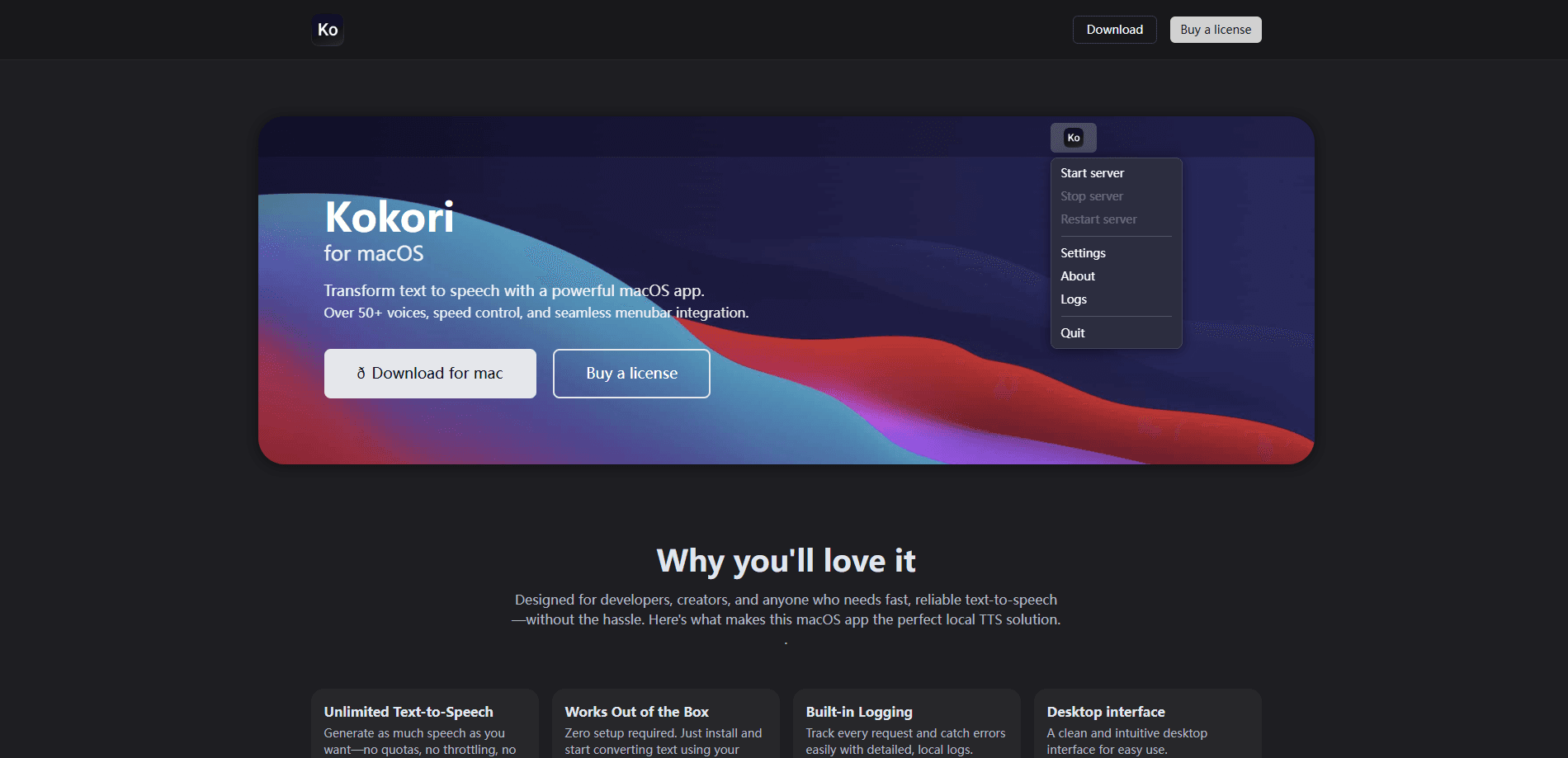
Kokori is a local text-to-speech app for macOS that turns written text into spoken audio using the Kokoro TTS engine. It bundles a menubar interface, a REST API server that runs on your own machine, and dozens of built-in voices across several languages. Think of it as an offline voice generator for your desktop. As an AI voice app, it keeps everything on-device. Developers, content creators, and anyone who wants private offline speech generation can use it without sending a single word to the cloud.
About Kokori
What Is Kokori
Kokori is a desktop text-to-speech tool for macOS that generates audio entirely on your Mac. It's built on Kokoro TTS, an open-source speech model, and wraps it in a friendly app that lives in the menu bar. The main draw is privacy. Nothing you type leaves your machine, so there's no quota to burn and no data to worry about.
The app targets two groups at once. Developers get a local API server they can hit from their own code during testing, which avoids paid cloud calls while prototyping. That endpoint doubles as a text to speech for developers who don't want to touch the cloud. Regular users get a simple window where they pick a voice, adjust speed, and export audio. So who is it really for? Both, and that dual focus is unusual for a Mac voice app. It's also why Kokori shows up in dev discussions rather than just consumer app lists.
There are limits worth knowing up front. Kokori is macOS only, and it leans on the Kokoro model's voice set, so you won't find the hundreds of languages some cloud services advertise. If you need exotic accents or emotional cloning, a cloud platform will serve you better. For everyday English and a few major languages, it's plenty. That narrowness is a deliberate trade, not an oversight, because running everything locally is exactly what keeps the audio private and the costs flat.
Getting Started
- Download the Kokori macOS app from kokori.app and drag it into your Applications folder.
- Buy a license through the official checkout, then enter it to activate unlimited generation.
- Open the app from the menu bar and pick a voice, speed, and pitch from the built-in list.
- Paste or type your text and generate audio, or point your own code at the local API server.
- Export the audio file or play it back directly, and review the built-in logs if a request fails.
Product Information
A quick look at Kokori's pricing, supported platforms, and performance.
Best for
The users, tasks, and scenarios where this tool fits best.
Users
- Developers building voice features
- Content creators who need narration
- Privacy-conscious users
Tasks
- Generating voiceover for videos
- Prototyping a chatbot or reading app
- Converting documents to audio
Scenarios
- Late-night writing sessions where you want to hear a draft read back without an internet connection.
- Offline work on a plane or in a secure office where cloud services are blocked.
- Testing speech features during development without running up API bills.
Key features
Local API Server
Kokori runs a REST API right on your machine, listening on a local port and returning audio for any text you send. You post plain text, a voice name, and a speed value, and you get audio back in a few hundred milliseconds. No SDKs. No cloud keys. No rate limits to bump into at 2 a.m. when you're mid-sprint and just need another test run.
Offline Voice Generation
Every voice runs locally through the Kokoro engine, which means generation keeps working with no internet connection. No internet, no problem. Your text and audio never touch an external server, which matters if you're handling client scripts, medical notes, or anything confidential that simply can't be risked on a third-party cloud you don't control.
Built-In Voice Library
The app ships with dozens of voices split across American English, British English, and other languages, each tagged with a quality grade. The top-rated English voices sound close to studio quality, while the lower-graded ones are handy for quick drafts. You can switch voices per request or set a default.
Menubar Integration
Kokori lives in the macOS menu bar, so you can trigger speech without hunting for a window. That keeps it out of the way while still being one click from anything you're working on.
Speed and Pitch Control
You can adjust how fast a voice speaks and how high or low it sounds. Speed of 1.0 is normal. Slow readings help when you're proofing a script or checking pronunciation on a foreign word. Nudge it down to 0.7 and suddenly you can hear every syllable a voice gets wrong long before you ship the file to a client or publish it to the world.
Request Logging
The app keeps detailed local logs of every request, so when something breaks you can see exactly what went in and what came back. Silent failures are the worst. For developers chasing a bug in an integration, a readable log beats guesswork every time.
Unlimited Generation
There's no per-character cap and no throttling. Once you hold a license, you can generate as much audio as you want, which is the main reason people pick it over metered cloud services for heavy testing. Batch a hundred test lines overnight and nobody sends you a bill in the morning, because the model is running on the Mac sitting under your desk.
Pros and cons
Pros
- Runs fully offline, so private or sensitive text never leaves your Mac
- Local API server removes cloud costs during development and testing
- No generation quotas, which suits long documents and repeated test runs
- Dozens of voices bundled in, including several high-quality English options
- Built-in logs make integration bugs easy to trace
Cons
- macOS only, so Windows and Linux users are out of luck
- Voice and language coverage is narrower than big cloud TTS platforms
- Requires a paid subscription; there's no free tier to trial first
- Some bundled voices grade low on quality, so the real choice is narrower than the full list suggests
Frequently asked questions
Kokori turns text into speech on a Mac. People use it to narrate videos, read documents aloud, and add voice to apps they're building. Its twist is doing all of that offline through a local server.
Related content
Explore related tools, skills, and articles for Kokori.
Kokori Alternatives

Foley
Hanamori Labs, LLC · Voice & Language · Productivity · AI AssistantFoley is a voice to-do list that turns a spoken sentence into a filed task, complete with project, date and time, then helps you plan the day around what is already there.

HireKey
HireKey · Voice & Language · Productivity · LeaningHireKey is an AI job search copilot built by a former tech recruiter. It checks role fit, tailors resumes, runs interview practice and tracks every application.

Fluence
Yay Software (Yannick Huchard) · Writing · Voice & Language · ProductivityFluence is an Android app that reads PDFs, EPUBs, Word files and web articles aloud, follows each sentence as it speaks, and answers questions about the text on the phone itself.