

Kombai
Kombai · Coding
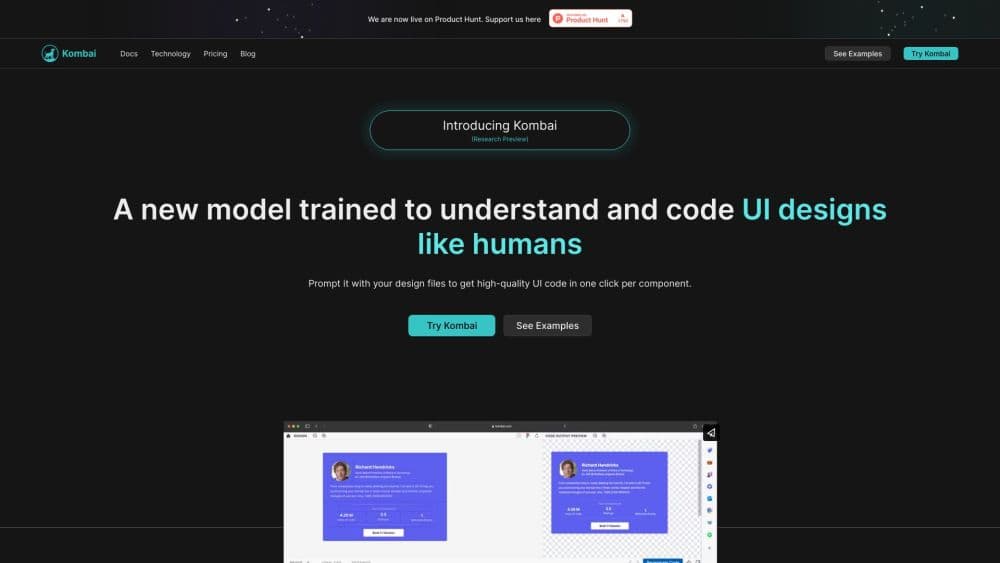
Kombai is an AI design engineer that drafts standout UI designs on a canvas, then writes production-ready frontend code inside your own repo.
About Kombai
What Is Kombai
Kombai is a design engineering agent for frontend work. It lives in two places at once: an infinite canvas where you try layouts, and your codebase where it writes components that match what you already ship. That combination is the whole pitch, and it puts Kombai closer to an AI UI design tool with a coding arm than to a code completion plugin. Most AI coding tools start from a prompt and hand back a file, while Kombai starts from a design decision and ends with a diff you can review.
The company began with a Figma to code tool and rebuilt the product around a design layer it calls a taste agent. That layer picks structure, type, spacing, and motion for each task instead of falling back on the same familiar AI defaults. Kombai measures the difference on its own Design Creativity Bench, where it reports gains of up to 13 percentage points in originality and 23 points in creative range. Those are vendor benchmarks, so read them as the company's claim, not an independent score.
Kombai works best when there's something to follow. An existing repo, a design system, a Storybook, or a Figma file gives the agent real constraints, and the output lands closer to production. Blank-slate projects still run, but you spend more time steering. The other limit is packaging: this is a desktop app and an IDE extension, with no browser-only version.
Getting Started
- Download the desktop app for Windows, macOS, or Linux, or install the IDE extension from the VS Code, Cursor, Antigravity, Trae, or Kiro marketplace.
- Sign in, then point Kombai at a project folder so it can read your components, tokens, and package files.
- Import a Figma file or describe the screen you want, and let the auto router pick a model or choose one yourself.
- Refine the result on the canvas or in the Kombai Browser, generate the code, and review the diff before you merge.
Product Information
A quick look at Kombai's pricing, supported platforms, and performance.
Best for
The users, tasks, and scenarios where this tool fits best.
Users
- Frontend developers
- Product designers
- Small product teams
Tasks
- Converting Figma screens into React components
- Building landing pages and marketing sections
- Restyling a page to match a design system
- Checking a user flow before merge
Scenarios
- A redesign sprint with a hard deadline
- Your first week in an unfamiliar codebase
- Weekly UI polish
Key features
Design Mode On an Infinite Canvas
Kombai opens with a canvas instead of a chat box. You place screens side by side, edit text, spacing, and layout by hand, and ask for variations when a direction feels flat. Everything stays as live HTML with states and animations, so what you compare is close to what ships.
Production Code In Your Own Repo
Code mode writes into your project rather than a sandbox. Kombai reads your framework, component patterns, and file structure, then applies known practices for more than 400 frontend libraries. The result arrives as a reviewable diff, which matters if your team gates merges on code review.
Context Graphs and Design System Memory
Context Graphs index your components, design tokens, hooks, and utilities, including private npm packages and Storybook stories. The agent reuses what it finds instead of writing a parallel version of a button you already have. Over time the stored design decisions keep new pages consistent with the old ones.
Native Figma Import
Figma files come in through a direct integration, with no MCP server in the middle. Kombai parses complex design files and repairs common problems such as nested groups that hide spacing or layers that were never meant to be visible. Icons and assets come along with the layout.
Editable Browser and Automated Testing
The Kombai Browser renders your frontend and lets you change copy, styles, and layout visually. Those edits sync back to the code, and the agent can then walk through user flows on its own to catch broken states. It's a fast loop for the last ten percent of a page, which is usually the slow part.
Model Picker With 50+ Models
Kombai ships an AI frontend agent that can call models from Claude, GPT, Grok, Kimi, and others, and an auto router that matches the model to the job. You can spend a strong model on layout decisions and a cheaper one on repetitive component work. Image, video, and animation generation runs through Veo, Seedance, and Nano Banana.
Pros and cons
Pros
- Generated code reuses your components and tokens, so review comments tend to be about details rather than structure.
- The Figma import handles real design files, including the messy grouping that trips up simpler converters.
- Design, code, and browser testing sit in one app, which removes most tool switching on a frontend task.
- Fifty plus models plus a router give you a direct lever on cost and quality per task.
- The free tier is usable for evaluation, and paid plans add SOC 2 compliance and a no-training-on-your-data promise.
Cons
- Credits disappear quickly during heavy exploration, and extra packs cost money on top of the subscription.
- There's no browser-only option, so a Chromebook or a locked-down machine is out of luck.
- Small greenfield projects get less from the context features, since there's no design system to reuse.
- Autonomous terminal commands and browser tests still need a human check before anything reaches production.
Frequently asked questions
It designs and codes frontend UI. You explore layouts on a canvas, then the agent writes production code into your repository using your components and styling conventions. It also edits the running page in a built-in browser and tests flows.
Related content
Explore related tools, skills, and articles for Kombai.
Kombai Alternatives

Base Code
Base44 (Wix) · Coding · ProductivityBase Code is a shared cloud development environment from Base44. Teammates describe changes to an existing GitHub codebase in chat, preview them live and send them back as pull requests.

Google EmbeddingGemma 2
Google DeepMind · Writing · Image · CodingGoogle EmbeddingGemma 2 is a 740M-parameter open model that turns text, code, images, audio, and video frames into vectors in one 768-dimension space, running on phones and laptops.

GitGlow
GitGlow · Coding · ProductivityGitGlow is a local-first desktop Git client that lets independent developers review their own code and their AI agents' changes in one place before shipping.