

Kommunicate
Kommunicate · Marketing · Chatbot
Kommunicate is an AI customer support platform that automates chat, email, and voice conversations, then hands complex cases to a human with full context intact.
About Kommunicate
What Is Kommunicate
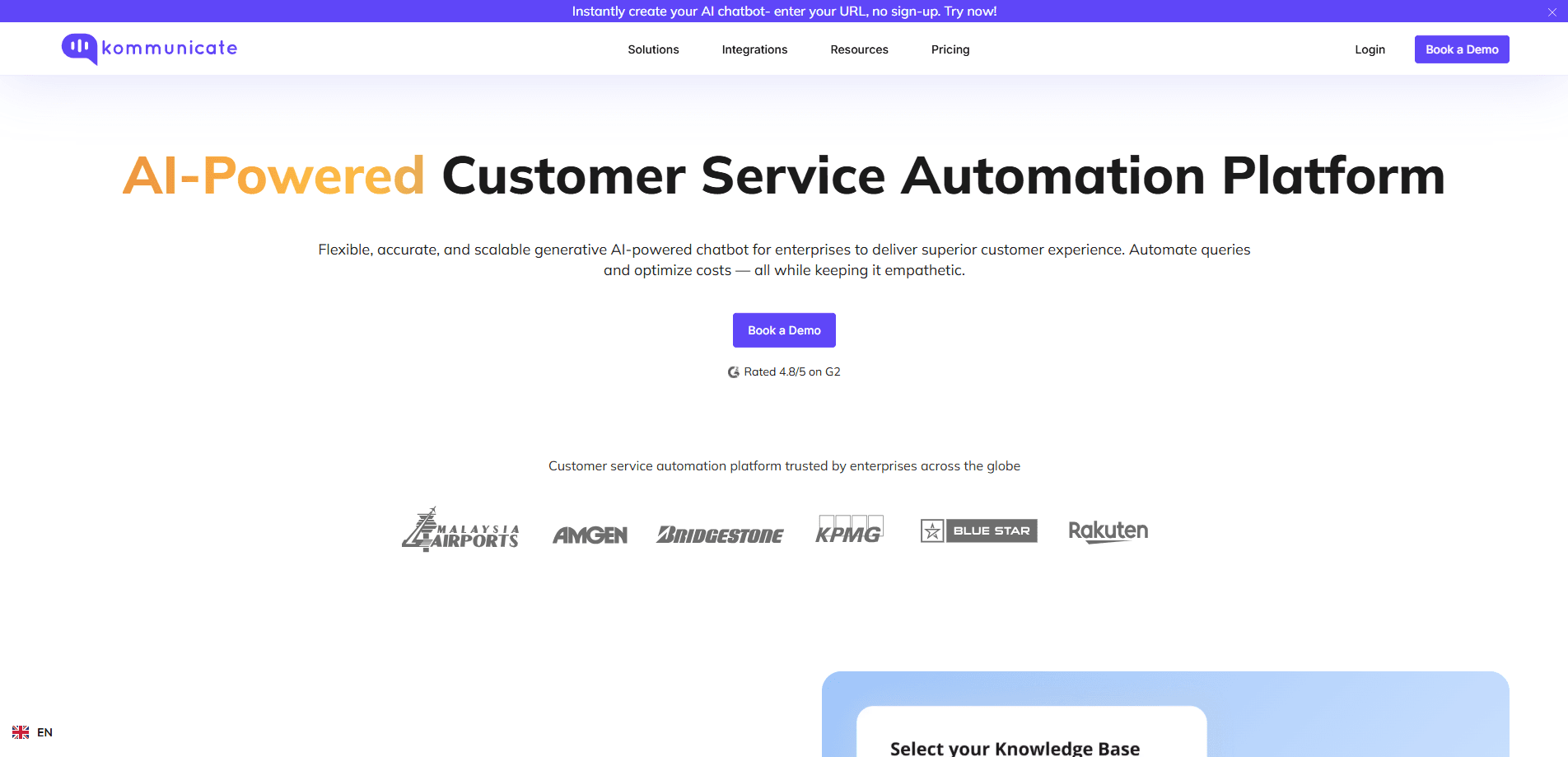
Kommunicate is a customer service automation platform built around AI agents that answer the questions they're confident about and step aside when they aren't. The company pitches it at support, IT, HR, and sales teams that want to cut repetitive tickets without gambling the whole helpdesk on an unpredictable bot.
The design goal is avoiding confident nonsense. When an AI agent runs out of information, it escalates to a person and passes along the whole conversation, so the customer doesn't repeat themselves and the human doesn't start cold. Anything outside the agent's training gets declined rather than invented.
The limit is scope. Kommunicate is a support layer, not a general-purpose assistant, and its value depends on how much of your customer contact is repetitive. It also charges per conversation and per seat, so costs climb as automation succeeds and volume grows. Teams with very low ticket volume may find the flat monthly minimum hard to justify against a simpler live chat tool.
Getting Started
- Sign up at kommunicate.io. Every plan starts with a 30-day free trial and no credit card.
- Train an AI agent on your own sources, whether that's your website, help docs, or a set of FAQs. No code is required for the basic build.
- Pick the channels where customers already message you, such as web widget, mobile apps, WhatsApp, Instagram, or Telegram, and connect them from the dashboard.
- Wire up the support stack you run today, like Zendesk, Freshdesk, HubSpot, or Salesforce, so escalated tickets land where your team already works.
- Go live in monitor mode first, watch what the agent resolves and why it escalates, then widen automation as the answers hold up.
Product Information
A quick look at Kommunicate's pricing, supported platforms, and performance.
Best for
The users, tasks, and scenarios where this tool fits best.
Users
- Support teams drowning in repetitive tickets
- Small startups introducing their first automation
- Multi-department companies consolidating tools
Tasks
- Deflecting common support questions
- Handling escalation cleanly
- Automating email tickets
Scenarios
- Running 24/7 student support
- Scaling telecom billing support
- Freeing insurance agents for hard cases
Key features
Confident-answer AI agents
Each agent is built to recognize when it no longer has enough information to answer well. High-confidence questions get answered instantly with the reasoning shown to your team, while anything uncertain escalates instead of guessing. That focus on knowing its own limits is what separates it from bots that invent an answer just to close a ticket.
Native human handoff
Escalation isn't bolted on as an afterthought. When a conversation goes to a person, the full context travels with it, so the customer never restarts and the agent doesn't ask for details the bot already collected. The company reports a 99.9% handoff success rate across its accounts.
Multichannel messaging
Customers reach the AI agent where they already are, including a chatbot for websites, mobile apps, a WhatsApp chatbot, Instagram, and Telegram. You configure each channel from one dashboard, so a single knowledge base serves every entry point rather than each inbox running its own rules.
Model choice
Kommunicate supports OpenAI, Google Gemini, Anthropic Claude, and other AI or NLP options, which means you aren't locked to one proprietary model. As models, prices, and requirements shift, you can swap the engine underneath your agent without rebuilding the whole setup.
Voice and email automation
Beyond chat, the platform runs a voice AI agent that handles phone conversations and an AI email system that processes incoming tickets. Both feed into the same escalation rules, so a caller and an emailer get the same standard for when a human takes over.
Support-stack integrations
Native connectors include a Zendesk integration, Freshdesk, HubSpot, Salesforce, Zapier, and Google Analytics, plus SDKs for web, Android, iOS, React Native, Flutter, and Ionic. Escalated tickets route into the tools your team already uses, which keeps adoption low-friction instead of forcing a workflow change.
Pros and cons
Pros
- AI agents decline instead of guessing, which protects customers from invented policies and order numbers.
- Handoff keeps the full conversation, so people don't repeat themselves when they reach a human.
- Model-agnostic design lets you choose OpenAI, Gemini, or Claude and change later.
- Broad channel and stack coverage means one platform spans web, WhatsApp, email, and voice.
- Transparent per-conversation pricing makes scaling costs easier to estimate than pure per-resolution models.
Cons
- No free plan, so teams wanting a permanent free tier have to look elsewhere.
- Paid tiers carry flat monthly minimums, which is steep for very low-volume helpdesks.
- Costs rise with usage, since extra conversations and additional seats are billed separately.
- Setup still needs knowledge-base grooming, and a thin or messy source produces weaker answers.
Frequently asked questions
It's an AI customer support platform that automates chat, email, and voice conversations and hands the hard cases to a human agent. You train an AI agent on your own content, then deploy it across the channels your customers use.
Related content
Explore related tools, skills, and articles for Kommunicate.
Kommunicate Alternatives

shippedit.me
Krawlup · Marketing · Businessshippedit.me now redirects to Krawlup, a web platform that audits SEO, AEO and page speed every week, then hands the fixes to AI coding agents over MCP.

MePersona
MePersona, Inc. · Writing · Productivity · MarketingMePersona is an AI unified inbox for creators. It learns your voice, drafts replies to fan messages from 12 platforms, and sends only what you approve.

kōdlo
Reinode Software sp. z o.o. · Productivity · Marketing · Businesskōdlo is an AI sales workspace that finds prospects, researches accounts with cited briefs, drafts outreach and keeps your CRM current in one place.