
Komo Search
Komo · Coding · Chatbot
Komo Search is a private, ad-free AI search engine that answers questions with sources pulled from across the web instead of a list of links. It runs on credits and starts free.
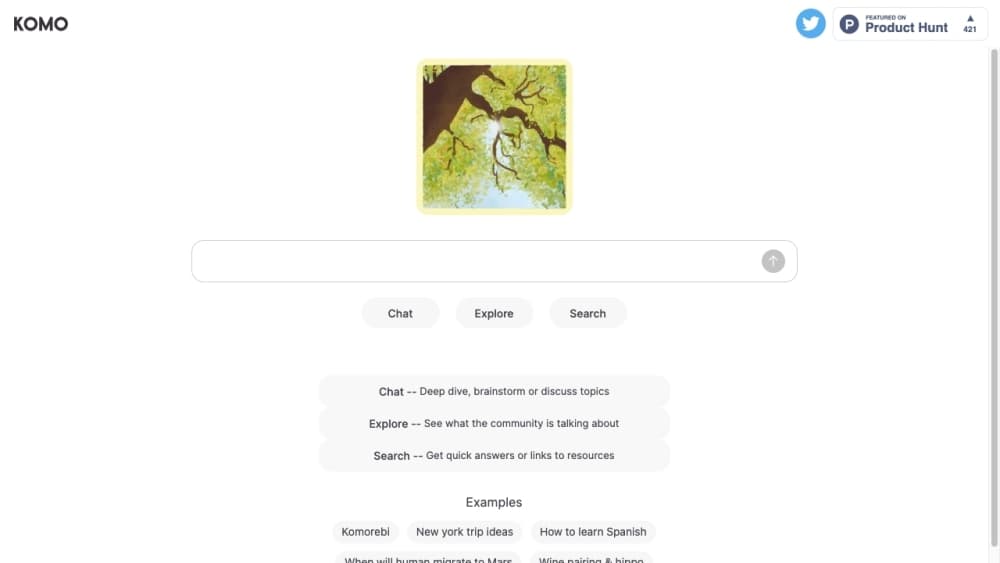
About Komo Search
What Is Komo Search
Komo Search is an AI answer engine at komo.ai that takes a question and returns one written answer assembled from several web sources, with inline citations so you can check any claim yourself. The company behind it launched the product in 2022 and put it on Product Hunt in January 2023, positioning it against the clutter of ad-heavy search.
The draw is a clean read. There are no ads and no user profiling, so a query for a medical symptom or a political topic doesn't come back wrapped in promoted links. You search from the browser, and every answer can be published as a public link under komo.ai/share, which is how the team posts its own example searches.
The catch is the paywall shape. Every search needs a signed-in account, even on the free plan, and the features people ask about most, such as deep research and People mode, sit behind a subscription. There's no phone app, and Komo doesn't publish an API or a trust page, so teams that need either have to look elsewhere.
Getting Started
- Go to komo.ai and create a free account, since every search requires signing in.
- Type your question in plain language.
- Pick a mode: Web for cited answers, or People to look for someone who can answer what the web can't.
- Read the answer, then click an inline citation to check it against the source page.
- Share the answer as a public link, or upgrade to a paid plan for deep research and premium models.
Product Information
A quick look at Komo Search's pricing, supported platforms, and performance.
Best for
The users, tasks, and scenarios where this tool fits best.
Users
- Privacy-minded searchers
- Students and researchers
- People hunting an answer the web can't give
Tasks
- Quick factual lookups
- Topic research
- Checking one question across models
- Sharing findings
Scenarios
- Clearing up a rumor
- Prepping a study session
- Sourcing a name
Key features
Cited Answers
Every answer pulls from several web sources and marks them inline, so each statement links back to the page behind it. That one-click check is what separates it from a plain chatbot that states a fact with no trail. If a source contradicts the others, you can open it and see for yourself.
Web and People Search
The home screen offers two search types. Web returns cited answers from across the internet. People, which Komo promotes as Firsthand, goes a step further and looks for the right human to ask when a question can't be settled from pages. That second mode is unusual for an AI search tool, and it's the feature Komo leans on hardest.
Deep Research
On paid plans, deep research runs a longer multi-source pass and returns a fuller, referenced brief instead of a short answer. It's built for the moment you need more than a paragraph, such as mapping a topic before a project. Free accounts can't run it, so it's one of the clearest reasons to pay.
Premium Model Choice
Komo Pro opens four premium model families from OpenAI, Anthropic, Google, and xAI, while the free tier runs on Komo Fast and budget models. Being able to point the same question at several frontier models is handy when you want to weigh how they differ. The trade is that each run draws on your credit balance.
One Credit Balance
Every plan, free or paid, meters usage in a single credit currency rather than separate caps per feature. Free accounts get a daily grant; Pro gets 2,000 credits a month and Max gets 25,000. Paid users can stack top-up packs that never expire, which makes it easier to budget than juggling a limit for search, a limit for research, and a limit for models.
Shareable Answers
Any answer can be published as a public link under komo.ai/share. That turns a private query into something you can hand to a teammate, drop in a chat, or revisit later. It's the same format Komo uses to host its own example searches, so the shared pages look consistent.
Pros and cons
Pros
- The free plan is usable daily with no card, so you can judge the answers before paying anything.
- Paid plans cost about the same as Perplexity's, which keeps the price risk low if you switch.
- A single credit balance is simpler to track than separate caps for search, research, and models.
- Model choice on Pro lets you run one question through several frontier models.
- Answers publish as public links, which is convenient for sharing or saving a finding.
Cons
- Deep research, People search, and premium models all require Komo Pro, so the free tier is thin.
- There's no native iOS or Android app listed, which means phone use means the web app.
- The pricing page doesn't say how many credits each search costs, so it's hard to predict how far the free daily grant goes.
- Komo doesn't publish a trust or security page, so teams that need compliance details can't check them before buying.
- There's no public API, so developers can't wire the engine into their own apps or pipelines.
Frequently asked questions
Komo Search is an AI search engine that answers questions with one written answer assembled from several web sources, each cited inline. You use it to get a quick, checkable answer instead of scrolling through a page of links.
Related content
Explore related tools, skills, and articles for Komo Search.
Komo Search Alternatives

Base Code
Base44 (Wix) · Coding · ProductivityBase Code is a shared cloud development environment from Base44. Teammates describe changes to an existing GitHub codebase in chat, preview them live and send them back as pull requests.

Google EmbeddingGemma 2
Google DeepMind · Writing · Image · CodingGoogle EmbeddingGemma 2 is a 740M-parameter open model that turns text, code, images, audio, and video frames into vectors in one 768-dimension space, running on phones and laptops.

GitGlow
GitGlow · Coding · ProductivityGitGlow is a local-first desktop Git client that lets independent developers review their own code and their AI agents' changes in one place before shipping.