

Lacuna
Lacuna · Writing · Voice & Language
Lacuna is a browser-based AI music generator that turns text prompts, lyrics, images, or audio clips into complete vocal songs, then lets you split stems, edit MIDI, and master the result. It bundles a full studio toolkit, from a chord progression generator to an AI stem splitter and album cover maker, into one web app. The free tier hands you monthly credits, and paid plans add commercial licensing and heavier generation limits.
About Lacuna
What Is Lacuna
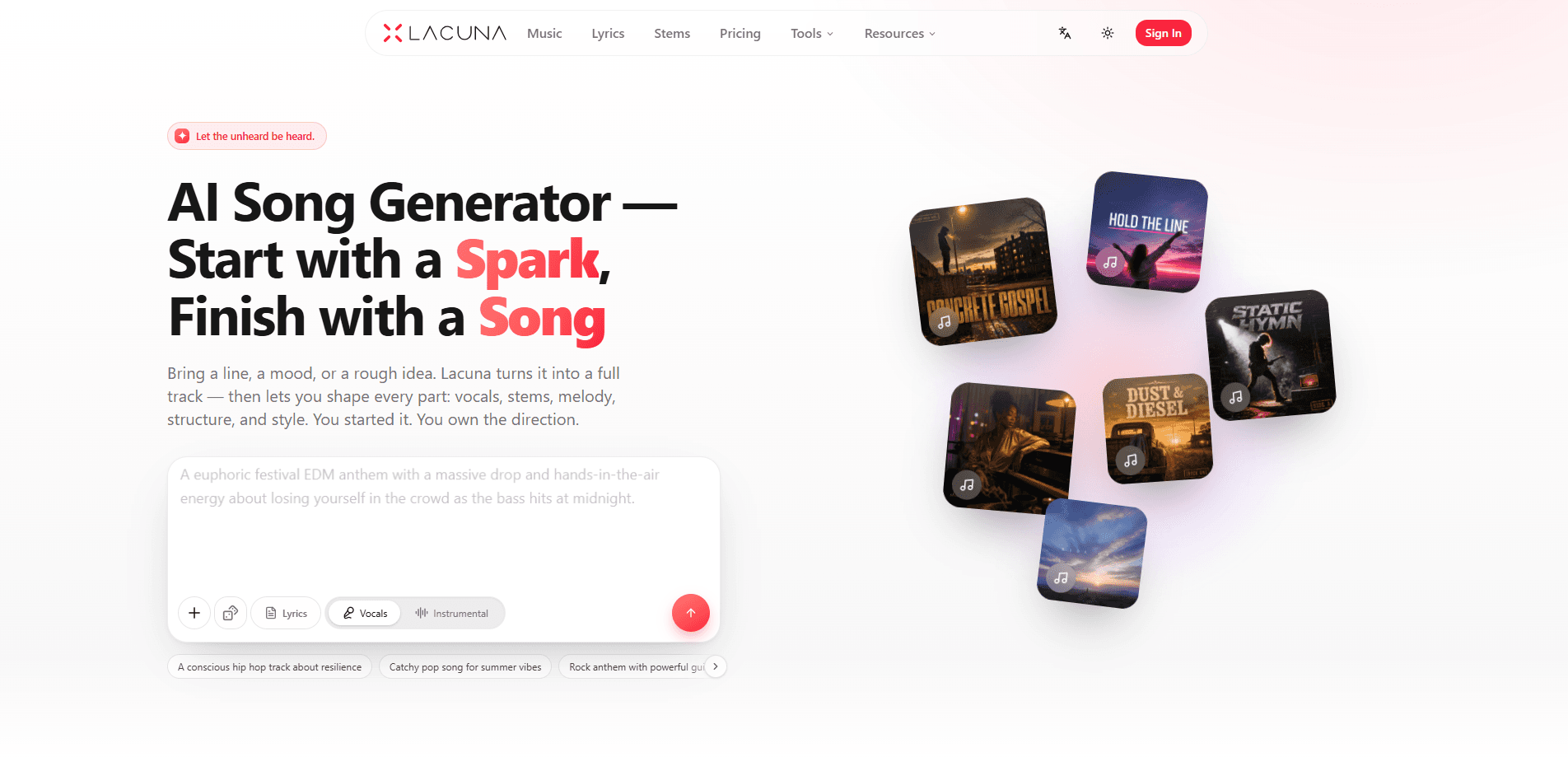
Lacuna is an AI song generator built for people who hear an idea but can't play an instrument, and for producers who want a fast starting point. You describe a mood, paste a lyric, or upload a reference track, and it returns a finished song with vocals, melody, and arrangement. The pitch is simple: turn a spark into sound without booking studio time or learning music theory. That's the whole point.
What makes it more than a one-trick generator is the editing layer. Most AI music tools stop at a rough demo. Lacuna keeps going, letting you separate a finished song into up to six stems, remix it, rewrite a single section, convert audio into editable MIDI, and push the final master toward streaming loudness. That's rare. The site says output is cleared for commercial use with no claims or strikes, which matters if you're scoring a video or releasing a track.
The main catch is that music generation runs on credits, and the finer features sit behind paid tiers. Free gives you 120 credits a month, enough to try the core generator, but stem separation, the full MIDI and sheet-music suite, and API access need Pro or above. If you only need one song, that's a real limit. If you're building a catalog, it's a fair trade.
Getting Started
- Open lacuna.fm and create a free account; no credit card is needed, and you get complimentary monthly credits.
- Pick a tool, for example AI Song Generator or Lyrics to Song, then describe your idea in the prompt box: genre, mood, tempo, and instruments all help.
- Generate a track, then audition the versions it returns and keep the one that fits.
- Refine the result with Stem separation, Region rewrite, or the MIDI editor to change a part without starting over.
- Master the track, download it as MP3 or WAV, and save it to your library.
Product Information
A quick look at Lacuna's pricing, supported platforms, and performance.
Best for
The users, tasks, and scenarios where this tool fits best.
Users
- Beginners with no music background
- Content creators and video editors
- Producers and songwriters
Tasks
- Turning a lyric into a full song
- Splitting a track into stems
- Writing chord progressions
- Mastering a finished track
Scenarios
- Making a personal song for a birthday or event
- Producing background music for daily video uploads
- Learning an instrument
- Testing an API workflow
Key features
Full Song Generation from Almost Any Input
Lacuna's core engine builds complete songs from a text prompt, a set of lyrics, an image, or an audio idea. You specify genre, mood, tempo, and instruments, and it returns finished versions with vocals and arrangement. It's the feature that covers the widest range of users, since you don't need any theory to get a listenable result. The trade-off is credit cost per version, so heavy experimentation adds up. Pick your battles.
Stem Separation and Remixing
The stem splitter breaks a finished song into vocals, drums, bass, guitar, and piano, up to six stems. That opens up karaoke, remixing, and instrument practice, and the mashup maker lets you lay one song's vocal over another's instrumental. Stem separation sits behind the paid tiers, so free users only get a taste of it. That stings.
MIDI Generation, Editing, and Sheet Music
This is where Lacuna leans toward serious musicians. The MIDI generator creates playable MIDI from text, images, or audio, the browser-based MIDI editor lets you compose and tweak notes, and the converter renders MIDI as readable sheet music with MusicXML export. The full MIDI and sheet-music suite is reserved for Pro and above, which is the clearest reason a producer would upgrade. Know that going in.
Chords, Key, and Harmony Tools
A chord progression generator lets you build, preview, and edit loops, while a BPM and key finder reads the key, tempo, and Camelot code of any song. The song key changer shifts a track without wrecking its pitch, and a pitch detector helps you stay in tune. These helpers fit songwriters who work from harmony first rather than a full prompt. Start with the chords.
One-Click AI Mastering
The AI mastering tool polishes loudness, dynamics, and overall tone to match a reference track, and it does this without changing the actual performance. It's aimed at people who finish a song and want it to sit at a sensible level for streaming or social, without paying for a separate mastering service. One click. Done.
Album Covers and Lyric Videos
Beyond audio, Lacuna generates album cover art from a description or reference image, and a lyric video maker turns a track plus its lyrics into a shareable clip. You can also regenerate a cover for an existing track without touching its audio. Small feature. Handy all the same.
Browser Audio Utilities
Around the main studio sit smaller tools: an audio converter between formats, a speed changer that shifts tempo without altering pitch, an audio looper for clean loop points, and autotune that tunes vocals without plugins. None are headline features, but they save you from installing a second app just to finish a job. Fewer tabs, less friction.
Pros and cons
Pros
- Runs entirely in the browser, so there's nothing to install and it works across machines.
- The free tier gives 120 monthly credits with no credit card, which is enough to properly test the generator.
- Output is cleared for commercial use with no claims or strikes, a big deal for creators.
- The tool set goes well past generation, covering stems, MIDI, sheet music, mastering, and covers in one place.
- Paid tiers scale clearly, from $19 for 2,500 credits up to $99 for 25,000 with unlimited concurrency.
Cons
- Generation is credit-based, so long experiments can burn through your allowance faster than expected.
- Stem separation, the full MIDI suite, and API access all require Pro or above, which frustrates free users who want to edit rather than just generate.
- There's no dedicated mobile app, so everything depends on the web app and a decent connection.
Frequently asked questions
Yes. The free plan gives you 120 credits per month and doesn't ask for a credit card. It's enough to generate songs and explore the basics before you commit to a subscription. No pressure.
Related content
Explore related tools, skills, and articles for Lacuna.
Lacuna Alternatives

Google EmbeddingGemma 2
Google DeepMind · Writing · Image · CodingGoogle EmbeddingGemma 2 is a 740M-parameter open model that turns text, code, images, audio, and video frames into vectors in one 768-dimension space, running on phones and laptops.

MePersona
MePersona, Inc. · Writing · Productivity · MarketingMePersona is an AI unified inbox for creators. It learns your voice, drafts replies to fan messages from 12 platforms, and sends only what you approve.

Fluence
Yay Software (Yannick Huchard) · Writing · Voice & Language · ProductivityFluence is an Android app that reads PDFs, EPUBs, Word files and web articles aloud, follows each sentence as it speaks, and answers questions about the text on the phone itself.