

Lavender
Lavender · Writing · Business
Lavender is an AI email coach that scores, personalizes, and rewrites sales emails inside Gmail, Outlook, and major sales platforms to help sellers win more replies.
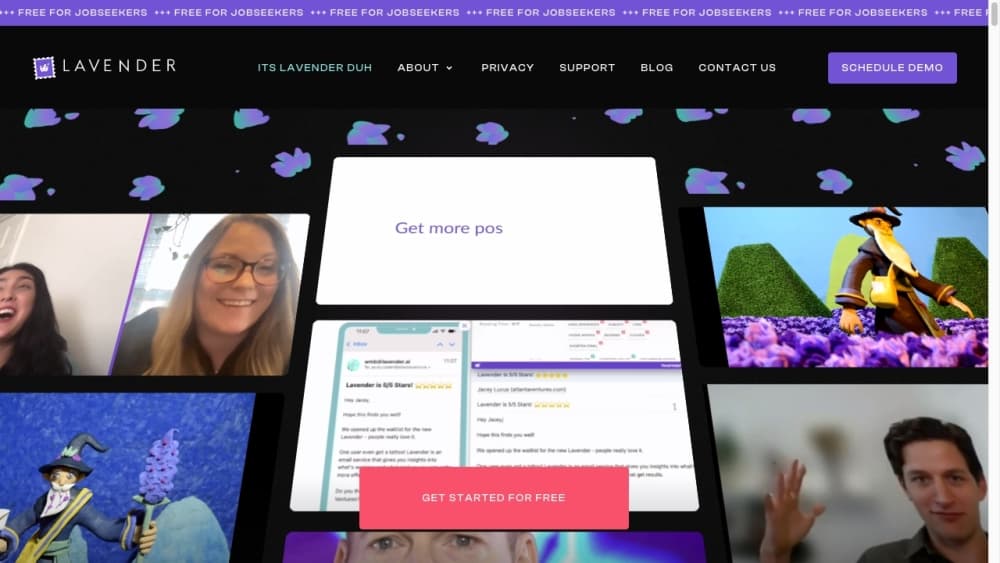
About Lavender
What Is Lavender
Lavender is an AI email coach built for people who live in their outbox. You type a cold email or a follow up, and Lavender grades it on a 0 to 100 scale, flags what is dragging the reply rate down, and suggests a fix. The score is the hook: send an email that lands at 90 or above, and the company says you are far more likely to hear back.
The product started in 2020 with a narrow idea. Sales teams send millions of emails that never get answered, and most of the reasons are small and fixable. Lavender dug into billions of emails to learn what separates an email that gets a reply from one that gets ignored, then turned those patterns into a coach that sits next to your compose window. Founders Will Allred and William Ballance built the company around that single question, and it has grown to serve tens of thousands of B2B sellers.
The limits matter as much as the features. Lavender coaches and rewrites, but it does not send emails, run sequences, or manage your CRM. It works inside the tools you already use rather than replacing them. The free plan is small, capped at a handful of analyzed emails a month, so anyone sending at volume will need a paid plan. And because it reads your historic emails to learn what works, some IT teams want a security review before rolling it out.
Getting Started
- Install the Lavender Chrome extension or connect it through a supported platform such as Gmail, Outlook, or Salesloft.
- Sign in and let Lavender connect to your inbox so it can study your historic emails and calibrate its advice.
- Open a new email and start typing; the coach scores it live and lists the specific fixes that would raise the score.
- Open the Personalization Assistant to pull in prospect and company data, then apply a suggested line or rewrite.
- Send when the score clears 90, and check the coaching dashboard later to see what is working across your team.
Product Information
A quick look at Lavender's pricing, supported platforms, and performance.
Best for
The users, tasks, and scenarios where this tool fits best.
Users
- Sales development reps and account executives
- Sales managers and enablement leads
- Founders and freelancers who send cold outreach
Tasks
- Writing cold emails
- Personalizing outreach at scale
- Coaching a sales team
- Cleaning up existing templates
Scenarios
- Ramping a new SDR team
- Fixing a cold email campaign that stopped converting
- Sending follow ups that land
Key features
Real-Time Email Scoring
Every email gets a 0 to 100 score as you write it. Lavender points to the lines that hurt your chances and explains why, so you fix problems before the email goes out. The company says emails scoring 90 or above get the most replies, which gives you a clear target.
AI Rewrite Suggestions
Beyond flagging problems, Lavender rewrites the weak spots for you. It shortens bloated sentences, sharpens the ask, and swaps vague phrasing for concrete language. You stay in control of the final draft, since the suggestions are there to accept or ignore.
Personalization Assistant
The Personalization Assistant surfaces data about your prospect and their company right next to your draft. It suggests ways to work that detail into the email and surfaces personality-based insights, which helps a cold email read like it was written for one specific person.
Team Coaching Dashboard
Managers get a view of the whole team's outbound, with reply rates, performance trends, and ROI on the outreach effort. It shows who is improving and who needs help, so coaching sessions start from real inbox data rather than anecdote.
Works Where You Send Email
Lavender runs as a Chrome extension and connects to Gmail, Outlook, Outreach, Salesloft, HubSpot, Apollo, Groove, and Gong. It coaches inside the tools you already use, so you don't have to change where you send email to get the feedback.
Learns From Your Inbox
The coach studies your historic emails and adapts its advice to what works for you and your team. As email behavior shifts, the recommendations move with it, so the guidance stays current instead of freezing on old best practices.
Pros and cons
Pros
- The free plan lets you score a handful of emails each month at no cost, so you can test the coaching before paying.
- It works inside Gmail, Outlook, and popular sales platforms, which means the feedback shows up where you already write.
- The team dashboard turns reply data into coaching cues, giving managers a way to help reps without guessing.
- Scores give sellers a concrete target to write toward, which makes improvement measurable over time.
Cons
- The free plan is limited to a small number of analyzed emails per month, so anyone sending at volume will need a paid seat.
- Lavender coaches and rewrites but doesn't send emails or run sequences, so it won't replace your outreach platform.
- Team pricing is charged per seat and climbs quickly, which makes it a hard sell for very small teams.
- Because it learns from your historic inbox, some organizations need an IT and security review before they can switch it on.
Frequently asked questions
Lavender is an AI email coach for sales outreach. It scores the emails you write, points out what hurts your reply rate, and suggests rewrites, all inside Gmail, Outlook, and popular sales platforms. It's built for cold emails and follow ups that need to earn a reply.
Related content
Explore related tools, skills, and articles for Lavender.
Lavender Alternatives

Google EmbeddingGemma 2
Google DeepMind · Writing · Image · CodingGoogle EmbeddingGemma 2 is a 740M-parameter open model that turns text, code, images, audio, and video frames into vectors in one 768-dimension space, running on phones and laptops.

MePersona
MePersona, Inc. · Writing · Productivity · MarketingMePersona is an AI unified inbox for creators. It learns your voice, drafts replies to fan messages from 12 platforms, and sends only what you approve.

Fluence
Yay Software (Yannick Huchard) · Writing · Voice & Language · ProductivityFluence is an Android app that reads PDFs, EPUBs, Word files and web articles aloud, follows each sentence as it speaks, and answers questions about the text on the phone itself.