

Law Online | Law AI reviews
Law Online · AI Assistant · Chatbot
Law Online is a web dashboard that uses AI to answer legal questions, draft documents, analyze files, translate paperwork, and transcribe court audio for legal professionals.
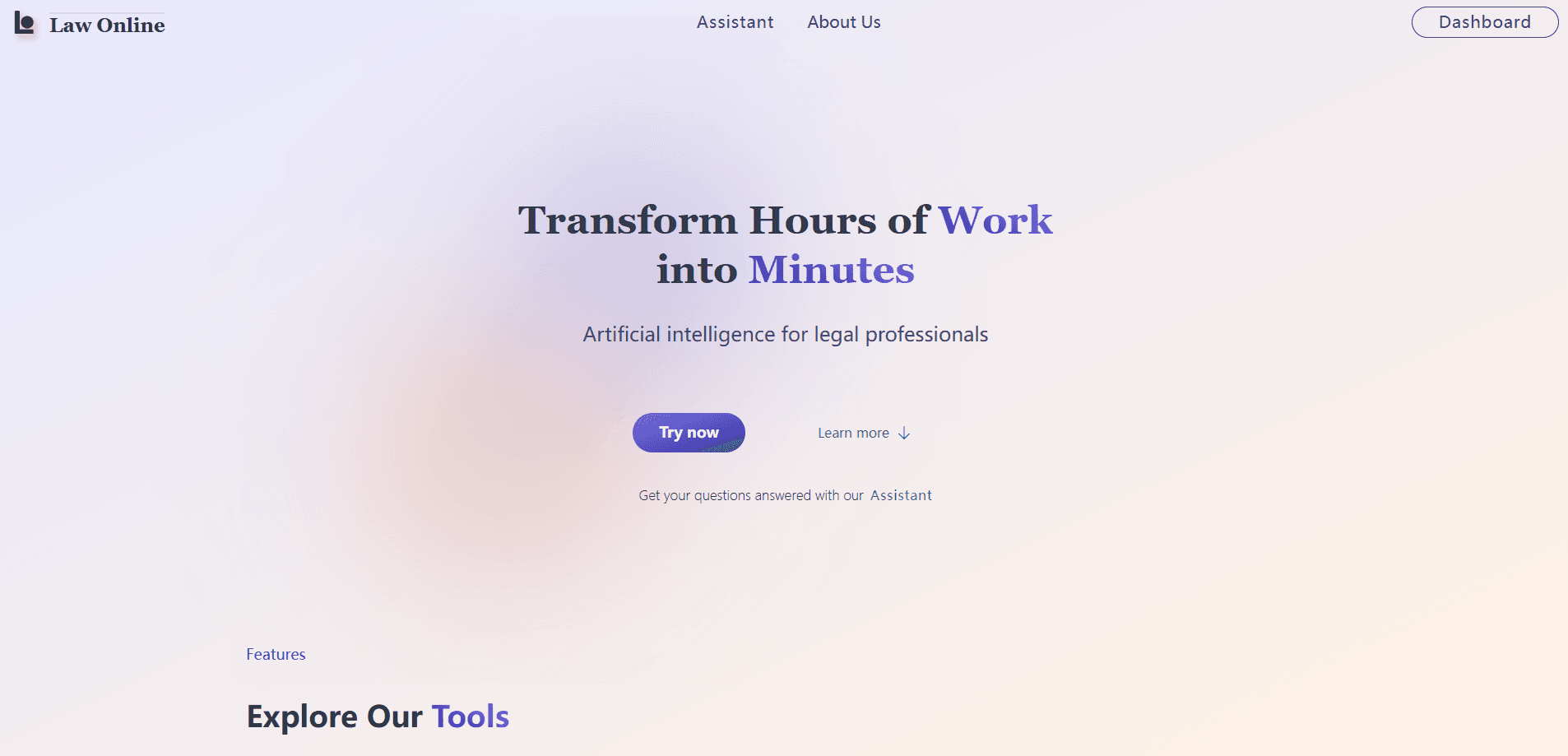
About Law Online | Law AI reviews
What Is Law Online
Law Online is a web platform from the company of the same name that packs several AI tools into one dashboard for legal work. You get a chat assistant, a document drafter, a financial and legal analyst, a translator, and an audio transcriber, all behind a single login.
The pitch is time. Lawyers spend hours on tasks that follow a pattern: reading a contract, writing a first draft, converting a hearing recording into text, or translating a document. Law Online hands those jobs to AI and keeps the output inside one workspace instead of spreading it across five subscriptions.
The scope is the main limit. The site says its assistant answers questions about United States legal codes, while its help pages describe a model trained on Portuguese law, so the coverage leans toward those two systems rather than every jurisdiction. Treat the output as a strong starting point, not a signed opinion from a licensed lawyer.
Getting Started
- Create an account on the Law Online website and open the lawyer dashboard.
- Pick the tool you need: AI Assistant, Drafts, Analyses, Translations, or Transcriptions.
- Paste your question or upload the document, recording, or file you want processed.
- Review the AI result, edit it, and export the finished text or document.
- Track how much usage each plan leaves you from inside the dashboard.
Product Information
A quick look at Law Online | Law AI reviews's pricing, supported platforms, and performance.
Best for
The users, tasks, and scenarios where this tool fits best.
Users
- Solo lawyers
- Small law firms
- Legal support staff
Tasks
- Answering a legal question quickly
- Legal drafting of a contract or pleading
- Analyzing a financial or legal document
- Transcribing a hearing
Scenarios
- A court recording that needs to become a text file the same day
- A document in another language that a client needs reviewed
- A rush filing that leaves no time to write from a blank page
Key features
AI Assistant
The assistant is the front door of the platform. You ask a legal question in plain language and it answers using its legal knowledge, which the site ties to United States legal codes and, in its help pages, to Portuguese legislation. It is built for quick lookups, not for replacing a lawyer's judgment on a live case.
Drafts
Drafts turns a short brief into a working document such as a contract or a pleading. You describe what you need, and the tool produces structured wording you can then adapt to the specifics of the case. The value is skipping the blank page, not skipping the review.
Analyses
The analysis tool reads financial and legal documents and returns a detailed breakdown of what they contain. It is aimed at making a decision easier when a file is long or dense, and it summarizes the substance rather than just extracting text.
Translations
This tool translates legal documents while trying to preserve meaning, which matters because a loose translation can change the effect of a clause. The site markets it as breaking down language barriers without losing accuracy, a claim to test on your own documents before trusting it on a filing.
Transcriptions
Transcriptions converts court audio recordings into text. Instead of listening back and typing, you feed in the recording and get a written transcript, which saves the hours such a job usually takes. The site's headline promise is turning hours of work into minutes.
Dashboard Workspace
Every tool sits inside one dashboard, so a document you transcribe can be analyzed, and a draft you create can be translated, without moving between apps. Usage limits reset monthly on the day you subscribed, and switching plans updates the limits right away.
Pros and cons
Pros
- Five legal tools, chat, drafting, analysis, translation, and transcription, sit inside one dashboard.
- The transcription tool turns court audio into text, a task that otherwise eats hours.
- Plans can be changed at any time, and the new limits apply immediately.
- Usage limits reset on your subscription date each month, which is predictable to plan around.
Cons
- There is no free plan, so you have to pay before you can test the tools on real work.
- Unused usage does not roll over, so quiet months waste part of what you paid for.
- The AI assistant's coverage leans toward U.S. codes and Portuguese law, which limits use in other jurisdictions.
- Output is a starting point that still needs review by a qualified lawyer before it is relied on.
Frequently asked questions
Law Online is a dashboard of AI tools for legal work. It answers legal questions, drafts contracts and pleadings, analyzes financial and legal documents, translates paperwork, and transcribes court audio recordings.
Related content
Explore related tools, skills, and articles for Law Online | Law AI reviews.
Law Online | Law AI reviews Alternatives

Hark
Hark · Productivity · AI Assistant · China AIHark is a personal AI assistant that books, buys, and organizes things for you. It runs on web, iOS, and Android, remembers your preferences, and hands bigger jobs to a computer-use agent.

Rhem Labs
Rhem Labs · AI Assistant · China AIRhem is a tabletop health assistant robot from Rhem Labs that takes blood pressure and other wellness readings, runs reminders, makes calls, and sends fall alerts to family.

Wabi
Wabi, Inc. · Productivity · AI Assistant · ChatbotWabi is a messenger-style AI assistant for iOS, Android and Mac. It sorts your life into shared threads, builds small apps inside each one, and handles email, calendar and errands after you approve.