

Lazy Prompter
MOCHIMIN PTE. LTD. · Other · Prompts
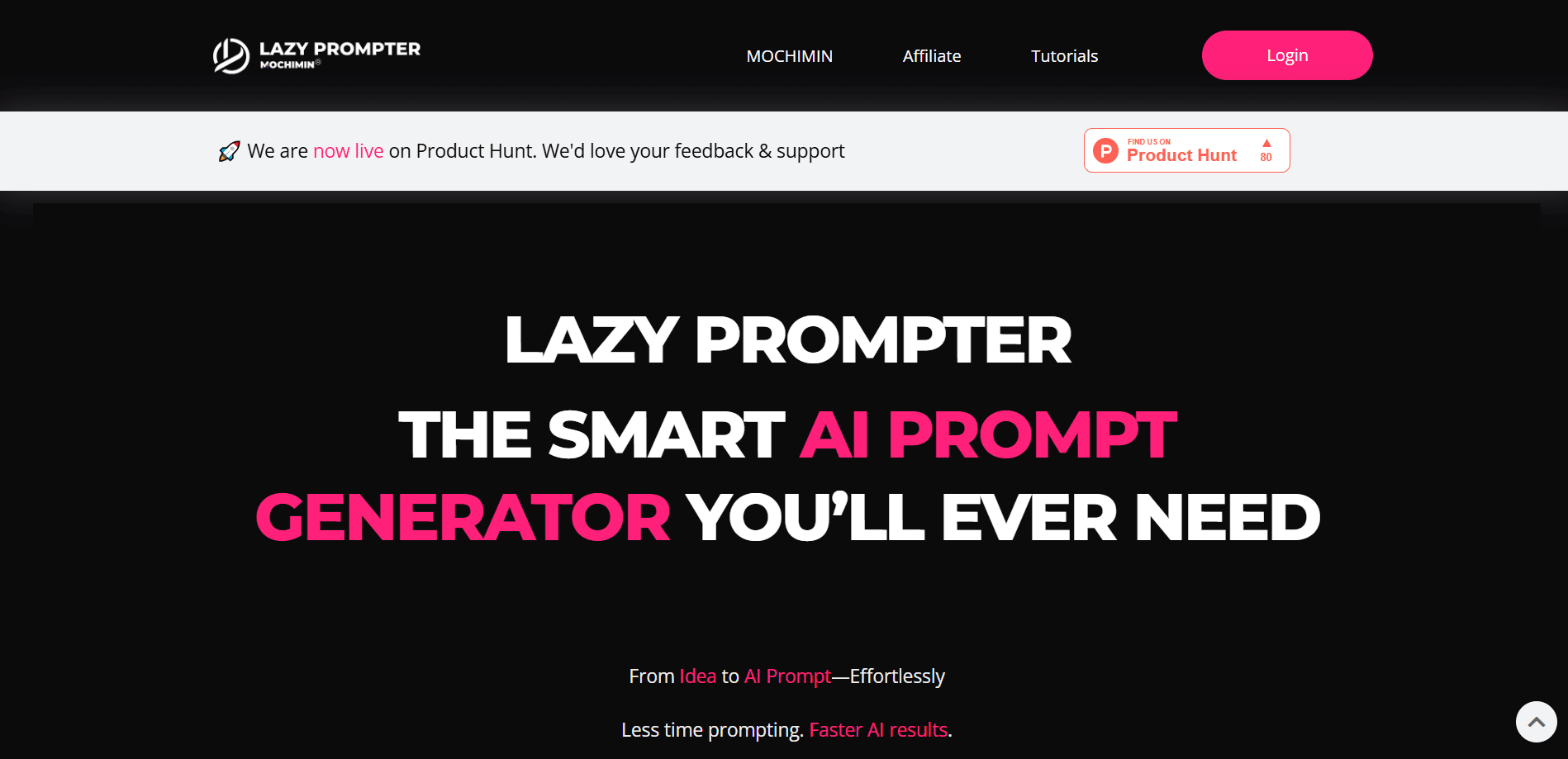
Lazy Prompter is an AI prompt generator and cross-AI prompt manager. Type a few words, get a complete prompt, then save it and reuse it on ChatGPT, Claude, Gemini, or Midjourney.
About Lazy Prompter
What Is Lazy Prompter
Lazy Prompter solves a small but constant annoyance: the prompt that worked last week is gone, and you rebuild it from memory on whatever AI you happen to open next. The tool works as a cross-AI prompt tool: it writes a full, structured prompt from a short phrase, then stores it so you can pull it back with one keystroke.
It runs as a web app and a browser extension. The generator handles structure, so you supply the topic and it fills in the role, rules, and output format. It works with any text-based AI, not one vendor.
The catch is scope. Lazy Prompter doesn't know your industry and doesn't run your prompt for you. It shapes the wording and keeps a library. The judgment about what to ask stays with you, and the free tier caps generation at 15 prompts a month.
Getting Started
- Create a free account at lazyprompter.com. No card is required to start.
- Pick a mode: Prompt for a single complete prompt, or Custom AI to build a reusable AI expert.
- Type a few words, like "cold sales email," and let it write the full prompt.
- Copy the result into ChatGPT, Claude, Gemini, or Midjourney and run it.
- Add the Chrome extension and press Cmd+Shift+L on any AI page to insert a saved prompt.
Product Information
A quick look at Lazy Prompter's pricing, supported platforms, and performance.
Best for
The users, tasks, and scenarios where this tool fits best.
Users
- Everyday AI users
- Sales and marketing teams
- Freelancers and small teams
Tasks
- Writing outreach and follow-ups
- Turning meeting notes into action items
- Image prompts for Midjourney
Scenarios
- Switching between AI tools
- Repetitive weekly work
- Quick one-off tasks
Key features
Prompt Generation From a Short Input
Type a few words and Lazy Prompter writes a complete, structured prompt. It fills in the parts people usually skip, like role, rules, and output format. The company says generation takes under three seconds. As a prompt generator for ChatGPT, Claude, or Gemini, it gives you something you can paste right away.
Collections Prompt Library
Collections is where your prompts live. Save prompts from Lazy Prompter or anywhere else, title them, and copy any of them with one click. This is the core of the cross-AI idea: the good prompt stays put instead of disappearing into a chat thread. Collections requires a Pro plan.
Custom AI Experts
The Custom AI mode builds a reusable AI expert with setup instructions you paste into a tool's Custom Instructions. Instead of one prompt for one task, you get a persona with standing rules. This suits recurring work where the same framing should apply every time.
Chrome Extension With Spotlight
The extension puts Lazy Prompter on any AI page. Press Cmd+Shift+L and a Spotlight overlay opens, letting you insert a saved prompt without leaving the tab. It's live on the Chrome Web Store, with Firefox and Edge listed as coming. This is what makes reuse feel instant rather than a copy-paste ritual.
Team Seats and Sharing
Pro includes three team members and Lifetime includes five. Each member gets the full Pro feature set, but only the account owner earns affiliate revenue. Members can leave on their own at any time. That keeps a small team on one shared library without a separate admin tool.
Affiliate Program
Share an invite link and earn 40 percent of every payment from someone who subscribes on Pro, or 50 percent on Lifetime. Payouts run every month while the referral keeps paying, and you can withdraw once you clear $50. It's an unusual add-on for a tool at this price point.
Pros and cons
Pros
- Works across any text-based AI, so you're not locked into one vendor.
- Generation is fast, and the output is structured enough to use without editing.
- The extension makes saved prompts quick to insert on the page you're already on.
- Free tier is usable, with 15 prompts a month and no card needed.
- Lifetime option at $149 locks the price and includes future updates.
Cons
- Free tier is capped at 15 prompts a month, which runs out fast for heavy users.
- The prompt library, the extension, and team seats all sit behind Pro, so the paid jump matters.
- It structures prompts but doesn't know your field, so output still depends on how well you describe the task.
Frequently asked questions
ChatGPT runs your prompt and then forgets it. Lazy Prompter keeps your best prompts and brings them back on any AI in one keystroke. The two do different jobs, and you can use both at once.
Related content
Explore related tools, skills, and articles for Lazy Prompter.
Lazy Prompter Alternatives

Odyssey 3
Odyssey · OtherOdyssey-3 is Odyssey's foundation world model. It simulates physics in real time, turns a prompt into an interactive environment, and adapts to robots, cars and games.

JarvisCore
Prescott Data · Coding · Productivity · OtherJarvisCore is an open source Python runtime where AI agents work as equal peers on an agent mesh, claim tasks from a shared ledger, and reach external services through a zero-trust broker.
Clef
Cloudflare · Business · OtherClef is Cloudflare's open-source decision model for Workers AI. It returns calibrated probabilities for typed questions, not generated text, so agents can classify, route, and act fast.