

Lemon
heylemon.ai · Voice & Language · Productivity
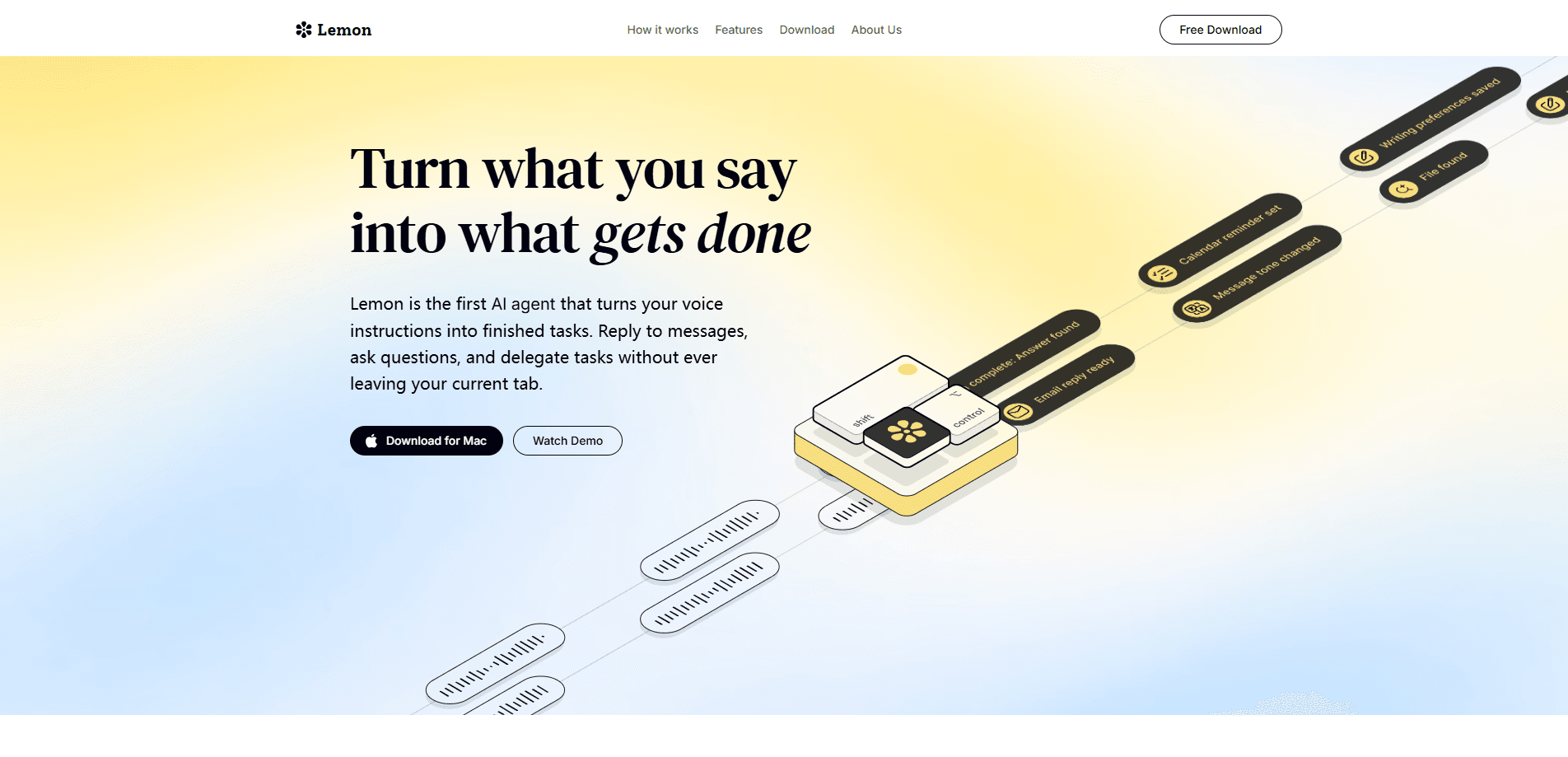
Lemon is a voice-to-prompt app for Mac and Windows that turns rambling spoken thoughts into clean, structured prompts inside the AI tools you already use. Instead of typing out an "act as..." template, you hold a key, talk through what you want, and Lemon drops a finished prompt right at your cursor in ChatGPT, Claude, Cursor, or any other app with a text field. It also works as a plain speech to text tool, cleaning up filler words as you speak.
About Lemon
What Is Lemon
Lemon is a desktop voice-to-prompt tool built by the team at heylemon.ai. It targets a specific annoyance: you know what you want from an AI assistant, but turning that into a well-shaped prompt takes typing time and mental effort. Lemon skips that step. You speak the messy version, and the app writes the polished prompt. Simple as that.
The app lives in a small notch at the top of your screen on Mac and Windows. It has no integrations and no plugins to configure, which is the point. If a program has a text box, Lemon can write into it.
The main limit is that it leans on speech input, so it won't help much in a quiet office or a shared room where talking out loud isn't practical. It also writes text rather than running tasks, so it stays out of the way and hands control back to whatever AI app you're using.
Getting Started
- Download Lemon for Mac or Windows from the official site and install it.
- Grant microphone and accessibility permissions so the app can hear you and type into other windows.
- Hold the fn key from any app and speak your request out loud, messy wording included.
- Release the key and a structured prompt appears at your cursor.
- Edit the prompt if needed, then send it to your AI assistant as usual.
Product Information
A quick look at Lemon's pricing, supported platforms, and performance.
Best for
The users, tasks, and scenarios where this tool fits best.
Users
- People who use ChatGPT, Claude, or Cursor daily and want to cut down on typing
- Writers and researchers who think faster than they type
- Developers who draft prompts and code comments by voice
Tasks
- Turning a rough spoken idea into a structured prompt with goals, context, and constraints
- Dictating quick notes or emails and having filler words removed automatically
- Drafting follow-up prompts inside a long AI conversation without leaving the window
Scenarios
- Planning a project out loud and letting Lemon shape it into a clean brief
- Capturing meeting notes hands-free while you keep looking at the screen
- Working across several AI apps in one session without retyping the same setup
Key features
Hold a Key and Talk
The core interaction is simple: hold the fn key, say what you mean, release. Lemon listens for the messy version and rebuilds it into a prompt with a clear goal, context, and limits. You don't memorize frameworks or fill in templates. The output lands right where your cursor sits, so you stay in the flow of whatever app you're in.
Works Inside the Apps You Already Use
Lemon has no integrations and no plugins. It works with ChatGPT, Claude, Cursor, your terminal, and anything else with a text field, because it types the result directly instead of syncing with a specific service. That means there's no new workspace to learn; you keep using the tools you already pay for.
Fast Dictation With Cleanup
Beyond prompts, Lemon doubles as a dictation tool. It claims around 200 words per minute of input versus roughly 40 for typing, and it strips out ums and stumbles on the fly. That gap matters. Why type a note when you can just say it? For note-taking or drafting an email, the difference is real: it's a task you avoid versus one you finish.
A Notch That's Always One Key Away
The app sits in a small notch at the top of the screen, out of the way until you need it. There's no window to switch to. No tool to launch. That low friction is what makes voice input stick, since the whole point is to save the seconds you'd otherwise spend opening a separate tool.
Built for Both Mac and Windows
Lemon runs on Mac and Windows, so you can keep the same voice-to-prompt workflow whichever machine you're on. Setup is short and doesn't require a credit card to start, which makes it easy to test before committing to a paid plan.
Pros and cons
Pros
- Turns messy spoken requests into structured prompts without template memorization
- Works across ChatGPT, Claude, Cursor, and any app with a text field, with no plugins
- Dictation mode handles fast input and removes filler words automatically
- Available on both Mac and Windows with a quick setup
- Free to start, so you can test it without a credit card
Cons
- Voice-first design is awkward in shared or quiet spaces where you can't talk out loud
- It writes prompts rather than running tasks, so it won't act as a standalone assistant
- Pricing details beyond the free start aren't clearly published on the site
Frequently asked questions
Lemon converts spoken thoughts into structured prompts for AI apps. You hold a key, talk through what you want, and it writes a polished prompt at your cursor in whichever app you're using.
Related content
Explore related tools, skills, and articles for Lemon.
Lemon Alternatives

Foley
Hanamori Labs, LLC · Voice & Language · Productivity · AI AssistantFoley is a voice to-do list that turns a spoken sentence into a filed task, complete with project, date and time, then helps you plan the day around what is already there.

HireKey
HireKey · Voice & Language · Productivity · LeaningHireKey is an AI job search copilot built by a former tech recruiter. It checks role fit, tailors resumes, runs interview practice and tracks every application.

Fluence
Yay Software (Yannick Huchard) · Writing · Voice & Language · ProductivityFluence is an Android app that reads PDFs, EPUBs, Word files and web articles aloud, follows each sentence as it speaks, and answers questions about the text on the phone itself.