

LightSite AI
LightSite AI · Coding · Marketing
LightSite AI is a generative engine optimization platform that helps businesses get discovered and cited inside AI answers. It publishes a machine-readable version of your company on your own domain, including an AI sitemap, JSON-LD structured data, and callable endpoints, then measures how ChatGPT, Claude, Gemini, and Perplexity bots actually crawl and represent you. Instead of only reporting what those assistants said about you, it ships the technical fixes that address the root cause on your domain and tracks whether citations improve over time.
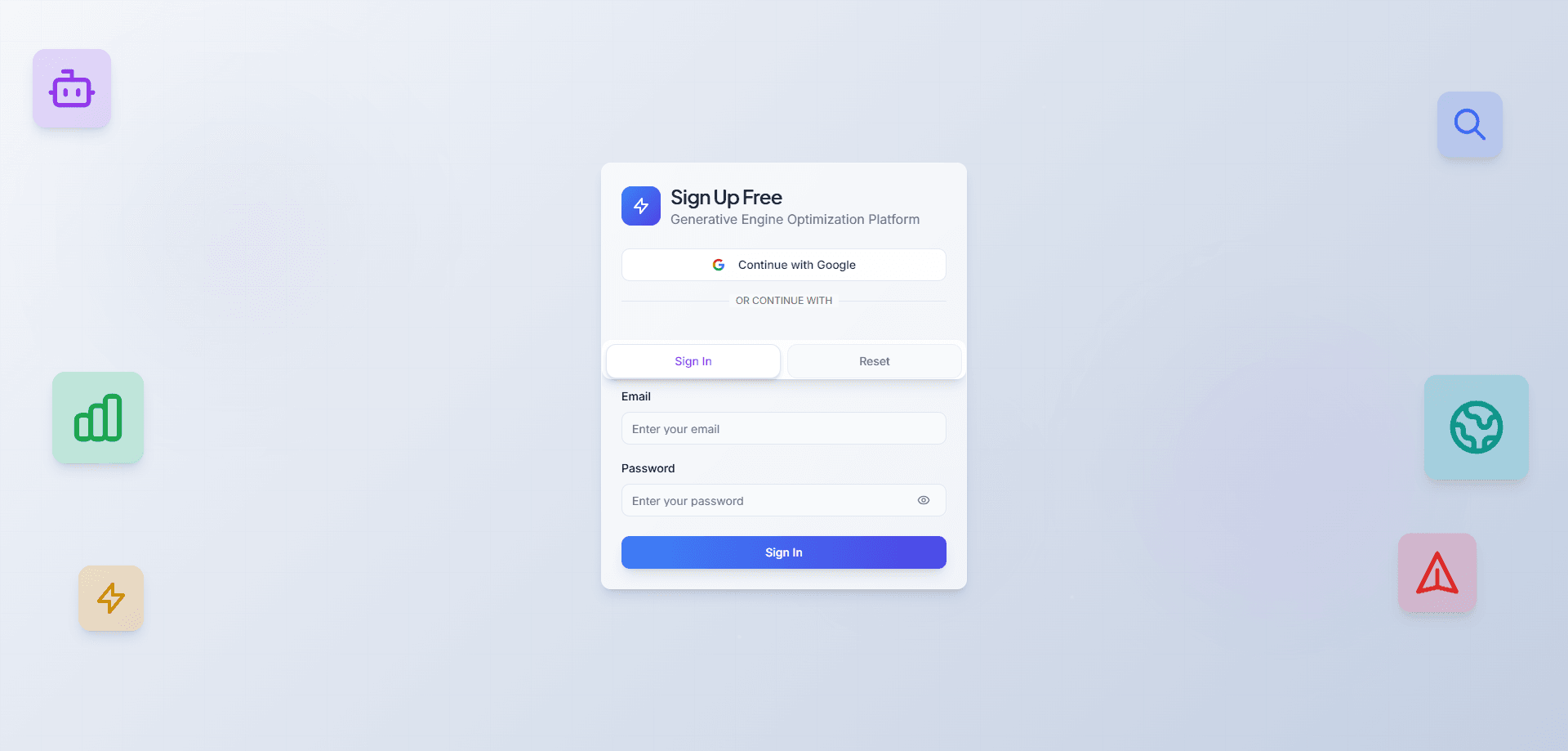
About LightSite AI
What Is LightSite AI
LightSite AI is an AI search infrastructure tool for teams that need to show up accurately when people ask an assistant about their business. It installs a separate machine-readable layer next to your existing site, so AI systems get a cleaner source to read instead of guessing from raw HTML. Nothing about your page layout or copy changes. That matters.
The problem it targets is concrete. AI assistants pull facts from whatever they can parse, and most sites aren't built for that. Structured data for AI is the missing piece. LightSite gives crawlers structured endpoints for your company profile, product catalog, FAQ, and testimonials, which is the difference between being cited and being ignored.
The main limits are scope and buyer fit. It's built for mid-market B2B SaaS, e-commerce brands, agencies, and professional services firms with an active GEO program, not hobby sites. There's no free tier below the trial, so you commit after seven days. Results also depend on how often each AI system recrawls your site. Not ideal, but predictable.
Getting Started
- Sign up at the LightSite AI app with Google, Microsoft, or an email and password.
- Add the LightSite script to your site's head, or deploy it through Google Tag Manager.
- On platforms like Shopify, WordPress, or Webflow, use the supported CMS integration instead of a manual script tag.
- Confirm your business context and choose which assets get published, since you control what the AI layer exposes.
- Watch crawl and citation activity in the dashboard, then act on the technical and content gaps it flags.
Product Information
A quick look at LightSite AI's pricing, supported platforms, and performance.
Best for
The users, tasks, and scenarios where this tool fits best.
Users
- Mid-market B2B SaaS teams
- E-commerce brands
- GEO agencies
- Professional services firms
Tasks
- Publishing an AI sitemap and JSON-LD structured data on your domain
- Measuring AI search visibility by query and competitor
- Creating machine-readable business endpoints
- Tracking crawl and extraction behavior on your own domain
Scenarios
- You keep losing AI answers to a competitor and want to know why
- Your marketing site is headless or custom-built
- A client asks for GEO results, not another monitoring report
Key features
Machine-Readable Layer on Your Domain
LightSite publishes structured assets directly on your own domain, including an AI sitemap, JSON-LD markup, and clean endpoints that return business data. Why does that matter? Because it keeps the source under your control rather than parked on a third-party dashboard. AI systems read your site, not an intermediary's copy of it.
AI Sitemap and Structured Data
A dedicated sitemap points AI crawlers to your machine-readable endpoints instead of raw HTML pages. The JSON-LD layer covers entity types like Organization, Product, FAQ, and Review, which gives assistants the context they need to describe you correctly. If your goal is to make website readable for LLMs, this structured layer is where that work starts. Without it, crawlers guess.
Skills API and Discovery Endpoints
The Skills API lets your site declare what it can do, and agents invoke those capabilities directly. Discovery files like ai-plugin.json, openapi.json, and skills.json handle agent-to-website communication, so an agent can discover your capabilities and call them without a human in the loop. For teams on a headless CMS or custom stack, this is the integration path that regular plugins can't reach.
Query-Level Competitor Intelligence
The platform shows which competitors win which queries, in which source clusters, and why. That's more useful than a raw visibility score because it names the pages and sources doing the work, which is exactly what you need before you can plan a counter-move. You get a target list instead of a dashboard number. Big difference. Charts don't rank.
Execution Instead of Reporting
Where most tools stop at monitoring, LightSite deploys infrastructure, publishes endpoints, and generates the missing pages. It then measures citation, extraction, and share-of-voice outcomes and feeds those back into the next decision, which is the part that keeps a GEO program from stalling after the first dashboard refresh. The loop is what keeps the work moving after the first report. Most tools just hand you a chart. This one ships fixes.
First-Party Bot Behavioral Data
Crawl, query, and extraction signals come from real ChatGPT, Claude, Gemini, and Perplexity bot activity on your domain. That's first-party behavior rather than third-party scrapes, so the picture reflects what actually reached your site instead of what a scraper saw secondhand. Accuracy here matters more than volume.
Platform-Agnostic Install
Any AI SEO tool has to fit your stack, or it never gets deployed. Setup works with Shopify, WordPress, Webflow, Wix, and any CMS that allows head injection, plus custom and single-page apps through the API. Most teams go live within minutes. No migration. No build step. That keeps the rollout small enough for a marketing team to own.
Pros and cons
Pros
- Publishes a machine-readable layer on your own domain, so the source stays under your control.
- Ships technical and content fixes instead of only reporting AI mentions.
- First-party crawl and query data from major AI bots, not third-party scrapes.
- Works alongside Shopify, WordPress, Webflow, and custom stacks without a plugin.
- Query-level competitor intelligence names the specific sources winning each query.
Cons
- No permanent free plan, so you pay after the seven-day trial ends.
- Built for mid-market and professional teams, which makes it heavy for small sites.
- Results depend on AI recrawl schedules, so visibility shifts can take days to weeks.
- Pricing isn't fully listed on a public page, and the top tier runs on a custom quote.
Frequently asked questions
It's used to get a business discovered, described accurately, and cited inside AI answers. It publishes structured, machine-readable data on your own domain and measures how AI assistants then find and represent you. Teams use it when the question shifts from "are we mentioned" to "are we mentioned correctly and often enough to matter for revenue."
Related content
Explore related tools, skills, and articles for LightSite AI.
LightSite AI Alternatives
Forefront
Forefront · CodingForefront is a web platform for building with open-source AI. It lets you fine-tune leading open-source language models on your own data, evaluate how they perform, and run them through an API or export them to host yourself. Developers who want the convenience of a closed-source platform but insist on owning their models and data are the target audience here.

Startkit
StartKit.AI · CodingStartkit is a boilerplate for building AI SaaS and AI wrapper products. Think of it as an AI startup boilerplate with the boring parts already wired up: authentication, Stripe and Lemon Squeezy payments, usage limits, transactional email, and an AI API starter that talks to OpenAI, Anthropic, Groq, or Llama. You clone the repo, set your price, and start on the part of your product that people actually pay for. It's Next.js under React and Tailwind, so most of the boilerplate code already feels familiar.
Testim
Tricentis · CodingTestim is an AI-powered test automation platform for building and running end-to-end tests across web, mobile, and Salesforce applications. It leans on machine learning to keep tests stable when an interface changes, so teams spend less time fixing broken selectors. Not bad for an automated testing tool you can start using today. You create tests by recording actions in a browser, then optionally add JavaScript when you need more control. It's a solid pick for busy QA teams.