

Lindy
Lindy · Coding · Productivity
Lindy is an AI teammate that connects to the tools your team already uses and finishes real work, from trimming your inbox to building reports and updating your CRM.
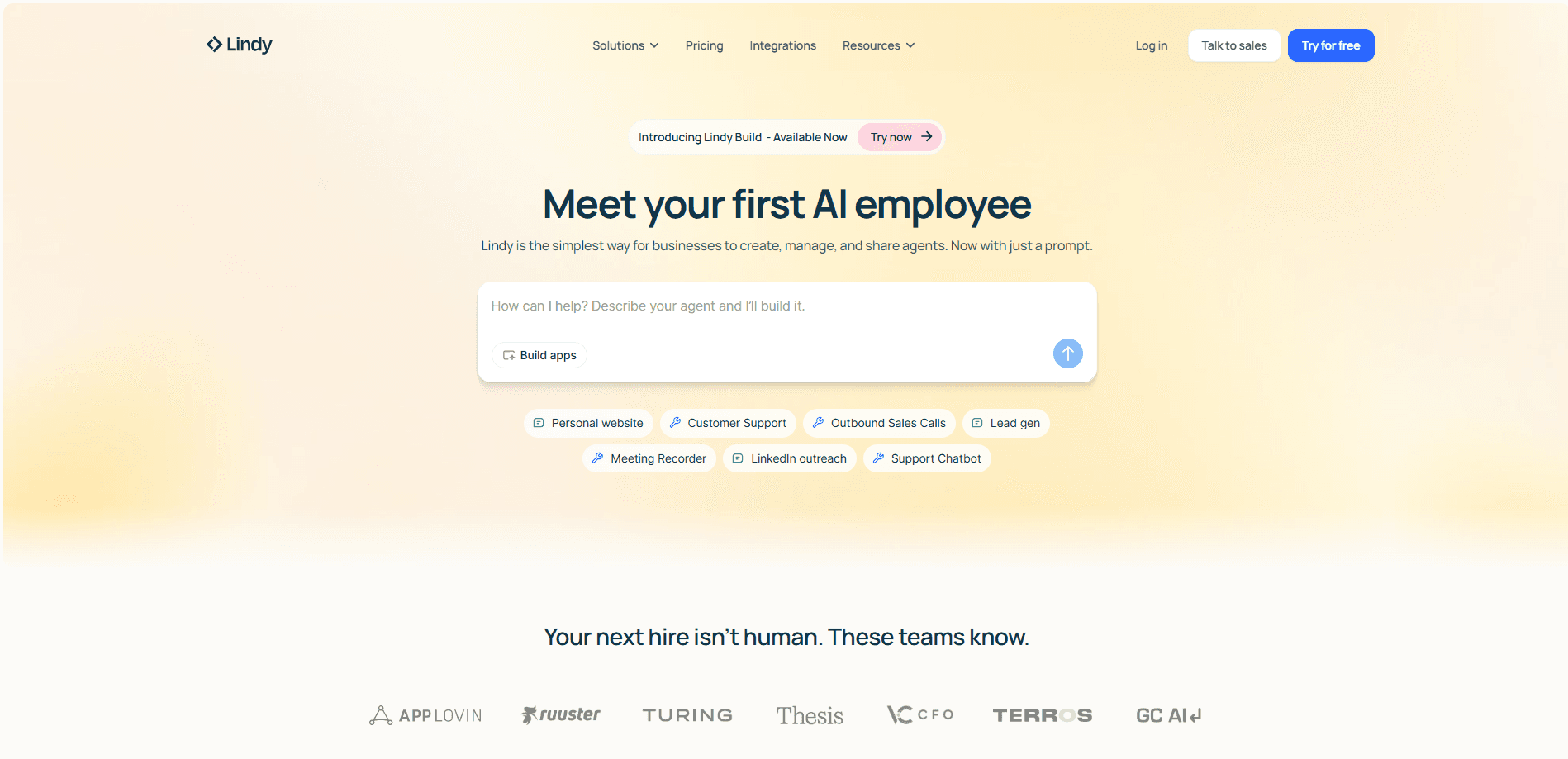
About Lindy
What Is Lindy
Lindy is an AI teammate and AI agent built by the San Francisco company of the same name. You hand it the kind of task you'd give a colleague, like pulling a report, clearing an inbox, or prepping for a meeting, and it comes back with the work done rather than a set of instructions.
The product tackles a problem that piles up around most teams: work that's spread across email, Slack, calendars, CRMs, and a dozen other apps. Assistant tools that stop at drafting a reply or summarizing a thread leave you to finish the job yourself. Lindy aims at the finish line instead, and it shares what it learns across a whole workspace so the context compounds.
The catch is the price model. Lindy is credit-based, and heavier jobs burn through credits faster. Teams that run a lot of deep research or big builds should watch usage closely, because there's no unlimited tier.
Getting Started
- Sign up at chat.lindy.ai and claim the $50 in free credits. No credit card is required at this stage.
- Connect your accounts and tools, such as Gmail, Slack, Google Calendar, and Notion.
- Install Lindy into Slack if your team works there, then invite teammates so they can @mention it in a channel.
- Hand Lindy one task, like a morning brief or a set of drafted replies.
- Review the result, ask for changes, and save the workflow as a skill or routine so anyone on the team can reuse it.
Product Information
A quick look at Lindy's pricing, supported platforms, and performance.
Best for
The users, tasks, and scenarios where this tool fits best.
Users
- Founders and operators
- Non-technical teams
- Sales and customer teams
Tasks
- Inbox management
- Meeting follow-up
- Reports and dashboards
Scenarios
- A small team that wants one shared assistant
- Daily recurring work
- Work on the move
Key features
Connected to your tools
Lindy integrations reach Gmail, Slack, Google Drive, Notion, HubSpot, Salesforce, and more than 1,500 other services, so it works inside your stack rather than beside it. Hosted MCP servers connect too, and for tools without either, Lindy can drive a browser like a person on paid plans. The integration count is what makes it useful for cross-app tasks that would otherwise mean switching windows all day.
Skills and routines
Lindy ships with 40+ built-in skills for research, data analysis, decks, and dashboards. You can show it a task once, save it as a skill, and the whole team gets it when a request calls for it. Routines run the same job on a schedule or when a trigger fires, which turns repeat work into AI workflow automation you can set and forget.
Meeting library and notes
Lindy records calls on Google Meet, Zoom, and Teams, transcribes them, and files custom summaries into a shared, searchable library. One person takes the call and the rest of the team gets the context later. That shared record is the difference between a meeting tool and a meeting assistant.
Editable memory
Everything Lindy learns about your work lives in plain files you can open, read, and change. You control what stays personal and what the team can see, and version history means edits are traceable. Files you can actually edit beat an opaque memory you can only hope is right.
Email and calendar tooling
Loaded as an email assistant, Lindy drafts replies, handles smart scheduling, sends pre-meeting briefings with attendee research, and texts you when something time-sensitive lands. These features target the small tasks that eat a workday, and most read-only lookups run without asking for approval.
Team workspace with one credit pool
Lindy is priced per seat, and every seat adds its credits to one shared pool the whole workspace draws from. Admins set per-person allocations and top up at $10 per 1,000 credits, and if the pool runs low Lindy pauses instead of running up a surprise bill.
Pros and cons
Pros
- Setup is fast, with no API keys or IT ticket, since an admin installs it in Slack and everyone else links in a tap.
- Lindy finishes tasks across 1,500+ integrations instead of stopping at an answer or a draft.
- A shared workspace memory and skill library let one person's AI assistant benefit the whole team.
- The free $50 credit trial needs no credit card, so you can test real work before paying.
- Write and send actions wait for your approval, which keeps an agent from acting on its own.
Cons
- The credit model is opaque at the start, and deep research or big builds drain credits fast, so costs can creep up on heavy users.
- iMessage works as a read-and-command channel but can't send texts on your behalf, which limits phone-based delegation.
- There's no unlimited plan, so a busy team pays more as usage grows rather than enjoying a flat rate.
- MS Teams support is listed as coming soon, so Windows-first shops may need to wait.
Frequently asked questions
Lindy is an AI teammate that does work for you and your team, such as managing email, prepping meetings, building reports, and updating your CRM. You hand it a task and get a finished result, not just a suggestion.
Related content
Explore related tools, skills, and articles for Lindy.
Lindy Alternatives

Base Code
Base44 (Wix) · Coding · ProductivityBase Code is a shared cloud development environment from Base44. Teammates describe changes to an existing GitHub codebase in chat, preview them live and send them back as pull requests.

Google EmbeddingGemma 2
Google DeepMind · Writing · Image · CodingGoogle EmbeddingGemma 2 is a 740M-parameter open model that turns text, code, images, audio, and video frames into vectors in one 768-dimension space, running on phones and laptops.

GitGlow
GitGlow · Coding · ProductivityGitGlow is a local-first desktop Git client that lets independent developers review their own code and their AI agents' changes in one place before shipping.