
Liner
Liner · Writing · Productivity · Leaning
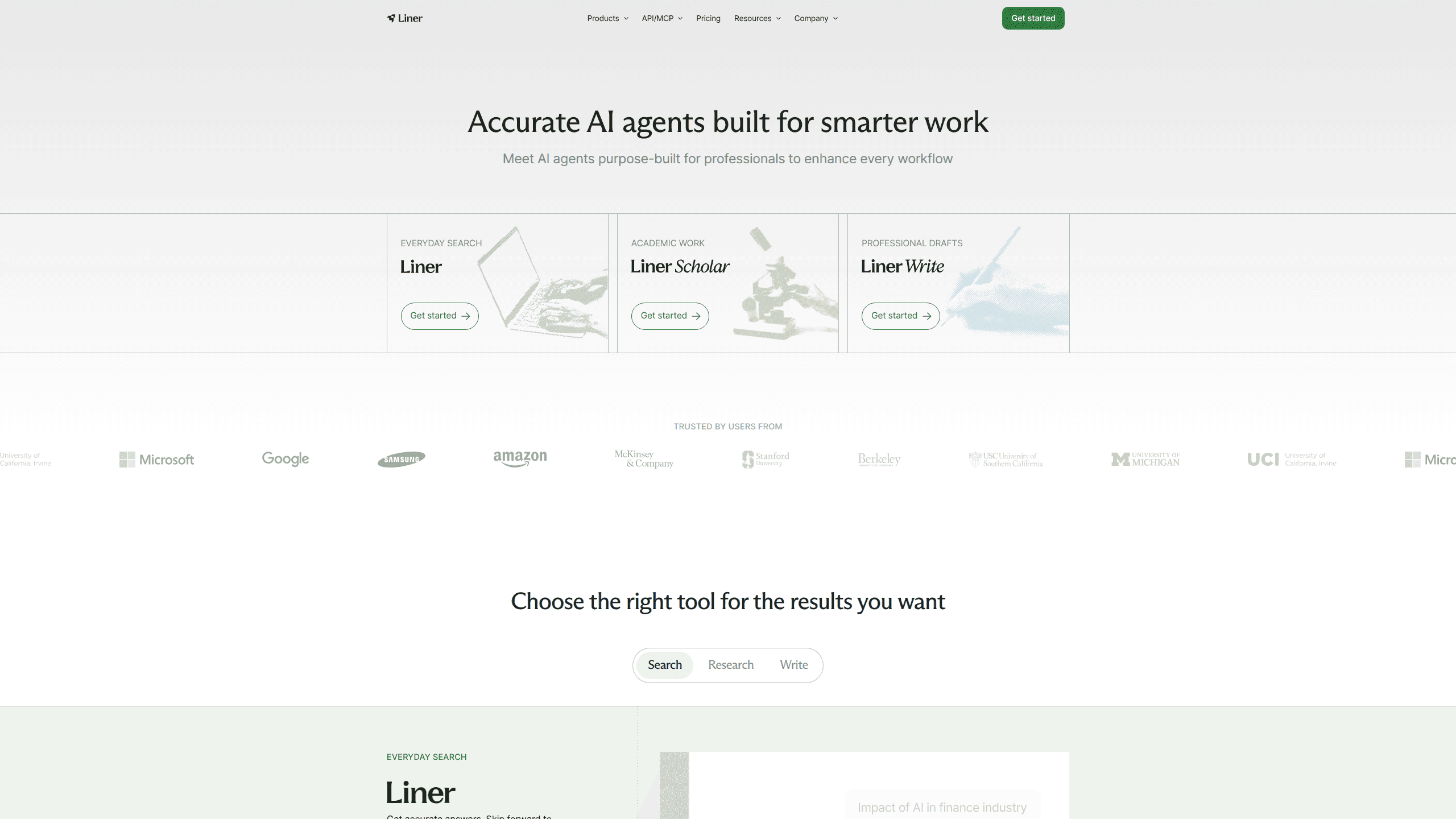
Liner is an AI research assistant built for people who need answers they can actually trust. It works as an AI search tool, a citation finder, and a research writing assistant in one place. It searches the web and returns cited sources, digs through academic papers, and helps you turn what you find into written work. Students, postdocs, and industry researchers use it to cut the hours they'd otherwise spend chasing citations and skimming PDFs.
About Liner
What Is Liner
Liner is a web-based AI research workspace that combines search, source analysis, and writing into a single flow. Instead of opening ten tabs and pasting quotes into a doc by hand, you ask a question and get an answer with the references attached. The setup is aimed at people who already know that a fast answer without a source is worth very little in serious research.
The tool leans on a set of specialized agents rather than one generic chatbot. A Hypothesis Generator turns a rough idea into a structured research question, while a Citation Recommender finds peer-reviewed papers that match the argument you're making. That split matters if your work depends on where information comes from, not just whether the answer sounds right.
The biggest limitation? Liner is a research aid, not a replacement for reading. It surfaces and organizes sources, but the judgment about what's credible, relevant, or correctly interpreted stays with you. That part doesn't automate.
Getting Started
- Go to liner.com and create a free account with your email or a Google login.
- Type a research question or paste a passage you want sources for.
- Review the answers and open the cited sources to check them against the original text before you rely on any of it.
- Use the writing tools to draft or refine your content with the sources still in view.
- Upgrade to a paid plan if you need more credits or access to the latest AI models.
Product Information
A quick look at Liner's pricing, supported platforms, and performance.
Best for
The users, tasks, and scenarios where this tool fits best.
Users
- Graduate students
- Postdocs
- Industry researchers
Tasks
- Literature review
- Finding citations
- Sourced web search
- Drafting research writing
Scenarios
- Starting a new project
- Late-stage editing
- Daily literature monitoring
Key features
Cited search that shows its sources
Liner answers questions and attaches the sources behind each answer, so you can trace a claim all the way back to the original paper or page it came from before you decide whether to trust it. For research the difference between an answer and an answer with a citation is the whole point. You can open the linked pages and check the wording yourself. No citation, no trust.
Research agents for specific jobs
Liner runs separate agents instead of one catch-all assistant. The Hypothesis Generator takes an underdeveloped idea and reframes it as a clear research question, giving you a starting plan you can actually work from. The Citation Recommender works in the opposite direction, hunting for papers that support what you've already argued. That division of labor is the point of the design, because the source-finding task and the idea-shaping task pull in genuinely different directions. Different jobs, different tools.
Academic paper search and reading
The tool doubles as an AI paper reader. It searches academic literature and summarizes papers, which helps when you're deciding whether a 30-page PDF is worth a full read. It points you to the relevant sections rather than making you scan page after page hoping the useful passage shows up somewhere near the middle.
Built-in writing tools
Liner keeps writing in the same workspace as search and reading. You can move from a question to a draft without switching apps, and the sources stay in view while you type. It won't write the paper for you. It just removes the copy-paste step between research and prose.
Model access on paid plans
Upgrading unlocks access to newer AI models and larger file uploads than the free tier allows. If your work leans on heavier reasoning or long documents that don't fit inside a small credit budget, the paid plans are where that extra capacity lives.
Ad-free search
Paid users search without ads, which sounds minor until you've tried to read a cited source around a stack of sponsored results. Cleaner results make it faster to judge whether a source is worth opening. Small thing. Big difference on a tight deadline.
Pros and cons
Pros
- Answers come with sources, so you can verify claims instead of trusting them.
- Specialized agents fit distinct research tasks better than a single general chatbot.
- Combines search, paper reading, and writing in one workspace, cutting app-switching.
- Saves time on literature reviews and citation hunting, per Liner's own estimates.
- Search results stay clean on paid plans, with no ads cluttering the page.
Cons
- Free credits run out fast, so anyone doing serious research will likely need a paid plan.
- It organizes sources but can't judge whether they're credible for your field, so verification is on you.
- No published API means it's awkward to plug into an existing research pipeline.
- Liner is web only, so there's no offline access or native mobile app.
Frequently asked questions
Liner is used for research and writing tasks that need trustworthy sources. People use it to search the web with citations, find academic papers, and draft text without leaving the workspace. It's a single place to do all three.
Related content
Explore related tools, skills, and articles for Liner.
Liner Alternatives

Emailwritr
Emailwritr · Writing · MarketingEmailwritr is an AI email copywriting tool built for affiliates, course creators, and online businesses that want more revenue from the list they already own. Instead of blank pages or generic chatbot prompts, this AI email writer generates welcome sequences, launch campaigns, cart recovery emails, and promo series from frameworks modeled on well-known direct-response copywriters. You connect your autoresponder, answer a few questions about your offer, and it writes the copy for you.

Swms
Swms AI · Writing · Productivity · BusinessSwms is an AI safety compliance tool that turns a plain description of a job into ready-to-use safety documents. Describe your project, trade, and known hazards, and it writes a safe work method statement, job hazard analysis, safe work procedure, RAMS, or safety data sheet in seconds. It also ships with Oscar, a chat assistant that answers workplace safety questions in any language. Teams in construction, mining, transport, and warehousing use it to cut the paperwork that usually eats into a workday.

Prosp
Prosp · Writing · Voice & Language · MarketingProsp is an AI LinkedIn outreach tool built for agencies and sales teams, and it writes the message and the voice note in your own voice for each prospect so they actually reply. You connect your accounts, find leads, and let the AI draft and send personalized messages at scale, all from one inbox. It's built for people running outbound at volume. That's the whole pitch. Every touchpoint still has to feel human.