
LinkerFlow
LinkerFlow · Coding · Marketing
LinkerFlow is a Webflow internal linking tool that reads your Google Search Console data, suggests contextual links between pages, and publishes them once you approve.
About LinkerFlow
What Is LinkerFlow
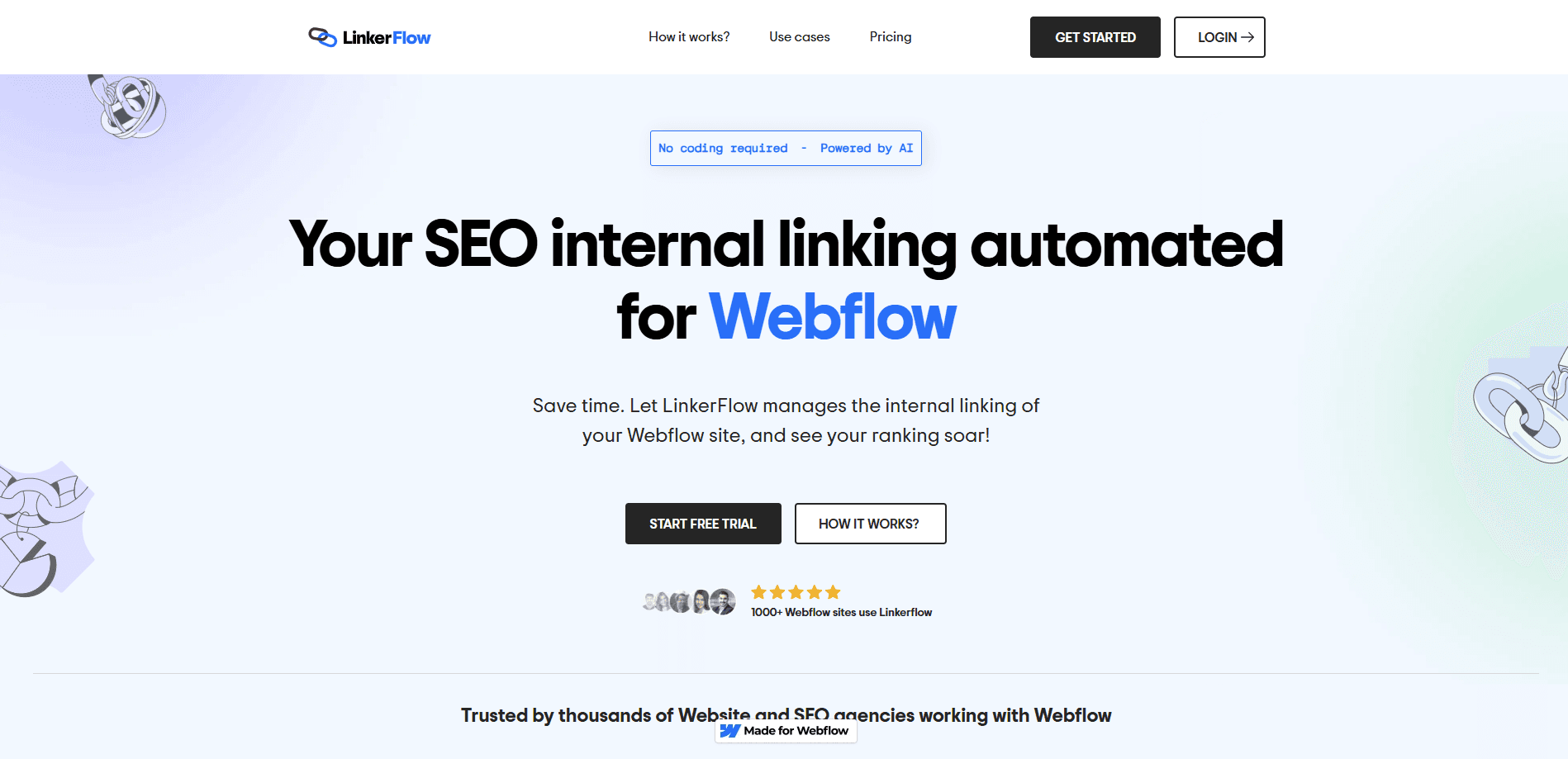
LinkerFlow (linkerflow.io) is an internal linking tool built for Webflow sites. It connects to your Webflow project and your Google Search Console account, then works out which pages should link to each other. Every suggestion comes with a source page, a target page, and an anchor text that reads naturally in your existing copy. You review the batch, approve what you want, and LinkerFlow pushes those links live on your site.
The problem it takes on is a known one for Webflow owners. Internal links are how search engines understand your site structure and spread authority around it, but building them by hand is slow and easy to ignore. LinkerFlow scans your static pages, CMS items, blog posts, and landing pages together, maps the semantic relationships between them, and turns the missed opportunities into a weekly list. The sell is that manual linking stops being a chore you never get to.
There are limits worth knowing. LinkerFlow works only on Webflow sites, so it is no help for WordPress, Shopify, or a hand-coded build. It is not a full SEO suite either. It covers internal links and broken links, and it leans on Google Search Console for the keyword data behind each suggestion. If you need backlink analysis, technical crawling, or content optimization, that is a different tool.
Getting Started
- Sign up at app.linkerflow.io and connect your Webflow site. The site connection takes about two minutes.
- Link your Google Search Console account so LinkerFlow can read the queries and pages behind your traffic.
- Let the tool analyze your site and GSC data, then assign anchor keywords to each page.
- Review the suggested internal links, checking the source page, target page, and anchor text before you act.
- Approve or deny each suggestion. Approved links go live on your Webflow site.
- Let LinkerFlow recrawl your site every seven days to catch new opportunities and broken links.
Product Information
A quick look at LinkerFlow's pricing, supported platforms, and performance.
Best for
The users, tasks, and scenarios where this tool fits best.
Users
- Webflow site owners
- SEO consultants managing Webflow clients
- Content creators running a Webflow blog
- Marketing professionals on small teams
- Freelance Webflow designers
Tasks
- Finding contextual link opportunities
- Fixing broken links
- Building anchor keywords at scale
- Running a weekly linking pass
- Linking CMS content
Scenarios
- You run a Webflow blog and want new posts to link to the older articles they relate to.
- You have a large Webflow site and no time to check every page for internal linking gaps.
- A client's rankings have stalled and you suspect weak internal linking is part of it.
- You want broken links caught before they quietly cost you traffic.
Key features
Automated contextual link suggestions
LinkerFlow scans your static pages, CMS items, and blog posts, then suggests links between pages that genuinely belong together. Each suggestion shows a source page, a target page, and anchor text that fits the surrounding copy. You get a list of opportunities instead of a blank page and a spreadsheet.
Google Search Console integration
The tool pulls from Google Search Console to see which queries drive traffic to which pages. That data shapes the anchor keywords it assigns, so the suggested links target terms your pages already rank for. It combines search data with your on-page content rather than guessing from the URL alone.
Webflow-native publishing
Approved links publish directly to your Webflow site, so there is no copy-paste step and no separate CMS to update. The tool understands both static pages and CMS content, and it treats them as one structure. If you manage a site with a large CMS collection, that makes a real difference.
Broken link detection and one-click fix
LinkerFlow crawls your pages and flags 404s along with broken internal and external links. It works as a broken link checker and a fixer in the same place, so you do not need to run a separate tool. Keeping broken links out of the picture matters for both crawl budget and how visitors experience the site.
Weekly recrawl and reports
The crawler runs every seven days to find new link opportunities and new broken links. That gives you a steady stream of suggestions and a report of what changed, so internal linking becomes a routine pass rather than a one-time project. You approve each batch with a single click before it goes live.
Multilingual site support
Automated internal linking usually stumbles on sites with several language versions, and this is where LinkerFlow draws a clear line. The Single plan covers one language, while the Multilingual plan handles a primary locale plus unlimited secondary locales. If you run a localized Webflow site, the tool works across those language versions. The pricing page notes that all languages are supported on both tiers.
Full review before publishing
Nothing ships without your sign-off. You see the source page, target page, anchor text, and context for every suggestion, and you can approve or deny each one. Teams that worry about an AI tool making odd linking choices get a manual checkpoint on every link.
Pros and cons
Pros
- Pitches contextual internal links rather than random ones, with anchor text drawn from your existing copy.
- Reads Google Search Console data, so suggestions follow the queries your pages already get.
- Publishes approved links straight to Webflow, with no manual editing or exports.
- Handles broken link detection and fixes from the same dashboard.
- Rolls the crawler weekly, so internal linking keeps up with new content.
- Built for Webflow, which means it fits static pages and CMS items without extra setup.
Cons
- It is Webflow only, so WordPress, Shopify, and custom sites get nothing from it.
- It focuses on internal links and broken links, not backlinks or a full technical audit.
- There is no free plan, so you pay from day one to test the workflow.
- No public API is documented, which rules out programmatic use for most teams.
Frequently asked questions
LinkerFlow is an internal linking tool for Webflow sites. It connects your Webflow project and Google Search Console, suggests contextual links between pages, and publishes the ones you approve.
Related content
Explore related tools, skills, and articles for LinkerFlow.
LinkerFlow Alternatives

Base Code
Base44 (Wix) · Coding · ProductivityBase Code is a shared cloud development environment from Base44. Teammates describe changes to an existing GitHub codebase in chat, preview them live and send them back as pull requests.

Google EmbeddingGemma 2
Google DeepMind · Writing · Image · CodingGoogle EmbeddingGemma 2 is a 740M-parameter open model that turns text, code, images, audio, and video frames into vectors in one 768-dimension space, running on phones and laptops.

GitGlow
GitGlow · Coding · ProductivityGitGlow is a local-first desktop Git client that lets independent developers review their own code and their AI agents' changes in one place before shipping.