

Lispr
Codebridge · Writing · Voice & Language
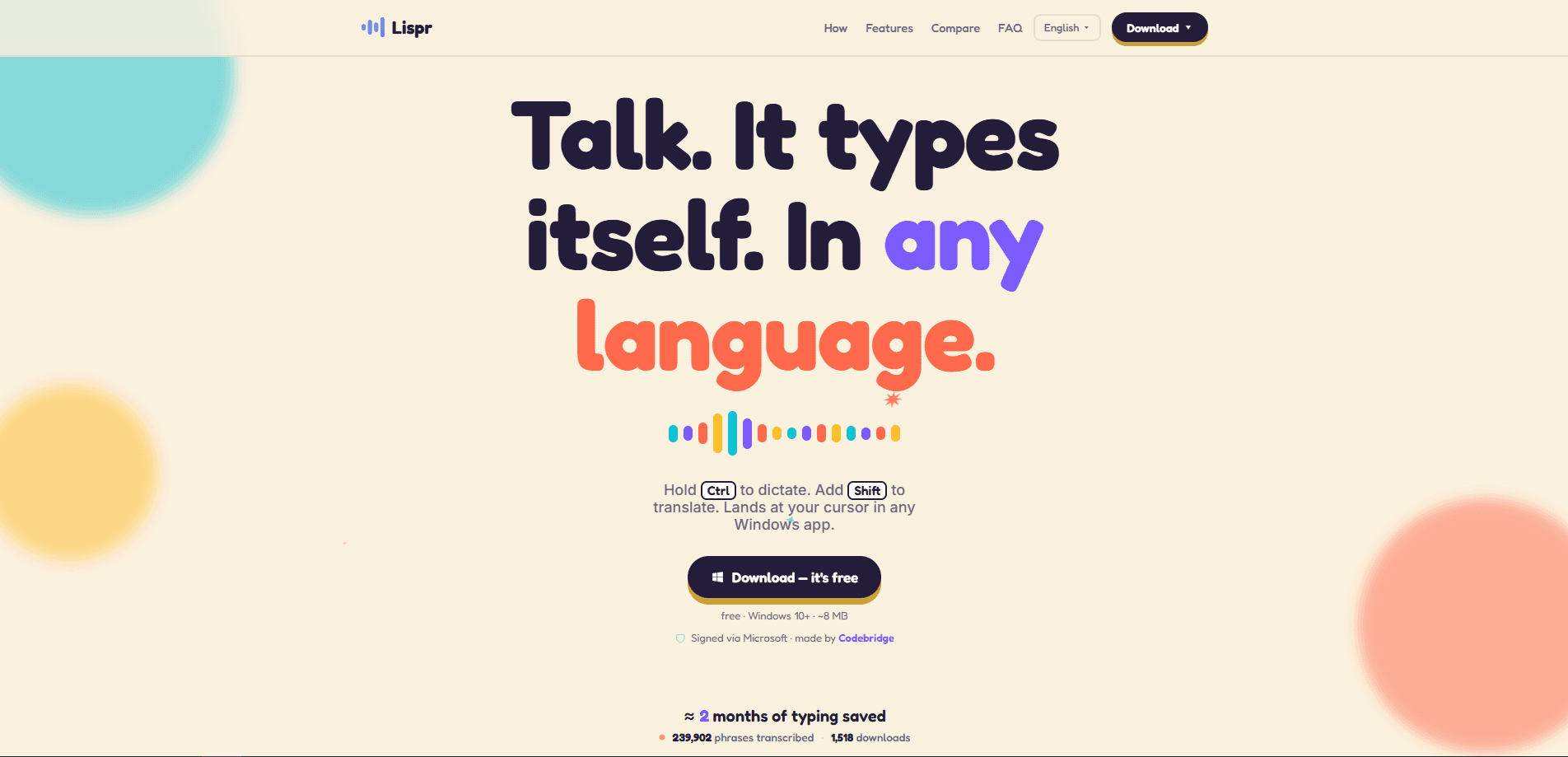
Lispr is a free Mac voice dictation app that turns your speech into text wherever your cursor sits, in any app you already use. Think of it as a speech to text Mac app that stays silent until you need it, then puts the words exactly where you were about to type them. Hold the right Option key to talk, add Control mid-sentence to translate, and the words show up typed, usually in under a second. It needs no account, lives in your menu bar, and ships as a roughly 6 MB download for macOS 11 and later.
About Lispr
What Is Lispr
Lispr is a voice-to-text tool for the Mac, built by Codebridge, a Delaware software company. You hold a key, speak, and release; the transcription lands at your cursor in whatever window is focused. There's no chat panel, no floating window, and no sign-up wall before your first word.
The pitch is narrow on purpose. Instead of being a full writing assistant that drafts, edits, and reorganizes for you, Lispr does one job and tries to do it faster than any tool that splits its attention across a dozen features. Add a second key while you're talking and it does voice to text translation on the way in, so you can speak English and have Spanish appear in a message. As a dictation app for Mac, it stays out of the way until you hold the key.
The main limit is that it's a Mac-only release, so Windows and mobile users are out for now. Its speech model runs on Whisper large-v3-turbo, and the accuracy of translation tracks that model rather than a hand-tuned phrasebook.
Getting Started
- Download the DMG from lispr.ai and open it on a Mac running macOS 11 or newer. No account step.
- Drag Lispr into Applications and launch it. It settles into the menu bar rather than opening a window.
- Grant the microphone and Accessibility permissions macOS asks for, since Lispr types into other apps on your behalf.
- Hold the right Option key and speak to dictate. Add Control while holding to translate into one of 32 target languages.
- Add custom vocabulary in the menu-bar settings if you dictate product names, code identifiers, or client names often.
Product Information
A quick look at Lispr's pricing, supported platforms, and performance.
Best for
The users, tasks, and scenarios where this tool fits best.
Users
- Bilingual professionals
- Developers and writers
- Mac users who dislike sign-ups
Tasks
- Replying to messages in another language
- Drafting emails and notes
- Capturing quick thoughts
Scenarios
- Working across Slack, Notes, and Figma in one session
- Talking to clients abroad
- Long writing days
Key features
Push-to-talk dictation with one key
Hold the right Option key and speak; release and the text appears. There's no window to open or button to click first, which is the whole point. The same gesture covers a two-word reply and a full paragraph.
Built-in translation while you talk
Add Control mid-speech and Lispr translates into one of 32 target languages, listing entries like Spanish, Portuguese, Japanese, Hindi, and Arabic among them. Your spoken language is detected automatically from roughly 99 options, so you rarely pick a source language by hand. It's aimed at people who speak one language and send in another.
Custom vocabulary for names and terms
You can add product names, code identifiers, and client lists to a dictionary that both dictation and translation respect. That cuts the usual cleanup where a tool mangles a proper noun or a variable name. If your work lives in identifiers, this is the feature that keeps output usable.
Any-app insertion at the cursor
Lispr types into whatever app has focus, Slack, Notes, Figma, or Terminal included. It doesn't care about the app; if a cursor is blinking, text goes there. Why does that matter? Because most dictation tools trap you inside their own window and make you paste the result out by hand.
Clipboard-safe insertion
Before Lispr inserts your text, it saves what you'd already copied and restores it afterward. So dictating into a field doesn't wipe out the snippet you were about to paste. Small thing, but you notice when it's missing.
Low footprint and menu-bar presence
The app is small, reported at roughly 6 MB for the download, and it runs from the menu bar with no window or popups. It stays out of the way until you hold the key. There's a weekly minutes cap on the free tier that Lispr Pro removes.
Pros and cons
Pros
- Free dictation and translation with no account required, so you can start the moment it installs.
- Translation happens inline at the cursor, which removes the usual copy-paste-and-switch-app loop.
- Very small download and a menu-bar-only presence keep it light on older Macs. No background bloat.
- Custom vocabulary carries across both dictation and translation.
- Clipboard-safe insertion protects whatever you'd already copied.
Cons
- macOS only, so Windows, Android, and iPhone users can't use it.
- The free plan caps weekly dictation minutes, which gets in the way if you dictate for hours.
- Translation depends on the underlying Whisper model, and niche language pairs can read stiffly.
Frequently asked questions
It's a Mac voice dictation tool that transcribes your speech at your cursor in any app, and it can translate into another language on the way in. You hold a key, talk, and release.
Related content
Explore related tools, skills, and articles for Lispr.
Lispr Alternatives

Google EmbeddingGemma 2
Google DeepMind · Writing · Image · CodingGoogle EmbeddingGemma 2 is a 740M-parameter open model that turns text, code, images, audio, and video frames into vectors in one 768-dimension space, running on phones and laptops.

MePersona
MePersona, Inc. · Writing · Productivity · MarketingMePersona is an AI unified inbox for creators. It learns your voice, drafts replies to fan messages from 12 platforms, and sends only what you approve.

Fluence
Yay Software (Yannick Huchard) · Writing · Voice & Language · ProductivityFluence is an Android app that reads PDFs, EPUBs, Word files and web articles aloud, follows each sentence as it speaks, and answers questions about the text on the phone itself.