
Llama
Meta · Other
Llama is Meta's open-source family of large language models for text and image tasks, built for developers and researchers who want to run or fine-tune AI.
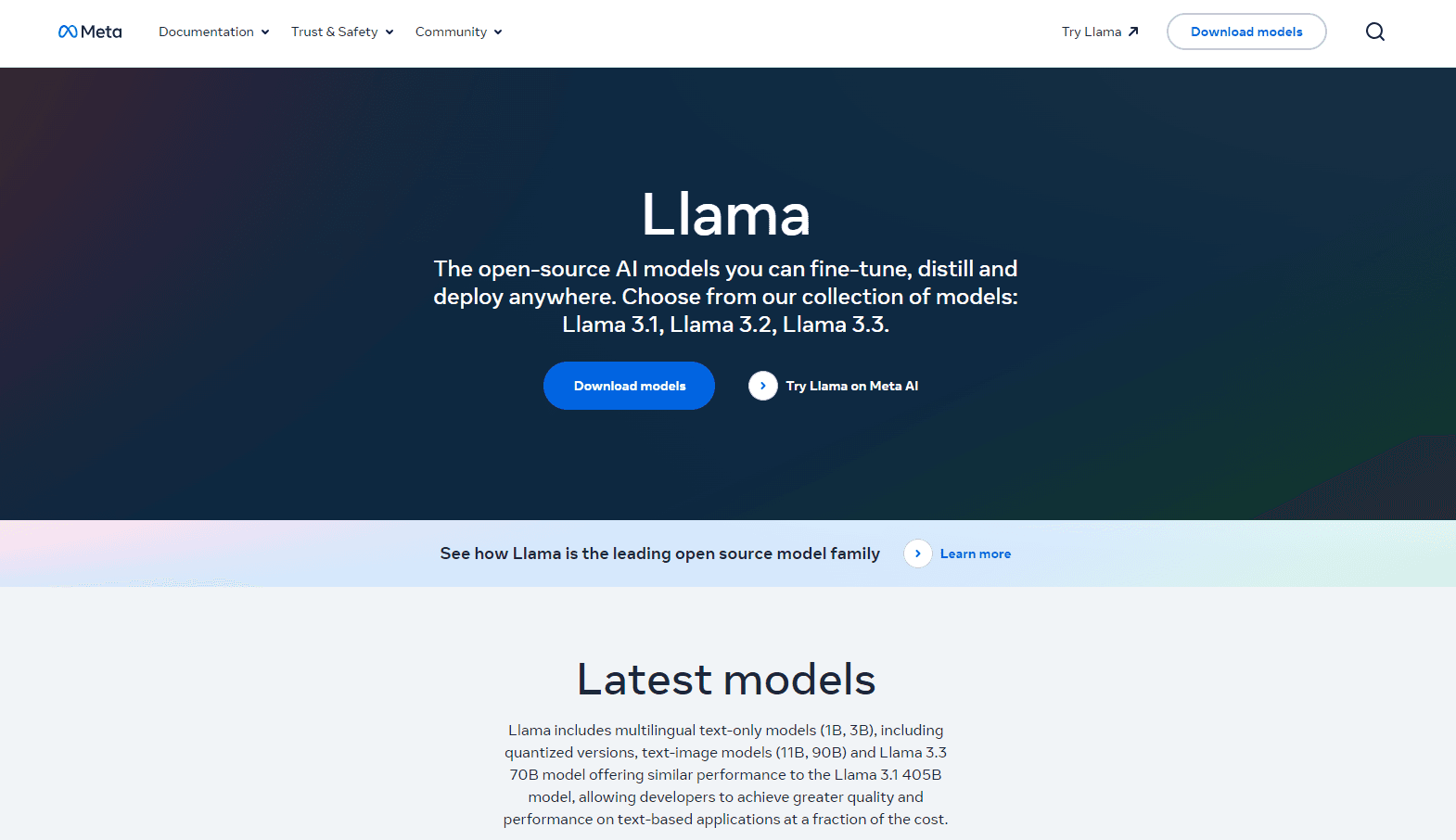
About Llama
What Is Llama
Llama is an open-source AI model: a family of large language models from Meta. You can download the weights, run them on your own hardware, or reach them through hosted API partners. That openness is why people pick it over a closed, cloud-only model.
The models handle text generation, reasoning, coding help, and translation. Newer versions add image understanding. You can ask about a picture now. No typing required.
The catch is that open weights aren't plug-and-play. Getting good results takes some setup, and the biggest hurdle for most people is that the model you want usually needs hardware more powerful than whatever laptop is sitting on your desk right now.
Getting Started
- Visit the official Llama site and review the model card for the version you want.
- Accept the license terms and download the model weights, or grab them from a host like Hugging Face.
- Set up a runtime such as Ollama or vLLM locally, or spin up a GPU instance in the cloud.
- Load the model and run a test prompt to confirm it responds the way you expect.
- For a hosted route, sign up with an API provider and call the endpoint instead of running anything yourself.
Product Information
A quick look at Llama's pricing, supported platforms, and performance.
Best for
The users, tasks, and scenarios where this tool fits best.
Users
- Developers
- Researchers
- Startups
Tasks
- Fine-tuning
- Self-hosted chat
- Coding help
Scenarios
- Private deployments
- Offline work
- Prototyping
Key features
Open Weights You Can Download
The model weights are available to download, so you can run Llama on your own machines instead of renting someone else's cloud. That matters when data can't leave your network or when you want full control over the runtime. It also means you're responsible for the hardware and the upkeep.
A Family of Model Sizes
Llama ships in several sizes, from small models that fit on a single consumer GPU to larger ones that need a server. You pick the size that matches your hardware and accuracy needs rather than accepting one fixed option. Smaller versions are cheaper to run. Bigger ones reason better on hard tasks, and that gap widens when the prompt gets messy or the task needs several steps of logic chained together.
Multilingual and Multimodal Coverage
Newer Llama versions understand multiple languages and can process images alongside text. You can ask about a chart, a screenshot, or a photo and get a text answer back. Support varies by version, so check the specific model card before you rely on image input.
Fine-Tuning and Distillation
You can fine-tune Llama on your own data, or distill a large version into a smaller one that runs cheaper. This is how teams tailor a general model to a narrow job, like classifying support tickets. It takes labeled data. It takes compute. Not a weekend project.
Hosted API Access
If you'd rather not run anything yourself, several providers serve Llama through an API. You call an endpoint and pay per token, which is simpler than managing GPUs. The trade-off is that you give up some control over where your data goes.
Broad Tooling Support
Popular tools like Ollama, llama.cpp, and vLLM support Llama out of the box, which means you aren't starting from zero when you want to serve it locally or wire it into an existing application without rewriting half your stack.
Pros and cons
Pros
- Open weights let you self-host and keep data private.
- Free to download, with no per-seat license fee.
- Multiple sizes fit everything from a laptop to a server.
- Wide tooling support (Ollama, llama.cpp, vLLM) makes setup easier.
- Active community keeps adding fine-tunes and integrations.
Cons
- Running a big model yourself needs serious GPU hardware.
- Quality trails the top closed models on some hard reasoning tasks.
- License terms have limits that matter for large commercial use.
- Setup and fine-tuning take real engineering effort.
Frequently asked questions
The weights are free to download under Meta's community license. You pay for the hardware or the API calls, not for the model itself. Commercial use has conditions you should read before shipping a product.
Related content
Explore related tools, skills, and articles for Llama.
Llama Alternatives

Odyssey 3
Odyssey · OtherOdyssey-3 is Odyssey's foundation world model. It simulates physics in real time, turns a prompt into an interactive environment, and adapts to robots, cars and games.

JarvisCore
Prescott Data · Coding · Productivity · OtherJarvisCore is an open source Python runtime where AI agents work as equal peers on an agent mesh, claim tasks from a shared ledger, and reach external services through a zero-trust broker.
Clef
Cloudflare · Business · OtherClef is Cloudflare's open-source decision model for Workers AI. It returns calibrated probabilities for typed questions, not generated text, so agents can classify, route, and act fast.