
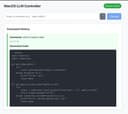
Llama MacOS Desktop Controller
duduyiq2001 (GitHub) · Voice & Language
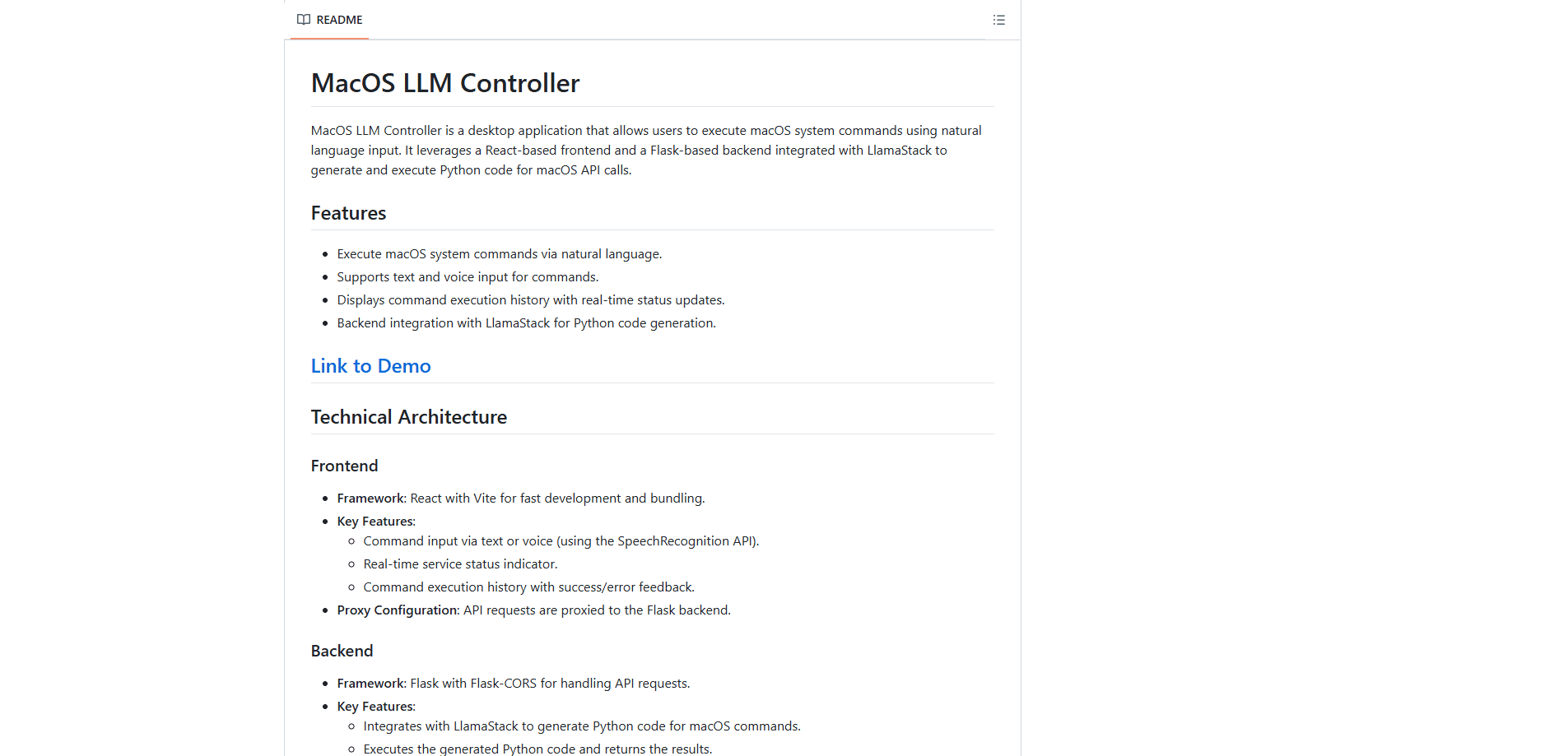
Llama MacOS Desktop Controller is an open-source desktop controller that turns plain-language requests into Python code that runs macOS actions, pairing a React front end with a Flask and LlamaStack backend on your own Mac.
About Llama MacOS Desktop Controller
What Is Llama MacOS Desktop Controller
Llama MacOS Desktop Controller is a self-hosted desktop application that lets you control macOS with natural language. You type or speak a request like opening an app or arranging windows, and the tool asks a local Llama model to write Python that carries out the action. A React front end handles the input, and a Flask backend talks to LlamaStack, which drives the code generation.
The project was published on GitHub as a demo of LlamaStack, Meta's open stack for running Llama models. It targets developers and tinkerers who want to see how far a small local model can go at turning everyday instructions into working system calls. Because everything runs on the machine, there is no cloud round trip and no account to set up.
The catch is that this is a demo, not a finished product. It runs only on macOS, needs Python, Node.js, Ollama, and a LlamaStack container running before it works, and its safety checks are thin, so a flawed line of generated code can affect the whole system.
Getting Started
- Install the prerequisites: Node.js 16 or later with npm, Python 3.8 or later with pip, and Ollama, then pull the Llama 3.2 3B Instruct model.
- Start LlamaStack on port 5001 with Docker, pointing it at your local Ollama server.
- In the backend folder, install the Python requirements and run server.py so the Flask API listens on port 5066.
- In the project root, run npm install and npm run dev to launch the React front end on port 5173.
- Open the browser at localhost:5173, confirm the status indicator turns green, then type or dictate a command and watch the generated code run.
Product Information
A quick look at Llama MacOS Desktop Controller's pricing, supported platforms, and performance.
Best for
The users, tasks, and scenarios where this tool fits best.
Users
- Developers exploring local LLMs
- Mac power users
- LlamaStack tinkerers
Tasks
- Launching apps and managing windows
- Quick system chores
- Prototyping natural-language control
Scenarios
- Trying local AI control during setup
- Automating a repeated desktop routine
- Learning how LlamaStack wires to an app
Key features
Natural-Language macOS Control
You describe what you want in natural language, and the app produces Python code that calls macOS APIs to do it. The model is guided to reach for PyObjC and AppKit, AppleScript through subprocess, or plain shell commands, so it picks a workable route for the request.
Text and Voice Input
The React front end accepts a typed command or a spoken one through the browser's speech recognition. Voice input helps when your hands are busy, and both modes land in the same place, so you can mix them without changing anything else.
Live Status and Command History
A status indicator shows whether the backend and LlamaStack are reachable, so you know the system is ready before you send a request. Voice input aside, every command is logged with a success or error result, which makes it easy to trace what ran and whether it worked.
Local LlamaStack Pipeline
The Flask backend routes each request to LlamaStack, which is set to the Llama 3.2 3B Instruct model by default. Because the model runs through Ollama on your machine, the whole loop stays local, with no API key and no data leaving the device.
Generated Code Execution
After the model returns code, the backend cleans the formatting, parses it, and runs it, then hands the output back to the front end. This shows the full path from a sentence to an executed action, which is the point of the demo.
Open, Reviewable Source
The project ships as a small open-source codebase, with a React and Vite front end, a Flask API, and a documented setup for LlamaStack and Ollama. You can read every part, change the prompts, or point it at a different local Llama model if you want to experiment.
Pros and cons
Pros
- Free and open source, with the full front end and backend published for review
- Runs entirely on your Mac, so prompts and results never leave the device
- Turns plain language and voice into runnable macOS actions
- Clear status indicator and a command log make each result easy to trace
- Doubles as a working example of how to wire LlamaStack into a desktop app
Cons
- It is a demo, so safety checks on generated code are minimal and mistakes can affect the system
- Setup is heavy: Python, Node.js, Ollama, and a Docker container must all run before anything works
- It only targets macOS, so Windows and Linux users are out of luck
- There is no packaged installer, no pricing plan, and no public API for outside apps
Frequently asked questions
It is a desktop app that lets you control macOS with natural language. You type or speak a request, a local Llama model writes Python for the matching system calls, and the backend runs that code so the action happens on your Mac.
Related content
Explore related tools, skills, and articles for Llama MacOS Desktop Controller.
Llama MacOS Desktop Controller Alternatives

Prosp
Prosp · Writing · Voice & Language · MarketingProsp is an AI LinkedIn outreach tool built for agencies and sales teams, and it writes the message and the voice note in your own voice for each prospect so they actually reply. You connect your accounts, find leads, and let the AI draft and send personalized messages at scale, all from one inbox. It's built for people running outbound at volume. That's the whole pitch. Every touchpoint still has to feel human.

Wordly AI Translation
Wordly · Voice & Language · ProductivityWordly AI Translation is a real-time AI translation and captioning platform built for meetings, conferences, and events. It delivers live translation, captions, transcripts, and summaries in more than 60 languages, and attendees join by scanning a QR code or opening a link instead of using dedicated headsets. The platform works with Zoom, Microsoft Teams, Google Meet, and Webex, and it's designed for organizations that want multilingual access without hiring human interpreters for every session. Simple as that.
Musicful
Musicful AI · Voice & Language · VideoMusicful is an AI music generator and AI music video maker that turns text to music in minutes. Give it a text prompt, a set of lyrics, or a hummed melody and it returns a finished track with vocals and instruments. It also doubles as an AI song generator, produces music videos from the songs you create, and offers an AI cover tool plus a developer API. The platform runs in a web browser and through an Android app, so you can start a song on desktop and pick it up on your phone.