

LLM SEO FAQ
LLM SEO FAQ Generator (Findable) · Marketing
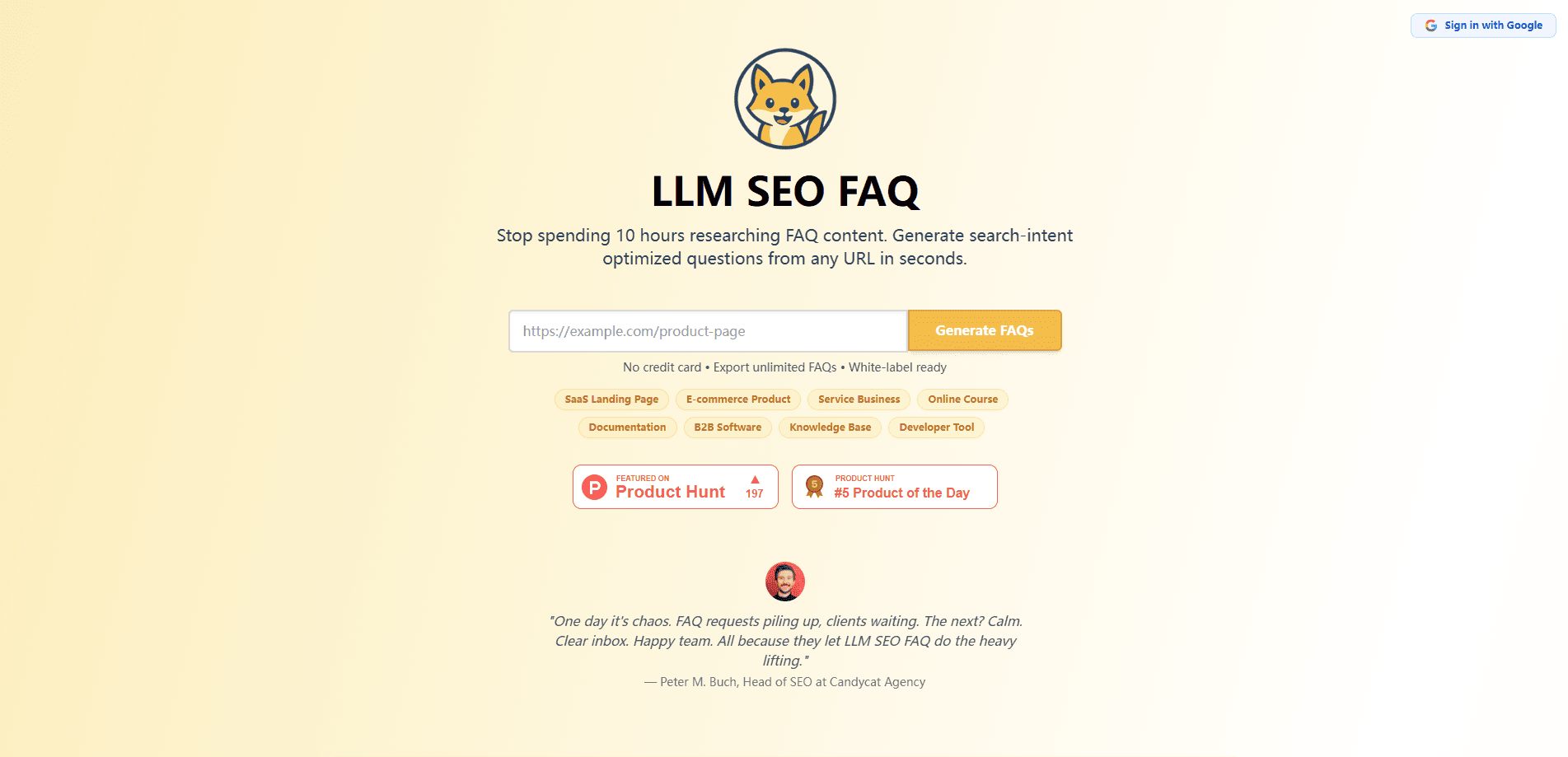
LLM SEO FAQ Generator is a web tool that reads any page URL and produces search-intent FAQ content in about 30 seconds, aimed at SEO teams and agencies that need to ship client-ready FAQs fast.
About LLM SEO FAQ
What Is LLM SEO FAQ Generator
LLM SEO FAQ Generator is a browser-based service built for people who write FAQ sections for search. You paste a URL, and the tool studies the page, pulls out the main topics, and drafts question-and-answer sets shaped around how people actually search. It targets the conversational, long-tail questions that now make up most queries, and it packages the output so you can drop it straight into a CMS or hand it to a developer.
The pitch is speed and volume. The company says a task that used to take 10 to 20 billable hours of manual research can be finished in under a minute, which matters most for agencies juggling many clients at once. The FAQ sets come out without any branding, so you can present them as your own research.
It's a content-generation helper, not a full SEO suite. There's no site audit, no rank tracking, and no backlink tooling. If your needs go past FAQ writing, you'll still want separate software. The tool also won't replace keyword research, since the team describes it as something that works alongside your existing keyword process.
Getting Started
- Open llmseofaq.com and start a session, using the free tier for your first few FAQ sets.
- Paste the URL of the page you want FAQs for, such as a product page, service page, or landing page.
- Let the tool analyze the page and generate its question-and-answer set.
- Review and edit the drafts to match the client's voice.
- Add the search-engine formatting guidance and export the finished FAQs.
Product Information
A quick look at LLM SEO FAQ's pricing, supported platforms, and performance.
Best for
The users, tasks, and scenarios where this tool fits best.
Users
- SEO agencies
- Freelance SEO consultants
- Content and marketing managers
Tasks
- Building FAQ sections from scratch
- Refreshing old pages
- Scaling product FAQs across many SKUs
Scenarios
- New client onboarding
- Local SEO campaigns
- Site-wide FAQ audits
Key features
Generate FAQs From Any URL
The core function takes a single webpage and turns it into a set of questions and answers. It reads products, services, and landing pages alike, so you don't need a special content template. That flexibility is what lets an agency handle mixed client sites without switching tools.
Search-Intent Question Matching
Questions are shaped around real search patterns rather than generic prompts. The company says the system draws on large sets of SERP data to predict which questions drive clicks and conversions. The result reads more like what buyers type than what a brand would assume they ask.
Bulk Processing
You can queue multiple URLs at once, with support for up to 50 in a single session. This suits site-wide audits or onboarding a batch of new clients. It's the feature that separates daily agency use from one-off content writing.
White-Label Output
Generated FAQ sets carry no branding, watermarks, or AI markers. Agencies can present the work as their own research. For consultants who bill for strategy, this keeps the output usable in client decks.
Schema Markup Guidance
Alongside the FAQ text, the tool suggests search-engine formatting and schema guidance. That helps pages qualify for FAQ rich results without a developer guessing at the markup. You still need someone to implement the code.
Saved FAQ Sets
Every generated set is stored to your account and kept for 90 days. You can revisit earlier runs, compare versions, and show clients how their content changed. It saves re-running the same URL after every revision.
Pros and cons
Pros
- Turns a page URL into draft FAQ content in roughly 30 seconds, which cuts the research and writing time behind most FAQ sections.
- White-label output carries no branding, so agencies can use it directly in client deliverables.
- Bulk mode handles up to 50 URLs per session, useful for site-wide work and new-client onboarding.
- Free tier covers your first five FAQ sets with no credit card, so you can judge output quality before paying.
- Saved sets stay in your account for 90 days, making client revisions easy to manage.
Cons
- Output is only as good as the source page, so thin or outdated content leads to weak questions you'll need to rewrite.
- No built-in keyword research, so you still need a separate tool to pick the topics worth targeting.
- There's no public API, which means agencies with custom pipelines can't wire the tool into their own systems automatically.
- The interface and workflow focus on SEO professionals, so casual users may find the setup more than they need.
Frequently asked questions
It reads a webpage URL and generates a set of search-focused FAQ questions and answers from that page's content. You use it to build or refresh FAQ sections for products, services, and landing pages without doing the research by hand.
Related content
Explore related tools, skills, and articles for LLM SEO FAQ.
LLM SEO FAQ Alternatives

ngram 2.0
ngram · Video · Marketingngram 2.0 is an AI video generator for teams. It turns a prompt, a screen recording, or a product URL into a narrated explainer, product demo, or AI avatar video, and every scene stays editable.

shippedit.me
Krawlup · Marketing · Businessshippedit.me now redirects to Krawlup, a web platform that audits SEO, AEO and page speed every week, then hands the fixes to AI coding agents over MCP.

MePersona
MePersona, Inc. · Writing · Productivity · MarketingMePersona is an AI unified inbox for creators. It learns your voice, drafts replies to fan messages from 12 platforms, and sends only what you approve.